
Your Browsing History





Q & A:
Q1. My monitors are not displaying after waking my computer from sleep. Why is this happening?
A1: Sleep and hibernation may lead to some problems in Windows 7-10. Windows 11 allows the operating system to remember window locations and fixes rearrangement issues. We recommend using sleep less frequently if you're not using Windows
Q1:Why use 12V/2A power adapter?
A2: The KVM switch is equipped with a 12V external power adapter, which does not need to obtain current from the USB port of the computer host . because the current provided by the host is small, and it cannot support high-power USB device such as hard disks and cameras
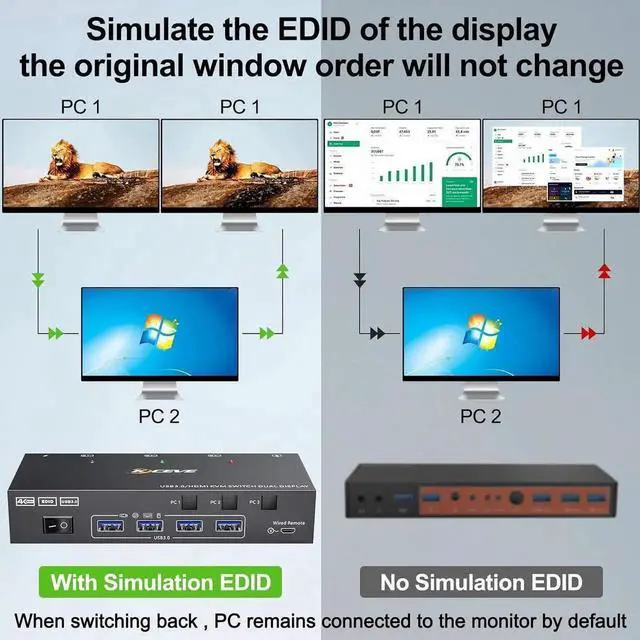
This Dual monitor KVM Switch performs monitor EDID emulation when you switch to another computer - PC still connected to the monitor by defaults and store the resolution and refresh rate of the display, the windows on each computer will not be rearranged on every switch.
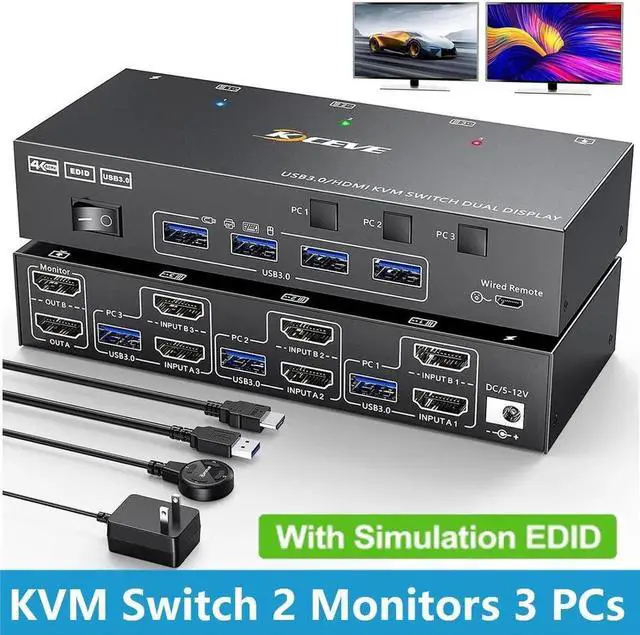
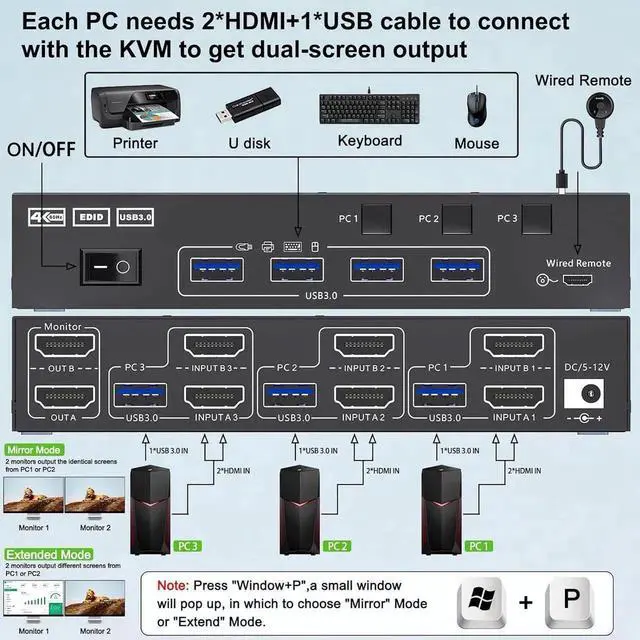
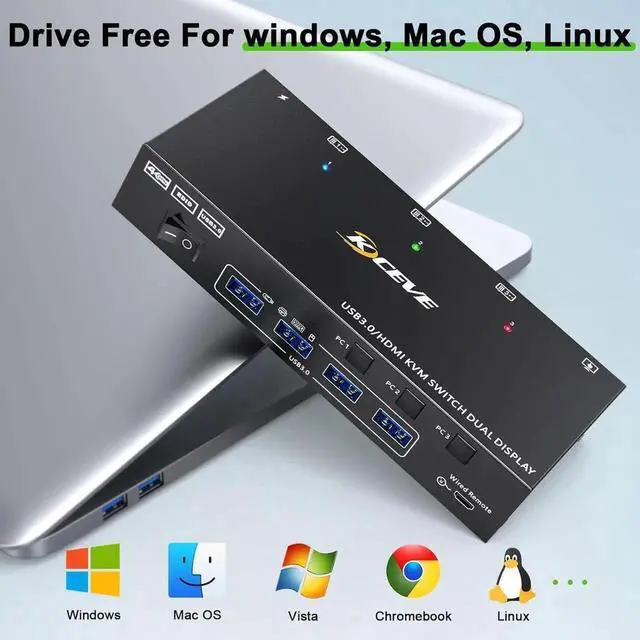
Dual Monitor KVM Switch 3 Computers: This 2 monitor KVM switch allow you to control 3 desktops or laptops by one set of wired or wireless keyboard mouse, share 4 USB 3.0 devices and 2 monitors (Extend display mode or mirror display mode).
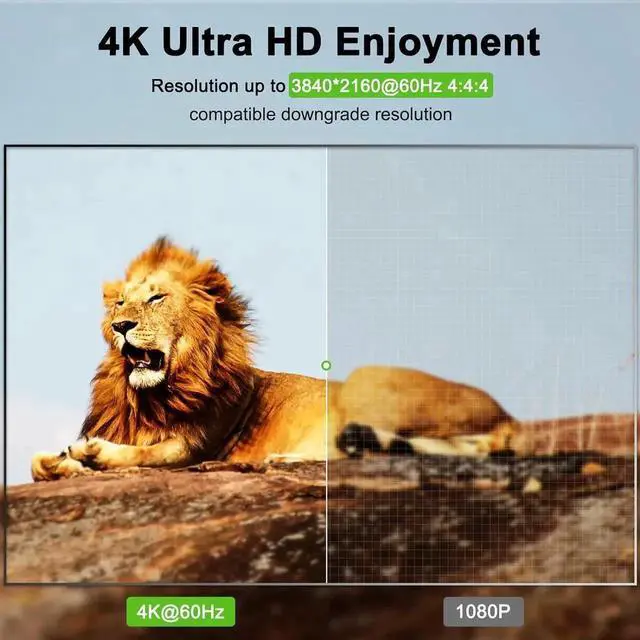
Ultra HD 4K@60Hz: USB 3.0 Dual Monitor KVM switch HDMI support resolution 4K@60Hz 2K@144Hz. Backwards compatible with lower resolutions.
USB KVM Switches with 4 USB 3.0 Port: with 4 intergrated USB 3.0 ports. Supports ultra-fast USB 3.0 data transfer up to 5Gbps.
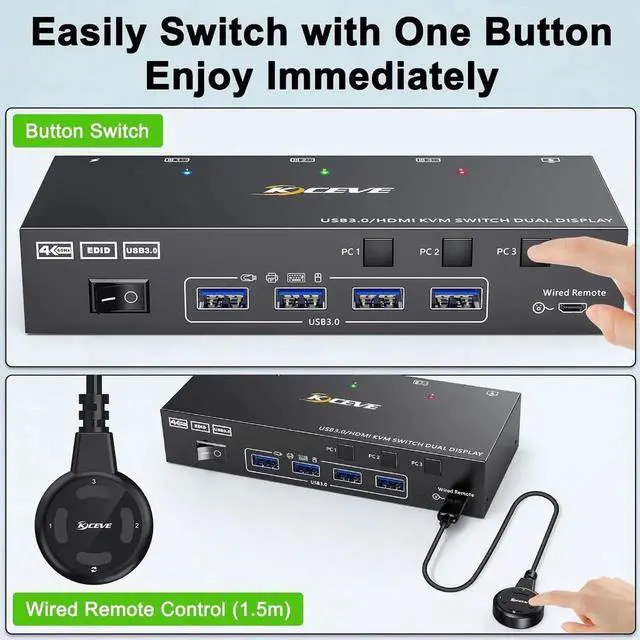
Compatibility&2 Switching Mode: Driver-free for Windows, Mac, Linux, Unix and Ubuntu. support many kinds of input devices such as PC, Laptop, DVR, NVR etc.. You can p