
Your Browsing History


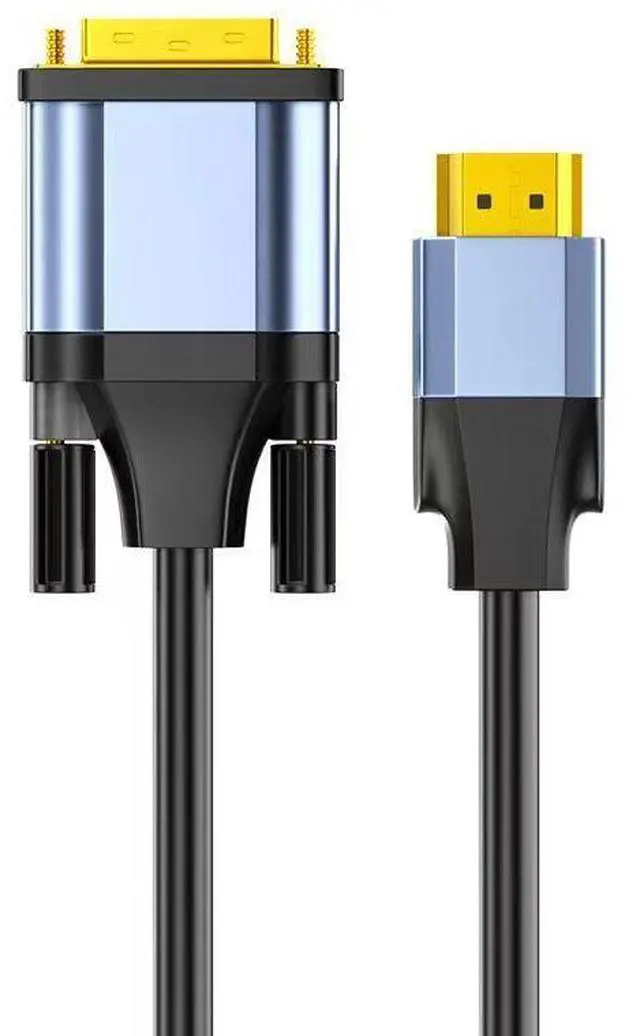


HDMI to DVI-D Cable 24+1, 1080P, 2K@60Hz, Plug-and-Play, for PC, Laptop, Monitor, Projector & HDTV
Limited time offer, ends 09/20 By StarVelocity Technology
- HDMI to DVI-D Digital Connection: Connects HDMI-equipped devices (PC, laptop, game console, Blu-ray) to DVI-D monitors, projectors, and displayspure digital signal with no loss or degradation.
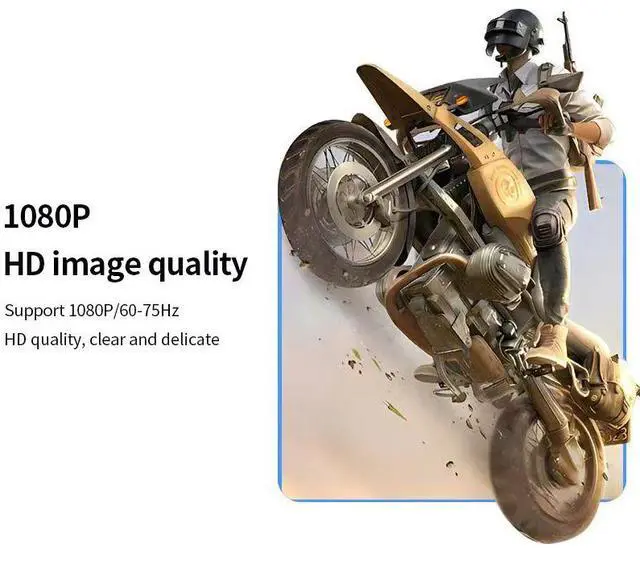
- 1080P & 2K Support: Supports resolutions up to 1920 x 1080 (1080P) at 60-75Hz and 2560 x 1440 (2K) at 60Hz for crisp, clear, lifelike images on large screens.
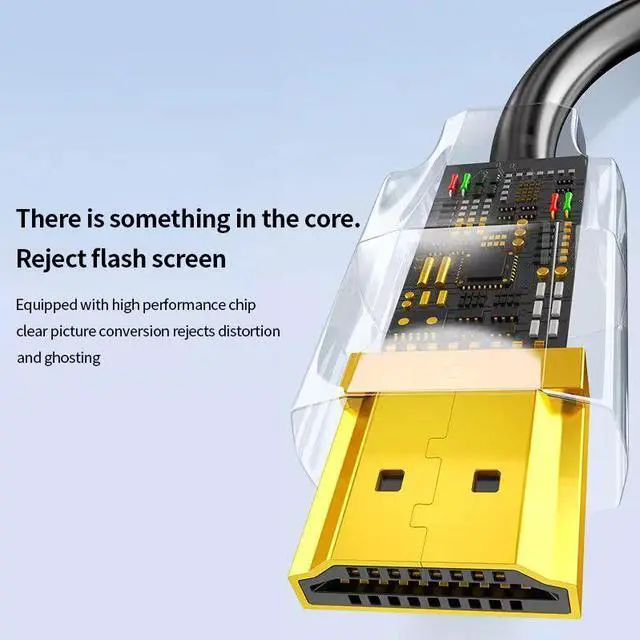
- Plug-and-Play Simplicity: No drivers, no delay, no flash screensimply connect and enjoy instant high-quality video output.
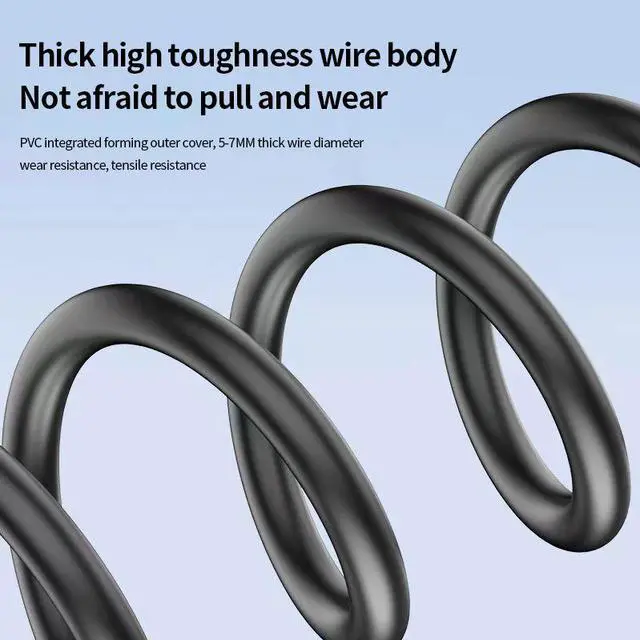
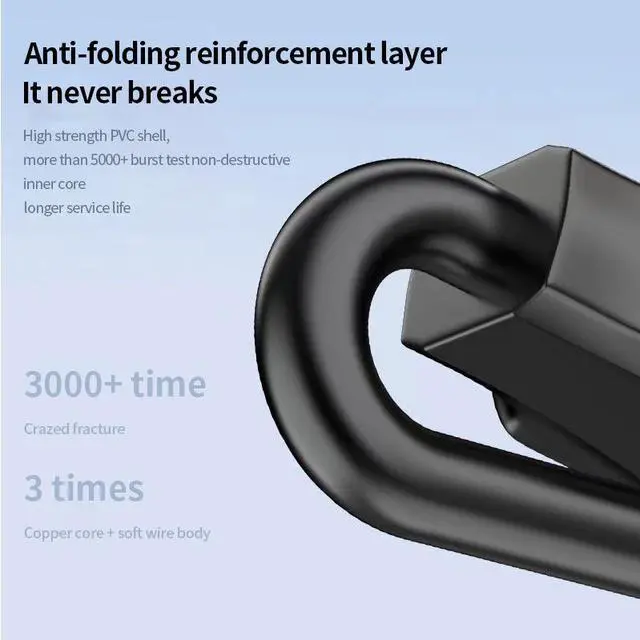
- Thick High-Toughness Wire Body: 5-7mm thick wire diameter with PVC integrated forming outer coverwear-resistant, tensile-resistant, and not afraid to pull.
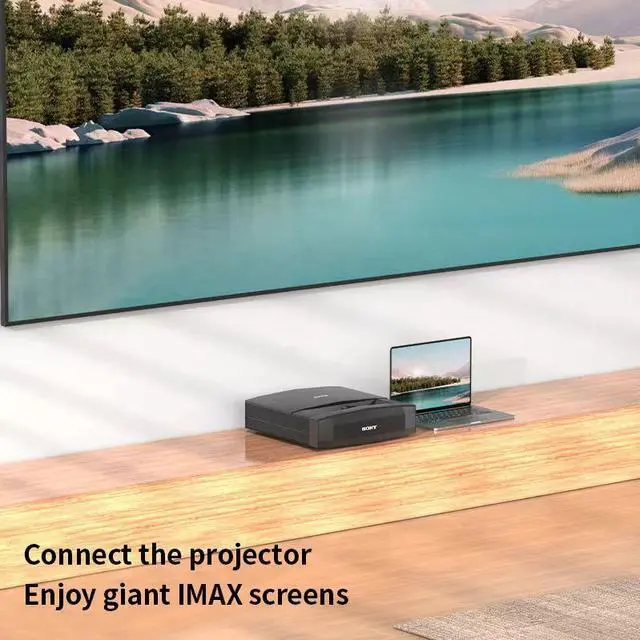
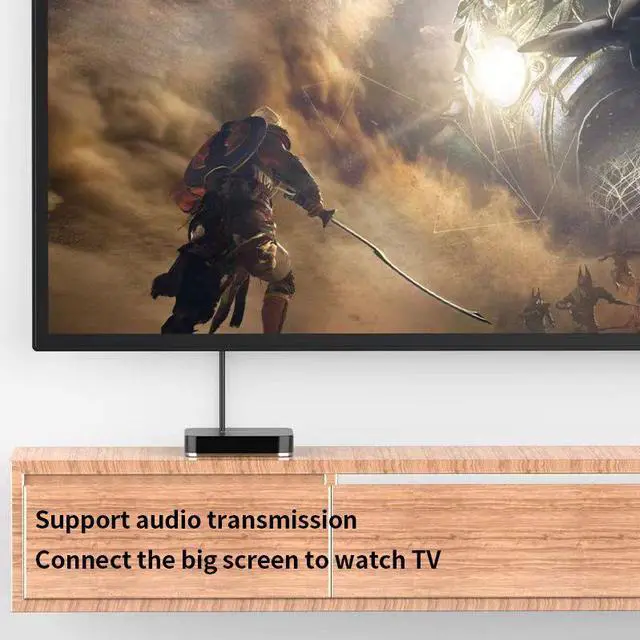
- Large Screen Display: Connect your notebook or PC to a large screen monitor or HDTV for clearer, more immersive viewingperfect for movies, gaming, and presentations.
+
+
Overview
Specs
Reviews
Connect your HDMI devices to DVI displays with this HDMI to DVI-D Cable. Featuring 24+1 pin DVI-D connectors, 1080P and 2K resolution support, and a thick, durable wire body, this cable delivers crisp, clear digital video from computers, laptops, and game consoles to DVI monitors, projectors, and HDTVsperfect for home theater, gaming, and professional workstations.
1080P & 2K High-Definition Video
Experience stunning visuals with support for:
- 1920 x 1080 (1080P) @ 60-75Hz crisp, smooth Full HD video
- 2560 x 1440 (2K) @ 60Hz ultra-sharp, detailed images
- Pure digital signal no analog conversion, no signal loss
- Lifelike images vibrant colors and sharp details
HDMI to DVI-D Digital Connection
Seamless connectivity for digital displays:
- HDMI Type-A male connects to computers, laptops, game consoles, Blu-ray players
- DVI-D Dual Link (24+1) male connects to DVI monitors, projectors, HDTVs
- Pure digital transmission maintains signal integrity
- Plug-and-play no drivers, no delay, no flash screen
Warranty & Returns
Warranty, Returns, And Additional Information
Warranty
- Please contact the Seller directly for warranty information. Warranty information may also be found on the Manufacturer's website.
- CONTACT
Return Policies
- Return for refund within: 30 days
- Return for replacement within: 90 days
- This item is covered by StarVelocity Technology Return Policy
Manufacturer Contact Info
- For a directory of all our manufacturers, please click below.
- Manufacturers Directory
LOADING...