
Your Browsing History
- Free 30-day Returns
$60.49
Ships from China.

Meet Your Seller

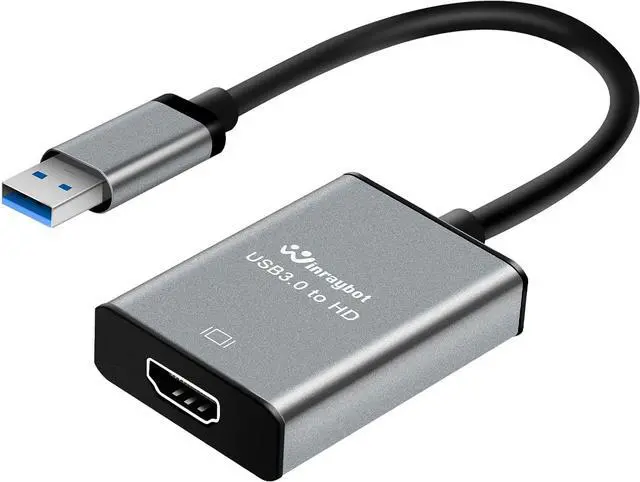


USB to HDMI Adapter Hdmi to USBA for Monitor USB A to HDMI for MacBook HD MI Adapter Compatible with Windows 10/11 and Mac os 3.0 for 1080@60Hz
- USB to HDMI Adapter Hdmi to USBA for Monitor USB A to HDMI for MacBook HD MI Adapter Compatible with Windows 10/11 and Mac os 3.0 for 1080@60Hz
+
+
Overview
Specs
Reviews
Easily Expand Dispaly with a USB to
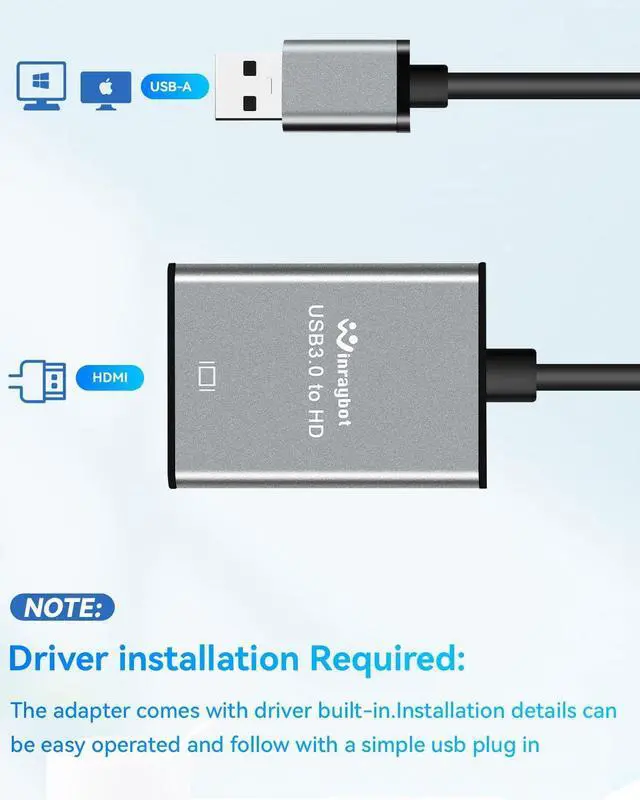
HDMI adapter: This USB 3.0 HDMI adapter facilitates connections between a laotop/computer with a USB interface and an HDMI-equipped HDTV monitor or projector. The hdmi to usb adapter for monitor features upgraded chips aluminum exterior enhancing compatibility and durability.?
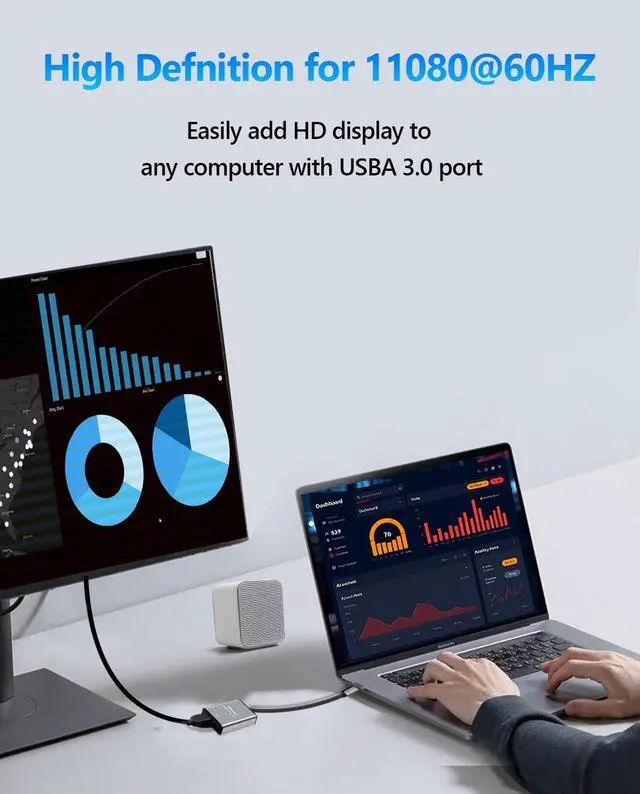
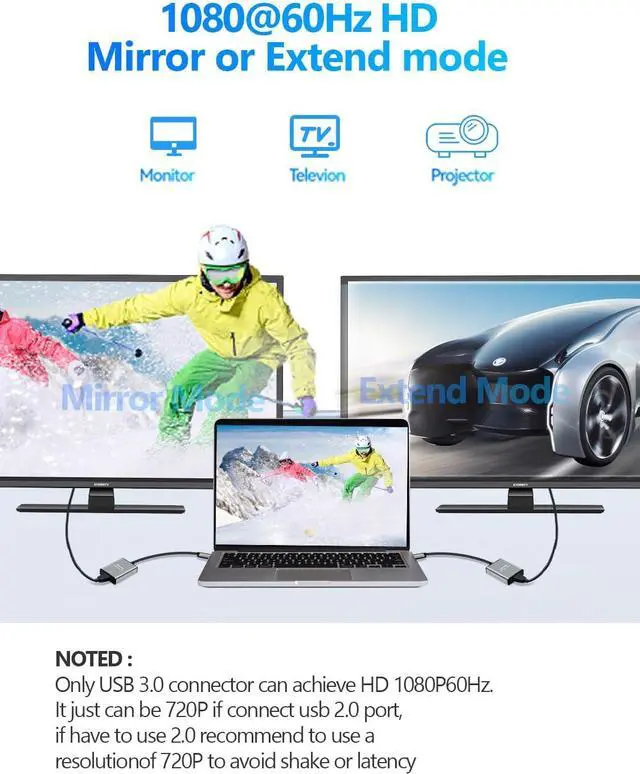
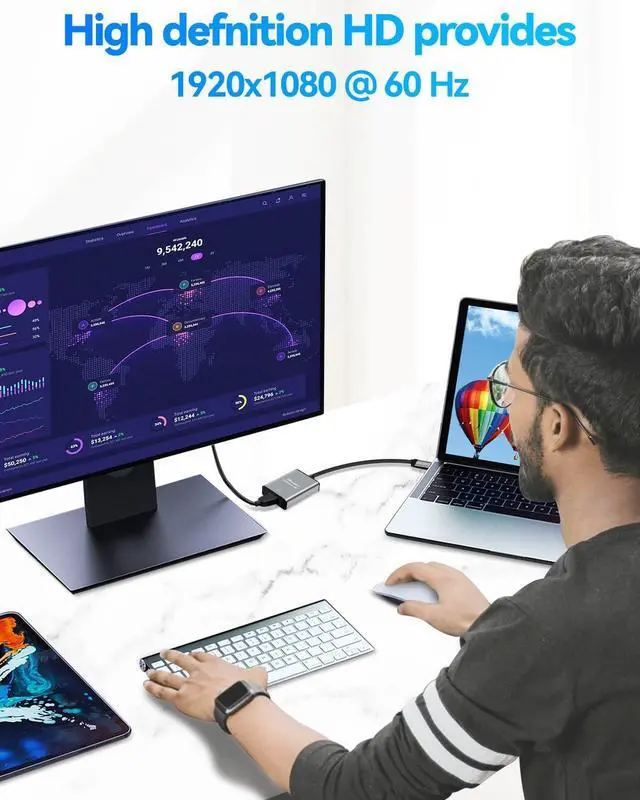
1080@60Hz High-Definition Quality: USB 3.0 to HDMI adapter offer a high-definition graphic images to your HDTV or monitors at resolution up to 1080p at 60Hz this adapter ensures your videos and graphics are displayed in crystal-clear detail with seamless performance. Recomend for USB A 3.0 port if you have to connect the USB 2.0 signal port in recommend to use a resolution of 720P. Screen shake or latency can be avoided as much as possible.
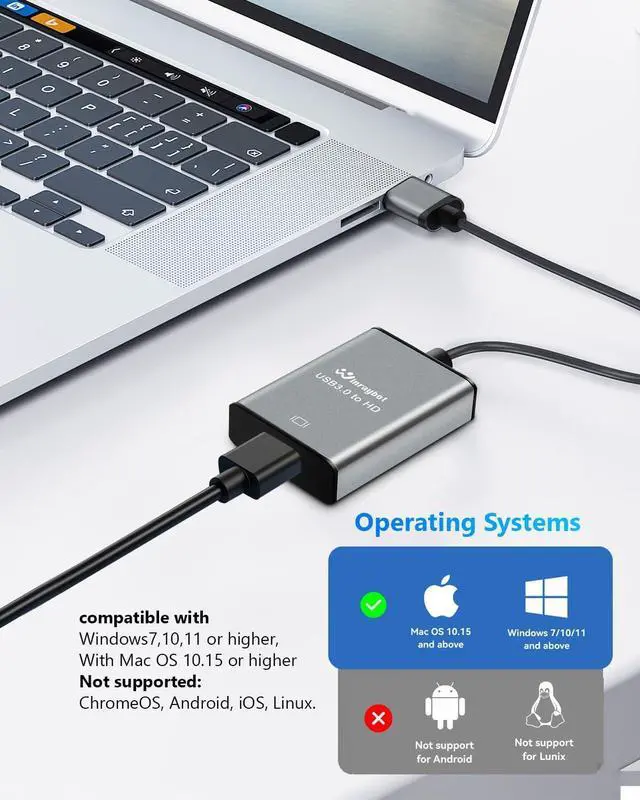
Wide Compatibility:: The USB HDMI adapter support Both Mac and Windows systems both support Mirror and Extend mode
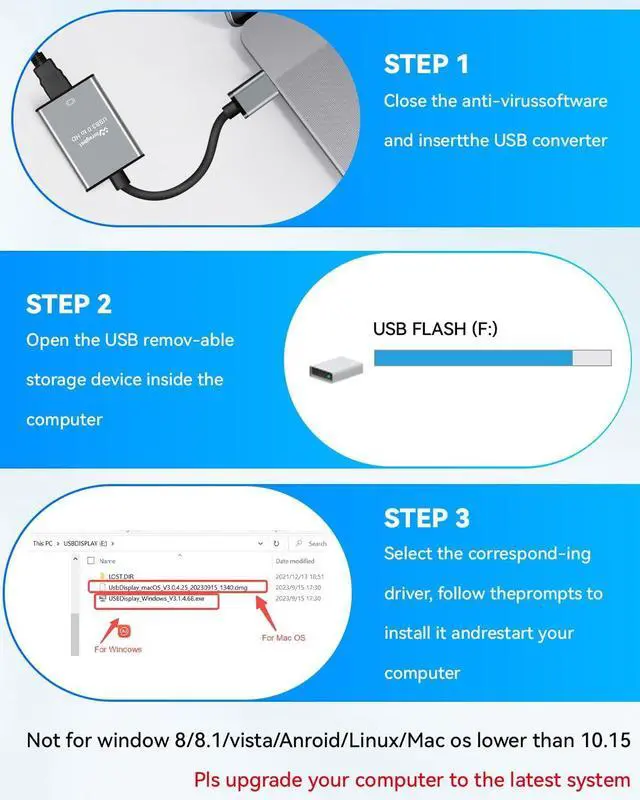
In windows: compatible with Windows7 10 11 or higher
In MacOS: compatible with Mac OS 10.15 or higher.
Att: ChromeOS Android Linux are not supported. Plug-and-Play after
Simple First Setup: The USB to HDMI adapter comes with its own driver only need to connect it to the computer generate a drive letter in My Computer find the driver required by the device in the drive letter click to install and then restart the computer to use it. If the installation process is blocked by anti-virus software you need to set it to allow the installation program?????????? 1: The display works supported by the program if it does not display after work for a period of time the main reason is loss of the files (deleted by mistake or antivirus software deletion) you just need to uninstall the previous program in your application and reinstall it the complete process is: uninstall - restart your computer - reinstall the program - restart your computer and then The product will work again.?????????? 2 1: The product need to install driver for first use(product built-in program) and it will be plug and play after you complete the first installation. Simple to following in listing details and user guide
HDMI adapter: This USB 3.0 HDMI adapter facilitates connections between a laotop/computer with a USB interface and an HDMI-equipped HDTV monitor or projector. The hdmi to usb adapter for monitor features upgraded chips aluminum exterior enhancing compatibility and durability.?
1080@60Hz High-Definition Quality: USB 3.0 to HDMI adapter offer a high-definition graphic images to your HDTV or monitors at resolution up to 1080p at 60Hz this adapter ensures your videos and graphics are displayed in crystal-clear detail with seamless performance. Recomend for USB A 3.0 port if you have to connect the USB 2.0 signal port in recommend to use a resolution of 720P. Screen shake or latency can be avoided as much as possible.
Wide Compatibility:: The USB HDMI adapter support Both Mac and Windows systems both support Mirror and Extend mode
In windows: compatible with Windows7 10 11 or higher
In MacOS: compatible with Mac OS 10.15 or higher.
Att: ChromeOS Android Linux are not supported. Plug-and-Play after
Simple First Setup: The USB to HDMI adapter comes with its own driver only need to connect it to the computer generate a drive letter in My Computer find the driver required by the device in the drive letter click to install and then restart the computer to use it. If the installation process is blocked by anti-virus software you need to set it to allow the installation program?????????? 1: The display works supported by the program if it does not display after work for a period of time the main reason is loss of the files (deleted by mistake or antivirus software deletion) you just need to uninstall the previous program in your application and reinstall it the complete process is: uninstall - restart your computer - reinstall the program - restart your computer and then The product will work again.?????????? 2 1: The product need to install driver for first use(product built-in program) and it will be plug and play after you complete the first installation. Simple to following in listing details and user guide
Warranty & Returns
Warranty, Returns, And Additional Information
Warranty
- Please contact the Seller directly for warranty information. Warranty information may also be found on the Manufacturer's website.
- CONTACT
Return Policies
- Return for refund within: 30 days
- Return for replacement within: 30 days
- This item is covered by LMSshop Return Policy
Manufacturer Contact Info
- For a directory of all our manufacturers, please click below.
- Manufacturers Directory
LOADING...