
Your Browsing History

Meet Your Seller

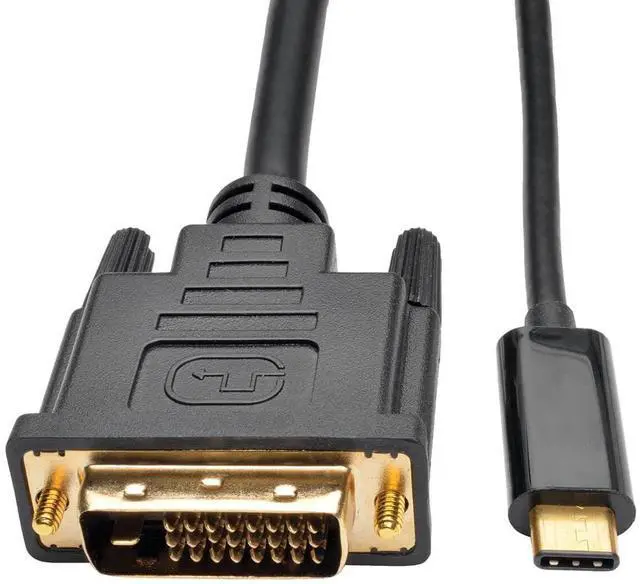


Vszerda USB C to DVI Cable 6 Feet, 4K Type-C to DVI Adapter Cord Thunderbolt 3/4 Compatible for iPhone 16 15 Pro/Max, MacBook Pro/Air, iPad Pro, iMac, S23, XPS 17, Surface Book 3 and More
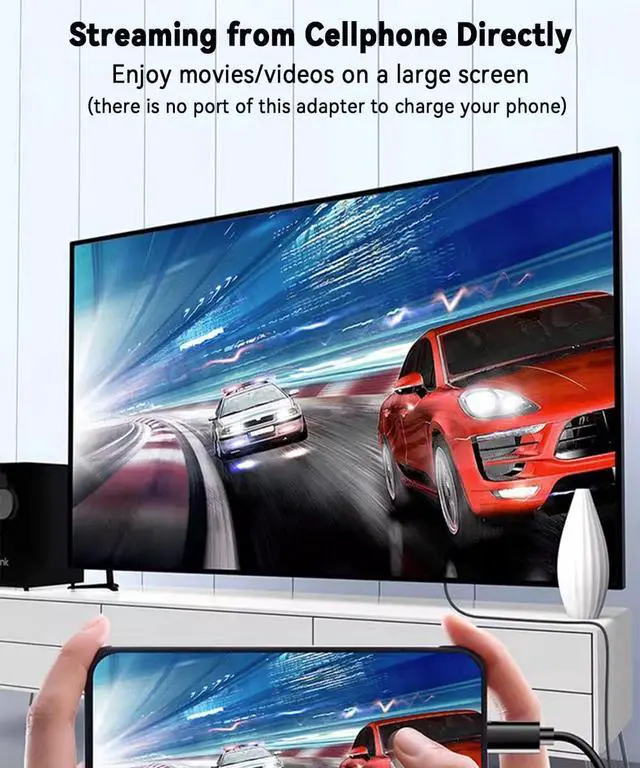
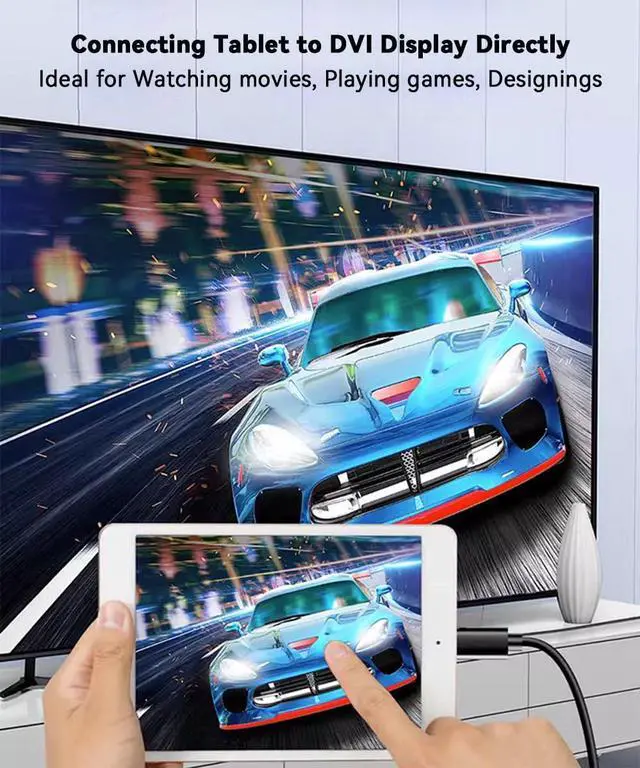
- Streaming Media Anywhere Anytime - USB-C to DVI Adapter Cable allows you to stream sports events, watch movies, play games and show photos/albums directly from your USB C devices (with DP Alt Mode) on a DVI monitor/TV, so that you will never miss the game-winning touchdown or favorite TV episodes.
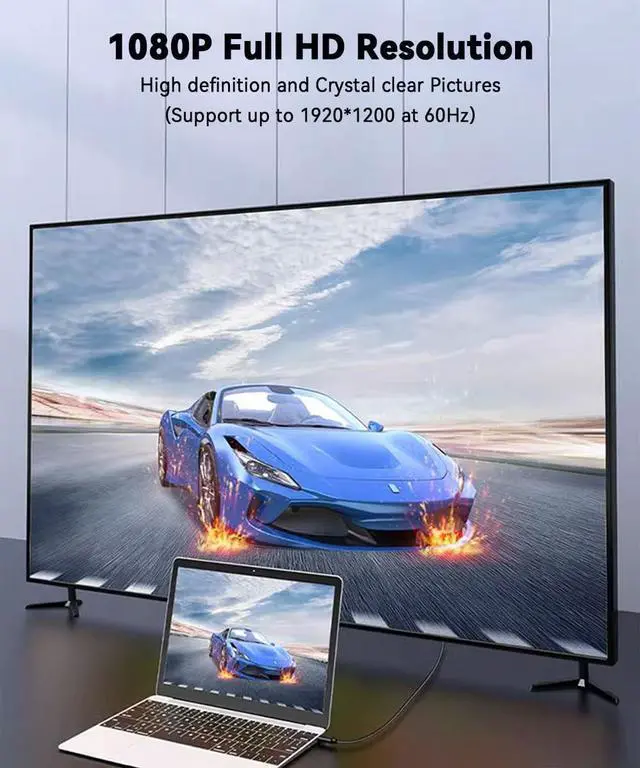
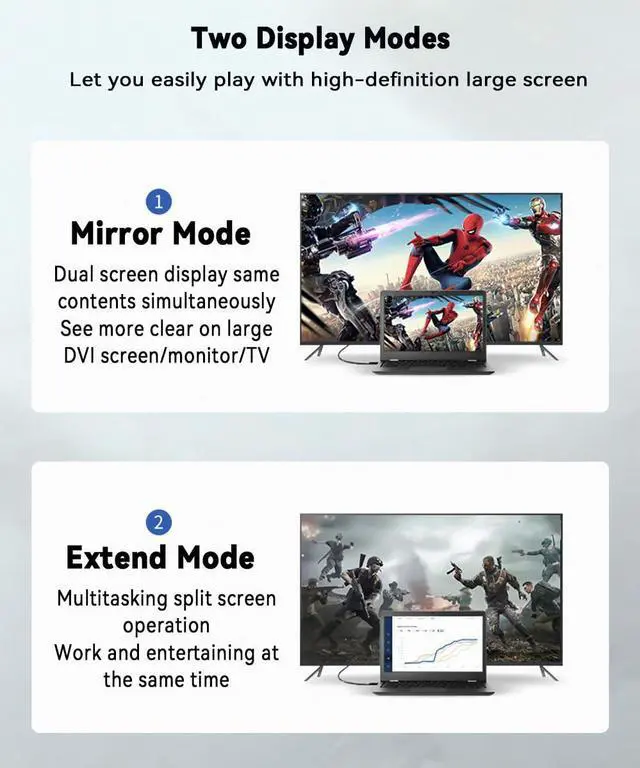
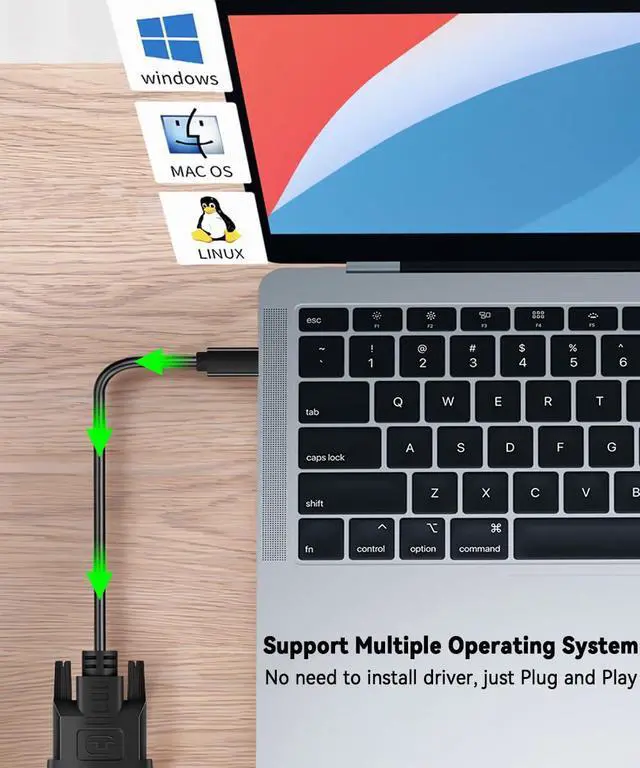
- Set Up in A Second - As long as your USB-C devices support DP Alt Mode then you can easily connected a DVI monitor for streaming media, no adapter or driver/software required. Supports mirror and extend mode, supports driving two DVI-D monitors/displays at the same time, maximum resolution is 1920*1200@60Hz.
- Universal Compatibility - USB-C Male to DVI Male Cable compatible with MacBook Pro (2017-2019), iMac (2018,2019), MacBook (2016,2017), iPhone 15/15 Pro/15 Plus/15 Pro Max, Surface Book 2, Surface Go, HP Envy 13, Pixelbook, Samsung Galaxy S8/S9/S8 Plus/S9 Plus/Note 8/Note 9, Dell XPS 15/XPS 13, Chromebook, Chromebook Pixel, etc. Warm Tips: For devices with USB 3.1 Gen 1 (like Samsung Galaxy S9/S8), it may take longer time to sync, please be patient and wait a few seconds.
- Reliable & Durable Quality - USB C to DVI adapter with gold plated connectors for extra durability, high strength PVC wear-resistant cable can make sure the cable last for years without breaking. Built-in screws design ensures a stable connection, reinforced casing for better heat insulation. Fits snugly with the USB-C ports on your devices for firmly signal transfer.
+
+
Overview
Specs
Reviews
USB Type-C to DVI-D Adapter Cable provides a cost-effective and easy solution for connecting and streaming USB-C devices (with DP Alt Mode) to a DVI display such as monitor, projector, TV.
How to Use?
Connect the USB-C male end of the adapter to the USB-C port of your laptop or computer (cellphone supported as well but the phone cannot be charged), then connect the DVI male end to your DVI port from the display device.
Specifications:
Input: USB Type-C Male
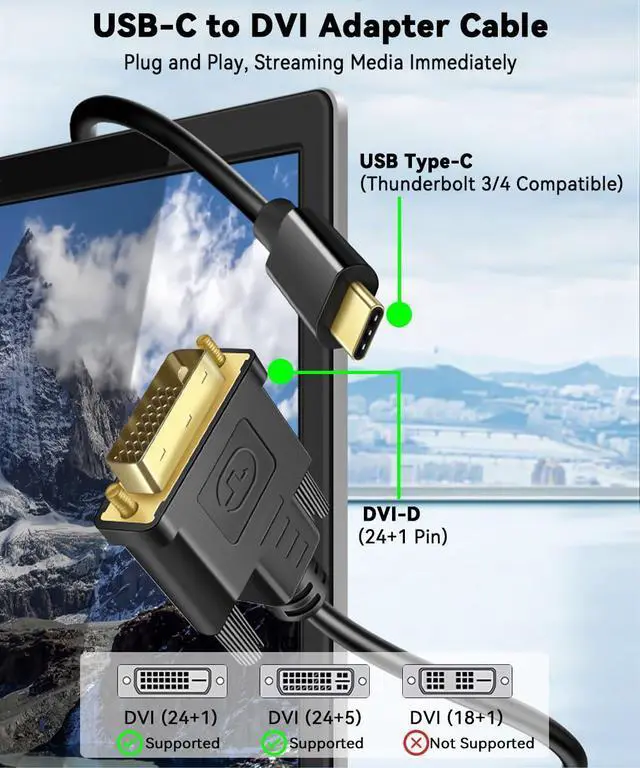
Output: DVI-D Male (24+1, compatible 24+5)
Installation: Plug and Play, the USB-C source should support the USB Type-C Alt Mode
Length: 1m/3ft and 1.8m/6ft (optional)
Package: 1x USB Type-C (thunderbolt 3/4 compatible) to DVI (24+1) Adapter Cable
Additional Features
- Package & Excellent Services - You will received a USB C to DVI Cable in 3ft or 6ft (optional), DVI is 24+1 pin but can work with 24+5 pin as well. With exclusive unconditional 18-month warranty ensures long-time satisfaction of your purchase. Any problem with your order (like not working) please just contact us via Message and you will get your mo-ne-y back immediately!
Warranty & Returns
Warranty, Returns, And Additional Information
Warranty
- Please contact the Seller directly for warranty information. Warranty information may also be found on the Manufacturer's website.
- CONTACT
Return Policies
- Return for refund within: 15 days
- Return for replacement within: 90 days
- This item is covered by Jinwen Electronics Return Policy
Manufacturer Contact Info
- For a directory of all our manufacturers, please click below.
- Manufacturers Directory
LOADING...