


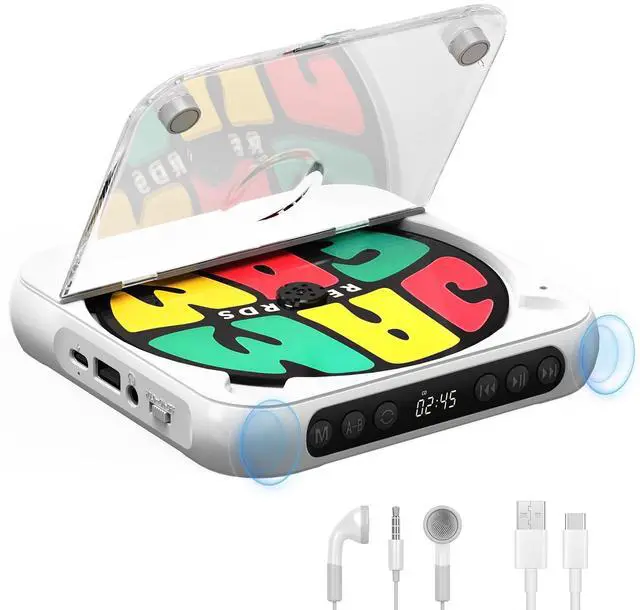

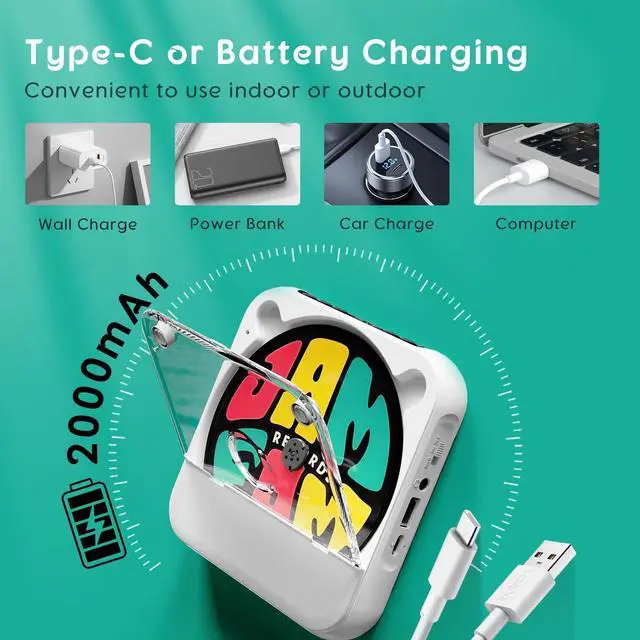
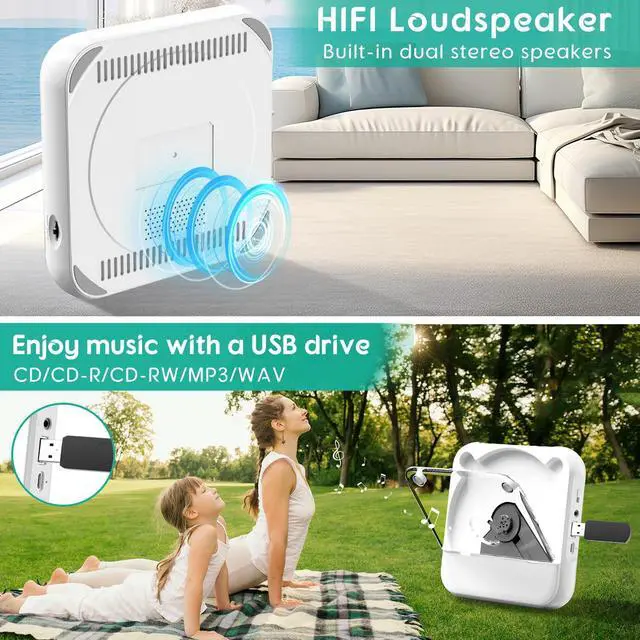


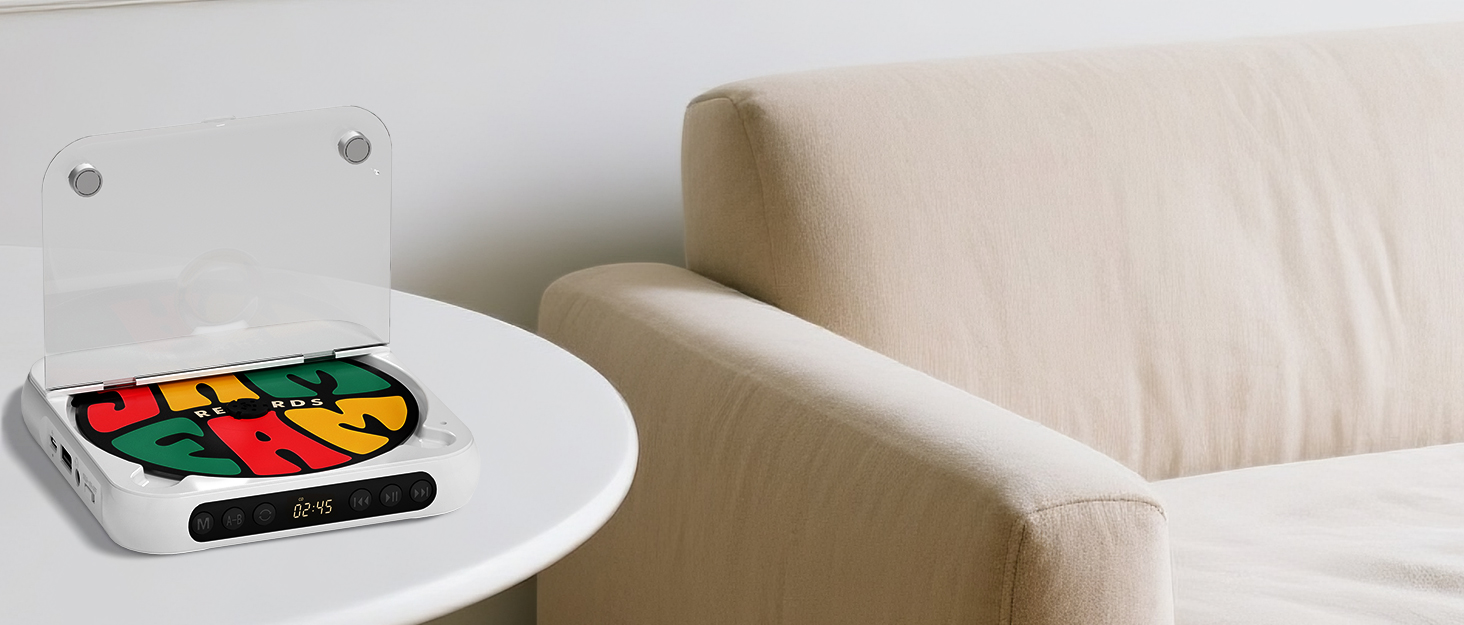
Skyans: Where Music Finds Its Soul.

SKYANS A Decade of Excellence in CD Player Innovation
For over a decade, SKYANS has been a leading name in the world of audio technology, specializing in the design and manufacture of high-quality CD players. Our journey began with a simple yet powerful vision to bring the rich, immersive sound of music into every home and on-the-go experience through innovative and reliable CD player solutions.
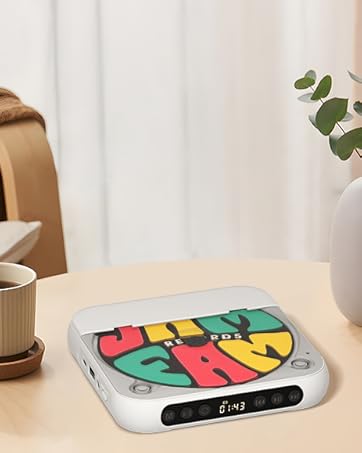
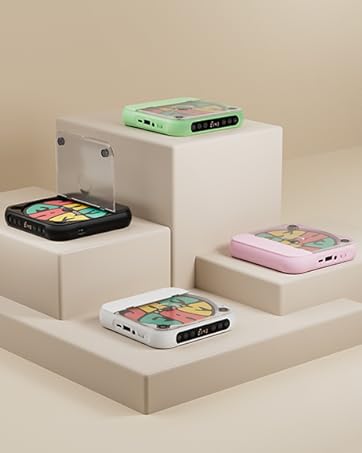
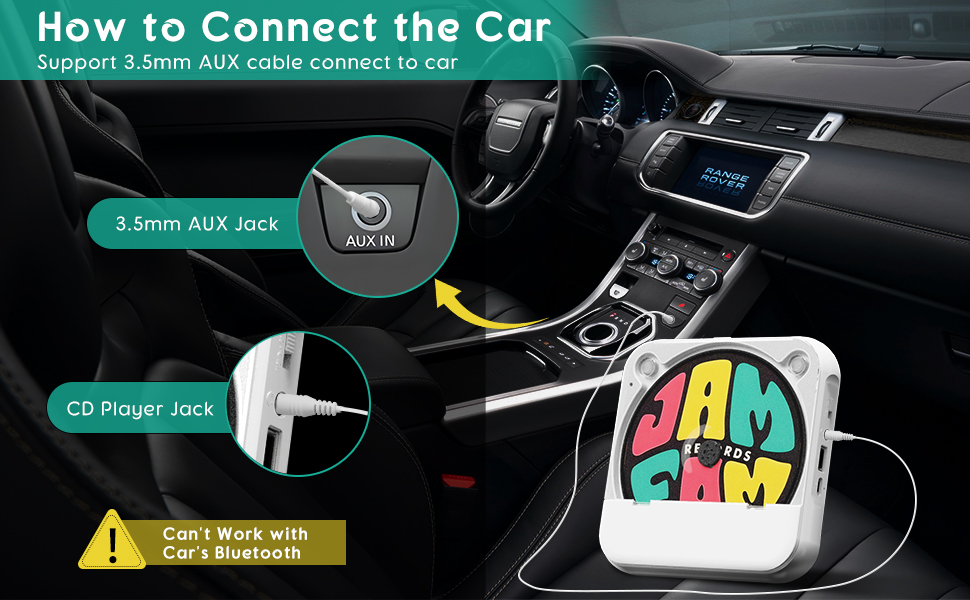
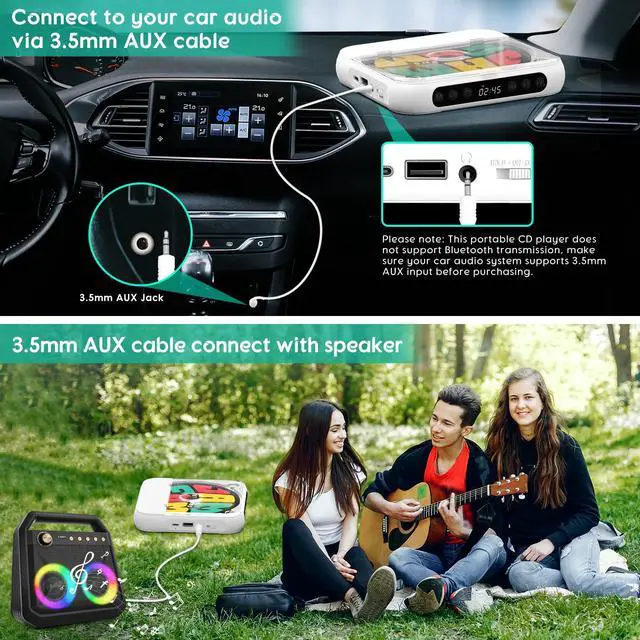
Please Note: Skyans CD player can't work with car's bluetooth, it's suppport 3.5mm AUX cable connect to car
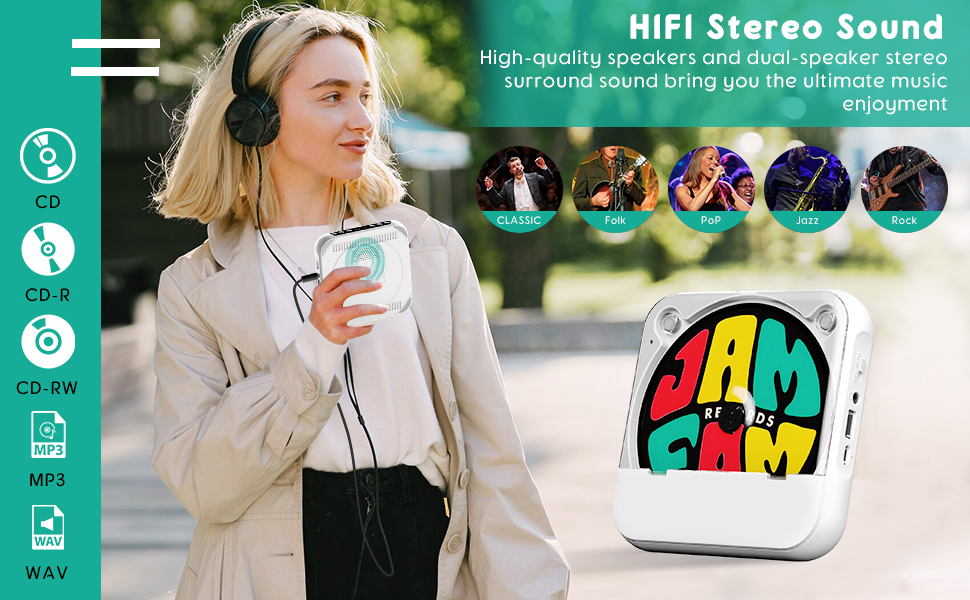
Please Note: Skyans CD player supports only five CD formats: CD, CD-R, CD-RW, MP3, and WMA. If the buyer's CD disc does not belong to any of these five formats, it will not play correctly, such as not read or play CDs and may stop randomly after startup.
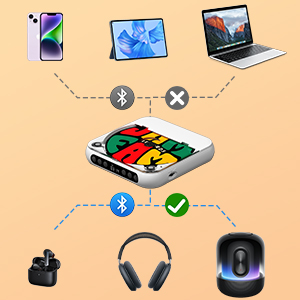
Skyans CD Player Bluetooth Connection-1
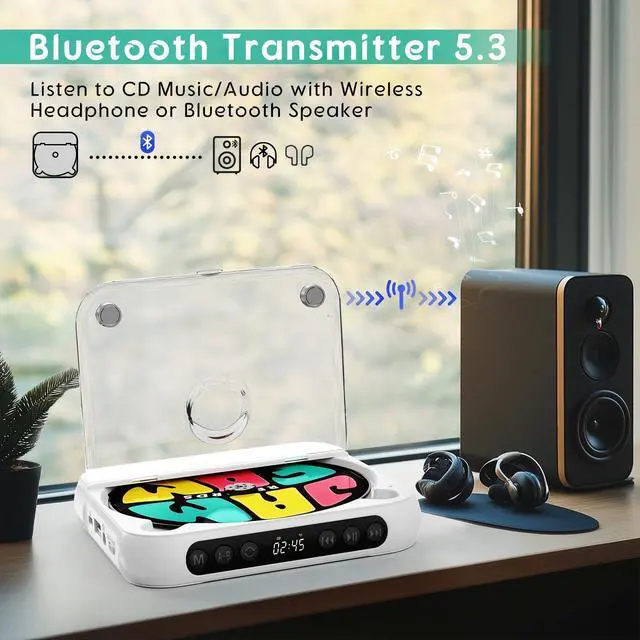
Please Note: This CD player does not support Bluetooth connections with mobile phones or tablets. It only supports pairing with Bluetooth headphones and Bluetooth speakers.
Please follow these steps to connect your Bluetooth headphones and Bluetooth speakers:
STEP1.Disconnect your Bluetooth headphones/speaker from all other devices (e.g., phones, tablets).
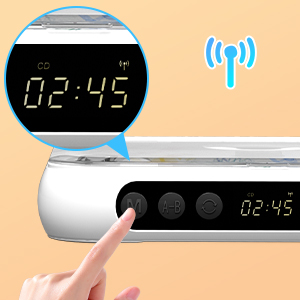
Skyans CD Player Bluetooth Connection-2
SETP2.In CD mode:
2.1 Press and hold the M button for more than 3 seconds until the Bluetooth icon in the upper-right corner of the LCD display begins to flash.
2.2 Enable pairing mode on your Bluetooth device
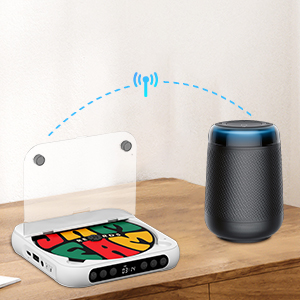
Skyans CD Player Bluetooth Connection-3
SETP3. The Bluetooth icon will stop flashing when successfully paired.
Please Note that low battery power may affect performance, for example by reducing sound volume or causing frame skipping during playback.
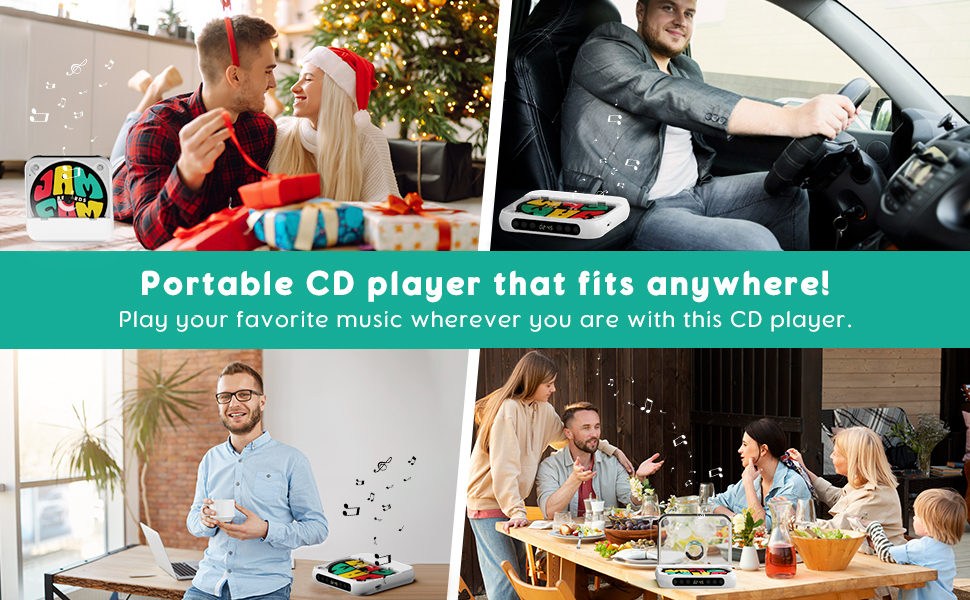
Please Note: Skyans CD player can't work with car's bluetooth, it's suppport 3.5mm AUX cable connect to car
Please Note: Skyans CD player supports only five CD formats: CD, CD-R, CD-RW, MP3, and WMA. If the buyer's CD disc does not belong to any of these five formats, it will not play correctly, such as not read or play CDs and may stop randomly after startup.
Skyans CD Player Bluetooth Connection-1
Please Note: This CD player does not support Bluetooth connections with mobile phones or tablets. It only supports pairing with Bluetooth headphones and Bluetooth speakers.
Please follow these steps to connect your Bluetooth headphones and Bluetooth speakers:
STEP1.Disconnect your Bluetooth headphones/speaker from all other devices (e.g., phones, tablets).
Skyans CD Player Bluetooth Connection-2
SETP2.In CD mode:
2.1 Press and hold the M button for more than 3 seconds until the Bluetooth icon in the upper-right corner of the LCD display begins to flash.
2.2 Enable pairing mode on your Bluetooth device
Skyans CD Player Bluetooth Connection-3
SETP3. The Bluetooth icon will stop flashing when successfully paired.
Please Note that low battery power may affect performance, for example by reducing sound volume or causing frame skipping during playback.
Skyans: Where Music Finds Its Soul.
SKYANS A Decade of Excellence in CD Player Innovation
For over a decade, SKYANS has been a leading name in the world of audio technology, specializing in the design and manufacture of high-quality CD players. Our journey began with a simple yet powerful vision to bring the rich, immersive sound of music into every home and on-the-go experience through innovative and reliable CD player solutions.