


- $529.99
- Free 30-day Returns
$389.99
Add to PC build list
Sold by Newegg
Shipped by Newegg
Add to Wish List(Found on 661 wish lists)
Best Sellers
 Top Rated
- $564.15
- + FREE SHIPPING
- $523.26
- + $29.99 Shipping
 Hot Seller
- $609.32
- + FREE SHIPPING


Get Educated
Make informed decisions with expert advice. Learn More

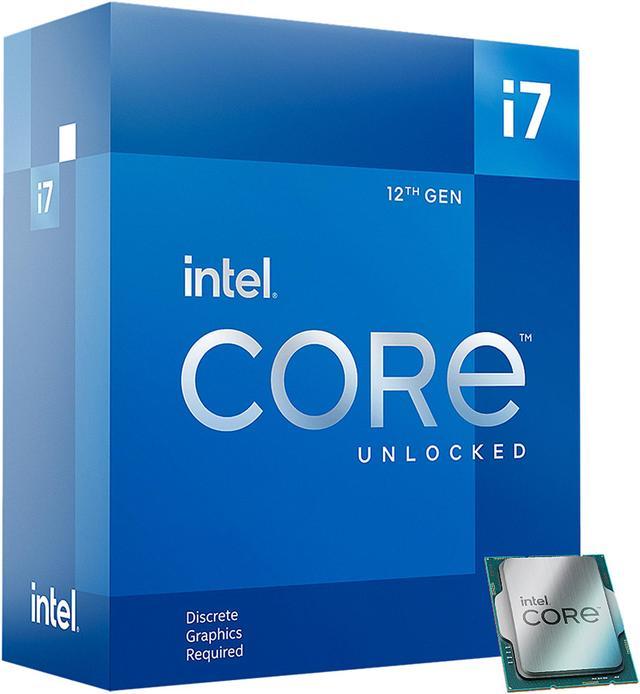
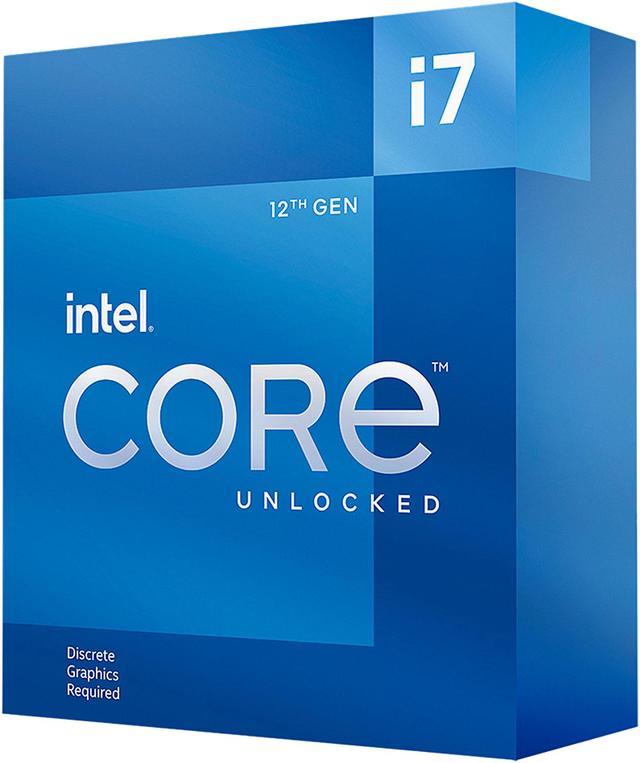
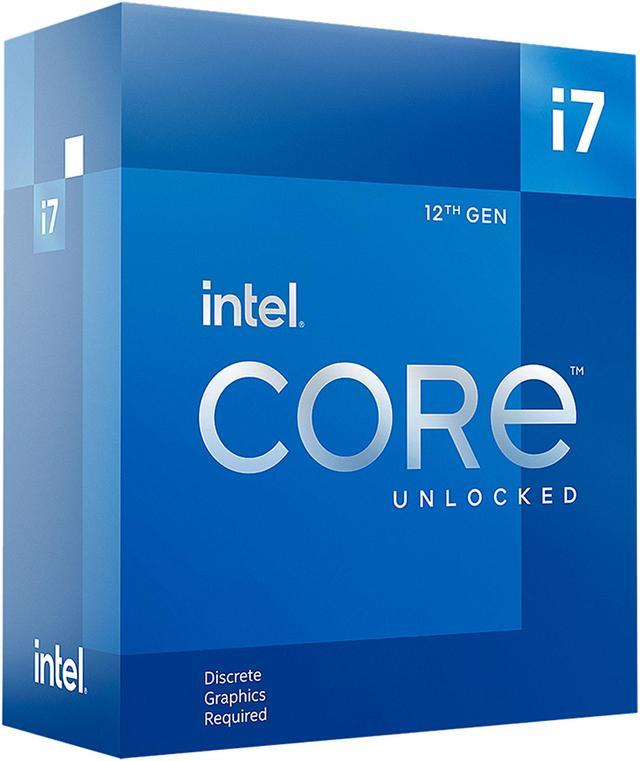


Intel Core i7-12700KF - Core i7 12th Gen Alder Lake 12-Core (8P+4E) 3.6 GHz LGA 1700 125W Desktop Processor - BX8071512700KF
An Alternative Item Is Available:
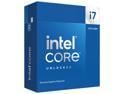
- Intel 7 Processor Base Power: 125W
- Maximum Turbo Power: 190W
- 25MB L3 Cache
- 12MB L2 Cache
- None Integrated Graphics
+
+
Overview
Specs
Reviews (199)
Warranty & Returns
Warranty, Returns, And Additional Information
Warranty
- Limited Warranty period (parts): 3 years
- Limited Warranty period (labor): 3 years
- Read full details
Return Policies
- Return for refund within: 30 days
- Return for replacement within: 30 days
- This item is covered by Newegg.ca's Standard Return Policy.
- Read full return policy for details.
Manufacturer Contact Info
- Manufacturer Product Page
- Manufacturer Website
- Support Phone: 1-916-377-7000
- Support Website
- View other products from Intel
LOADING...
LOADING...
The Intel Core i7-12700KF is a 12th Gen desktop processor with 12 cores (8 performance cores and 4 efficiency cores), 20 threads, and boost speeds up to 5.0 GHz, suited to users building a responsive desktop for gaming with a discrete graphics card and demanding multitasking.
Recommended For
- Desktop users who regularly compile code, render 3D scenes, or run other CPU-heavy workloads; review testing found strong performance in multithreaded tasks such as Blender and code compilation.
- Creators who combine gaming with CPU-intensive work such as video editing, Photoshop, or After Effects and are building a desktop with a separate graphics card; testing found strong productivity and single-core performance alongside capable gaming performance.
- PC builders who want a gaming-capable desktop that can also handle demanding applications; reviewers found its gaming performance competitive while CPU-heavy workloads make more use of its multi-core capacity.
- Builders who already plan to use a discrete graphics card and do not need the processor’s integrated graphics; the KF model requires a separate graphics card for display output.
Real-World Use Scenarios
- Playing demanding PC games with a discrete graphics card: the i7-12700KF can keep pace with other high-end CPUs in many tested games, while the graphics card often determines the frame rate, especially when the game is GPU-limited.
- Editing video in Adobe Premiere Pro: benchmark testing found the i7-12700KF handled Premiere workloads quickly, making it a practical choice for editing projects and exporting finished videos.
- Rendering 3D scenes in Blender: its multicore performance makes CPU-based rendering a suitable workload, though render times vary with the scene, settings, and whether rendering is assigned to the CPU or graphics card.
- Compiling code for software projects: benchmark results show strong code-compilation performance, which can help reduce waits during CPU-heavy builds.
- Gaming while streaming or running chat and other background apps: this is a common use for builds with the i7-12700KF; its multicore capacity suits mixed workloads, but streaming results also depend on the graphics card and encoding settings.
Spec Summary
| Attribute | Value |
|---|---|
| Best For | Desktop builds with an LGA 1700 motherboard and a discrete graphics card; supports DDR4 or DDR5 memory |
| Cores And Threads | 12 cores (8 performance cores + 4 efficiency cores) and 20 threads, with Hyper-Threading support |
| Clock Speeds | P-core base frequency of 3.6 GHz and E-core base frequency of 2.7 GHz; turbo frequencies up to 5.0 GHz with Intel Turbo Boost Max Technology 3.0, 4.9 GHz for a single P-core, and 3.8 GHz for a single E-core |
| Cache And Power | 12MB L2 cache and 25MB L3 cache; 125W processor base power and 190W maximum turbo power |
| Socket And Platform | LGA 1700 socket, Alder Lake architecture, Intel 7 process, and 64-bit instruction set |
| Memory Support | Supports DDR4-3200 or DDR5-4800 memory, dual-channel, up to 128GB and 76.8GB/s maximum bandwidth |
| Expansion And Graphics | Supports PCI Express 5.0, 4.0, and 3.0, with up to 20 lanes; integrated graphics are not included |
| Cooling And Compatibility | Cooling device not included; Windows 11 supported |
| Model Identifiers | Intel Core i7-12700KF, Core i7 12th Gen; model BX8071512700KF |
Reference Q&A
Q: Is the i7-12700KF or i5-12600KF a better fit?
A: Choose the i7-12700KF for heavier multitasking and CPU-intensive work: it has 8 performance cores and 20 threads, compared with the i5-12600KF’s 6 performance cores and 16 threads. The i5-12600KF is a reasonable lower-tier choice if you mainly game or run workloads that don’t benefit much from the extra CPU capacity. Both KF models lack integrated graphics, so plan on using a discrete GPU.
Q: Should I get the i7-12700KF or i7-12700K?
A: Choose the i7-12700KF if you will use a discrete graphics card and it costs less; its listed core, thread, and CPU frequency specifications match the i7-12700K. Choose the i7-12700K if you want integrated graphics for display output or troubleshooting without a discrete GPU. The KF model has no integrated graphics.
Q: Is the i7-12700KF worth upgrading to from an i7-11700K?
A: The i7-12700KF adds a hybrid 12-core, 20-thread design—8 performance cores plus 4 efficiency cores—where the i7-11700K has 8 cores and 16 threads. It is the more compelling upgrade for workloads that use additional cores and threads; for gaming alone, check benchmarks for your games and graphics card before replacing a working 11700K.
Q: Should I choose the i7-12700KF or step up to the i7-13700K?
A: Choose the i7-13700K if you want more CPU throughput: it has 16 cores and 24 threads, versus the i7-12700KF’s 12 cores and 20 threads, and testing shows gains in several demanding workloads. The i7-12700KF is a fit if its performance meets your needs and you prefer not to step up; compare current CPU and platform costs, and verify motherboard BIOS compatibility before upgrading.
Q: i7-12700KF or Ryzen 7 5800X for gaming and productivity?
A: In TechSpot’s tests, the two were closely matched for gaming, while the i7-12700KF led in many productivity workloads. Choose based on the applications you use and the total platform cost: the 5800X may suit an existing AM4 build, while the 12700KF is an option for an LGA 1700 build. The 12700KF requires a discrete graphics card; the 5800X also has no integrated graphics.
Q: Does the i7-12700KF need a separate graphics card?
A: Yes. The i7-12700KF has no integrated graphics, so a system using it needs a discrete graphics card to provide display output.
Q: Does the i7-12700KF come with a CPU cooler?
A: No. The processor is sold without a cooler, so plan to purchase a compatible cooling solution separately.
Q: Can I use DDR4 memory with the i7-12700KF?
A: Yes. The processor supports DDR4-3200 or DDR5-4800 memory. The motherboard determines which memory type you can install; DDR4 and DDR5 are not interchangeable on a given board.
Q: What motherboard socket does the i7-12700KF fit?
A: It uses the LGA 1700 socket. Check the motherboard’s CPU support list and BIOS requirements before buying; socket match alone does not guarantee compatibility.
Q: Is the i7-12700KF a worthwhile upgrade from an i7-12700F?
A: It may not be worthwhile if you already have a 12700F: a Reddit discussion about that swap advised against replacing the CPU, especially if the change also requires a new motherboard and memory. Compare the full upgrade cost with the benefit you need before buying.
Q: Does the i7-12700KF need a separate graphics card?
A: Yes. The 12700KF has no integrated graphics, so a discrete graphics card is needed for display output. That also means it cannot provide graphics for basic troubleshooting if the discrete card is unavailable.
Q: What else should I budget for when buying the i7-12700KF?
A: Budget for a compatible LGA 1700 motherboard, a separate CPU cooler, and a discrete graphics card. The processor supports DDR4 or DDR5, but the motherboard determines which memory type you can use. Reddit build discussions highlight checking these costs and compatibility before purchase.
Q: Is the i7-12700KF suitable for gaming and creator workloads?
A: It is a 12-core, 20-thread desktop processor, and a YouTube review tested it across games and creator applications. Suitability depends on your specific workload, graphics card, and budget; the processor has no integrated graphics and its cooler is not included.
Q: Should I plan for a capable cooler with the i7-12700KF?
A: Yes. A cooler is not included, and the listed maximum turbo power is 190 W. Reddit users have discussed high temperatures with this processor, so choose a compatible cooler and case airflow for your expected workload rather than assuming a stock cooler is provided.