


- Free 15-day Returns
$84.00
Ships from Hong Kong.

Meet Your Seller

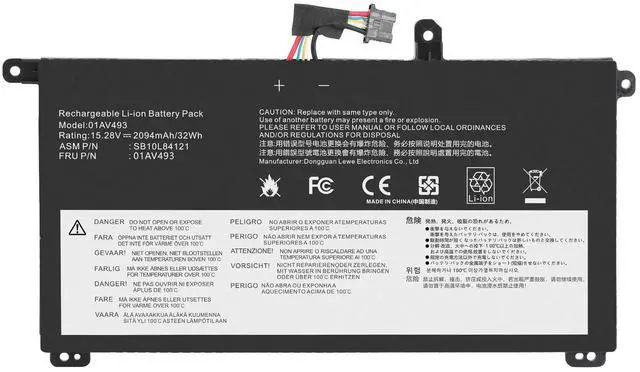
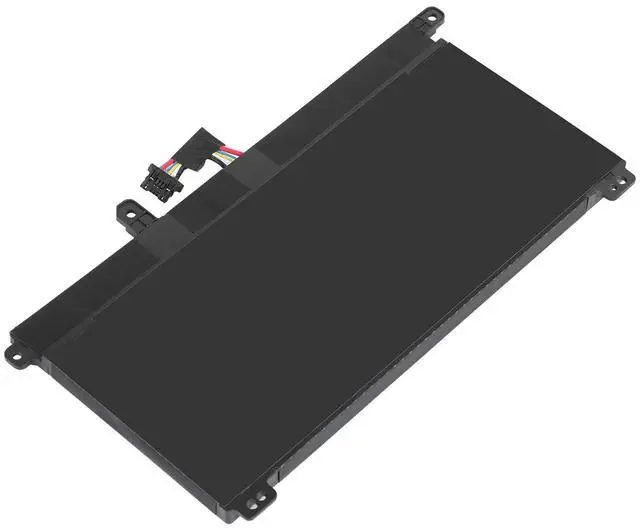
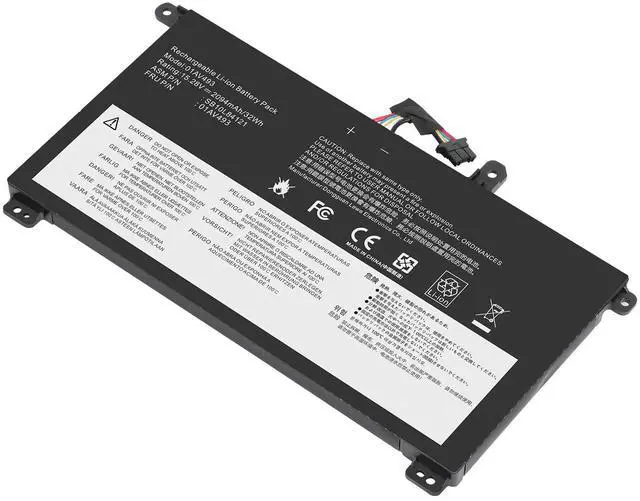
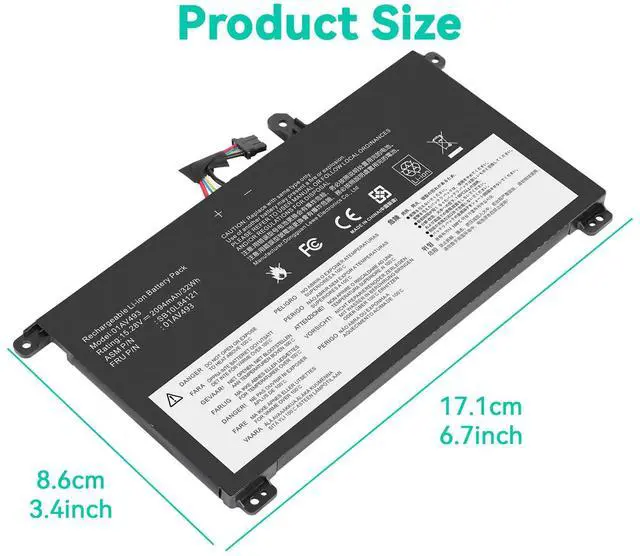
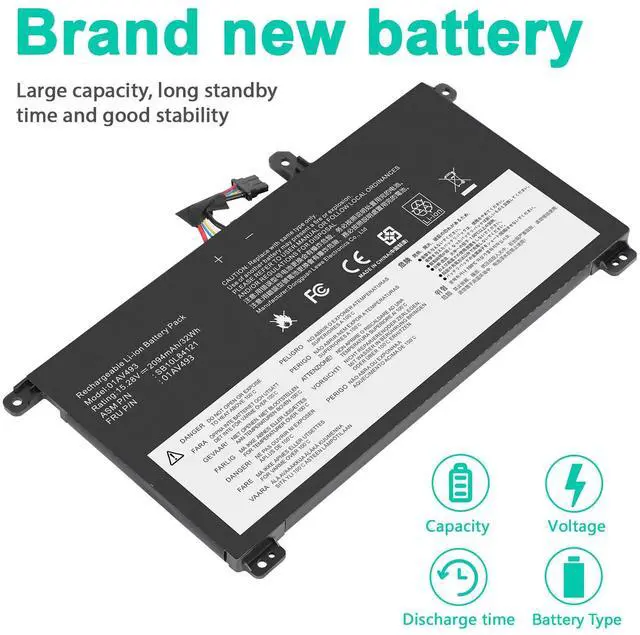


Tronovia 01AV493 00UR891 00UR890 Laptop Battery For Lenovo ThinkPad T570 T580 P51S P52S
- Compatible Brand For Lenovo
- Life Cycles (times) 300-500
- Use LAPTOP
- Color Black
- Cell Grade A Grade
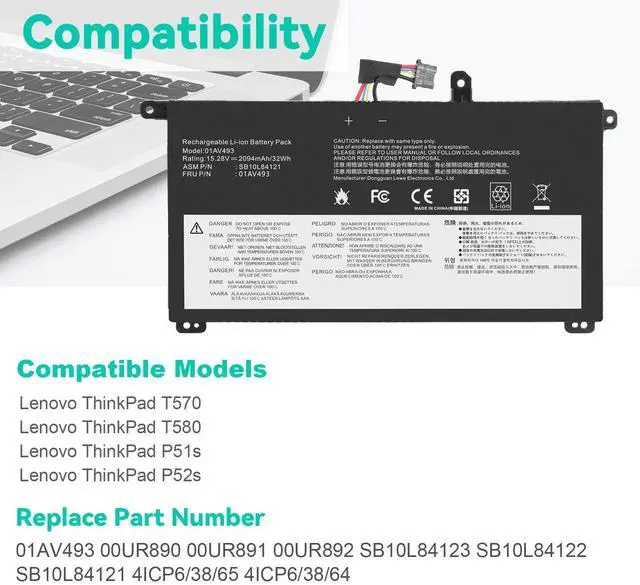
- Compatible Model For Lenovo Thinkpad T570, For Lenovo Thinkpad T580, For Lenovo Thinkpad P51S, For Lenovo Thinkpad P52S
- Standard OEM Standard 100% Compatible
- Battery Type Li-Ion
- Compatible Product Line For Lenovo ThinkPad
- Compatible Part Numbers 01AV493, 00UR890, 00UR891, 00UR892, SB10L84121
- Operation Time Approx 1.5-3 hours
- Type AC & DC
- Battery Capacity 32Wh
- Voltage 15.2V
- Compatible Part Numbers 2 SB10L84122, SB10L84123
- Number of Battery Cells 4
- Certificate FCC CE UL RoHS
- Tips Please check your battery model, voltage, capacity before buying
+
+
Overview
Specs
Reviews
Specifications:
Condition: Brand New , 'A' grade cells,100% Compatible!
Battery type: Li-ion Battery
Voltage: 15.2V
Capacity: 32Wh
Number of Battery Cells: 4
Certification: CE FCC RoHS
Color: black as pictures
Operation time: approx 1.5-3 hours
Package including: 1×battery (in packing box)
Compatible Model:
For Lenovo ThinkPad T570 Series
For Lenovo ThinkPad T580 Series
For Lenovo ThinkPad P51S Series
For Lenovo ThinkPad P52S Series
Compatible Part Numbers:
01AV493 00UR890 00UR891 00UR892 SB10L84121 SB10L84122 SB10L84123
Note:
Please check carefully about your laptop model name/battery part number/battery shape and size to make sure you purchase the correct battery.
How to confirm that the battery is suitable for your laptop?
Method 1: Use System Information to find your laptop model
Step 1: Press Windows + R to open Run window.
Step 2: Input "msinfo32" in the empty box and click OK to open System Information.
Step 3: Keep in the System Summary section, and you will find the System Model item in the right pane.
Method 2: Remove Battery from Laptop to find your laptop battery part number
Step 1: Switch off the laptop and unplug the power cable in case of electric shock
Step 2: Remove the back panel with the screwdriver. You should to this with care avoiding any harm to the laptop components.
Step 3: Disconnect the cable connected to the battery and then take out the battery. After that, you can check the specifications of your battery.
Warranty & Returns
Warranty, Returns, And Additional Information
Warranty
- Please contact the Seller directly for warranty information. Warranty information may also be found on the Manufacturer's website.
- CONTACT
Return Policies
- Return for refund within: 15 days
- Return for replacement within: 30 days
- This item is covered by Jiamayanonly Return Policy
Manufacturer Contact Info
- For a directory of all our manufacturers, please click below.
- Manufacturers Directory
LOADING...