



Meet Your Seller

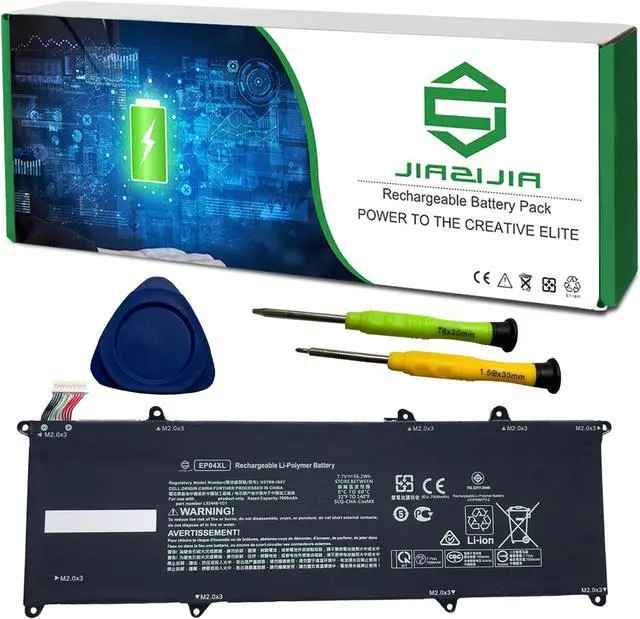


EP04XL Laptop Battery Replacement for HP Elite Dragonfly G1 2019 G2 2020 Series Notebook HSTNN-IB8Y L52448-1C1 Black 7.7V 56.2Wh 7000mAh
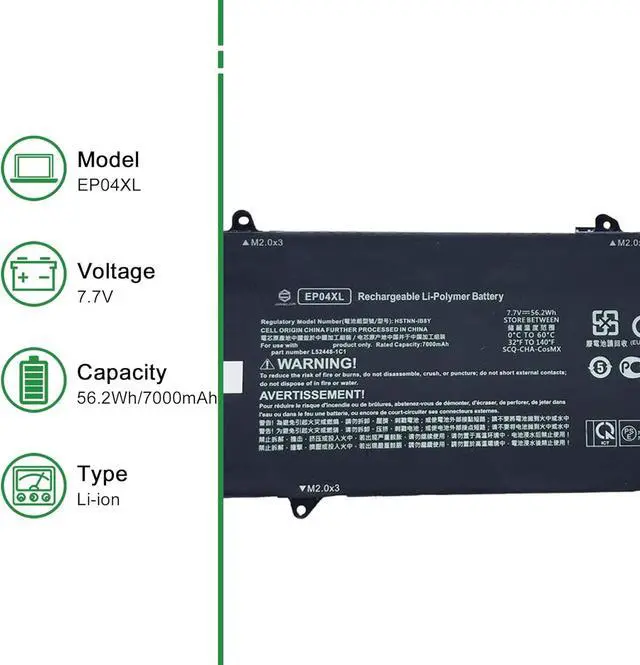
- Model: EP04XL // Voltage: 7.7V // Capacity: 56.2Wh 7000mAh // Color: Black // Type: Plug & Play Li-ion Battery.
- Replacement for Part Number: EP04XL HSTNN-IB8Y L52448-1C1.
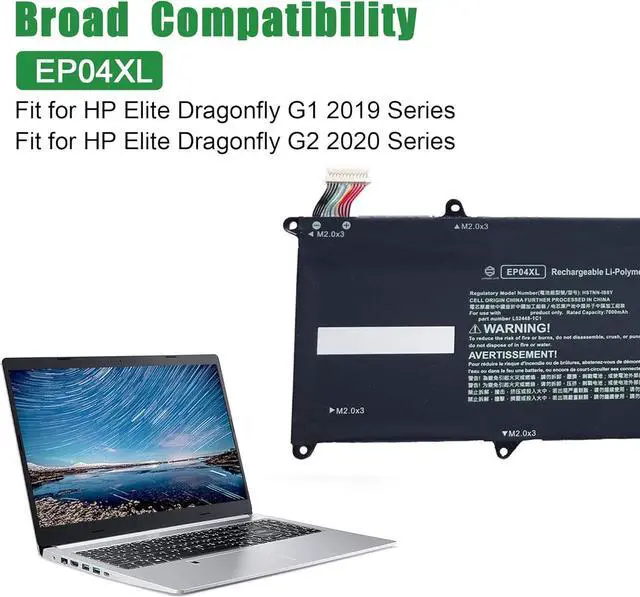
- Compatible Models: Fit for HP Elite Dragonfly G1 2019 // G2 2020 Series.
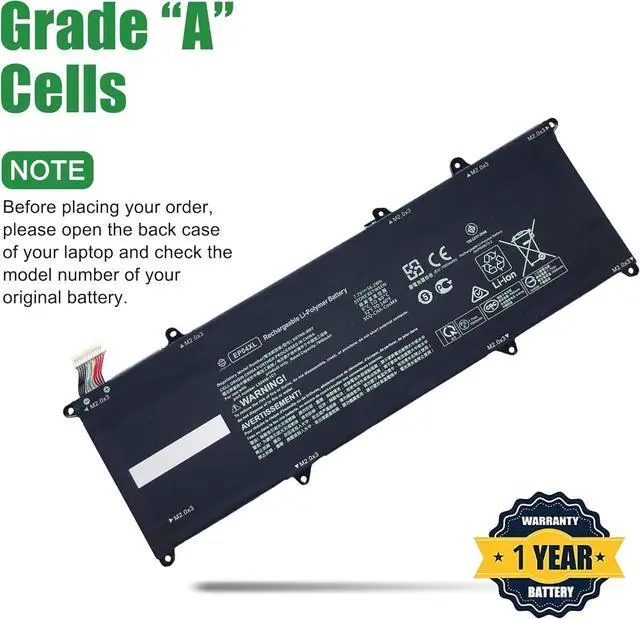
- Note 1: In order to find the right model, please open the back case of your laptop and check the model number of your original battery.
- Note 2: Before installing the replacement battery, please read the manual carefully.
+
+
Overview
Reviews
Welcome to JIAZIJIA
JIAZIJIA is a professional laptop replacement battery and tablet battery manufacturer and vendor.
We focus on producing high-quality, safe and reliable laptop battery and tablet battery.
Customers satisfaction is our top priority.
Specification:
Type: Plug & Play Rechargeable Li-ion Battery
Model: EP04XL
Voltage: 7.7V
Capatity: 56.2Wh 7000mAh
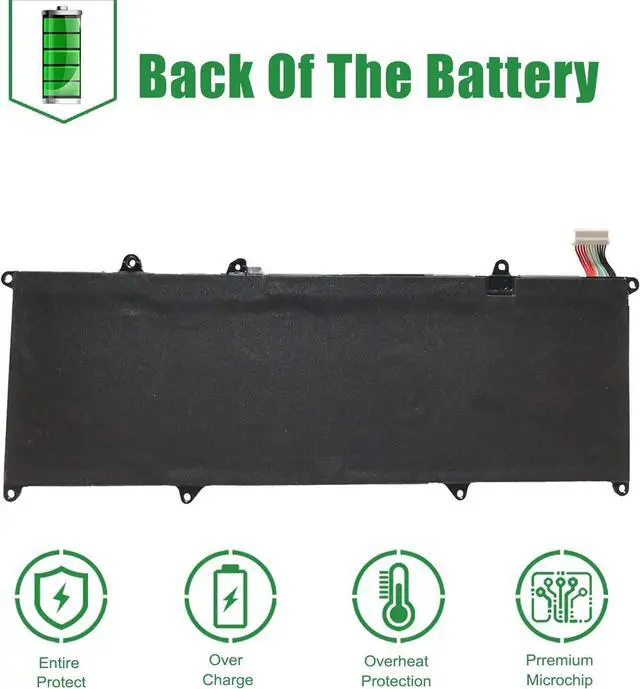
Interface: Refer to the picture! Please check it!
Color: Black
Replacement for Part Number:
EP04XL HSTNN-IB8Y L52448-1C1
Compatible Models (use "Ctrl+F" to find your model quickly)
Fit for HP Elite Dragonfly G1 2019 Series
Fit for HP Elite Dragonfly G2 2020 Series
Not all the compatible laptop models have been listed, please remove the back case of your laptop and choose the right battery model according to your latpop's origibal battery.
Package included:
1X EP04XL Battery
1X User Manual
1X Tool Kit
Important Note:
1. Check your original battery's part number and confirm the exact battery model you need.
2. Before installing the replacement battery, please read the maunal carefully.
3. If you are not sure you can replace the battery by yourself, please find a tutorial online or ask a professional staff to help you replace it.
4. When using the battery, care should be taken to prevent exposure and moisture.
Tips to use a new replacement battery:
1. Discharge the new battery use to 5%(not to 0%) and then charge to 95%, and cycle 3-4 times.
2. Do not disassemble, crush or puncture. Do not dispose of in fire or water.
3. If you remove battery for a long time, charge more than 80% at least one time within one months.
4. Don't connect adapter for a long time while using the battery. It may damage the battery.
FAQs
Why the new replacement battery can't be recognized by the laptop?
1. Check the packing and the battery to confirm it has not been harmed during the shipping.
2. Please make sure that the connector of the battery has been inserted into the system board correctly and tightly.
3. Update the battery drive to the newest edition. Charge the new battery for 4-6 hours.
EP04XL replacement battery Important Note: please confirm the exact battery model you need by checking your original battery before placing your order !!!
Warranty & Returns
Warranty, Returns, And Additional Information
Warranty
- Please contact the Seller directly for warranty information. Warranty information may also be found on the Manufacturer's website.
- CONTACT
Return Policies
- Return for refund within: 30 days
- Return for replacement within: 90 days
- This item is covered by Forestgrand Return Policy
Manufacturer Contact Info
- For a directory of all our manufacturers, please click below.
- Manufacturers Directory
LOADING...