



Meet Your Seller

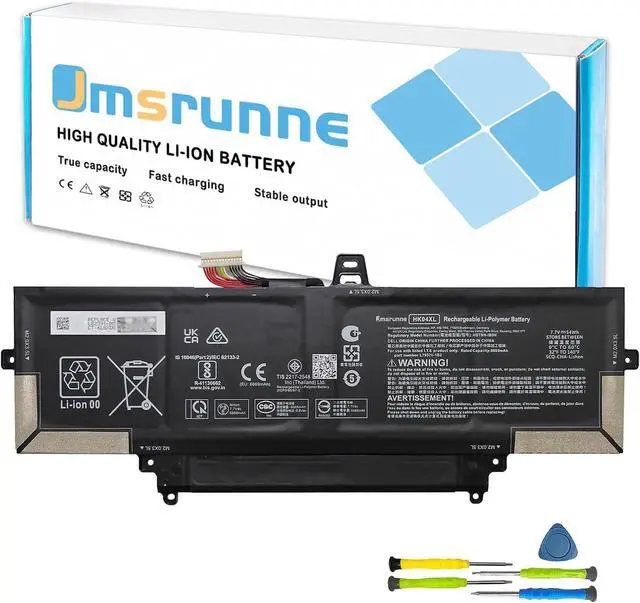
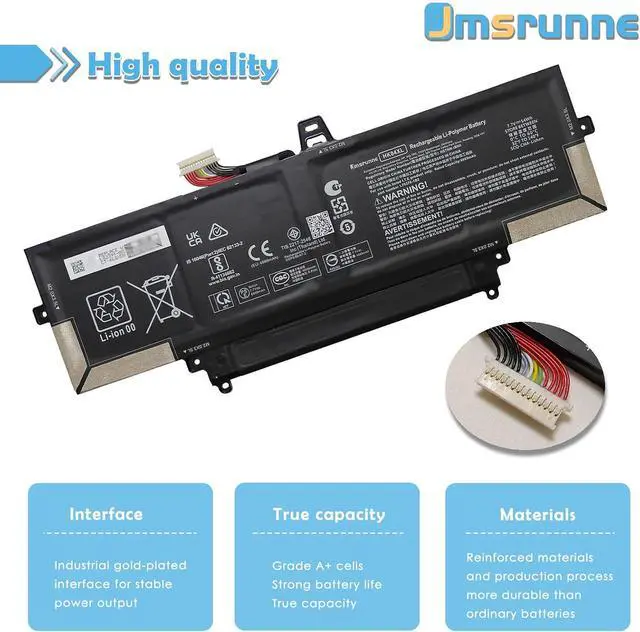
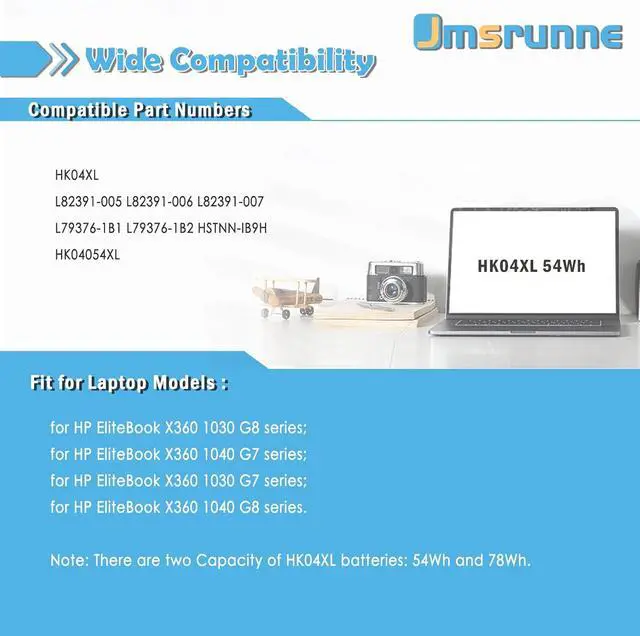



HK04XL L82391-005 Laptop Battery for HP EliteBook x360 1030 G7 G8 EliteBook x360 1040 G7 G8 Series L82391-007 L82391-006 HSTNN-IB9H L79376-1B2 L79376-1B1 HK04054XL
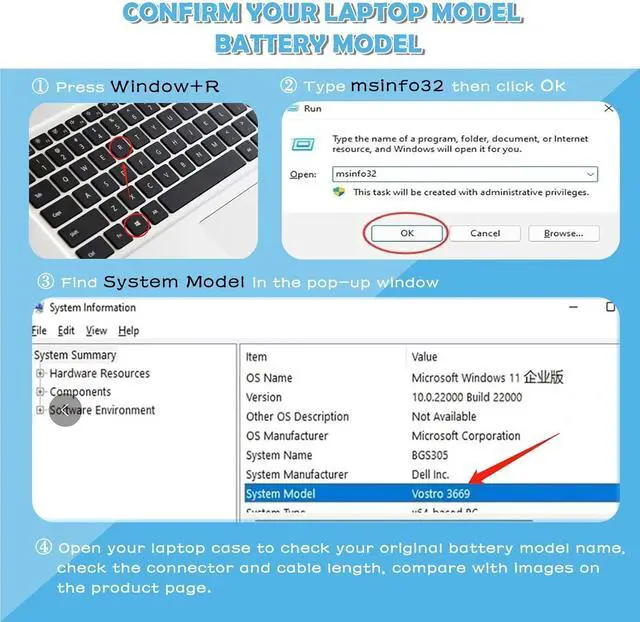
- Specifications Battery type: Li-ion. /Battery life: Up to 1000 recharge cycles over the life of the battery. Also comes with installation tools.Purchasing Note: Due to the complexity of laptop battery models, you may not be able to accurately determine the model you need to purchase,Please open the back cover of the laptop to confirm the original battery model number
- Compatible laptop Modelsfor HP EliteBook X360 1030 G8 series;for HP EliteBook X360 1040 G7 series; for HP EliteBook X360 1030 G7 series;for HP EliteBook X360 1040 G8 series.
- Replacement Part Number HK04XL L82391-005 L82391-006 L82391-007 L79376-1B1 L79376-1B2 HSTNN-IB9H HK04054XL
- TipsIf the new battery is not recognized during the initial installation, please reinstall and check if the interface is fully connected. Discharge the new battery to 5% not 0%, then charge and cycle 3-4 times to wake up the new battery
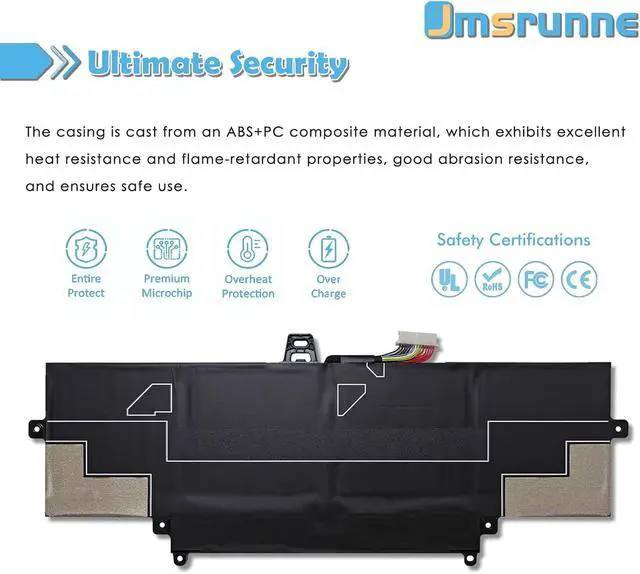
- Security & high qualityEvery battery has passed factory testing, grade A cells ensure fast cha
+
+
Overview
Reviews
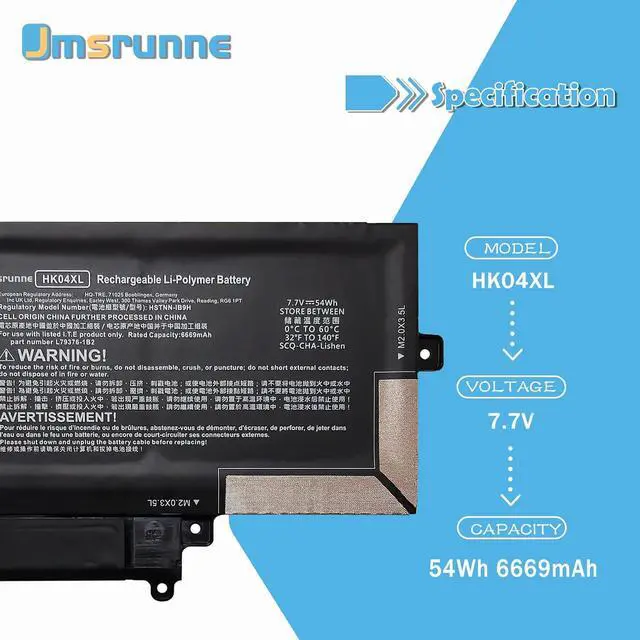
Battery Model: HK04XL
Battery Type: Li-ion
Voltage: 7.7V
Capacity: 54 Wh 6669 mAh / Cells: 4 cells
ConditionhBrand new
Package Include: 1*HK04XL Battery + 1 * User Manual + One set of 5 IN 1 screwdrivers tool.
HK04XL battery Replacement Part Number: HK04XL L82391-005 L82391-006 L82391-007 L79376-1B1 L79376-1B2 HSTNN-IB9H HK04054XL
Note: There are two Capacity of HK04XL batteries: 54Wh and 78Wh,this listing is 54Wh.
for HP EliteBook X360 1040 G7 series:
EliteBook X360 1040 G7 119Y7EA, 1P6S9UT, 1P6T0UT, 204P1EA, 229N8EA,226Z2PA, 229P1EA, 2C7K0UP,23Y66EA W10P, 8WA57AV, 8WA61AV
for HP EliteBook X360 1040 G8 series:
EliteBook X360 1040 G8 336F5EA, 336L5EA, 358V4EA, 3A3E5PA,3V281PA, 3W1U6PA, 358V3EA,3C8D7EA,401L5EA
for HP EliteBook X360 1030 G8 series .
for HP EliteBook X360 1030 G7 series .
Before placing an order, please carefully review the product pictures and models to avoid making the wrong purchase .
If it's not a quality of issue, please do not damage the packaging before you decide to keep it.
Before replacing the new battery, you need to completely shut down the computer and remove the power and battery to avoid short-circuit during the replacement process.
If the new battery is not recognized during the initial installation, please reinstall and check if the interface is fully connected.
Do Discharge the new battery use to 5%(not to 0%) and then charge to 95%, and cycle 3-4 times.
4. The important point is to perform a full discharge charge every other month to extend battery life.
5. Do not use the laptop in a high temperature environment and avoid fully charging or discharging the laptop battery for a long time, as this may damage the battery.
Warranty & Returns
Warranty, Returns, And Additional Information
Warranty
- Please contact the Seller directly for warranty information. Warranty information may also be found on the Manufacturer's website.
- CONTACT
Return Policies
- Return for refund within: 30 days
- Return for replacement within: 90 days
- This item is covered by Forestgrand Return Policy
Manufacturer Contact Info
- For a directory of all our manufacturers, please click below.
- Manufacturers Directory
LOADING...