



Meet Your Seller

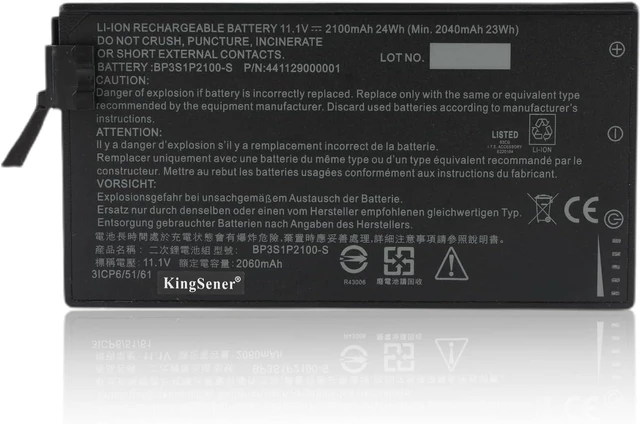
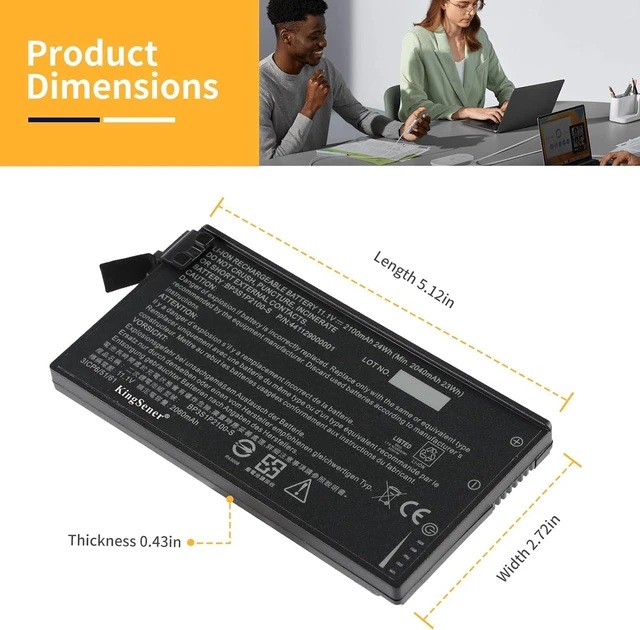
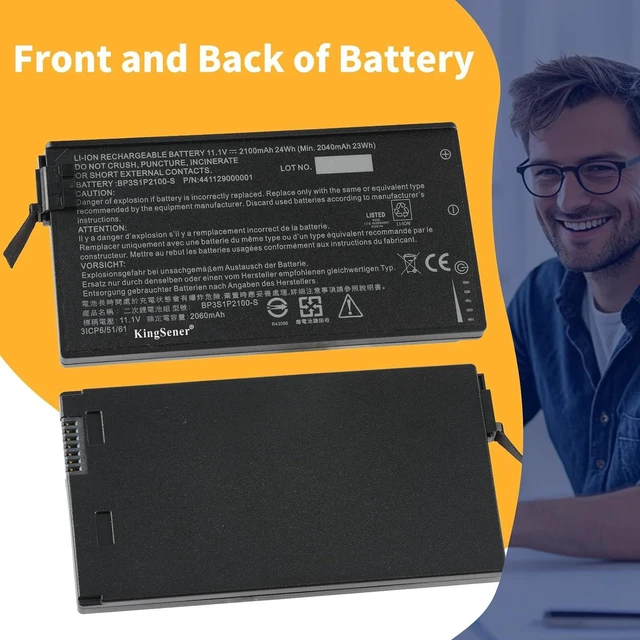


BP3S1P2100-S Battery for Getac V110 V110C 24WH 11.1V
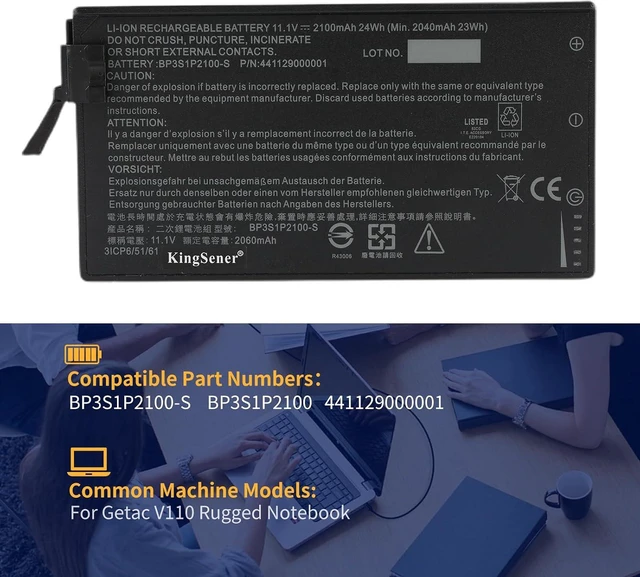
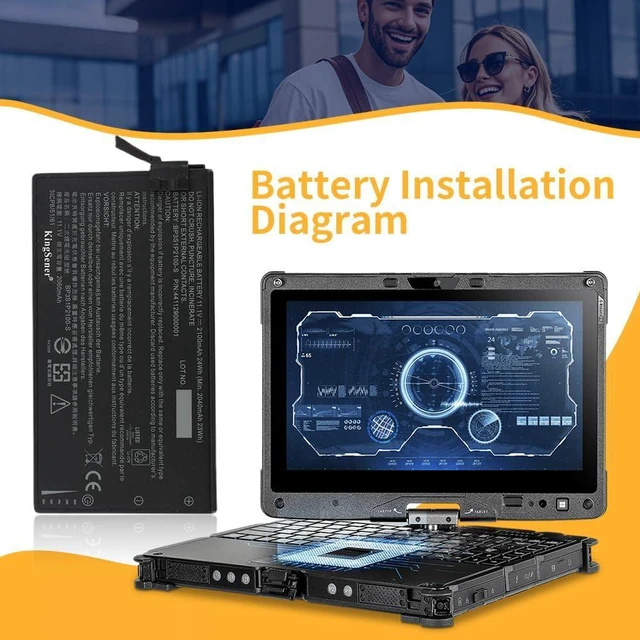
- Compatible with Getac V110 V110C Series Rugged Notebook Replaces 441129000001 3ICP6/51/61 BP3S1P2100-S BP3S1P2100
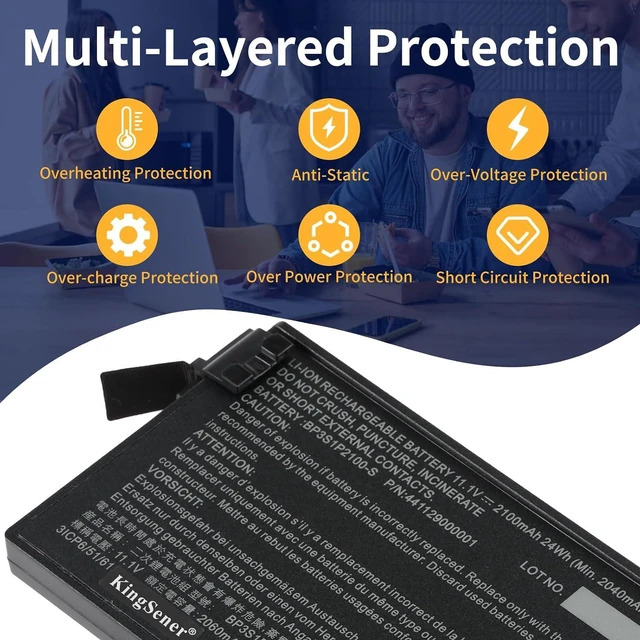
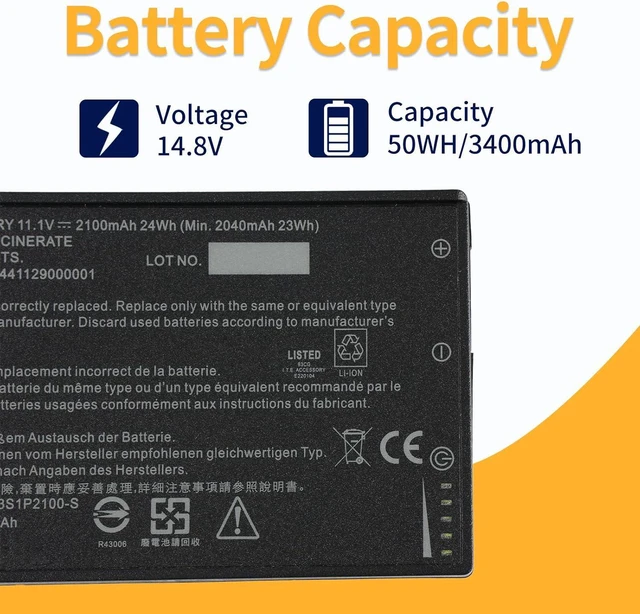
- Specifications:Battery Type:Li-Ion;Voltage:11.1V;Capacity:2100mAh/24WH;Protection intégrée contre surcharge, surchauffe, court-circuit
- Compatible Part Number:BP3S1P2100-S;BP3S1P2100;441129000001.Grade A cells battery, quality assurance, every battery has passed factory testing, 500+ recharge cycles over
- Fits Models:For Getac V110 Rugged Notebook.Power Through Hours Of Work
- Advantage For Battery:Durable, Safe and Reliable - Premium Grade A cells makes it safe through overcharge and over-discharge, over-current and short circuit protection. Strict guidelines for compatibility, and standards compliance for environment safety
- Easy To Operate:The battery is a brand-new product. It can be plugged in and used directly without any complicated setup or adjustment.High-quality built-in protection board guarantees long-lasting use,and good performance A++ cells ensure fast charg
+
+
Overview
Reviews
High Capacity 2100mAh Replacement Battery for Getac V110 V110C 11.1V 24Wh Li-ion BP3S1P2100-S BP3S1P2100 441129000001
BP3S1P2100-S BP3S1P2100 Laptop Battery for Getac V110 V110C Series 11.1V 24Wh 2100mAh 441129000001 3ICP6/51/61
Compatible Part Number:
BP3S1P2100-S;BP3S1P2100;441129000001
Fits Models:
For Getac V110 Rugged Notebook
Model Type BP3S1P2100-S Battery Type Li-Polymer Voltage 11.1V Capacity 2100mAh/24WH How should I do if the battery is not recognised
When the computer is turned on, if it is not recognised, it is recommended to update the BIOS settings or please disconnecting the old battery, and holding down the power button for 20 seconds, then connect the new battery
How should I do if we received the item doesn't work?
Our product have 12 months can replace a new one and 60 days moeny back . Please Contact KingSener via email .are of good quality.
How should I charge my laptop battery?
It is suggested to charge the battery before the power runs out completely. It is best to charge when the remaining power is about 5-10%, and the battery should be charged in a relatively dry place.
How should I preserve my laptop battery when I dont use it?
The ideal charging method is to charge the battery to 40%. It is recommended to use the battery once a month to extend its lifespan and avoid damage caused by complete power failure.
How to use the battery after we receive it?
Using battery for the first time,please discharge it to 5%(not to 0%) and then charge to 95%, and cycle 3-4 times to activate the batterys maximum capacity. Takeing about 7-8 hours in order to activate lithium ion fully to maximun space
How should I do if the battery is not recognised
How should I do if we received the item doesn't work?
How should I charge my laptop battery?
How should I preserve my laptop battery when I dont use it?
How to use the battery after we receive it?
Warranty & Returns
Warranty, Returns, And Additional Information
Warranty
- Please contact the Seller directly for warranty information. Warranty information may also be found on the Manufacturer's website.
- CONTACT
Return Policies
- Return for refund within: 30 days
- Return for replacement within: 90 days
- This item is covered by Forestgrand Return Policy
Manufacturer Contact Info
- For a directory of all our manufacturers, please click below.
- Manufacturers Directory
LOADING...