
Your Browsing History

Meet Your Seller

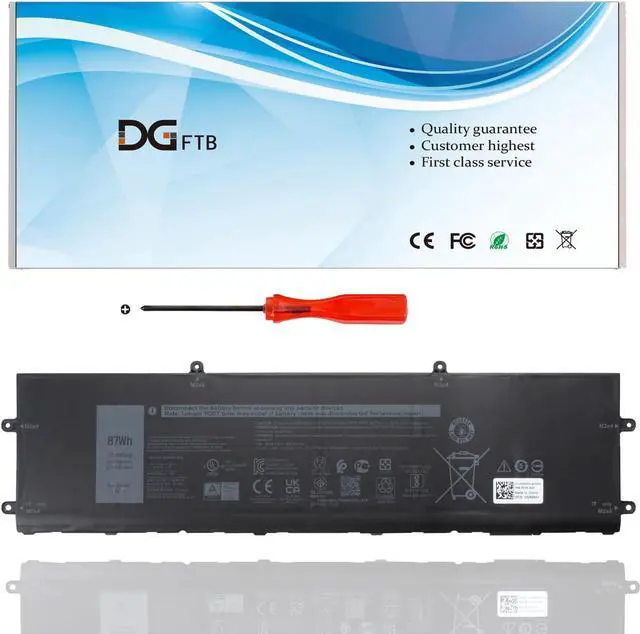
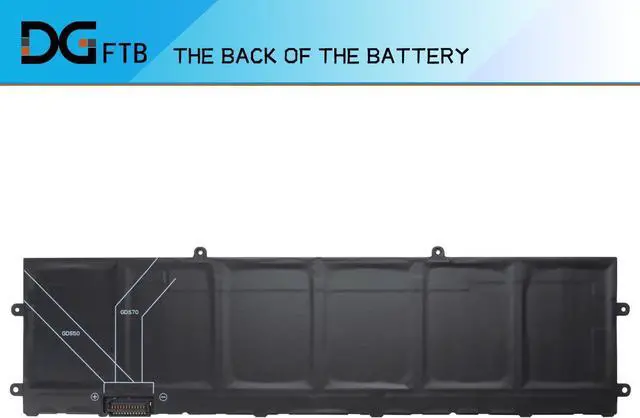


DWVRR New Laptop Battery Replacement for Dell Alienware X15 R1 R2 X17 R1 R2 Inspiron 16 7620 2-in-1 Alienware X15 R1 NAWX15R101 X17 RTX 3080 P48E 817GN 0817GN NR6MH 0NR6MH 0017GN (11.4V 87Wh/7250mAh)
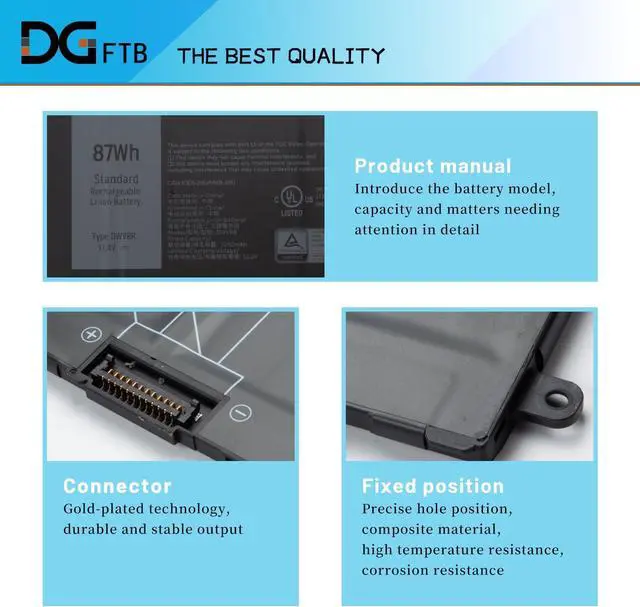
- Replacement Battery TypeLi-ion; Voltage:11.4V; Capacity: 87Wh/7250mAhl.
- Compatible P/NDWVRR NR6MH 0NR6MH 0017GN 817GN 0817GN.
- Compatible Modelsfor Dell Inspiron 16 7620 2-in-1 series;for Dell Alienware x15 R1 Series; for Dell Alienware x15 R2 Series; for Dell Alienware x17 R1 Series; for Dell Alienware x17 R2 Series.
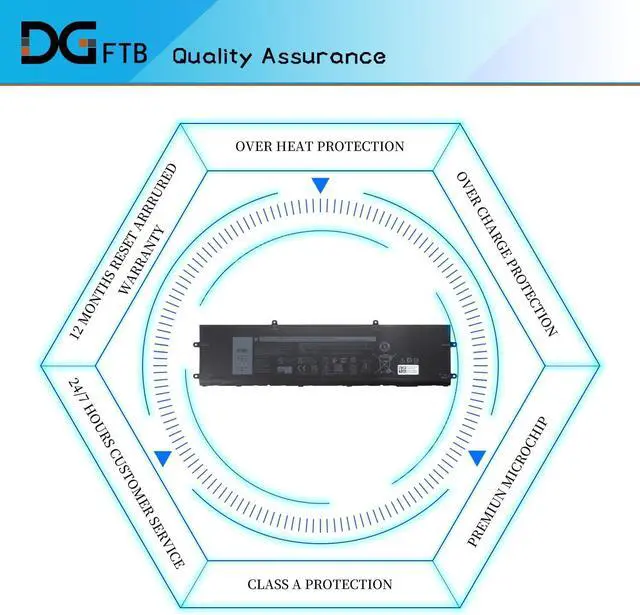
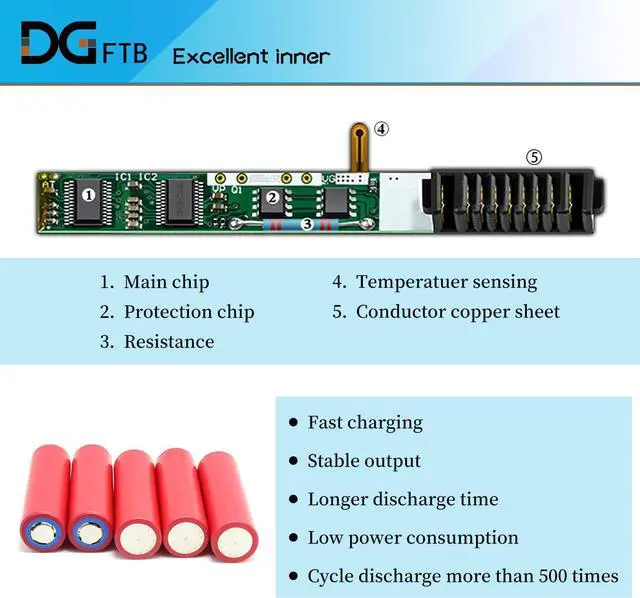
- DG QualityGrade A cells mitigate the risk of battery leakage and maximize output stability. Built-in circuit protection, enhances safety of usage and extends battery life.
- DG TIPSFor the initial installation, please reinstall and check the interface fully connected, discharge the battery to 5%(not to 0%) and then charge to 95%, and cycle 3-4 times.
+
+
Overview
Specs
Reviews
Replacement Battery TypeLi-ion; Voltage:11.4V; Capacity: 87Wh/7250mAhl.
Compatible P/NDWVRR NR6MH 0NR6MH 0017GN 817GN 0817GN.
Compatible Modelsfor Dell Inspiron 16 7620 2-in-1 series;for Dell Alienware x15 R1 Series; for Dell Alienware x15 R2 Series; for Dell Alienware x17 R1 Series; for Dell Alienware x17 R2 Series.
DG QualityGrade A cells mitigate the risk of battery leakage and maximize output stability. Built-in circuit protection, enhances safety of usage and extends battery life.
DG TIPSFor the initial installation, please reinstall and check the interface fully connected, discharge the battery to 5%(not to 0%) and then charge to 95%, and cycle 3-4 times.
Compatible P/NDWVRR NR6MH 0NR6MH 0017GN 817GN 0817GN.
Compatible Modelsfor Dell Inspiron 16 7620 2-in-1 series;for Dell Alienware x15 R1 Series; for Dell Alienware x15 R2 Series; for Dell Alienware x17 R1 Series; for Dell Alienware x17 R2 Series.
DG QualityGrade A cells mitigate the risk of battery leakage and maximize output stability. Built-in circuit protection, enhances safety of usage and extends battery life.
DG TIPSFor the initial installation, please reinstall and check the interface fully connected, discharge the battery to 5%(not to 0%) and then charge to 95%, and cycle 3-4 times.
Warranty & Returns
Warranty, Returns, And Additional Information
Warranty
- Please contact the Seller directly for warranty information. Warranty information may also be found on the Manufacturer's website.
- CONTACT
Return Policies
- Return for refund within: 30 days
- Return for replacement within: 90 days
- This item is covered by LionTech Direct Return Policy
Manufacturer Contact Info
- For a directory of all our manufacturers, please click below.
- Manufacturers Directory
LOADING...