
Your Browsing History

Meet Your Seller

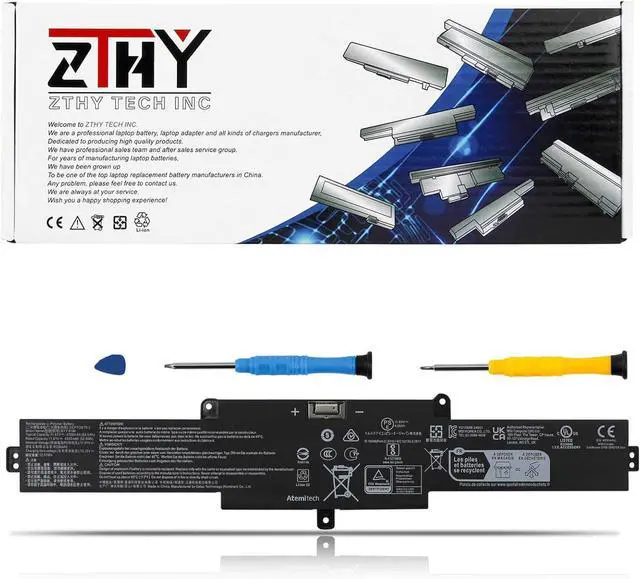
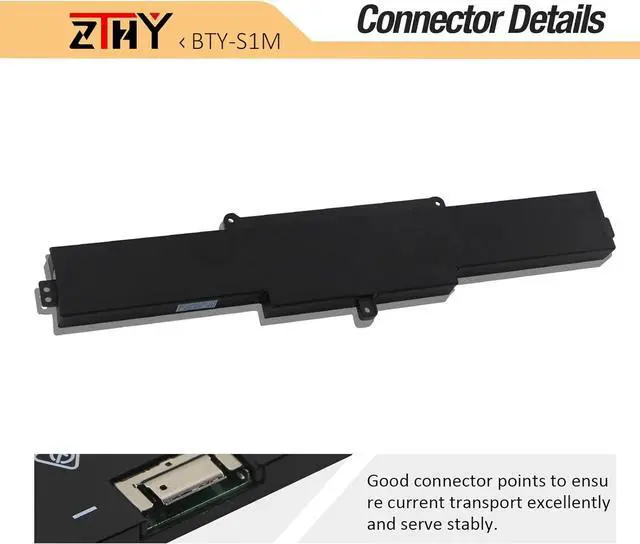
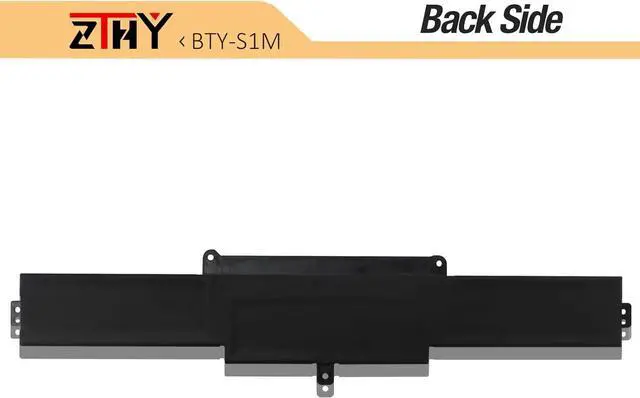
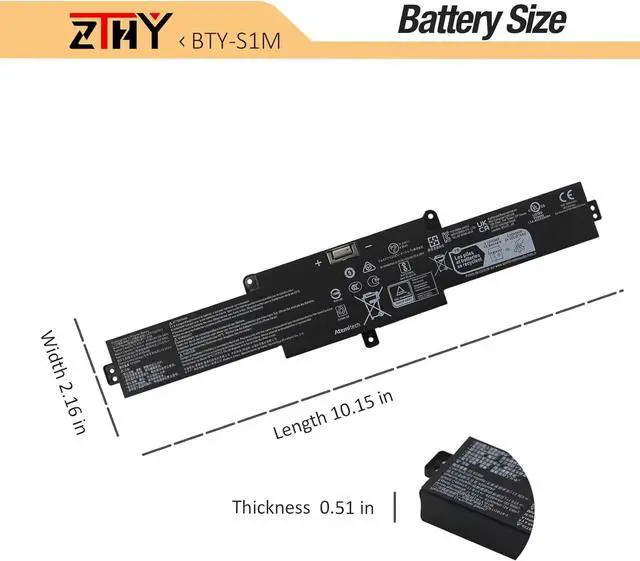


ZTHY 54.5Wh BTY-S1M BTY-S1N Battery Compatible with MSI Claw A1M A1M-050US A1M-051US A1M-019CN A1M-025HK Handheld Gaming Tablet PC Series S9N-0Z6A200-AQ2 3ICP7/28/78-2 11.61V 4700mAh 3-Cell
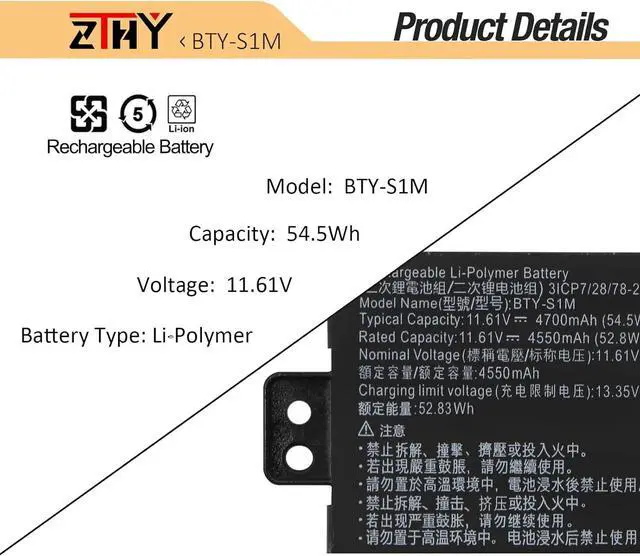
- Specifications: Battery type: Li-Polymer. Color: Black. Voltage: 11.61V. Capacity: 54.5Wh. New from Manufacturer
- Compatible Part Number: BTY-S1M S9N-0Z6A200-AQ2 3ICP7/28/78-2
- Compatible with Models: Replacement for MSI Claw A1M Handheld Gaming Player PC Series: A1M-050US Handheld Gaming Player PC, A1M-051US Handheld Gaming Player PC, A1M-019CN Handheld Gaming Tablet PC, A1M-025HK Handheld Gaming Tablet PC
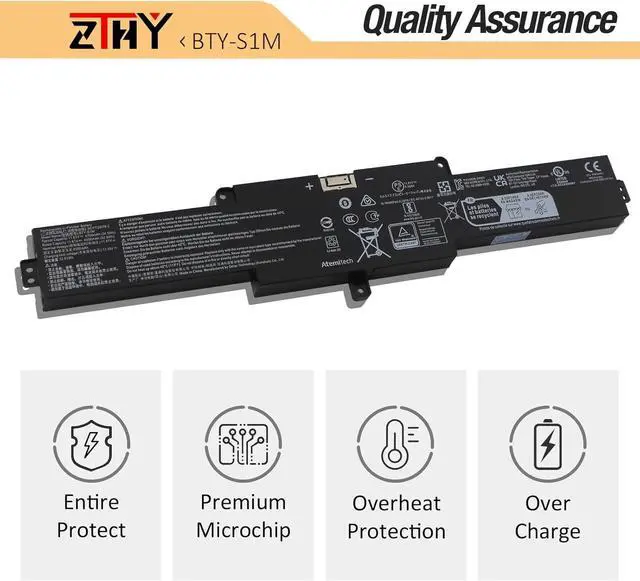
- Security: All ZTHY products are Certified by CE, UL for safety. Strict guidelines for compatibility, and standards compliance for environment safety
- Note: If the new battery is not recognized during the initial installation, please reinstall and check if the interface is fully connected. Discharge the new battery to 10-20% (not 0%), then charge and cycle 3-4 times to wake up the new battery
+
+
Overview
Specs
Reviews
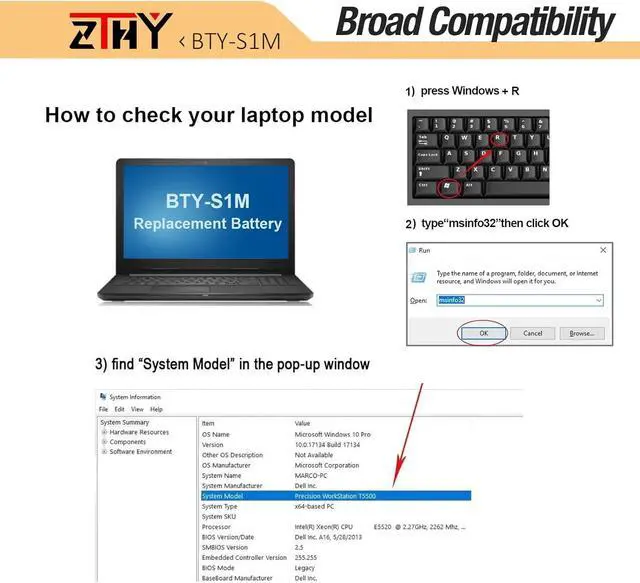
Compatible Part Number BTY-S1M BTY-S1N S9N-0Z6A200-AQ2 3ICP7/28/78-2 Compatible Model Replacement for MSI Claw A1M Handheld Gaming Player PC Series: A1M-050US Handheld Gaming Player PC, A1M-051US Handheld Gaming Player PC, A1M-019CN Handheld Gaming Tablet PC, A1M-025HK Handheld Gaming Tablet PC Note If you install the battery, you find that the device cannot detect the battery or the battery level cannot be displayed normally. Please check whether the battery cable is installed properly. Sometimes the battery cannot be charged because the cable is not fixed properly. Attention Please open the back cover of your laptop to check the original battery size and capacity before placing an order. Please scroll down to the list to purchase. What do I need to be aware of when I receive a battery?
You need to check its appearance, confirm the model, read the instruction manual. Cycle and charge it 5 to 6 times to activate the maximum usage space of the battery. When not in use temporarily, charge the battery to 50%-60%.
What should I do if laptop won't boot up after installing a new battery?
1.Check if the battery is properly seated and connections are clean. 2.Try charging it or use the adapter alone to start. 3.Examine hardware links, like RAM and adapters. 4.Reset BIOS settings if needed. 5.Enter Safe Mode to fix system issues.
How should I do if the battery is not recognised?
If it is not recognised, it is recommended to update the BIOS settings or please disconnecting the old battery, and holding down the power button for 20 seconds, then connect the new battery.
What should I do if the battery expands?
1.Power off your laptop and disconnect it from any power source. 2.Carefully remove the swollen battery from the laptop in a well-ventilated area, avoid pressing or squeezing the battery during removal.
What can you do if you are not satisfied with the battery?
Please Contact ZTHY, click on "ZTHY TECH", you can see "question" on the page.we'll help you. Our battery have 12 months replace a new one and 30 days moeny back guarrante.
The video showcases the product in use.The video guides you through product setup.The video compares multiple products.The video shows the product being unpacked. Compatible with Laptop Models: What do I need to be aware of when I receive a battery?
What should I do if laptop won't boot up after installing a new battery?
How should I do if the battery is not recognised?
What should I do if the battery expands?
What can you do if you are not satisfied with the battery?
ZTHY NEW GRT01 battery
You need to check its appearance, confirm the model, read the instruction manual. Cycle and charge it 5 to 6 times to activate the maximum usage space of the battery. When not in use temporarily, charge the battery to 50%-60%.
What should I do if laptop won't boot up after installing a new battery?
1.Check if the battery is properly seated and connections are clean. 2.Try charging it or use the adapter alone to start. 3.Examine hardware links, like RAM and adapters. 4.Reset BIOS settings if needed. 5.Enter Safe Mode to fix system issues.
How should I do if the battery is not recognised?
If it is not recognised, it is recommended to update the BIOS settings or please disconnecting the old battery, and holding down the power button for 20 seconds, then connect the new battery.
What should I do if the battery expands?
1.Power off your laptop and disconnect it from any power source. 2.Carefully remove the swollen battery from the laptop in a well-ventilated area, avoid pressing or squeezing the battery during removal.
What can you do if you are not satisfied with the battery?
Please Contact ZTHY, click on "ZTHY TECH", you can see "question" on the page.we'll help you. Our battery have 12 months replace a new one and 30 days moeny back guarrante.
The video showcases the product in use.The video guides you through product setup.The video compares multiple products.The video shows the product being unpacked. Compatible with Laptop Models: What do I need to be aware of when I receive a battery?
What should I do if laptop won't boot up after installing a new battery?
How should I do if the battery is not recognised?
What should I do if the battery expands?
What can you do if you are not satisfied with the battery?
ZTHY NEW GRT01 battery
Warranty & Returns
Warranty, Returns, And Additional Information
Warranty
- Please contact the Seller directly for warranty information. Warranty information may also be found on the Manufacturer's website.
- CONTACT
Return Policies
- Return for refund within: 30 days
- Return for replacement within: 90 days
- This item is covered by LionTech Direct Return Policy
Manufacturer Contact Info
- For a directory of all our manufacturers, please click below.
- Manufacturers Directory
LOADING...