
Your Browsing History

Meet Your Seller

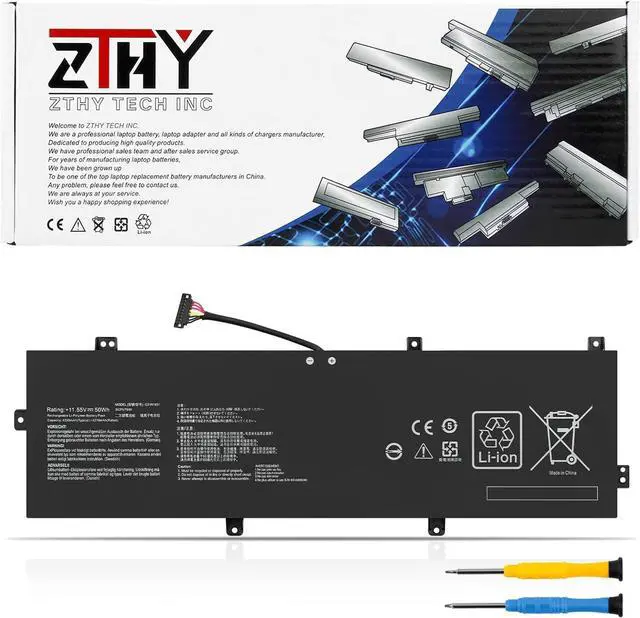
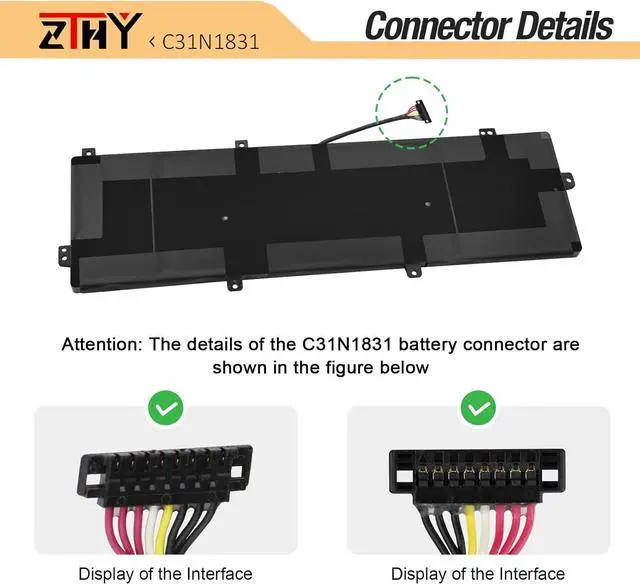
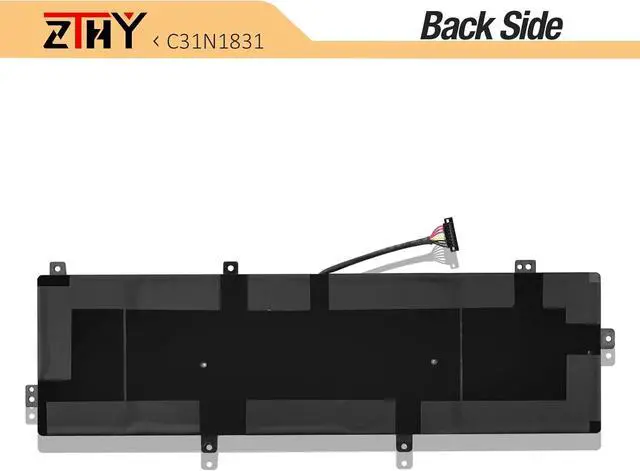
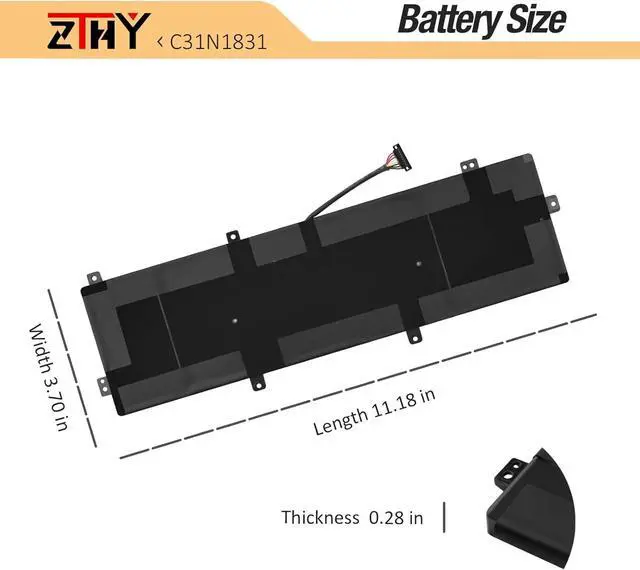


ZTHY C31N1831 Laptop Battery Replacement for ASUS Pro 3548FA 574FA P574FA PE574FA P3548FA P3540FA PX574FA P3540FB Series 3ICP5/70/81 0B200-03330200 0B200-03630000 0B200-03630200 11.55V 4335mAh 50Wh
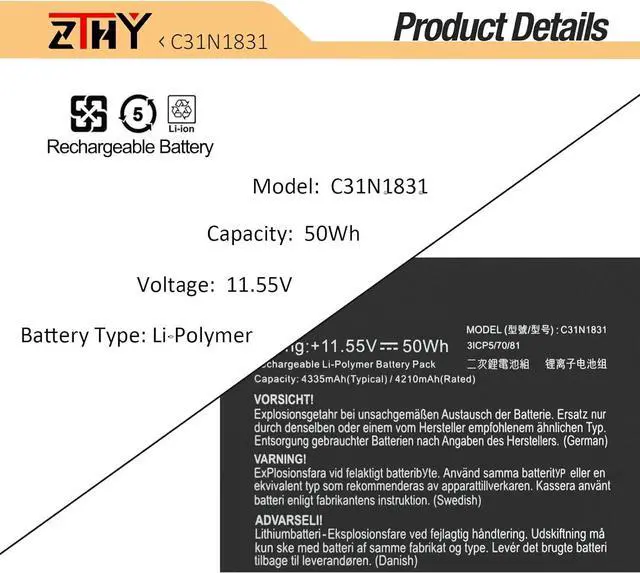
- SpecificationBattery Type: Li-ion Polymer; Voltage: 11.55V; Capacity: 50WH/4335mAh; Battery life: Up to 500 recharge cycles over the life of the battery
- Replace Part NumberC31N1831 3ICP5/70/81 0B200-03330200 0B200-03630000 0B200-03630200
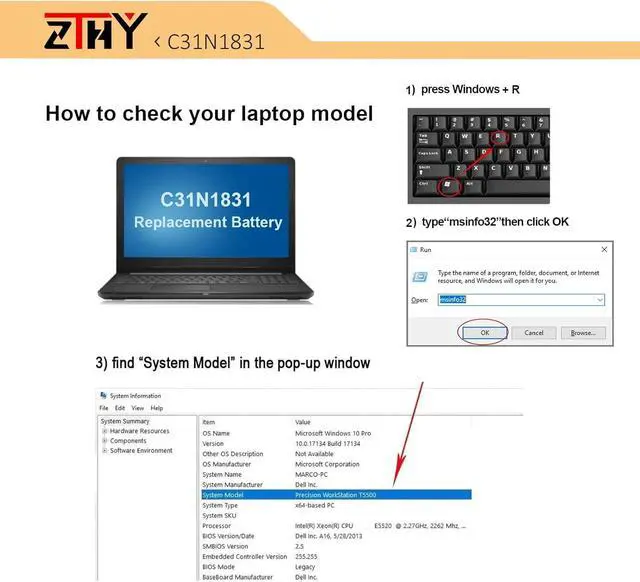
- Compatible ModelsReplacement for ASUS Pro 3548FA 574FA P574FA PE574FA P3548FA P3540FA PX574FA P3540FB series
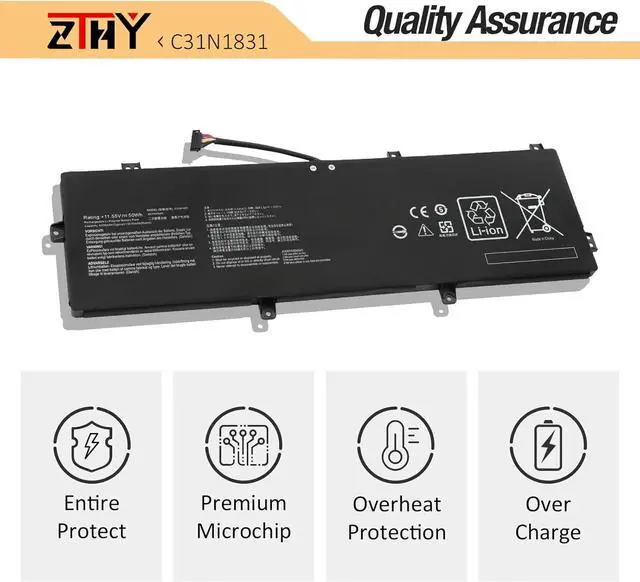
- SecurityAll ZTHY products are Certified by CE, UL for safety. Strict guidelines for compatibility, and standards compliance for environment safety.
- Note: If the new battery is not recognized during the initial installation, please reinstall and check if the interface is fully connected. Discharge the new battery to 10-20% (not 0%), then charge and cycle 3-4 times to wake up the new battery.
+
+
Overview
Specs
Reviews
SpecificationBattery Type: Li-ion Polymer; Voltage: 11.55V; Capacity: 50WH/4335mAh; Battery life: Up to 500 recharge cycles over the life of the battery
Replace Part NumberC31N1831 3ICP5/70/81 0B200-03330200 0B200-03630000 0B200-03630200
Compatible ModelsReplacement for ASUS Pro 3548FA 574FA P574FA PE574FA P3548FA P3540FA PX574FA P3540FB series
SecurityAll ZTHY products are Certified by CE, UL for safety. Strict guidelines for compatibility, and standards compliance for environment safety.
Note: If the new battery is not recognized during the initial installation, please reinstall and check if the interface is fully connected. Discharge the new battery to 10-20% (not 0%), then charge and cycle 3-4 times to wake up the new battery.
Replace Part NumberC31N1831 3ICP5/70/81 0B200-03330200 0B200-03630000 0B200-03630200
Compatible ModelsReplacement for ASUS Pro 3548FA 574FA P574FA PE574FA P3548FA P3540FA PX574FA P3540FB series
SecurityAll ZTHY products are Certified by CE, UL for safety. Strict guidelines for compatibility, and standards compliance for environment safety.
Note: If the new battery is not recognized during the initial installation, please reinstall and check if the interface is fully connected. Discharge the new battery to 10-20% (not 0%), then charge and cycle 3-4 times to wake up the new battery.
Warranty & Returns
Warranty, Returns, And Additional Information
Warranty
- Please contact the Seller directly for warranty information. Warranty information may also be found on the Manufacturer's website.
- CONTACT
Return Policies
- Return for refund within: 30 days
- Return for replacement within: 90 days
- This item is covered by LionTech Direct Return Policy
Manufacturer Contact Info
- For a directory of all our manufacturers, please click below.
- Manufacturers Directory
LOADING...