
Your Browsing History

Meet Your Seller

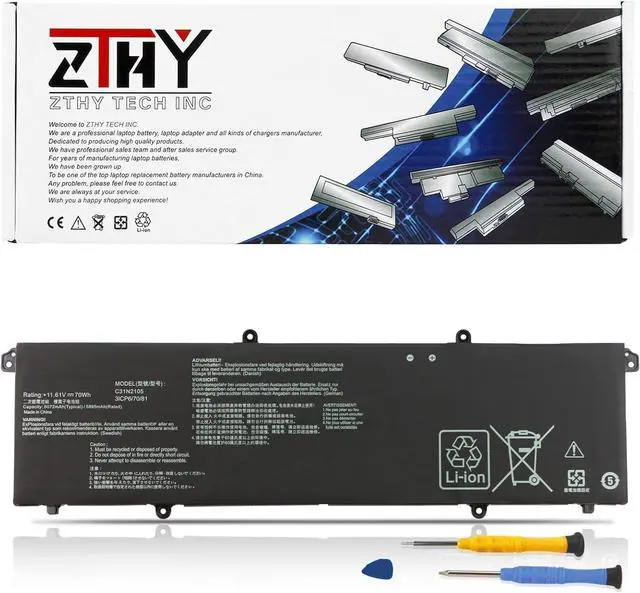
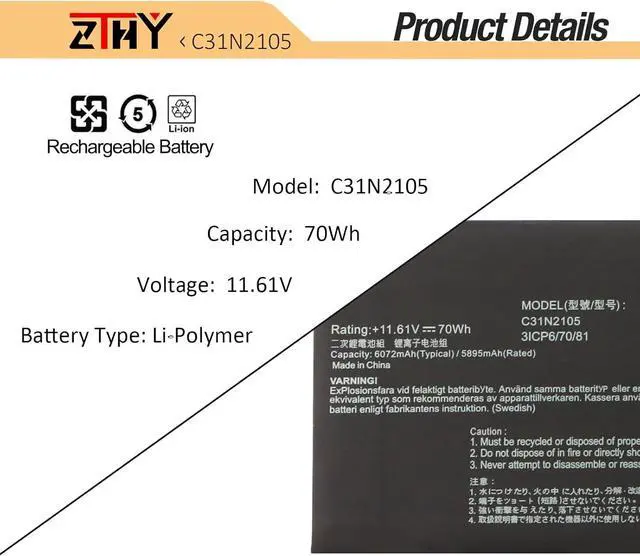
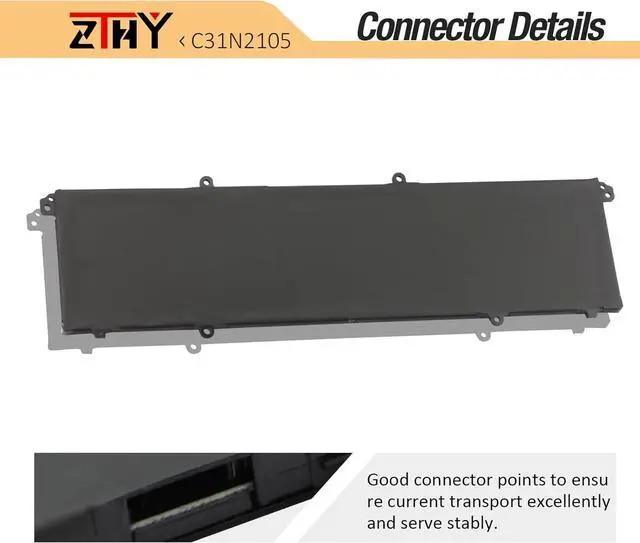
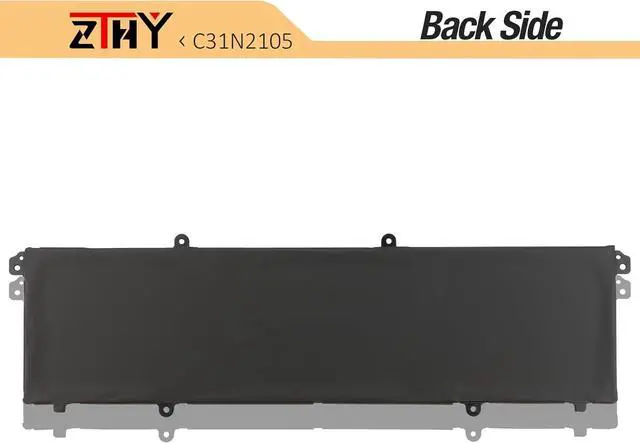
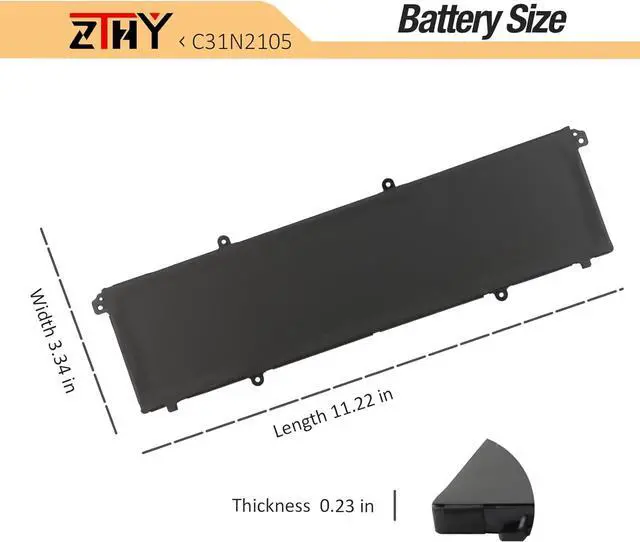


C31N2105 0B200-04140000 Laptop Battery Replacement for ASUS VivoBook S14 15 OLED TN3402QA TN3402YA K3402 K3402Z K3502 M3402R M3402RA M3502 K6602HE F1603ZA S1503QA 14X OLED UX3404 70Wh 11.61V 3-Cell
- Specifications: Battery Type: Li-ion; Voltage: 11.61V; Capacity: 70Wh/3-Cell ; Battery life: Up to 500 recharge cycles over the life of the battery.
- Replace Part Number: Replacement for C31N2105 0B200-04140000 Laptop Battery.
- Compatible Models: Compatible with Asus VivoBook S 14 15 OLED K3402 K3402Z K3402ZA K3502 K3502Z K3502ZA M3402 M3402Q M3402QA M3402R M3402RA M3502 M3502Q M3502QA M3502R M3502RA,Asus VivoBook S 14X OLED S5402 S5402Z S5402ZA M5402 M5402R M5402RA M1403 M1403Q M1403QA M1503 M1503Q M1503QA M1503I M1503IA X1403 X1403Z X1403ZA X1503 X1503Z X1503ZA,Asus Vivobook S 14 Flip OLED TN3402 TN3402Q TN3402QA TN3402YA,Asus Vivobook Pro 15 Oled K6500 K6500Z K6500ZE,Asus Zenbook 14X OLED UX3404 UX3404V UX3404VA UX3404VC Series Notebook Battery.
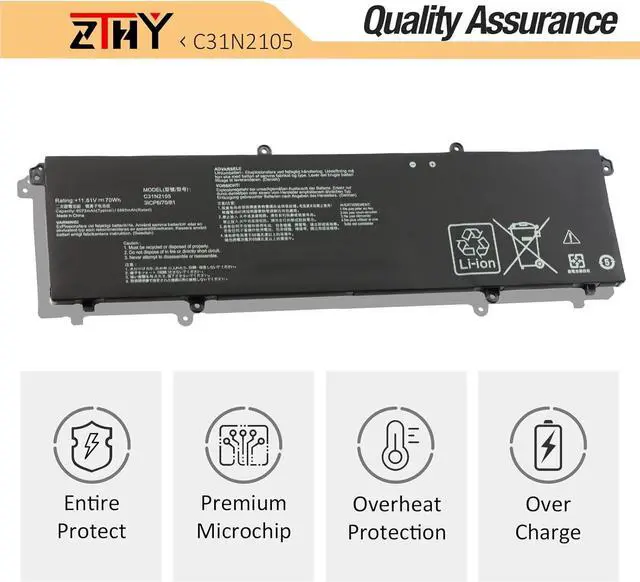
- Security: All ZTHY products are Certified by CE, UL for safety. Strict guidelines for compatibility, and standards compliance for environment safety.
- Note:There are 2 battery (C31N2105 -70Wh and C31N2105-1-70Wh) of the above laptops. They
+
+
Overview
Specs
Reviews
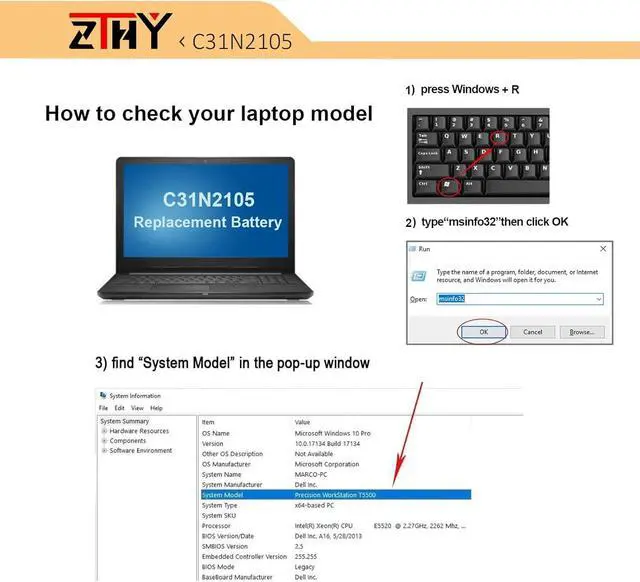
Compatible Part Number C31N2105 0B200-04140000 Compatible Model Replacement for Asus VivoBook S 14 OLED K3402 K3402Z K3402ZA Series Compatible Model Replacement for Asus VivoBook S 15 OLED K3502 K3502Z K3502ZA Series Compatible Model Replacement for Asus Vivobook S 14 OLED M3402 M3402Q M3402QA M3402R M3402RA Series Asus Vivobook S 15 OLED M3502 M3502Q M3502QA M3502R M3502RA Series Compatible Model Replacement for Asus VivoBook S 14X OLED S5402 S5402Z S5402ZA Series Asus VivoBook S 14X OLED M5402 M5402R M5402RA Series Compatible Model Replacement for Asus Vivobook S 14 Flip OLED TN3402 TN3402Q TN3402QA TN3402YA Series Compatible Model Replacement for Asus Vivobook 14X OLED M1403 M1403Q M1403QA Series Asus Vivobook 15X OLED M1503 M1503Q M1503QA M1503I M1503IA Series Compatible Model Replacement for Asus VivoBook 14X OLED X1403 X1403Z X1403ZA Series Asus VivoBook 15X OLED X1503 X1503Z X1503ZA Series Compatible Model Replacement for Asus Vivobook Pro 15 Oled K6500 K6500Z K6500ZE Series Asus Zenbook 14X OLED UX3404 UX3404V UX3404VA UX3404VC Series Matters needing attention Not all the compatible laptop models have been listed.Please open the back cover of your laptop to check the original battery size and capacity before placing an order What do I need to be aware of when I receive a battery?
You need to check its appearance, confirm the model, read the instruction manual. Cycle and charge it 5 to 6 times to activate the maximum usage space of the battery. When not in use temporarily, charge the battery to 50%-60%.
What should I do if laptop won't boot up after installing a new battery?
1.Check if the battery is properly seated and connections are clean. 2.Try charging it or use the adapter alone to start. 3.Examine hardware links, like RAM and adapters. 4.Reset BIOS settings if needed. 5.Enter Safe Mode to fix system issues.
How should I do if the battery is not recognised?
If it is not recognised, it is recommended to update the BIOS settings or please disconnecting the old battery, and holding down the power button for 20 seconds, then connect the new battery.
What should I do if the battery expands?
1.Power off your laptop and disconnect it from any power source. 2.Carefully remove the swollen battery from the laptop in a well-ventilated area, avoid pressing or squeezing the battery during removal.
What can you do if you are not satisfied with the battery?
Please Contact ZTHY, click on "ZTHY TECH", you can see "question" on the page.we'll help you. Our battery have 12 months replace a new one and 30 days moeny back guarrante.
Compatible with Laptop models: Press [Ctrl + F] to search for your type What do I need to be aware of when I receive a battery?
What should I do if laptop won't boot up after installing a new battery?
How should I do if the battery is not recognised?
What should I do if the battery expands?
What can you do if you are not satisfied with the battery?
You need to check its appearance, confirm the model, read the instruction manual. Cycle and charge it 5 to 6 times to activate the maximum usage space of the battery. When not in use temporarily, charge the battery to 50%-60%.
What should I do if laptop won't boot up after installing a new battery?
1.Check if the battery is properly seated and connections are clean. 2.Try charging it or use the adapter alone to start. 3.Examine hardware links, like RAM and adapters. 4.Reset BIOS settings if needed. 5.Enter Safe Mode to fix system issues.
How should I do if the battery is not recognised?
If it is not recognised, it is recommended to update the BIOS settings or please disconnecting the old battery, and holding down the power button for 20 seconds, then connect the new battery.
What should I do if the battery expands?
1.Power off your laptop and disconnect it from any power source. 2.Carefully remove the swollen battery from the laptop in a well-ventilated area, avoid pressing or squeezing the battery during removal.
What can you do if you are not satisfied with the battery?
Please Contact ZTHY, click on "ZTHY TECH", you can see "question" on the page.we'll help you. Our battery have 12 months replace a new one and 30 days moeny back guarrante.
Compatible with Laptop models: Press [Ctrl + F] to search for your type What do I need to be aware of when I receive a battery?
What should I do if laptop won't boot up after installing a new battery?
How should I do if the battery is not recognised?
What should I do if the battery expands?
What can you do if you are not satisfied with the battery?
Warranty & Returns
Warranty, Returns, And Additional Information
Warranty
- Please contact the Seller directly for warranty information. Warranty information may also be found on the Manufacturer's website.
- CONTACT
Return Policies
- Return for refund within: 30 days
- Return for replacement within: 90 days
- This item is covered by LionTech Direct Return Policy
Manufacturer Contact Info
- For a directory of all our manufacturers, please click below.
- Manufacturers Directory
LOADING...