



Meet Your Seller

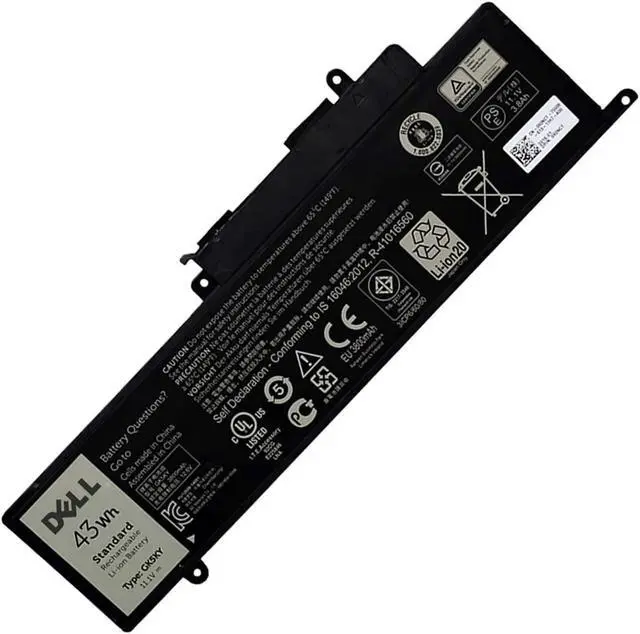
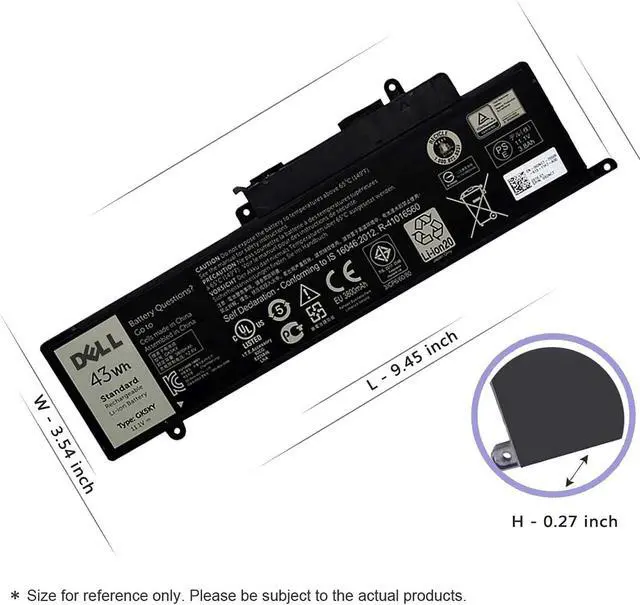
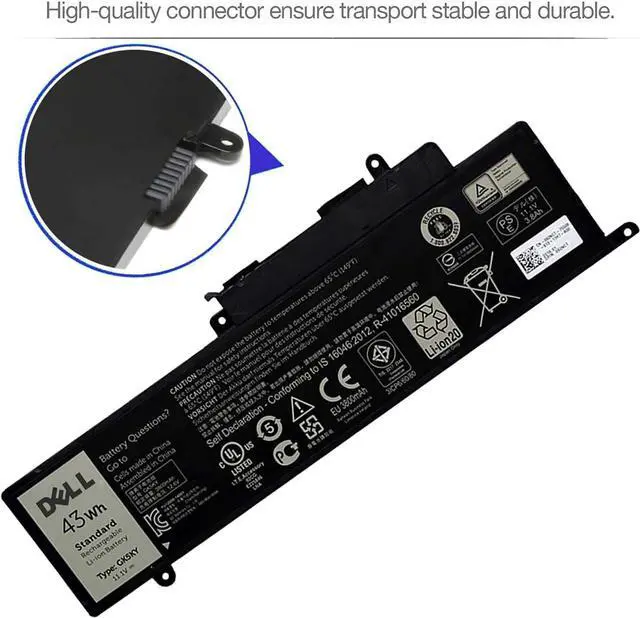
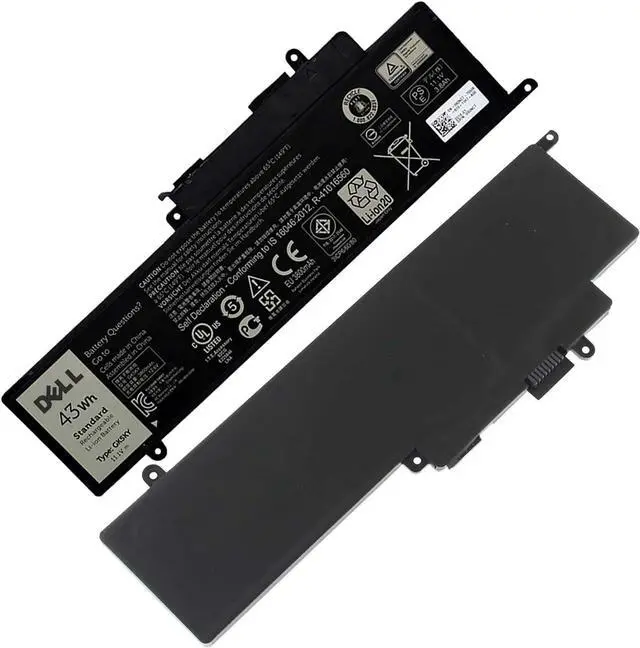
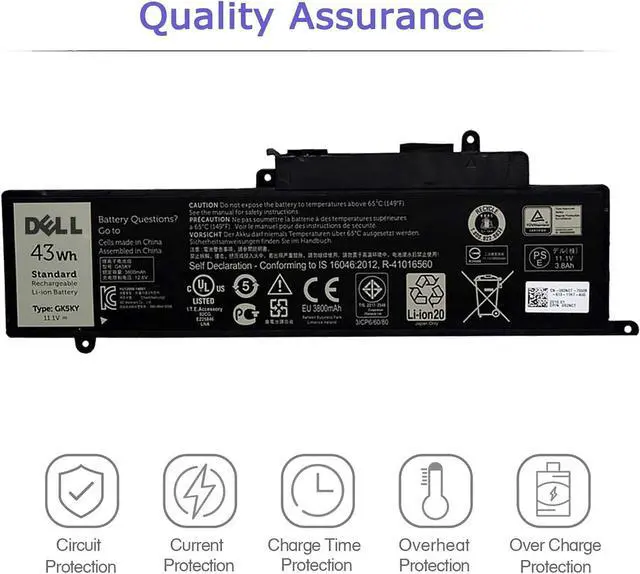


DELL GK5KY Laptop Battery for Dell Inspiron 11 3000 Series 3147 3148 3153 3152 3157 3158 15 7000 7558 7568 13 7353 7359 7347 7348 7352 P20T Laptop GK5KY 04K8YH 4K8YH RHN1C 92NCT 43Wh 11.1V 3Cell
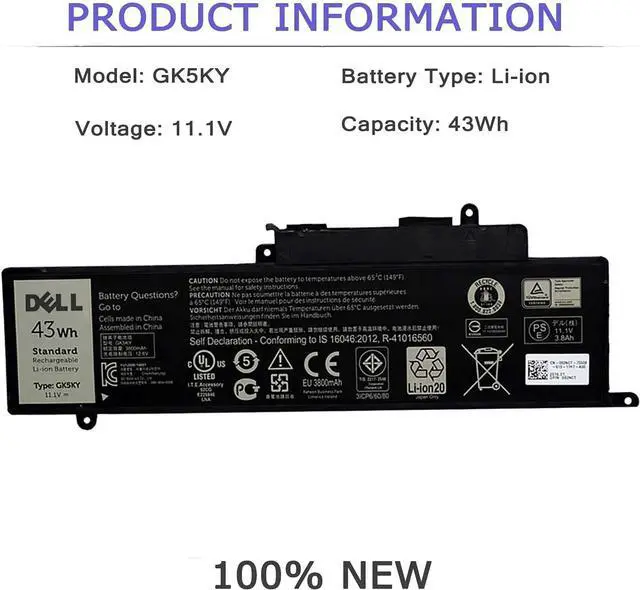
- [ Battery Information ] - Model: GK5KY, Battery Type: Li-ion Polymer, Voltage: 11.1V, Capacity: 43Wh, Cell: 3 cells.
- [ Compatible P/N ] - GK5KY 04K8YH 92NCT 092NCT 4K8YH P20T RHN1C 451-BBKK.
- [ 100% Brand New ] - Grade A cells battery, quality assurance, every battery has passed factory testing, 500+ recharge cycles over.
- [ Certified Security ] - Multi-Protect security system provides superior protection for you and your equipment, Grade A cells mitigate the risk of battery leakage and maximize output stability. Built-in circuit protection, enhances safety of usage and extends battery life.
- [ Friendly Customer Service ] - Full refund in 30 days, 12 months warranty. If you have any problem, please contact us first, we will respond within 24 hours via emails and give you friendly after-sales service.
+
+
Overview
Reviews
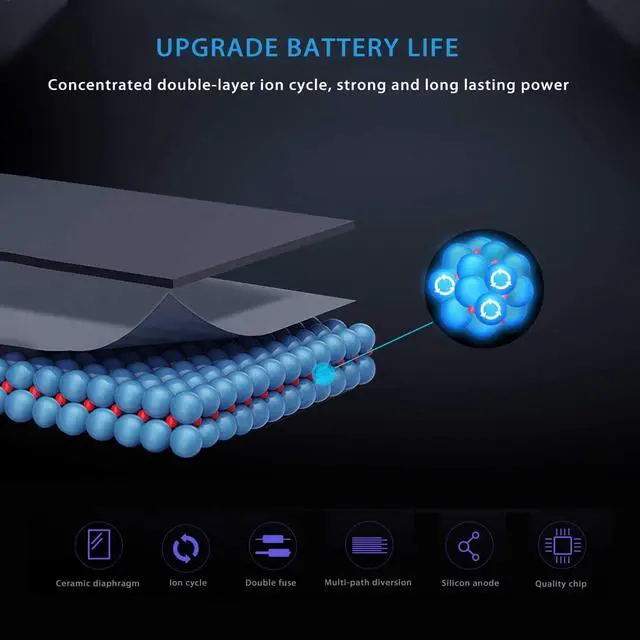
Grade A cell ensure fast charges and low power consumption; Built-in circuit protection ensures both safety and reliability.
Built in smart control chip conveniently offers Quicker charging, lower power consumption and longer discharge time.
All of our batteries are brand new and are 100% compatible to meet OEM specifications for safety and efficiency
Specifications:
Model: GK5KY
Voltage: 11.1V
Capacity: 43Wh
Condition: 100% Brand New
Compatible Part Number:
GK5KY 04K8YH 92NCT 092NCT 4K8YH P20T RHN1C 451-BBKK
Compatible Laptop Models:
(Use "Ctrl"+"F" to find your model)
In order to purchase the correct battery we recommend that you open the back cover of your laptop and confirm the original battery model.
- Dell Inspiron 11 3000 Series
- Dell Inspiron 11 3147 Series
- Dell Inspiron 11 3148 Series
- Dell Inspiron 11 3152 Series
- Dell Inspiron 11 3153 Series
- Dell Inspiron 11 3157 Series
- Dell Inspiron 11 3158 Series
- Dell Inspiron 13 7000 Series
- Dell Inspiron 13 7347 Series
- Dell Inspiron 13 7348 Series
- Dell Inspiron 13 7352 Series
- Dell Inspiron 13 7353 Series
- Dell Inspiron 13 7359 Series
Tips:
- Before you buy this battery, in order to prevent unnecessary troubles caused by buying the wrong battery model, please check or consult the model that your laptop battery is compatible with. If you are not sure whether it can fit your computer, you can tell us the notebook model, we will give you a satisfactory answer.
Battery care instructions:
1. Please use up the new battery to about 10~20% full charge and repeat 3~5 times to check whether there is a problem and stabilize the battery capacity.
2. Remember not to discharge the battery to 0%, otherwise it is easy to damage the battery.
3. After the battery is exhausted, please charge it in time. If it is not charged for a long time, the battery may be damaged.
4. If the battery is not used for a long time and needs to be stored above 70%, the storage time should not exceed 3 months.
5. If you use the charger frequently, please use the battery power regularly, and use it more than once a week.
6. Please use the original charger or famous brand charger, inferior charger will affect the normal charging of the battery.
7. Regularly clean the fan dust, increase the heat dissipation effect, reduce the power consumption, and effectively extend the battery life.
How do I get my laptop to recognize a new battery?
1. Unplug all external devices from the laptop.
2. Take out the battery.
3. Press the power button of the laptop for about 10-15 seconds.
4. Insert the battery and restart the computer.
5. Connect the AC adapter and check if your machine can detect the battery again.
Warranty & Returns
Warranty, Returns, And Additional Information
Warranty
- Please contact the Seller directly for warranty information. Warranty information may also be found on the Manufacturer's website.
- CONTACT
Return Policies
- Return for refund within: 30 days
- Return for replacement within: 90 days
- This item is covered by Forestgrand Return Policy
Manufacturer Contact Info
- For a directory of all our manufacturers, please click below.
- Manufacturers Directory
LOADING...