



Meet Your Seller

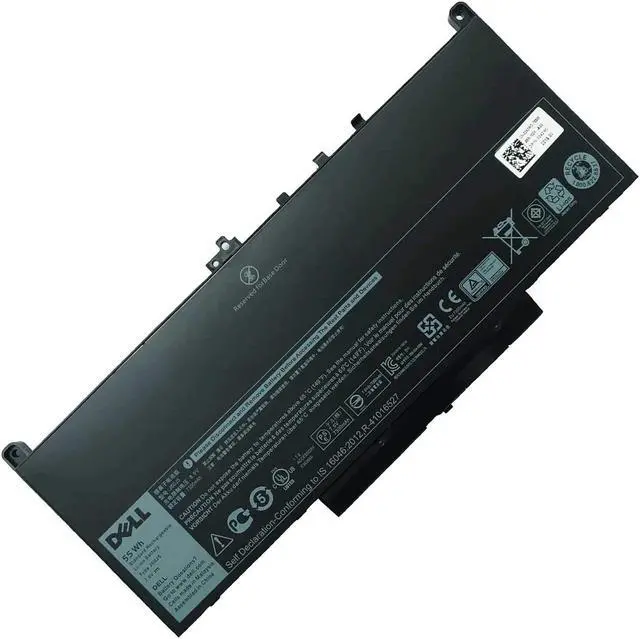
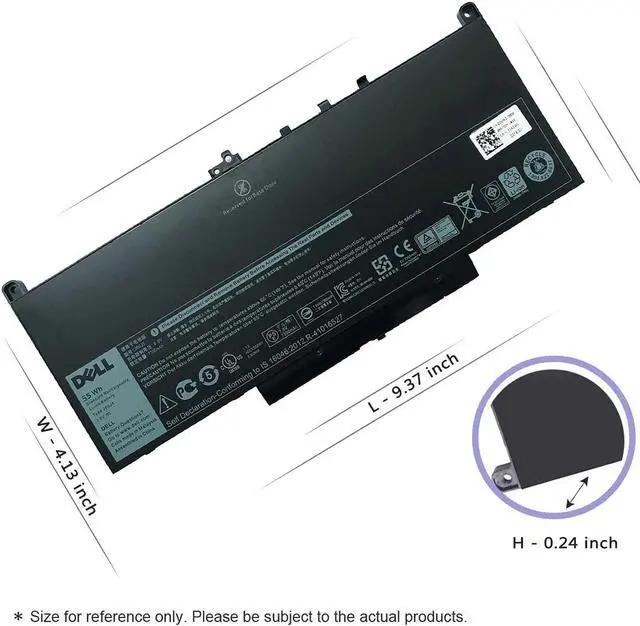
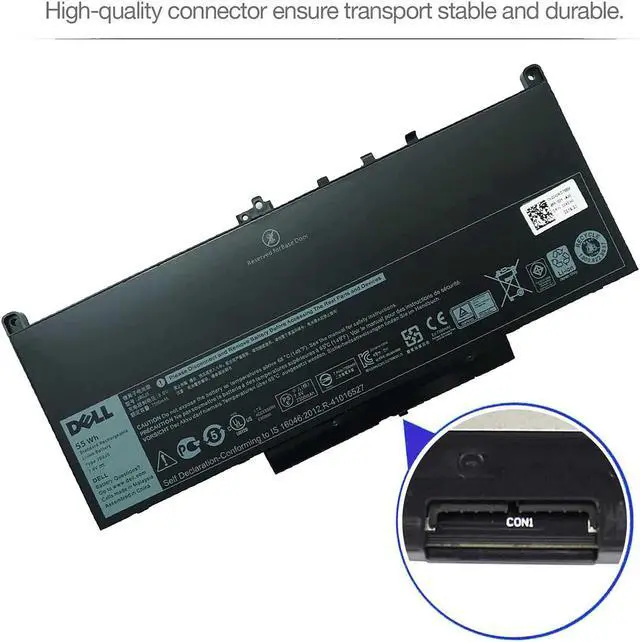
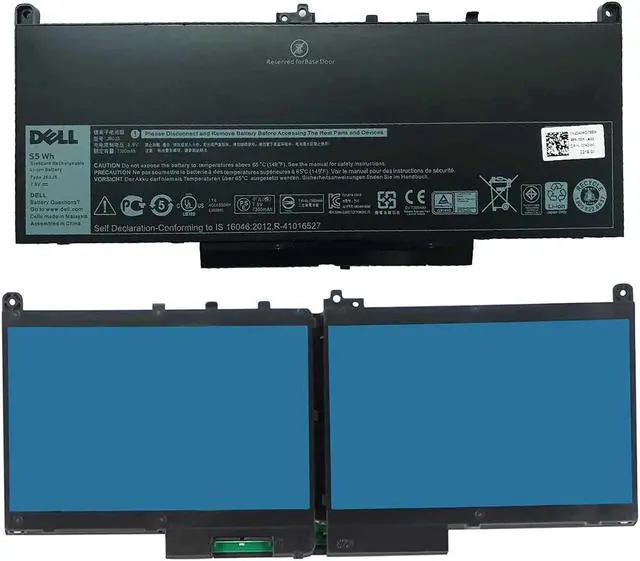
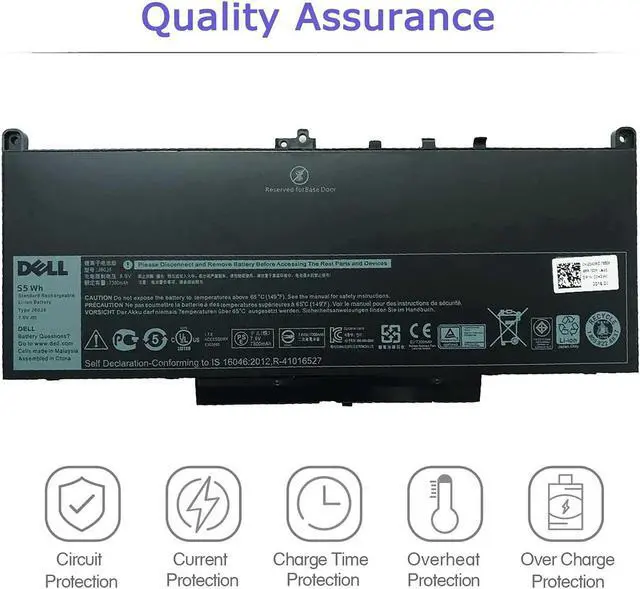


DELL J60J5 Laptop Battery for Dell Latitude E7270 P26S001 Dell Latitude E7270 E7470 P61G001 Series Notebook MC34Y 451-BBSU R1V85 242WD 1W2Y2 PDNM2 5F08V GG4FM NJJ2H R97YT P26S J6OJ5 7.6V 55Wh 4Cell
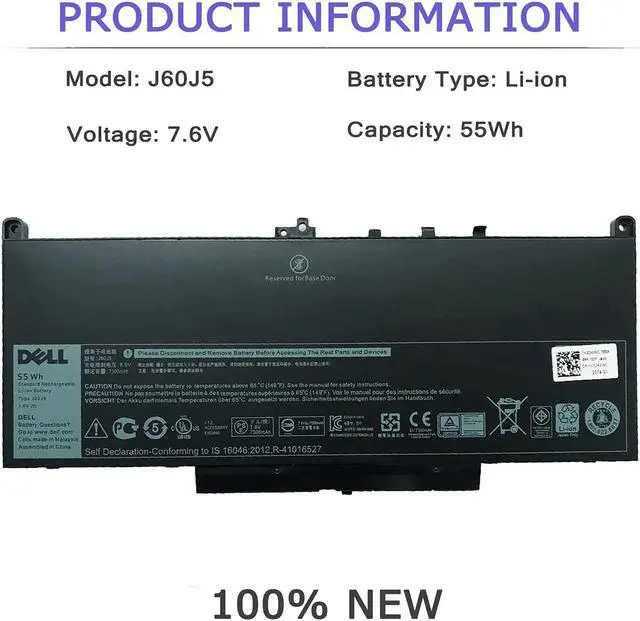
- [ Battery Information ] - Model: J60J5, Battery Type: Li-ion Polymer, Voltage: 7.6V, Capacity: 55Wh, Cell: 4 cells.
- [ Compatible P/N ] - J60J5 J6OJ5 0J60J5 MC34Y 0MC34Y 1W2Y2 242WD 451-BBSY 451-BBSX 451-BBSU R1V85 GG4FM WYWJ2 NJJ2H P26S PDNM2 P26S001.
- [ 100% Brand New ] - Grade A cells battery, quality assurance, every battery has passed factory testing, 500+ recharge cycles over.
- [ Certified Security ] - Multi-Protect security system provides superior protection for you and your equipment, Grade A cells mitigate the risk of battery leakage and maximize output stability. Built-in circuit protection, enhances safety of usage and extends battery life.
- [ Friendly Customer Service ] - Full refund in 30 days, 12 months warranty. If you have any problem, please contact us first, we will respond within 24 hours via emails and give you friendly after-sales service.
+
+
Overview
Reviews
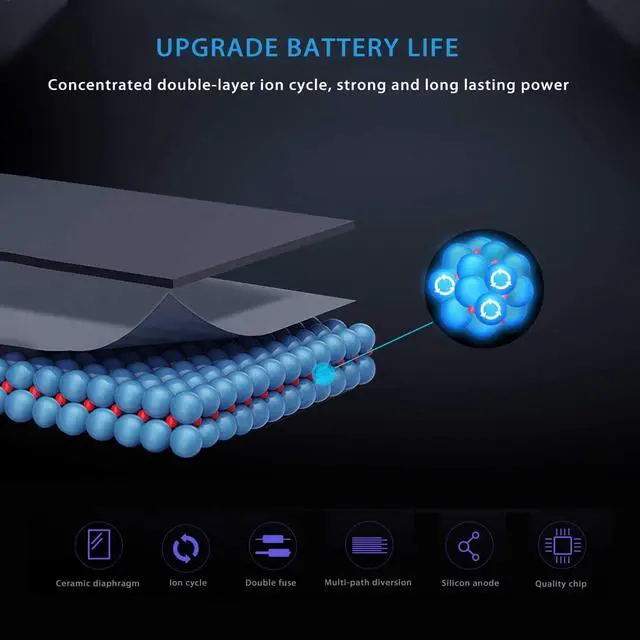
Grade A cell ensure fast charges and low power consumption; Built-in circuit protection ensures both safety and reliability.
All of our batteries are brand new and are 100% compatible to meet OEM specifications for safety and efficiency
Built in smart control chip conveniently offers Quicker charging, lower power consumption and longer discharge time.
Specifications:
Model: J60J5
Battery Type: Rechargeable Li-ion Polymer
Condition: 100% Brand New
Voltage: 7.6V
Capacity: 55Wh
Compatible Part Number:
J60J5 J6OJ5 0J60J5 MC34Y 0MC34Y 1W2Y2 242WD 451-BBSY 451-BBSX 451-BBSU R1V85 GG4FM WYWJ2 NJJ2H P26S PDNM2 P26S001
Compatible Laptop Models:
(Use "Ctrl"+"F" to find your model)
In order to purchase the correct battery we recommend that you open the back cover of your laptop and confirm the original battery model.
Dell Latitude 7270 Series
Dell Latitude 7470 Series
Dell Latitude E7270 P26S001 Series
Dell Latitude E7470 P61G001 Series
Tips:
- Before you buy this battery, in order to prevent unnecessary troubles caused by buying the wrong battery model, please check or consult the model that your laptop battery is compatible with. If you are not sure whether it can fit your computer, you can tell us the notebook model, we will give you a satisfactory answer.
J60J5 laptop battery instruction:
1.Discharge the new battery use to 5%(not to 0%) and then charge to 95%, and cycle 3-4 times.
2.Do not disassemble, crush or puncture. Do not dispose of in fire or water.
3.If you remove battery for a long time, charge more than 80% at least one time within one months.
4.Don't connect adapter for a long time while using the battery. It may damage the battery.
5.When using the battery, care should be taken to prevent exposure and moisture.
Warranty & Returns
Warranty, Returns, And Additional Information
Warranty
- Please contact the Seller directly for warranty information. Warranty information may also be found on the Manufacturer's website.
- CONTACT
Return Policies
- Return for refund within: 30 days
- Return for replacement within: 90 days
- This item is covered by Forestgrand Return Policy
Manufacturer Contact Info
- For a directory of all our manufacturers, please click below.
- Manufacturers Directory
LOADING...