
Your Browsing History
- Free 15-day Returns
$83.14
Ships from Hong Kong.

Meet Your Seller

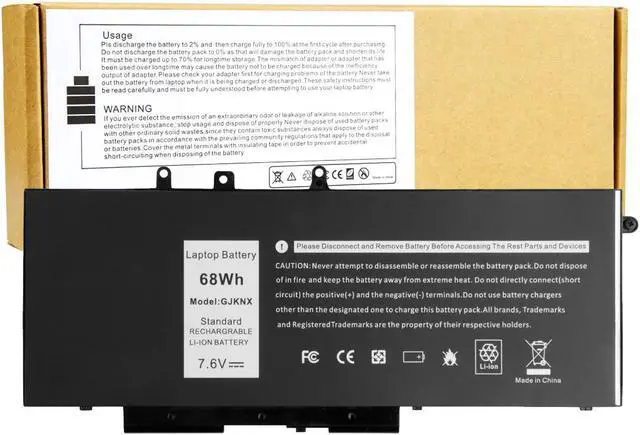
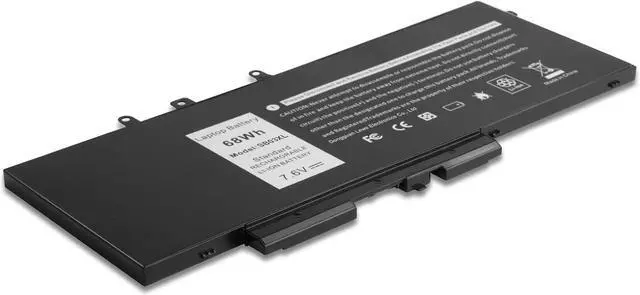
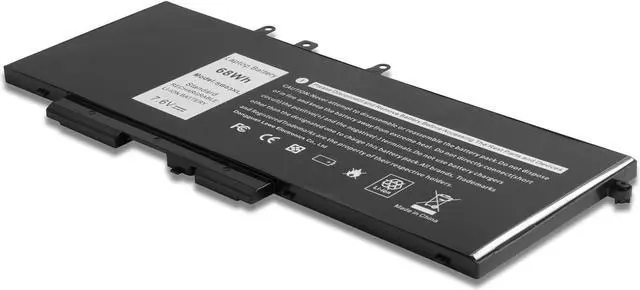
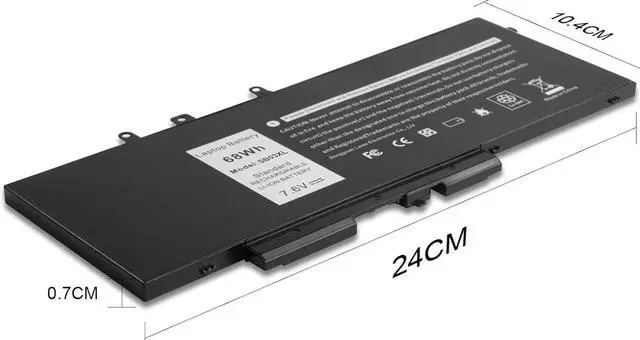
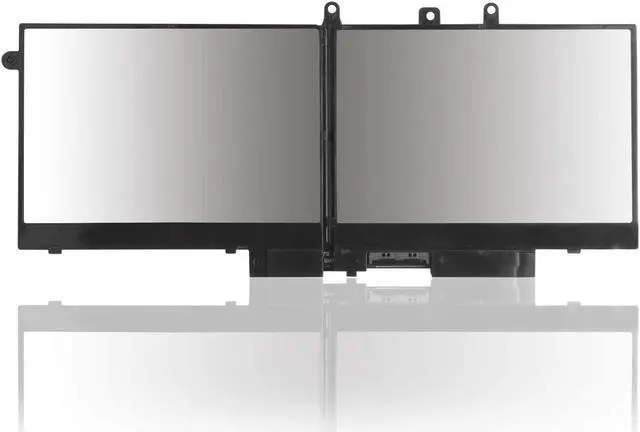
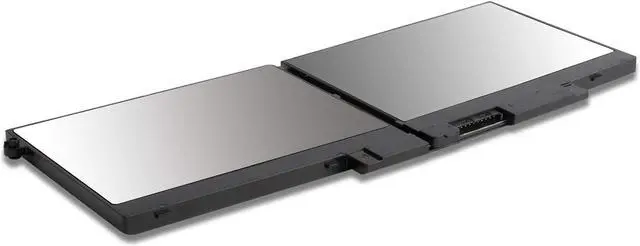
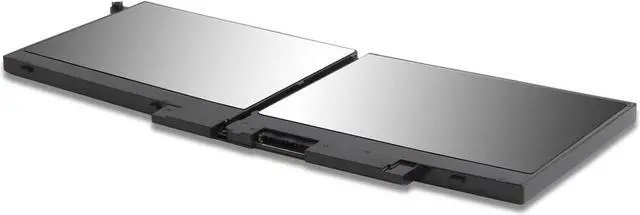


68Wh Laptop Battery Replacement for Dell Latitude 5480 5580 5490 5590 5491 5591 5495 5488 Notebook GJKNX 93FTF 3DDDG 0GD1JP GD1JP DY9NT 0DY9NT 5YHR4 KCM82 0KCM82
- Specifications: Battery type:Li-ion. Voltage: 7.6V.Capacity: 68Whr/4-Cell. 100% New from Manufacturer. Up to 500 recharge cycles over the life of the battery. Model: SB03XL
- Compatible Models: Dell Latitude 5480 5580 5280 5288 5488 5490 5490-TD70X 5491 5495 5580 5590 E5280 E5288 E5480 E5580 Series,Dell Precision 3520 3530 Series.
- Replace Part Number: GJKNX 93FTF 3DDDG 0GD1JP GD1JP DY9NT 0DY9NT 5YHR4 KCM82 0KCM82 451-BBZG.
- 100% New Manufacturer,factory direct supply and best price, New replacement works perfectly, Grade A cells ensure fast charges and low power consumption;Built-in circuit protection ensures both safety and stability.
- 24 x 7 Email Support,free exchange in 12 months, 30 days money back guarantee
+
+
Overview
Specs
Reviews
Install A New Battery:
1. You need to turn off your laptop and disconnect the power.
2. Remove the old battery, carefully install the new battery on the battery case, and connect the wiring of the new battery.
3. If you don't understand the above steps, you can search for the video about laptop battery installation on YouTube. Maybe it will help you.
Laptop Maintenance Tips:
1. New battery: For use a new battery, youd better try a few cycles of discharging to 5%. then charging up to 95%. So that it can be activated completely
2. Overuse: Do not always run out of a battery to 0%, this would make it damaged or usage life shortened
3. Charging sequence: when charging, first install the battery, then turn on the power, when fully charged, first cut off the power, then pull the power plug.
4. Long-term storage:Please store the unused battery fully charged.(Charge it once a month) Do not store at low power to prevent reduce the lifespan of a battery
5. Charger: Do not replace the laptop adapter casually. If the original adapter cannot be applied due to malfunction or damage, please replace the models, so as not to reduce the service life of the battery due to incompatibility.
1. You need to turn off your laptop and disconnect the power.
2. Remove the old battery, carefully install the new battery on the battery case, and connect the wiring of the new battery.
3. If you don't understand the above steps, you can search for the video about laptop battery installation on YouTube. Maybe it will help you.
Laptop Maintenance Tips:
1. New battery: For use a new battery, youd better try a few cycles of discharging to 5%. then charging up to 95%. So that it can be activated completely
2. Overuse: Do not always run out of a battery to 0%, this would make it damaged or usage life shortened
3. Charging sequence: when charging, first install the battery, then turn on the power, when fully charged, first cut off the power, then pull the power plug.
4. Long-term storage:Please store the unused battery fully charged.(Charge it once a month) Do not store at low power to prevent reduce the lifespan of a battery
5. Charger: Do not replace the laptop adapter casually. If the original adapter cannot be applied due to malfunction or damage, please replace the models, so as not to reduce the service life of the battery due to incompatibility.
Warranty & Returns
Warranty, Returns, And Additional Information
Warranty
- Please contact the Seller directly for warranty information. Warranty information may also be found on the Manufacturer's website.
- CONTACT
Return Policies
- Return for refund within: 15 days
- Return for replacement within: 30 days
- This item is covered by haoyuzeshang Return Policy
Manufacturer Contact Info
- For a directory of all our manufacturers, please click below.
- Manufacturers Directory
LOADING...