



Meet Your Seller

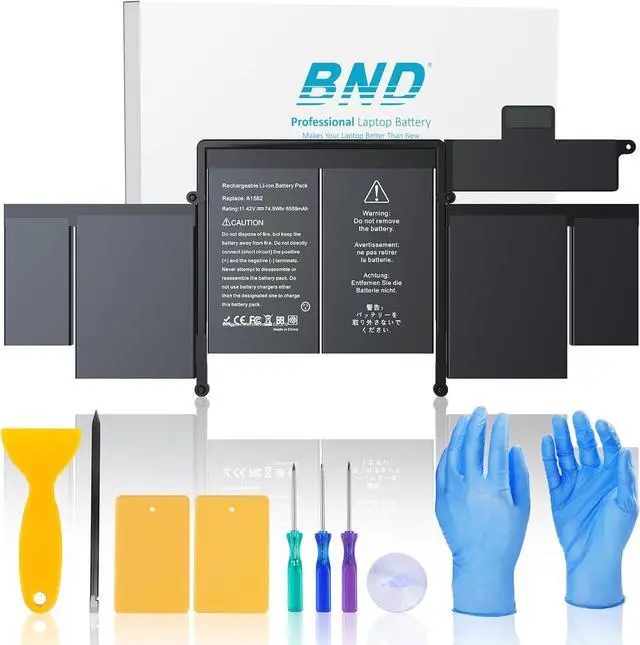
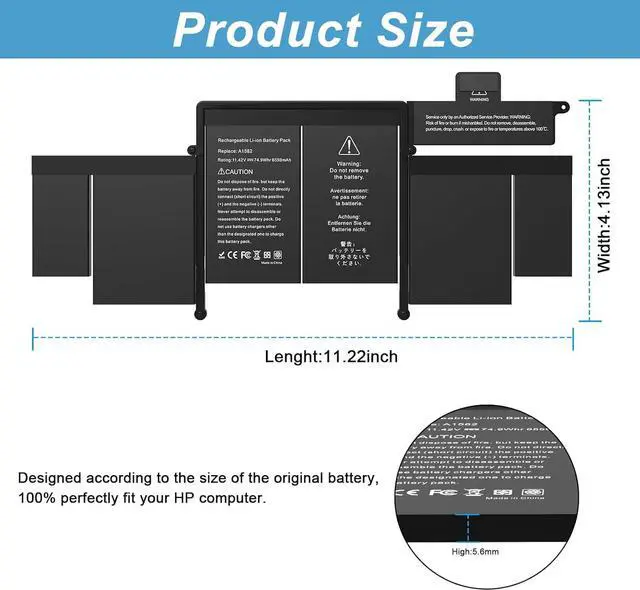
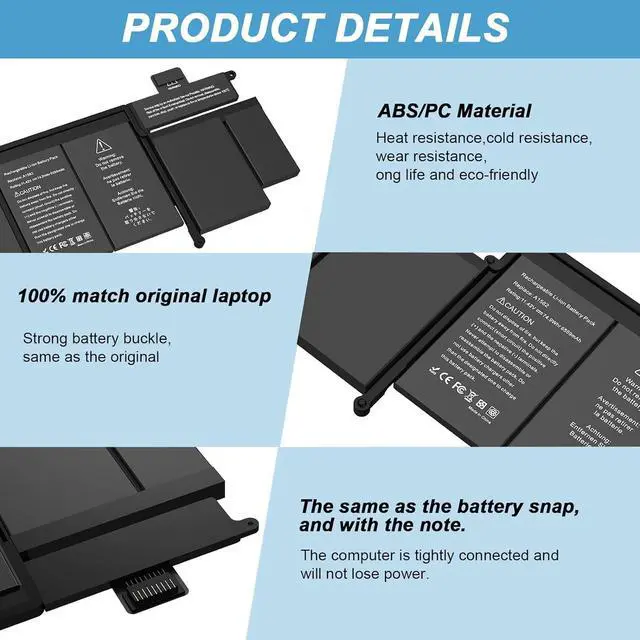
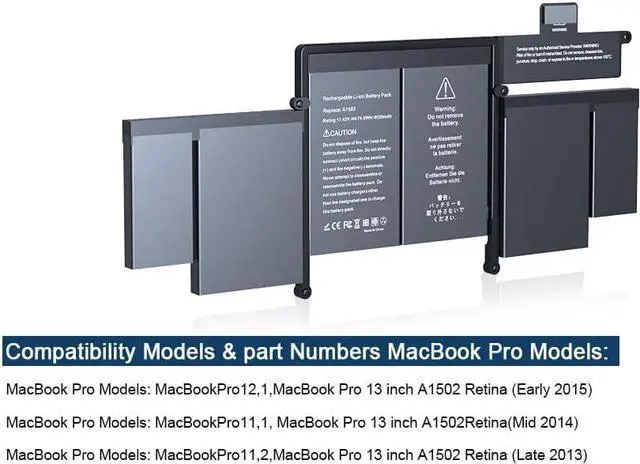



A1502 A1582 Battery for MacBook Pro13 inch A1493 Laptop Battery
- 79.4Wh 11.34V 6559mAh Battery for MacBook Pro Retina 13 A1493 (Early 2015/Mid 2014/Late 2013) EMC 2678 2875 2835
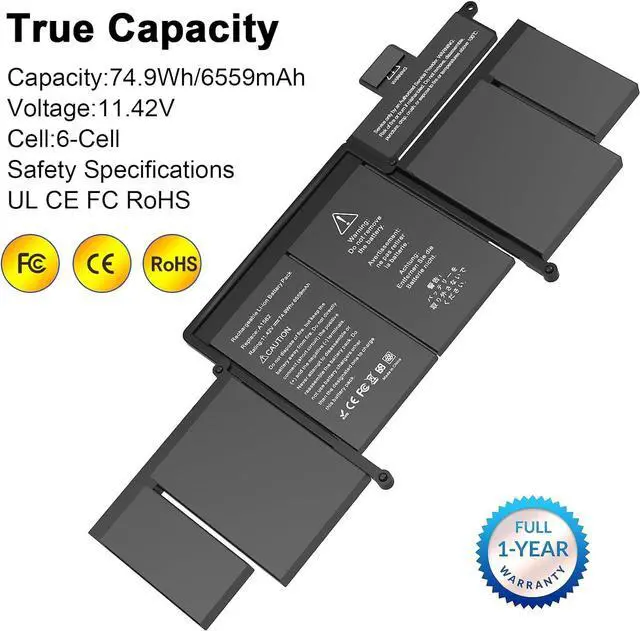
- Specification of A1502 A1493 A1582 BatteryVoltage: 11.42V; Capacity: 74.9Wh 6559mAh; Condition: 100% Brand new.A1502(Late 2013, Mid 2014, Early 2015)
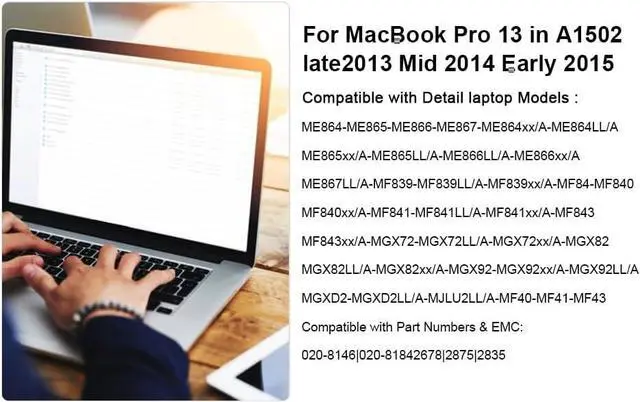
- Compatible Laptop Models A1493 A1582 Laptop Battery replacement is Compatible with Mac Book Pro 13 inch Retina A1502 Late2013 Mid2014 and Early2015 Version, ME864xx/A, ME865xx/A, ME866xx/A, MGX72xx/A, MGX82xx/A, MGX92xx/A, MF839xx/A, MF840xx/A, MF841xx/A, MF843xx/A
- High-quality&Reliable Battery100% New from Manufacturer, High Performance Replacement Battery. Overcharge and Discharge Circuit Protection, CE-/FCC-/RoHS-Certified for safety.
+
+
Overview
Specs
Reviews
MaterialLithium polymer
Capcity11.35V6600mah74.97Wh
Cells: 6-cell
MJLU2LL/AMF841LL/AMF839LL/A
BTO/CTOMGX92LL/AMGX72LL/A
ME867LL/AME864LL/AMGX72LL/A
EMC:2678,2835,2875
MacBookPro12,1, MacBook Pro 13 inch A1502 Retina (Early 2015)
MacBookPro11,1, MacBook Pro 13 inch A1502 Retina (Mid 2014)
MacBookPro11,2, MacBook Pro 13 inch A1502 Retina (Late 2013)
Warm Tip:
1.Before following the battery, please make sure to switch off the machine as well as disconnect the power supply before removing it.
2.During battery installation, it is strictly prohibited to drop the spiral metal parts onto the computer or battery.
3.After the battery is successfully installed, first connect to the power adapter and let the battery charge to full power, then you can use it normally.
4.Please do not remove the original battery violently, otherwise it will cause the touch panel to be deformed and the original old battery to be damaged and burned.
Warranty & Returns
Warranty, Returns, And Additional Information
Warranty
- Please contact the Seller directly for warranty information. Warranty information may also be found on the Manufacturer's website.
- CONTACT
Return Policies
- Return for refund within: 30 days
- Return for replacement within: 90 days
- This item is covered by Forestgrand Return Policy
Manufacturer Contact Info
- For a directory of all our manufacturers, please click below.
- Manufacturers Directory
LOADING...