
Your Browsing History
- Free 30-day Returns
$54.33
Ships from China.

Meet Your Seller

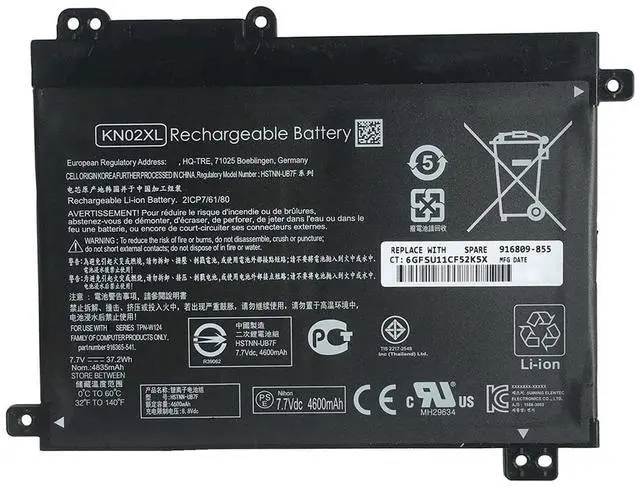
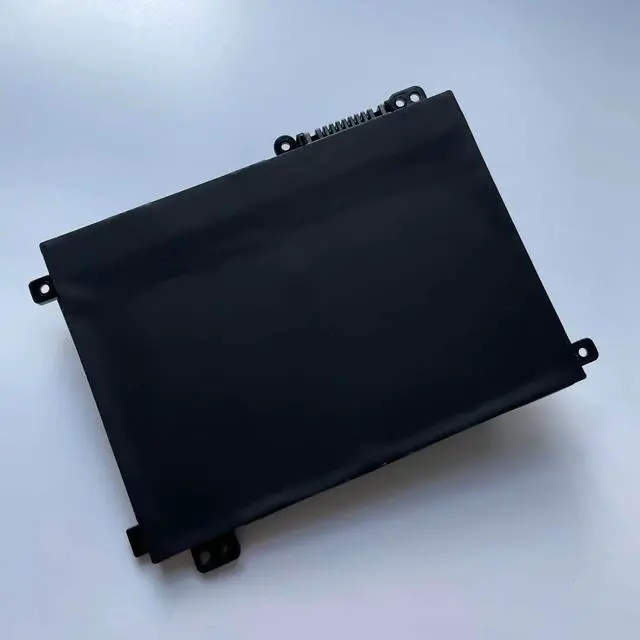
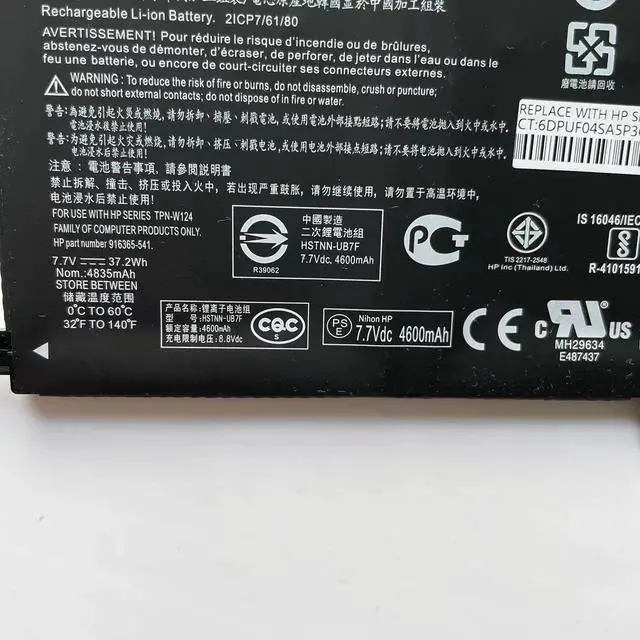
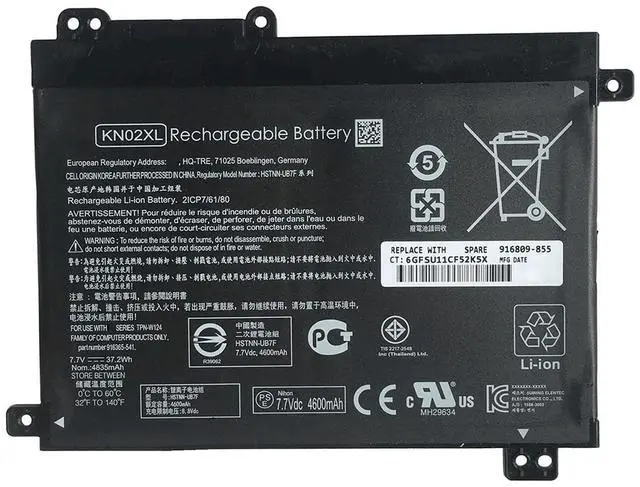
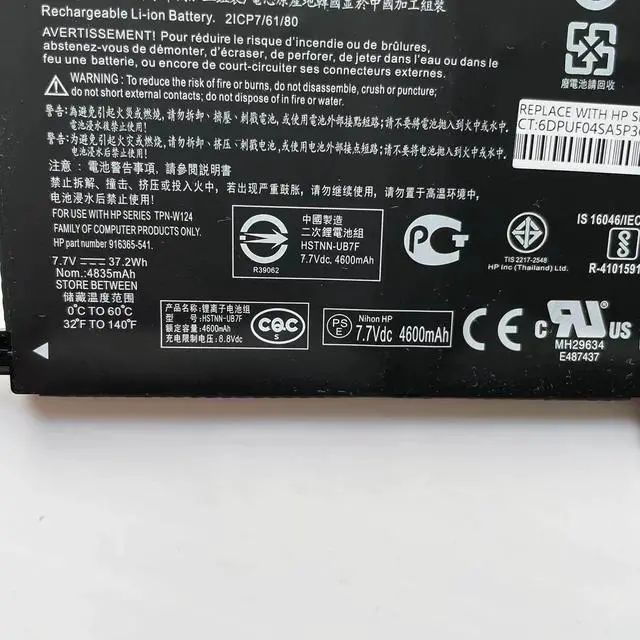
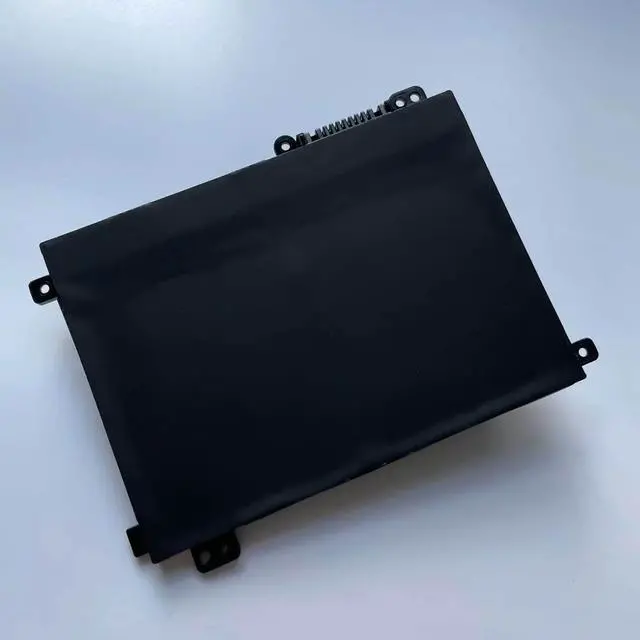


KN02XL Replacement Battery for HP Pavilion x360 Convertible 11-AD Series Laptops - 7.7V 37.2Wh (4835mAh) 2-Cell, Compatible with HSTNN-LB7R, HSTNN-UB7F, TPN-W124
- Restore Flexibility and Runtime to Your HP Convertible Laptop
- Engineered for the HP Pavilion x360 Convertible 11-AD series, this KN02XL replacement battery delivers reliable 7.7V power and 37.2Wh (4835mAh) of capacity using brand new, high-quality cells. Its the ideal solution to bring your 2-in-1 laptop back to life and end constant charging anxiety. This is a 100% brand new compatible battery, offering a cost-effective alternative to restore your devices performance.
+
+
Overview
Specs
Reviews
Precise Compatibility Verify Before Ordering
This battery is designed specifically for certain HP Pavilion x360 convertible series. Before purchasing, you MUST check the original battery part number on the bottom of your laptop or inside the battery compartment to confirm it matches one listed below.
Compatible HP Laptop Series: HP Pavilion x360 Convertible 11-AD Series (see specific model examples below).
Example Compatible Models (Including but not limited to):
11-AD Series: 11-AD010CA, 11-AD018CA, 11-AD051NR, 11-AD108CA, 11-ad001TU through 11-ad023TU, etc.
11M-AD Series: 11M-AD000, 11M-AD113DX, 11M-AD013DX, etc.
Replaces Part Numbers: KN02XL, HSTNN-LB7R, HSTNN-UB7F, 916365-421, 916365-541, 916809-855, TPN-W124, 2ICP7/6/80.
Product
Battery Model: KN02XL (Compatible Replacement)
Voltage/Capacity: 7.7V / 37.2W h (4835mAh)
Cell Configuration: 2-Cell Lithium-Ion (Li-ion)
Color: Black
Condition: 100% Brand New
Key Features: Utilizes new cells to restore battery life, features an easy plug-and-play design for user-friendly replacement, and solves common issues like fast power drain or failure to charge.
Easy Installation & Usage Tips
Power Down: Ensure your laptop is completely shut down and disconnect the AC power adapter.
Replace the Battery: Flip the laptop over, locate the battery compartment latch. Slide to unlock, remove the old battery, and insert the new battery in the correct orientation until it clicks securely into place.
Initial Charge: After installation, connect the original HP power adapter and charge the battery to 100% before first use. We recommend performing 2-3 full charge and discharge cycles to help the system accurately calibrate the battery gauge.
Important Notes
Use the Original Charger: For optimal charging performance and safety, always use the original HP power adapter.
Battery Gauge Calibration: The Windows operating system may require a few full cycles to accurately display the remaining battery percentage; this is normal.
Dispose Responsibly: Please recycle your old battery at a designated electronics recycling facility. Do not dispose of it in household trash.
Package Includes
1 x KN02XL Compatible Replacement Battery (for HP Pavilion x360 11-AD Series)
This battery is designed specifically for certain HP Pavilion x360 convertible series. Before purchasing, you MUST check the original battery part number on the bottom of your laptop or inside the battery compartment to confirm it matches one listed below.
Compatible HP Laptop Series: HP Pavilion x360 Convertible 11-AD Series (see specific model examples below).
Example Compatible Models (Including but not limited to):
11-AD Series: 11-AD010CA, 11-AD018CA, 11-AD051NR, 11-AD108CA, 11-ad001TU through 11-ad023TU, etc.
11M-AD Series: 11M-AD000, 11M-AD113DX, 11M-AD013DX, etc.
Replaces Part Numbers: KN02XL, HSTNN-LB7R, HSTNN-UB7F, 916365-421, 916365-541, 916809-855, TPN-W124, 2ICP7/6/80.
Product
Specifications
& FeaturesBattery Model: KN02XL (Compatible Replacement)
Voltage/Capacity: 7.7V / 37.2W h (4835mAh)
Cell Configuration: 2-Cell Lithium-Ion (Li-ion)
Color: Black
Condition: 100% Brand New
Key Features: Utilizes new cells to restore battery life, features an easy plug-and-play design for user-friendly replacement, and solves common issues like fast power drain or failure to charge.
Easy Installation & Usage Tips
Power Down: Ensure your laptop is completely shut down and disconnect the AC power adapter.
Replace the Battery: Flip the laptop over, locate the battery compartment latch. Slide to unlock, remove the old battery, and insert the new battery in the correct orientation until it clicks securely into place.
Initial Charge: After installation, connect the original HP power adapter and charge the battery to 100% before first use. We recommend performing 2-3 full charge and discharge cycles to help the system accurately calibrate the battery gauge.
Important Notes
Use the Original Charger: For optimal charging performance and safety, always use the original HP power adapter.
Battery Gauge Calibration: The Windows operating system may require a few full cycles to accurately display the remaining battery percentage; this is normal.
Dispose Responsibly: Please recycle your old battery at a designated electronics recycling facility. Do not dispose of it in household trash.
Package Includes
1 x KN02XL Compatible Replacement Battery (for HP Pavilion x360 11-AD Series)
Warranty & Returns
Warranty, Returns, And Additional Information
Warranty
- Please contact the Seller directly for warranty information. Warranty information may also be found on the Manufacturer's website.
- CONTACT
Return Policies
- Return for refund within: 30 days
- Return for replacement within: 60 days
- This item is covered by EBUY LIMITED Return Policy
Manufacturer Contact Info
- For a directory of all our manufacturers, please click below.
- Manufacturers Directory
LOADING...