


Your Browsing History




Specification
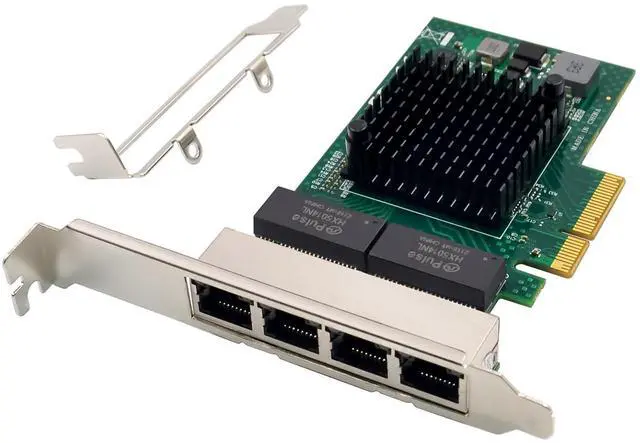
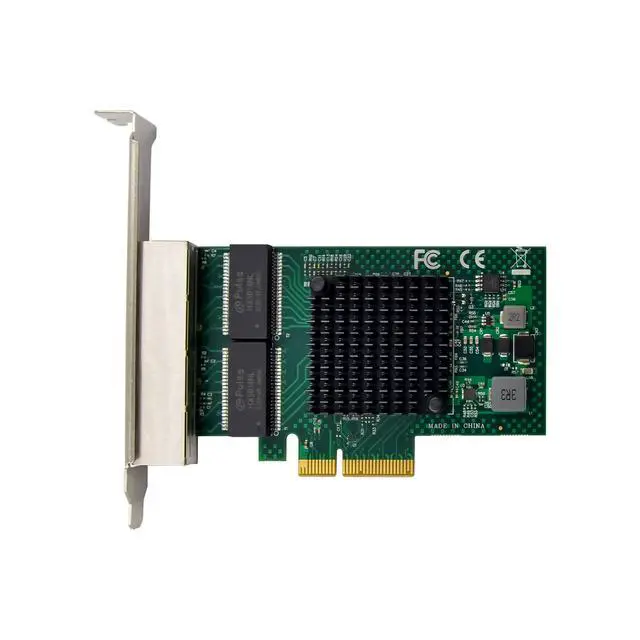
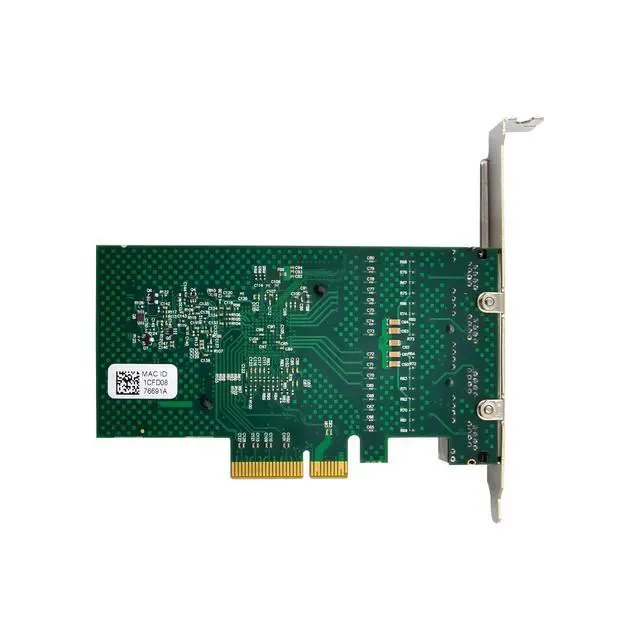
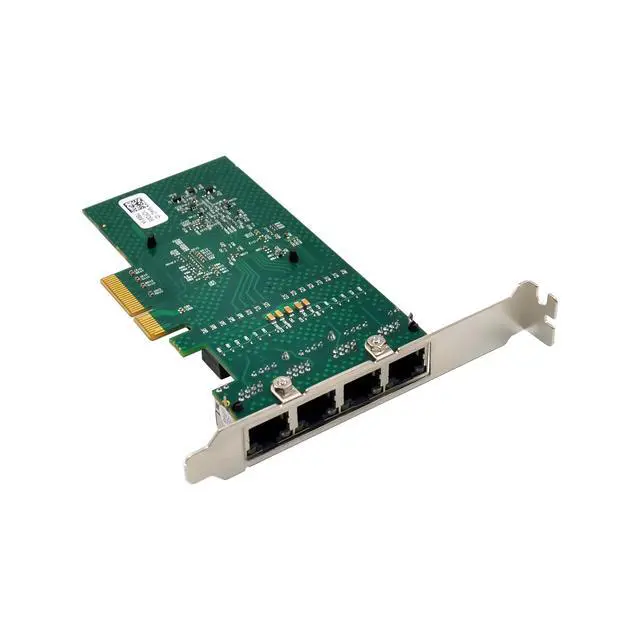
Quad-port Gigabit Ethernet adapter
IEEE802.3ab 10/100/1000Mb/s Gigabit Ethernet compliant
Virtual LANs(VLANs):IEEE802.1q VLAN tagging
X4 PCI Express v2.1 at 5GT/s or 2.5GT/s
Energy Efficient Ethernet-compliant with IEEE Standard Std 802.3az-2010
MSI-MSI-X capabilities-up to 17 MSI-X vectors
I/O virtualization support for VMWare, NetQueue, and Microsoft VMQ
-17 receive queues and 16 transmit queues per port
-17 MSI-X vectors supporting per queue interrupt to host
Function Level reset
ECC error detection and correction on internal SRAM
TCP,IP, and UDP checksum offload
Large Send offload, TCP segmentation offload
Receive-side scaling
Jumbo frames 9.6KB
IEEE802.3x flow control
Statistics for SNMP MIB II and Ethernet -like MIB
Comprehensive diagnostic and configuration software suite
ACPI 1.1a-compliant multiple power modes
Wake-on-LAN support
Quad RJ45 with integrated link and activity LEDs
Drivers for Vista/Win7 / Win8 / Win10 / Vista / Sever2008 / Sever 2012 / Linux2.2 and above
Package content
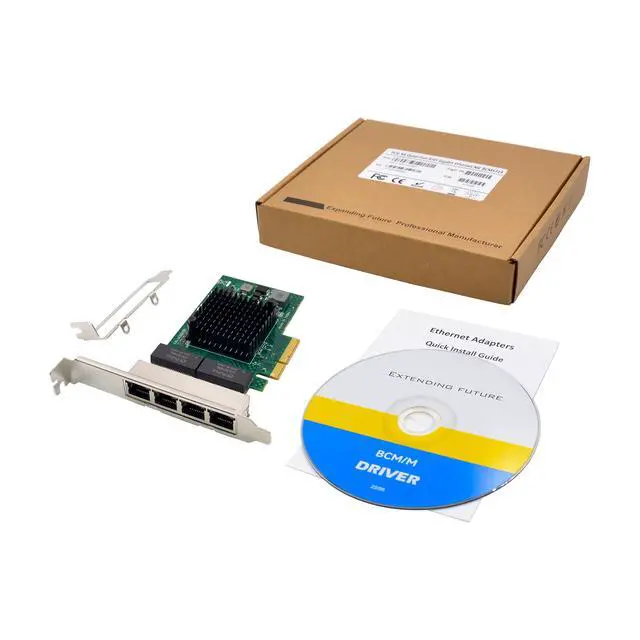
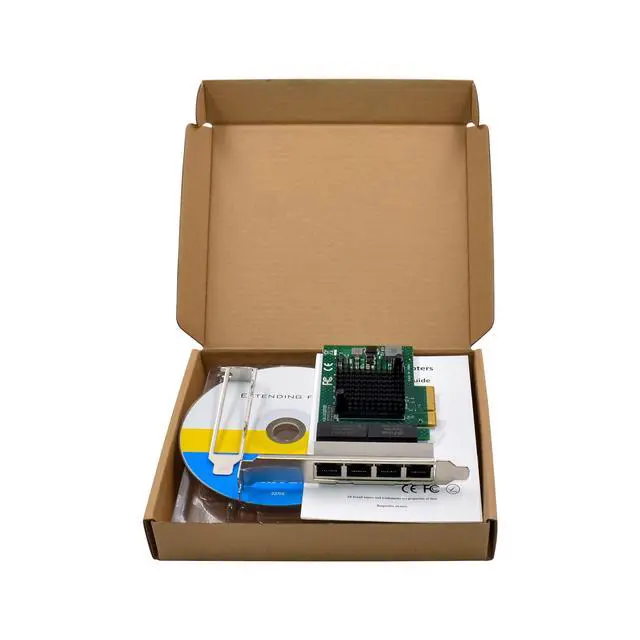
1 x PCIe NetXtreme Quad-port Gigabit Network card
1 x Users Manual
1 x CD
1 x Low profile bracket
Accessories
System Requirements
Linux, Vista/Win7/ Win-server2012/ Win-server2008/ Win8/Win8.1/Win-server2016/win10
One available PCI Express x4/x8/x16 slot
Hardware installation
1.Turn off the computer and unplug the power cord
2.Remove the computer cover and the adapter slot cover from the slot that matches your adapter
3.Insert the adapter edge connector into the slot and secure the bracket to the chassis
4.Replace the computer cover, then plug in the power cord
5.Power on the computer
Install Drivers and software
Windows Operating Systems
Please select an installation file based on the product model and system type. You must have administrative rights to the operating system to install the drivers.
To install the adapter software for Win7, do the following steps:
1.insert the CD driver bound with Intel network driver into your CD-ROM drive:
2.if the Found New Hardware Wizard screen is displayed, click Next
3.select search for a suitable driver for my device(recommended)then click Next.
4.In the locate driver files window, click search for the best driver in these locations option and click browse to find the installation files, Press Next to continue to setup.
For Windows 7 32bit
TypeD:\ Broadcom\Broadcom NetXtremeI 1G\BCM5719_20\windows\broadcom_netlink_netxtreme_17_2_0_2_32bit
For Windows 7 64bit
TypeD:\ Broadcom\Broadcom NetXtremeI 1G\BCM5719_20\windows\broadcom_netlink_netxtreme_17_2_0_2_64bit
5.Follow the instructions in the install wizard to finish it
Installing Linux Drivers from Source Code
1.Install the source RPM Package.
2.Change the directory to the RPM path and build the binary drivers for your kernel
3.Install the newly built package (driver and man page)
4.Load the driver.
5.To configure the network protocol and address, refer to Linux-specific documentation
Support
More information and settings, please refer to the Adapter User Guides or you can contact us.