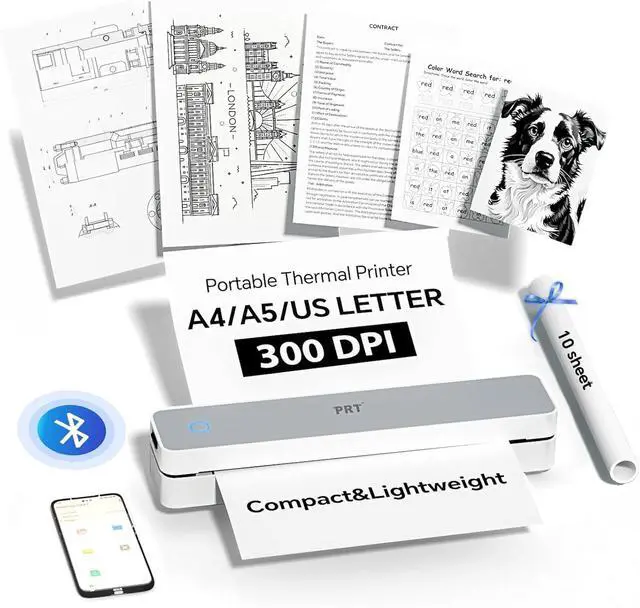
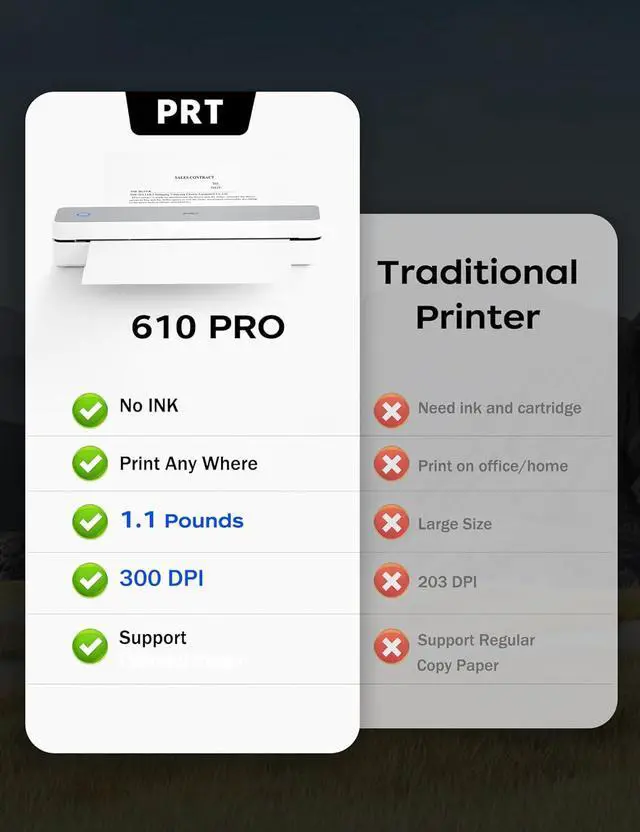
COMPACT MARVEL: The MT610 Pro small monochrome thermal printer is a real space - saver, weighing only 1.1 pounds and measuring just 10.2 x 2.2 x 1.8 inches. Despite its compact size, it offers a high - definition resolution of up to 300 dpi, delivering clear prints every time.
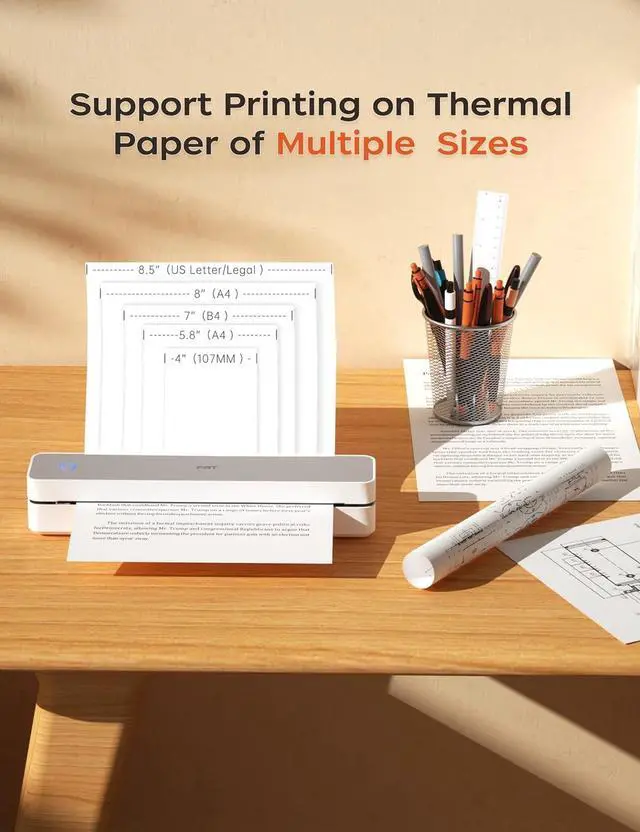
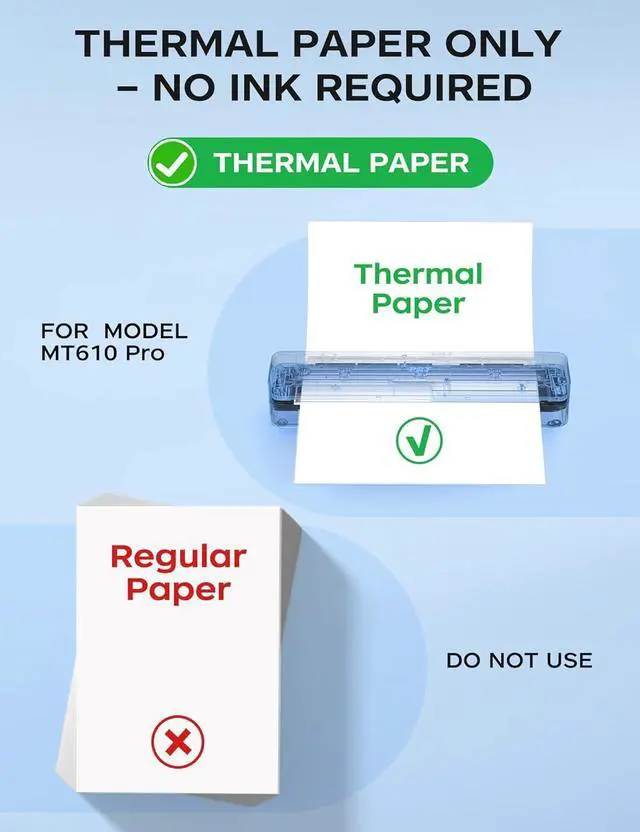
UNIVERSAL COMPATIBILITY& WIDE PRINTING RANGE: The portable printer is compatible with a wide range of OS, including iOS (for iPhone & iPad), Android, Windows, and macOS.It supports a variety of thermal paper sizes, such as 8.5"x11" US letter and legal paper, A4, A5, and 4" - wide thermal paper.(Important: This inkless printer only supports thermal paper; regular paper is not suitable.)
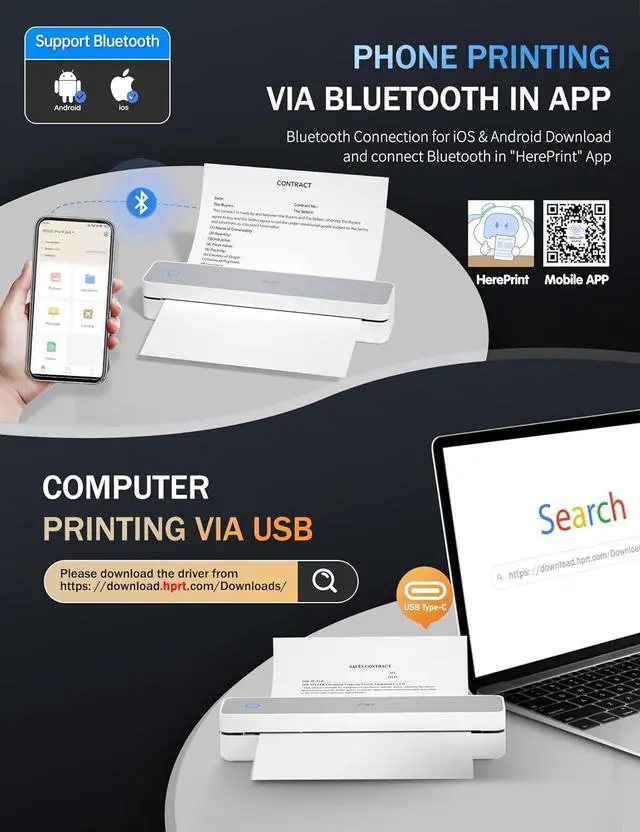
EASY TO USE: The compact printer enables Bluetooth wireless connecting & printing via the mobile device app "HerePrint". The printer can also connect to laptops and desktops with USB cable. When using a computer, just connect the printer with USB cable first, then install the driver. (Note: Download the driver from the HPRT website on your computer)
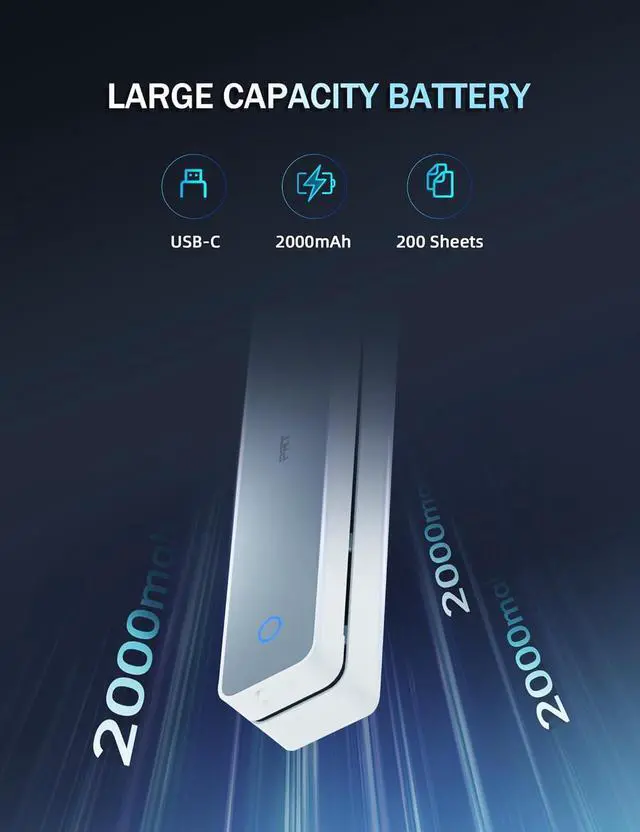
DURABLE AND LONG-LASTING BATTERY: The travel printer comes with a built-in 2000mAh battery. Once fully charged, this battery can support up to 4 hours of continuous printing, enabling the printer to produce up to 360 sheets of paper. The 300 dpi printer is suitable for home, school, office and vehicles.
SIMPLE MOBILE DEVICE PRINTING STEPS: (1) Download the "HerePrint" app from the App Store or Google Play on your mobile phone. (2) Turn on the inkless portable printer MT610 Pro. (3) Enable Bluetooth on your phone and click the + button in the app to complete the printer connection. Then select the file type and make paper settings, and start printing.
USB PRINTING ON COMPUTERS: (1) Turn on the printer. (2) Connect the printer to your computer via USB cable. (3) Download the corresponding driver for the PRT MT610 Pro from HPRT website. (4) Select "PRT MT610 Pro" as your printer to start printing. Tips: Before downloading the driver, power on the printer and connect the printer to your computer with USB cable first.
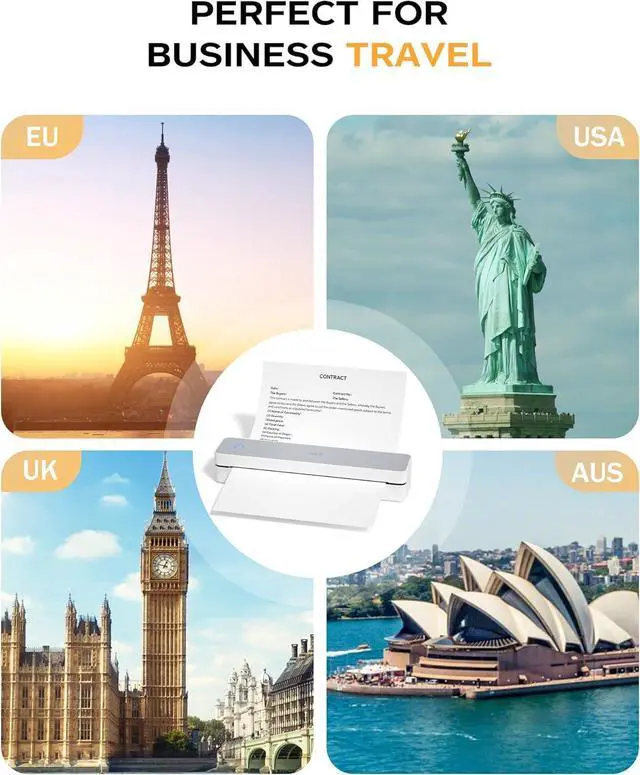
PRINT ANYTIME, ANYWHERE: Our inkless printer provide network - free printing, guaranteeing ultimate convenience. Whether you're traveling, at home, in the office, or in a vehicle, you can effortlessly print contracts, office documents, or any other necessary documents from the "HerePrint" smartphone app.
Usage Precautions: The printer is designed to work with thermal paper only. For mobile, establish a connection via Bluetooth within the mobile app 'HerePrint' ; direct connection will not function. When using the printer with a computer, always turn on the printer first. Connect the device to the computer using a USB cable, and then install the drivers. Installing the drivers prior to establishing the USB connection may prevent the driver from correctly identifying the printer model.