• $120.99
  • Free 30-day Returns
  • Ships from China.
    Price alert
    Sold by honour_2

    Shipped by honour_2

    Shop it at NeweggBusiness.

    Meet Your Seller

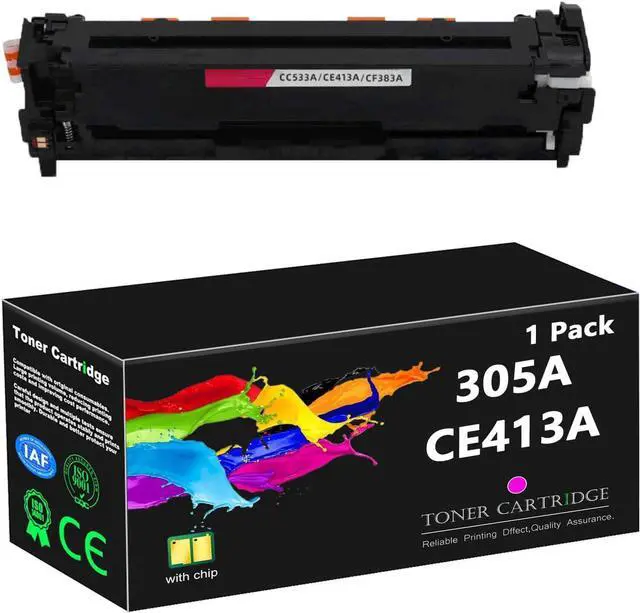
    305A Toner Cartridge Replacement for HP 305A CE410A CE411A CE412A CE413A High Yield Toner Work for HP CP2020 2024 2025 2026 2027 2024N 2024DN 2025N 2025DN 2025X 2026N Printers,Magenta

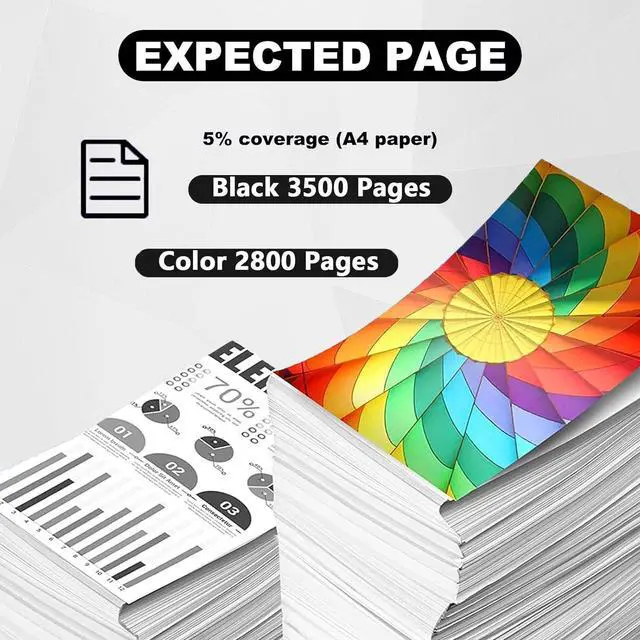
    • High page yield: 305A CE410A black toner cartridge can print up to 3500 pages, 305A CE411A CE412A CE413A color toner cartridge can print up to 2800 pages(A4 paper coverage of 5%).
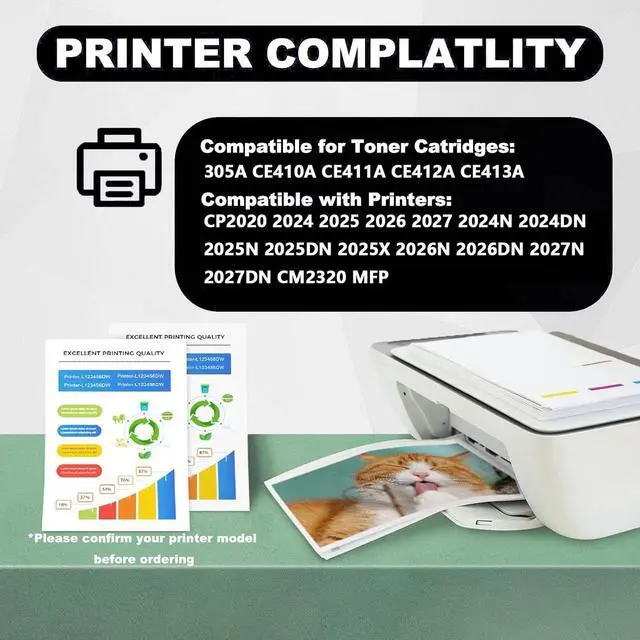
    • Applicable printers models: Work for HP CP2020 2024 2025 2026 2027 2024N 2024DN 2025N 2025DN 2025X 2026N 2026DN 2027N 2027DN CM2320 MFP printers.
    • Rigorous testing: Passed ISO9001 and ISO14001 certification. Toner cartridge replacement parts are tested by strict industry quality control process.
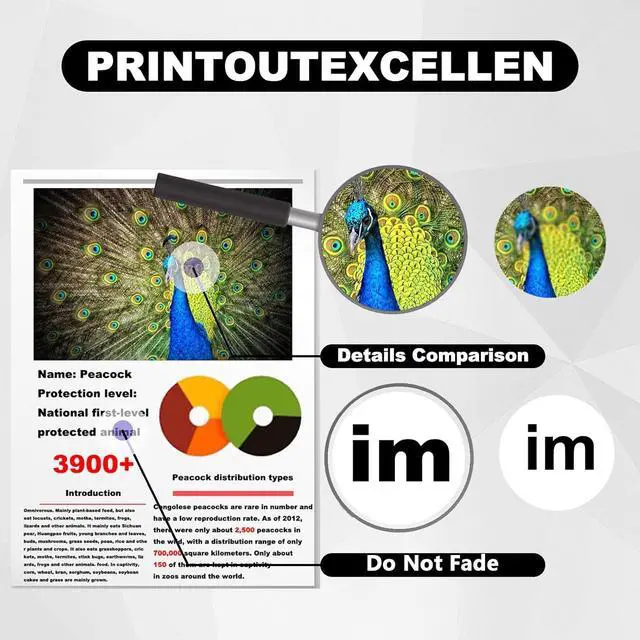
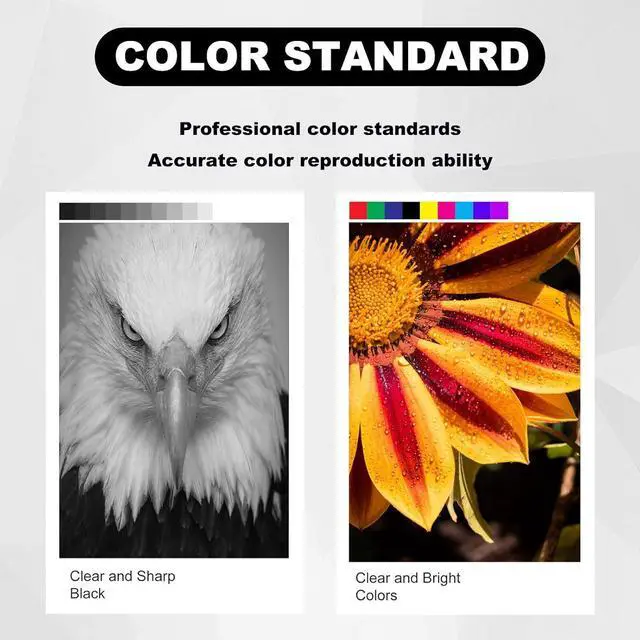
    • High quality: Improve your printing quality. Our 305A CE410A CE411A CE412A CE413A for HP 305A CE410A CE411A CE412A CE413A toner cartridge high yield ensures clear text and bright colors, setting a higher printing standard.
    • Multi-scenario application: It can meet the needs of various office, study, medical, bank, shopping mall printing scenarios. Our toner has a high printing rate, low waste toner and excellent quality.
    +
    +
    Overview
    Specs
    Reviews
    Compatible printers305A CE410A CE411A CE412A CE413A toner cartridge compatible for HP CP2020 2024 2025 2026 2027 2024N 2024DN 2025N 2025DN 2025X 2026N 2026DN 2027N 2027DN CM2320 MFP printers.
    Note: Do not touch the drum core during installation to avoid scratching the drum core and affecting the printing effect.
    Warm Tips: Due to different models in different regions, please confirm your model before purchasing. Some models need to replace your original chip before they can continue to be used. Please understand.
    Please make sure not to touch the chip on the toner cartridge to obtain the best performance.
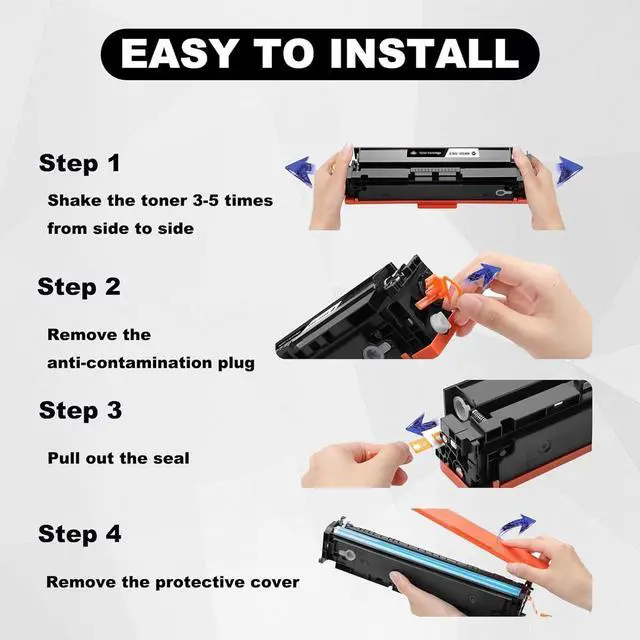
    Installation steps:
    Before installation, it is best to use a vacuum cleaner or soft cloth to clean the remaining toner or paper scraps in the printer. Do not blow toner into it.
    Take out the toner cartridge and shake it horizontally 4-8 times to evenly distribute the toner.
    Remove the orange protection buckles on both sides of the toner cartridge. If there is isolation paper, slowly pull out the black isolation paper in the direction of the indicator.
    Pull out the seal evenly and straight to avoid breaking it. The length of the seal is about twice the length of the toner cartridge.
    When installing the toner cartridge, push the toner cartridge smoothly along the guide rails on both sides of the device to ensure that it is installed in place.
    Sincere Service
    If you have questions, please contact us directly, we guarantee to reply to your message within 24 hours and provide solutions to solve your problem.

    Warranty & Returns

    Warranty, Returns, And Additional Information

    Warranty

    • Please contact the Seller directly for warranty information. Warranty information may also be found on the Manufacturer's website.
    • CONTACT

    Return Policies

    • Return for refund within: 30 days
    • Return for replacement within: 90 days
    • This item is covered by honour_2 Return Policy

    Manufacturer Contact Info

    LOADING...