• $131.99
  • Free 30-day Returns
  • Ships from China.
    Sold by honour_2

    Shipped by honour_2

    Price alert
    Shop it at NeweggBusiness.

    Meet Your Seller

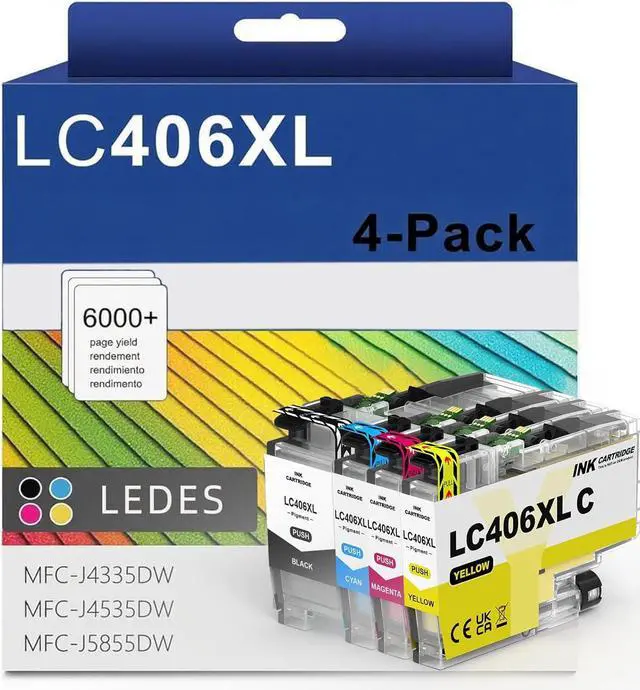
    LC406 LC406XL Ink Cartridges for Brother Printer LC 406XL 406 XL for MFC-J4335DW MFC-J5855DW MFC-J6555DW MFC-J4535DW MFC-J6955DW MFC-J4345DW MFC-J5955DW - 4 Pack High Yields Black Cyan Magenta Yellow

    • Package Content1 x Black LC406XL Ink Cartridge, 1 x Cyan LC406XL Ink Cartridge, 1 x Magenta LC406XL Ink Cartridge, 1 x Yellow LC406XL Ink Cartridge(NON-OEM Cartridges)
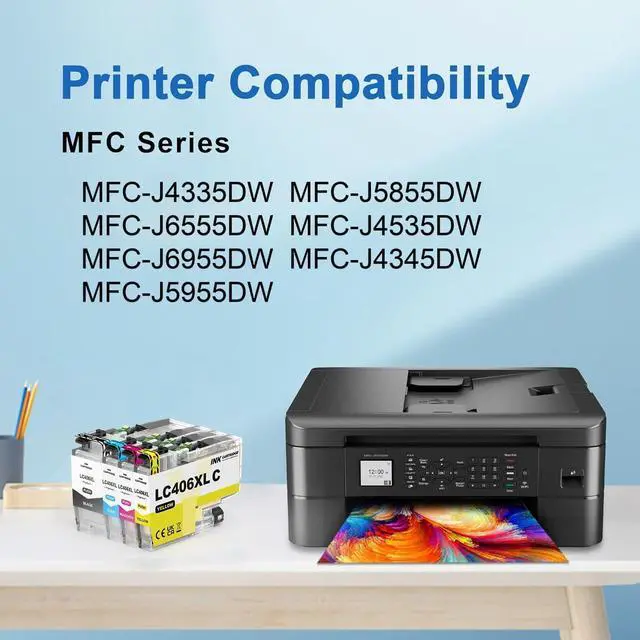
    • Printer CompatibilityCompatible with Brother MFC-J4335DW MFC-J4345DW MFC-J4535DW MFC-J5855DW MFC-J5955DW MFC-J6555DW MFC-J6955DW
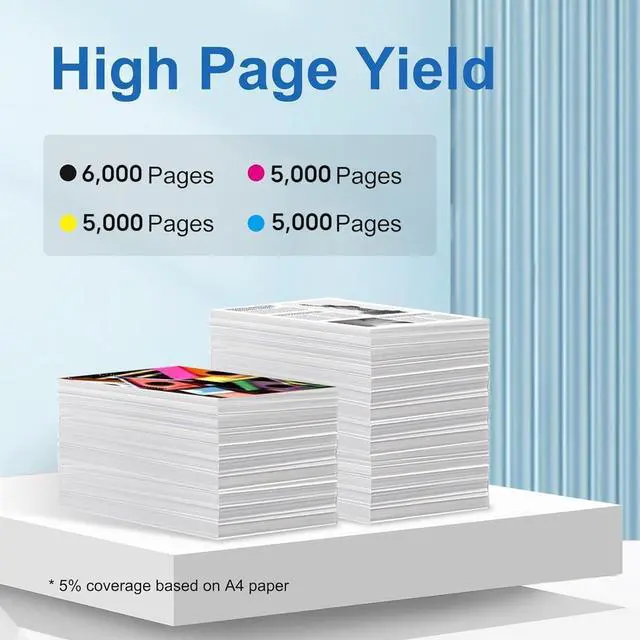
    • High Page YieldUp to 6000 pages per LC406 XL Black Ink Cartridge, up to 5000 pages per LC406 XL Color Ink Cartridges (5% coverage at A4 paper)
    • Reliable PerformanceThese LC406xl Inks are certified with ISO9001 and ISO14001 for stable quality printouts, ensuring professional documents, graphics and photos
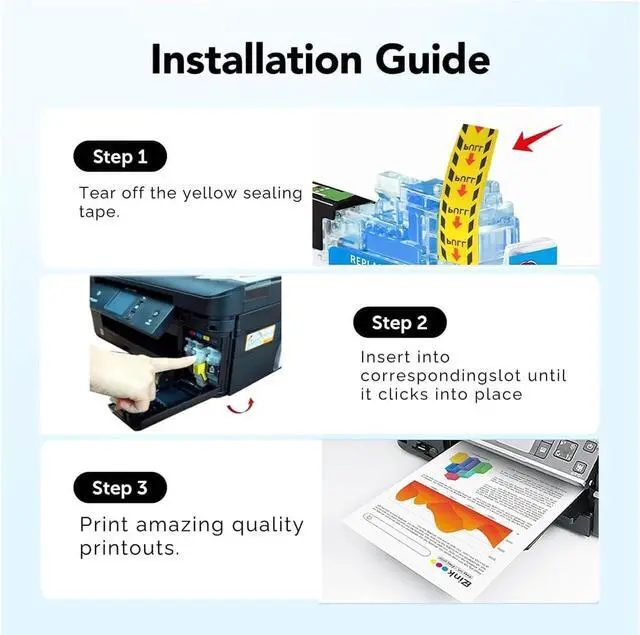
    • Installation Tips[1].Don't remove or touch the CHIP.[2]. When the printer prompts "non-original", please click OK or Next to continue. [3].When the printer appears "low ink", "empty", "replace ink cartridge" and other prompts, please remove the ink cartridge and reinstall it several times
    • If issues are encountered when using ink cartridges, please feel free to contact us, we are
    +
    +
    Overview
    Specs
    Reviews
    Package Content1 x Black LC406XL Ink Cartridge, 1 x Cyan LC406XL Ink Cartridge, 1 x Magenta LC406XL Ink Cartridge, 1 x Yellow LC406XL Ink Cartridge(NON-OEM Cartridges)
    Printer CompatibilityCompatible with Brother MFC-J4335DW MFC-J4345DW MFC-J4535DW MFC-J5855DW MFC-J5955DW MFC-J6555DW MFC-J6955DW
    High Page YieldUp to 6000 pages per LC406 XL Black Ink Cartridge, up to 5000 pages per LC406 XL Color Ink Cartridges (5% coverage at A4 paper)
    Reliable PerformanceThese LC406xl Inks are certified with ISO9001 and ISO14001 for stable quality printouts, ensuring professional documents, graphics and photos
    Installation Tips[1].Don't remove or touch the CHIP.[2]. When the printer prompts "non-original", please click OK or Next to continue. [3].When the printer appears "low ink", "empty", "replace ink cartridge" and other prompts, please remove the ink cartridge and reinstall it several times
    If issues are encountered when using ink cartridges, please feel free to contact us, we are more than pleasure to resolve your problem

    Warranty & Returns

    Warranty, Returns, And Additional Information

    Warranty

    • Please contact the Seller directly for warranty information. Warranty information may also be found on the Manufacturer's website.
    • CONTACT

    Return Policies

    • Return for refund within: 30 days
    • Return for replacement within: 90 days
    • This item is covered by honour_2 Return Policy

    Manufacturer Contact Info

    LOADING...