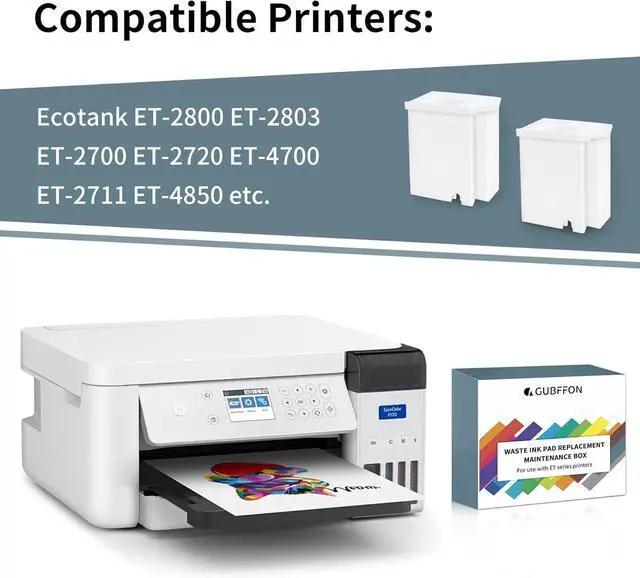
Widely Compatible: Compatible with a wide range of OmeOriginal brand printer models including ET-2720,ET-2800,ET-2803,ET-2400,ET-2850,ET-4800,ET-2710,ET-2711,ET-2712,ET-2714,ET-2715, ET-2726,ET-4700,L1110,L1119,L3100,L3106,L3108,L3109,L3110,L3115,L3116,L3117, L3118,L3119,and L3150.
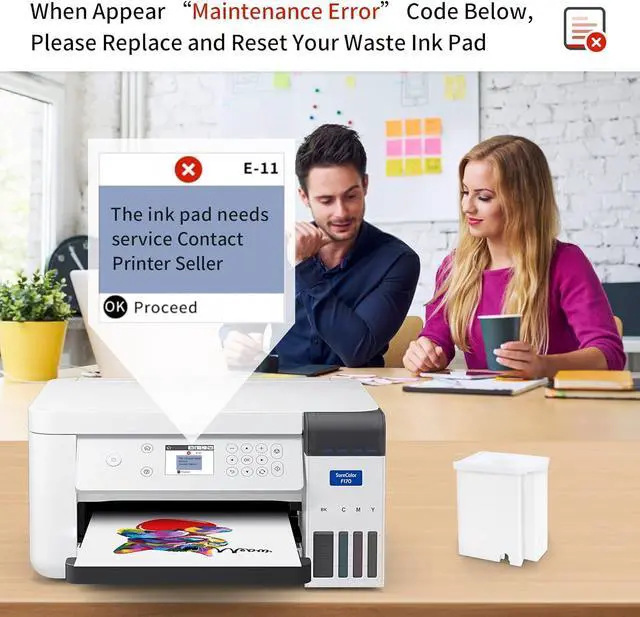
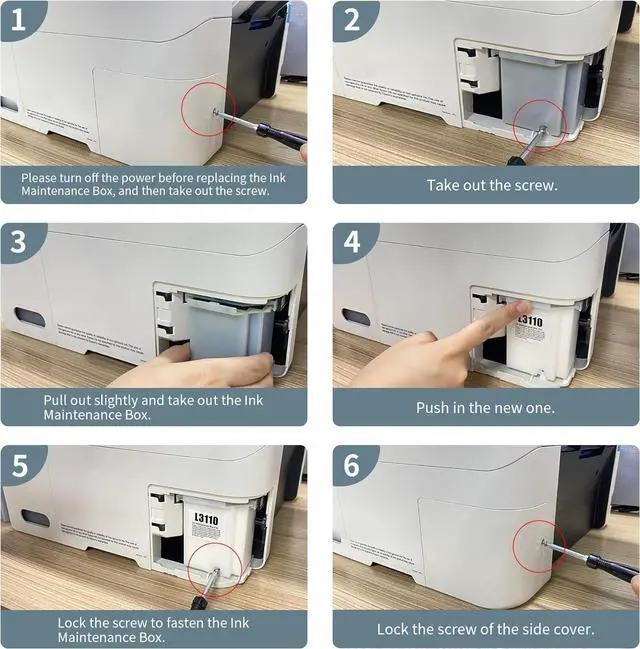
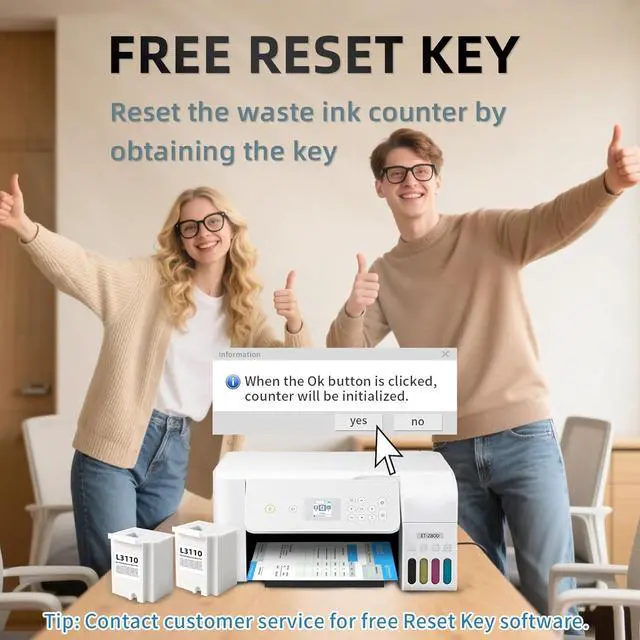
Free Reset Key: Fix "parts end of service life" errors easily. Instead of buying a new printer or returning it, simply replace the waste ink pad yourself in about 20 minutes. If the error persists after replacement, you will need to obtain a security key code and use a utility program to reset the waste ink counter to "0". Our manual provides detailed explanations and an operation video for this process.(Note: You need to contact customer service to obtain the electronic manual and reset key, which are currently not included in the product packaging)
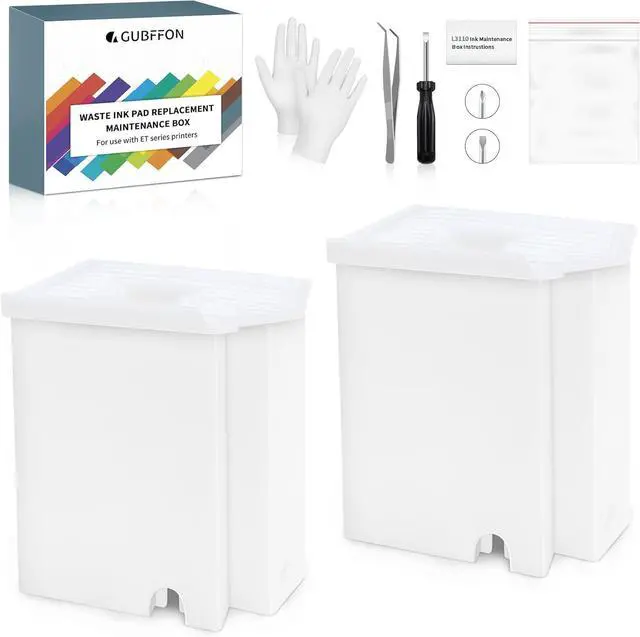
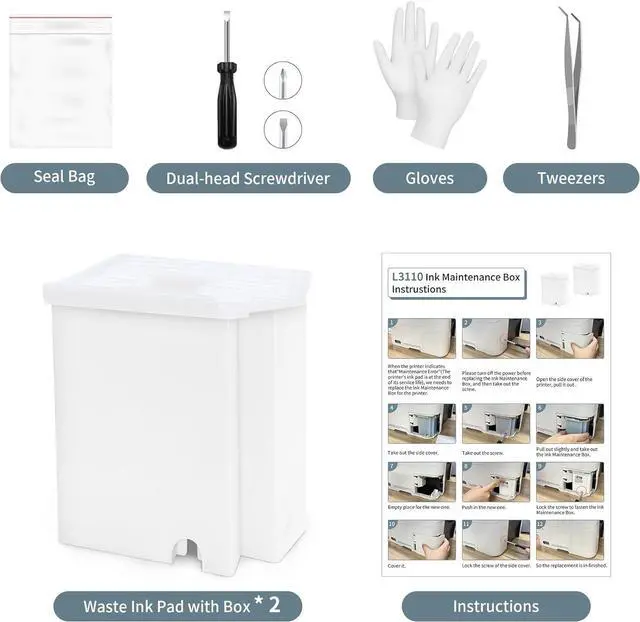
Complete DIY Kit: Includes a comprehensive, constantly updated instruction manual and a full set of tools: 2 * Replacement Maintenance Tanks (including pad sponge), 1 * Dual-head Screwdriver, 1 * Sealing Bag, 1 * Tweezers, 1 * Pair of Disposable Gloves, 1 * Instruction Manual. Everything you need for a successful DIY installation is provided.
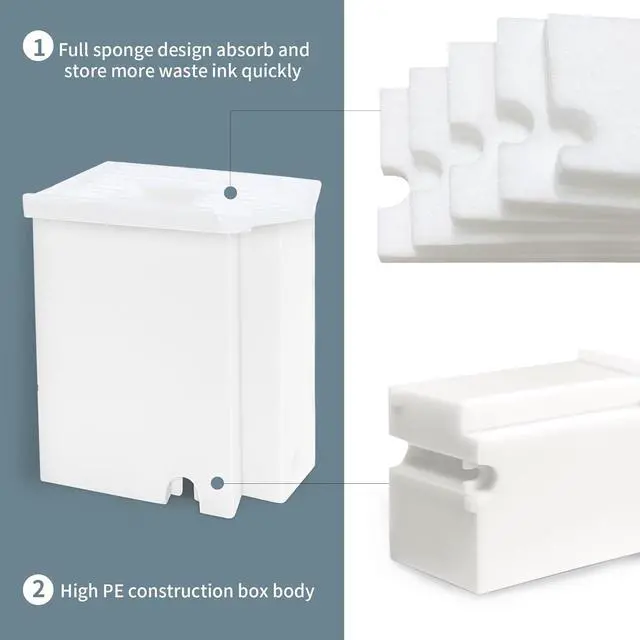
High-Capacity Absorption: Features a super-absorbent sponge material selected for maximum ink retention. This high-capacity design significantly extends the time between replacements, supporting approximately 10,000 pages of printing and lasting 1-2 years under normal usage conditions, even with heavy printing tasks.
Rapid Service Guarantee: We're here to help! Get fast, personalized assistance within 12 hours for key issues: confirming your printer model's compatibility, providing step-by-step installation guidance, and helping you reset the waste ink counter if the error code remains after installation. Let us guide you to a quick solution.