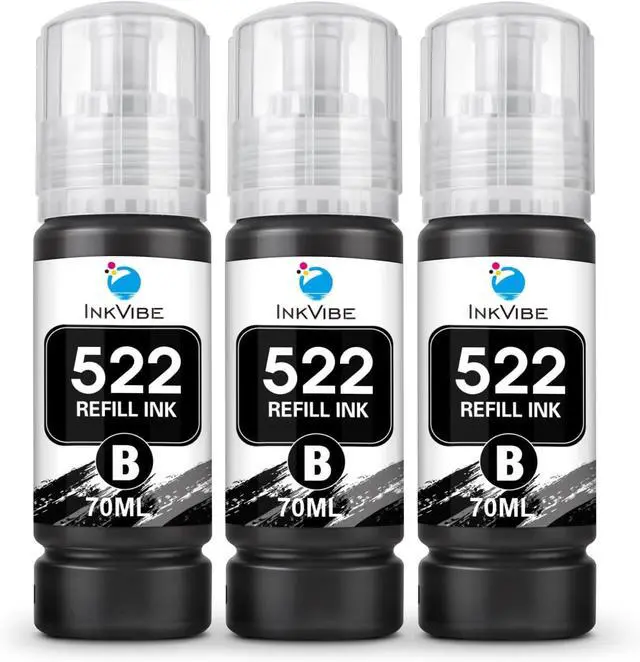
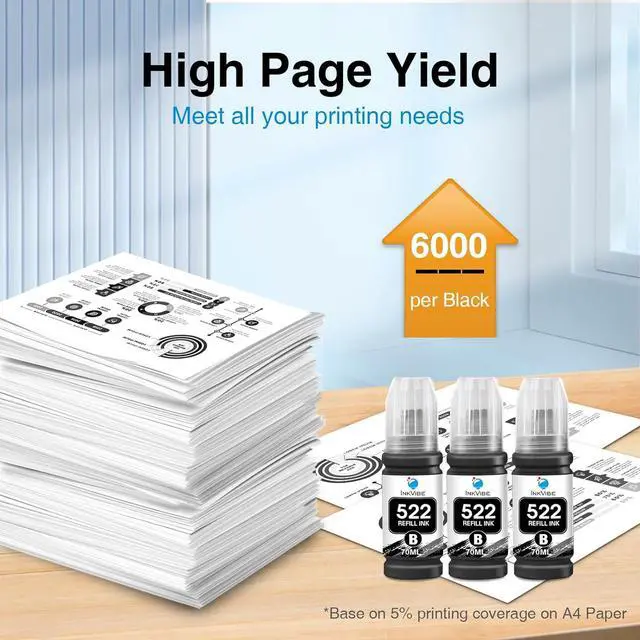
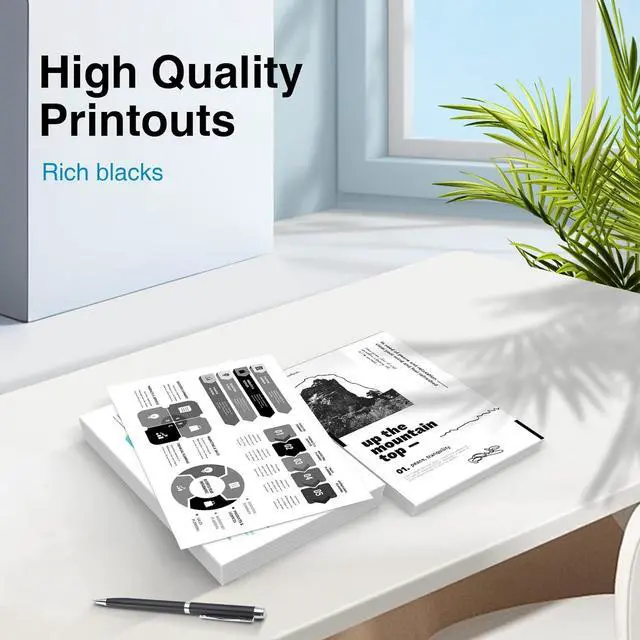
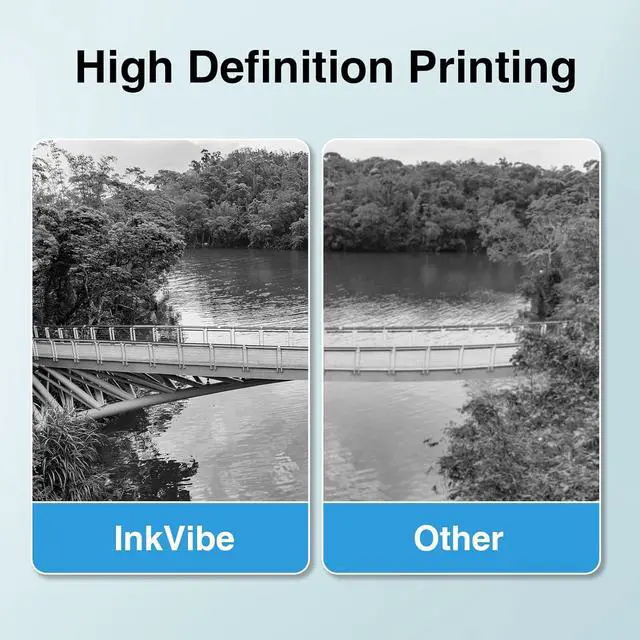
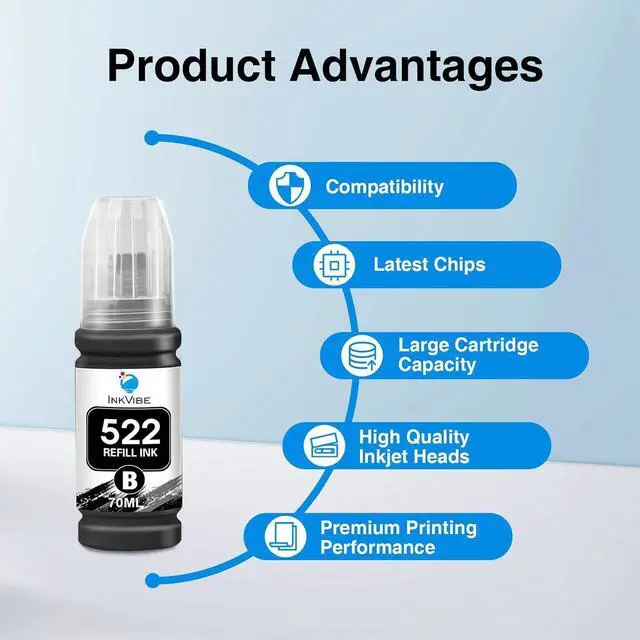
Package Contents: 3 x 70ML Compatible 522 black ink bottles (print out rich black,not clog the print heads,great quality)
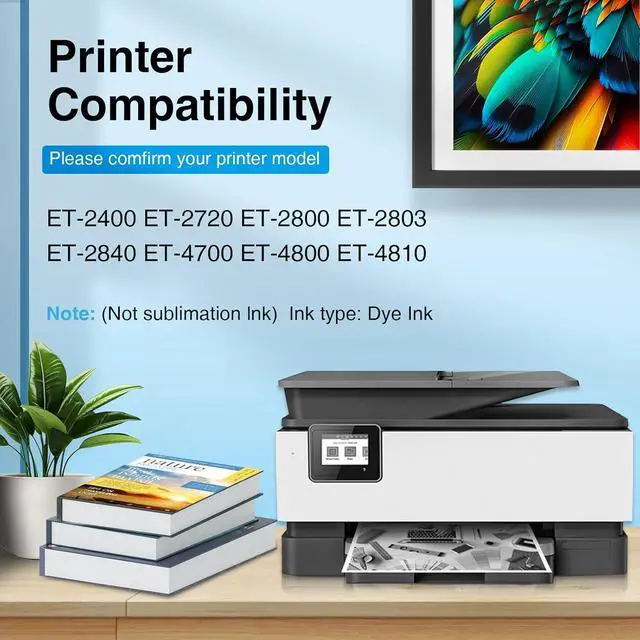
Compatible Printers: Replacement for 522 ink,work with EcoTank Expression ET-2720, Workforce ET-4700 ET-2800 ET-2803 ET-4800 ,ET-2400 ET-2840,ET-4810 Printer
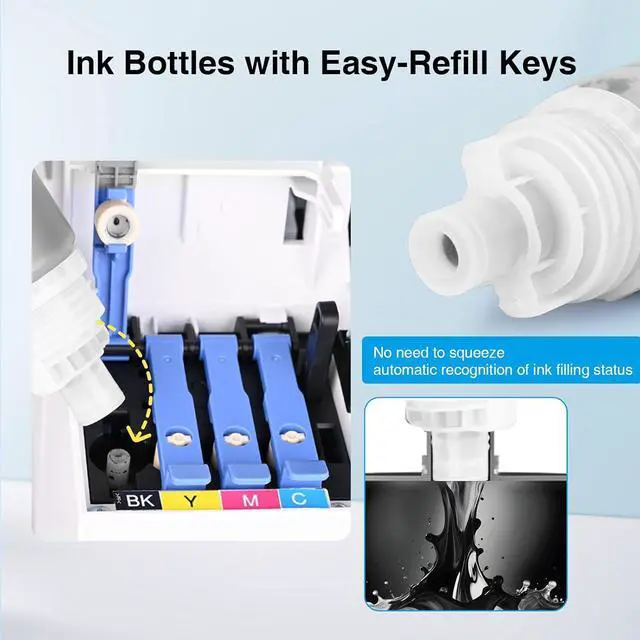
How to Use T522 Ink Refill Bottle?
1. Open the ink tank part cover and remove the ink tank plug.
2. Remove the plug on the top of the ink bottle, unscrew the ink bottle cover, tear off the bottle seal, and cover the ink bottle cap.
3. Tear off the plastic Sealing tape of the bottle.
4. Inject all the ink in the bottle into the ink tank that matches the color of the ink bottle.
5. Screw back the ink refill bottle cap.
Tips: Different types of ink are generally not allowed to be mixed up.
AlternativeCompatible withe pson 522 ink bottle refill,522 Black Ink Bottle Refill,522 Ink,T522 522 refill bottles,ecotank 2800,522 ink refill bottles,522 ecotank ink,522 ink bottle,t522 522 ink bottle refill ink,2720 ink,et 2720 ink refills,ecotank et-2800,ecotank et-2803 refills.