Important Noicte:
A: ALL BRAND NAMES AND TRADE MARKS belongs to their registers or intellectual property owners. Here we mentioned only for description purpose.
B: Please do not touch the chip. The chip is sensitive components, so do not touch the cartridge chip. If you touch the chip accidentally, wipe it with an eraser.
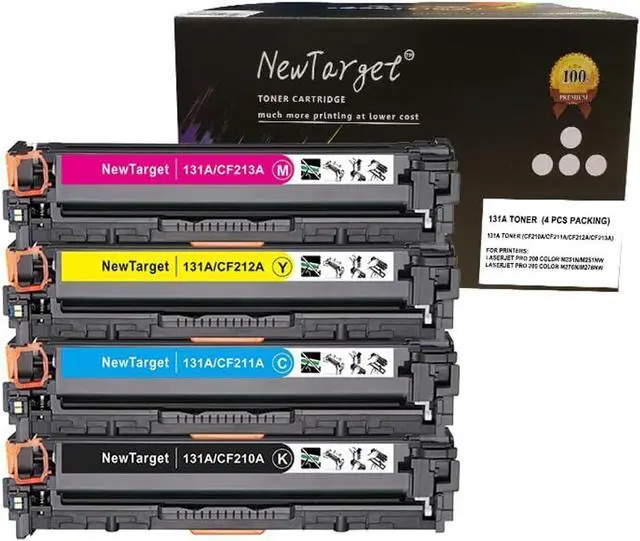
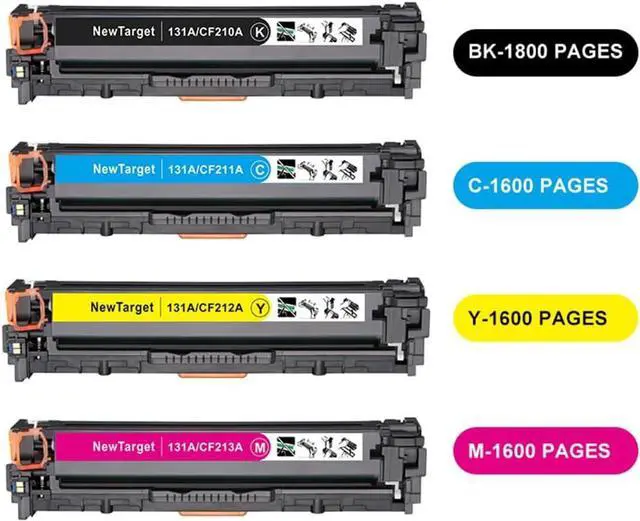
C: Newtarget 131A (CF210A CF211A CF212A CF213A) toner cartridge is not original 131A 131X toner cartridge.
1. A+ quality raw material
Smart chips
Automatic assemble line+ Strictly Quality Control inspection during manufacturing
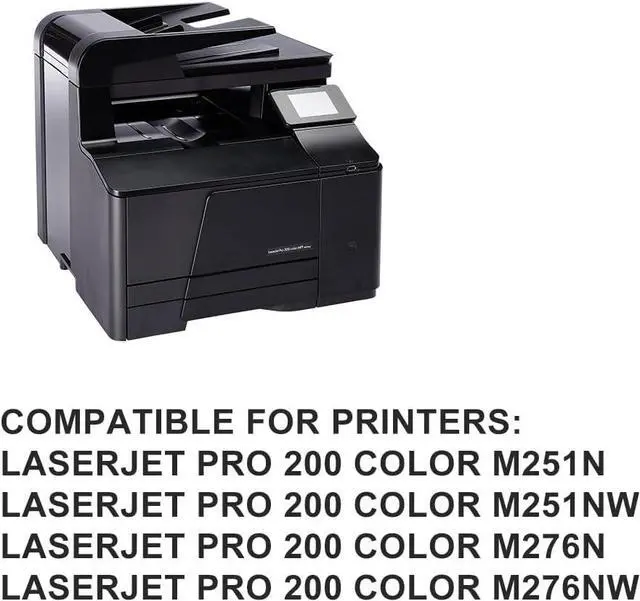
2.Compatibility for printers:
for hp LaserJet Pro 200 color M251N printer toner cartridge
for hp LaserJet Pro 200 color M251NW printer toner cartridge
for hp LaserJet Pro 200 color M276n printer toner cartridge
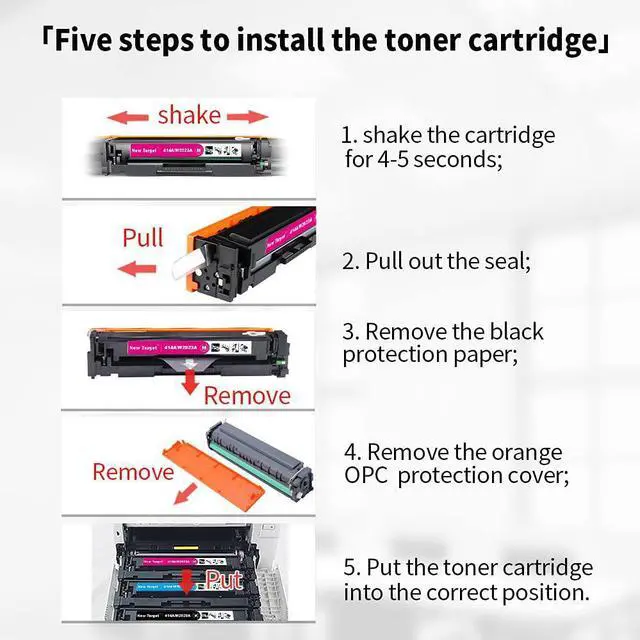
3.Easy installation with the following steps:
Step 1: Turn off the power of your printer, remove the old 131A toner cartridge.
Step 2:Put the 131A (CF210A CF211A CF212A CF213A) toner cartridge upside down.
Step 3: Shake the cartridge for 3-5 seconds to distribute the toner powder evenly.
Step 4: Remove the orange color protection cap, pull the plastic seal and remove the black protection paper if have.
Step 5: Install the cartridges into correct slot and turn on the power of your printer.
4.Well packed against damage during delivery:
1)Black bag to protect the cartridge
2)Air bag outside the black plastic bag
3)Strong export color box
5.What inside the package:
1 piece user manual
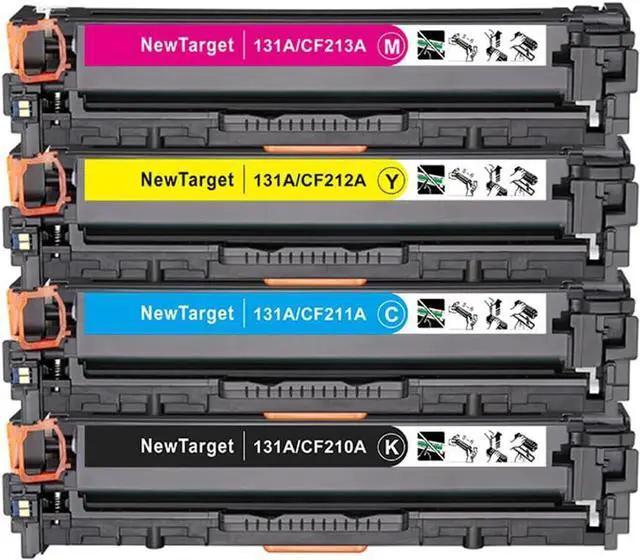
1 piece 131A CF210A black toner
1 piece 131A CF211A cyan toner
1 piece 131A CF212A yellow toner
1 piece 131A CF213A magenta toner
6.All the products provide by us are with the guarantee of CE/ROSH/STMC/ISO9001/ISO14001.