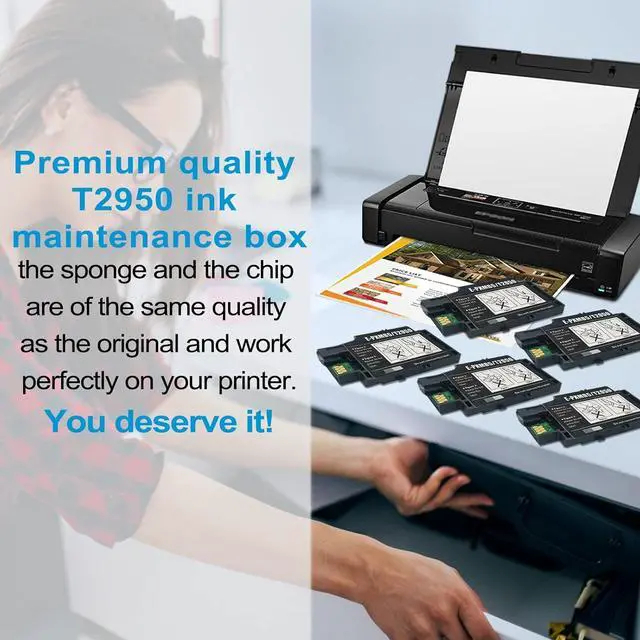
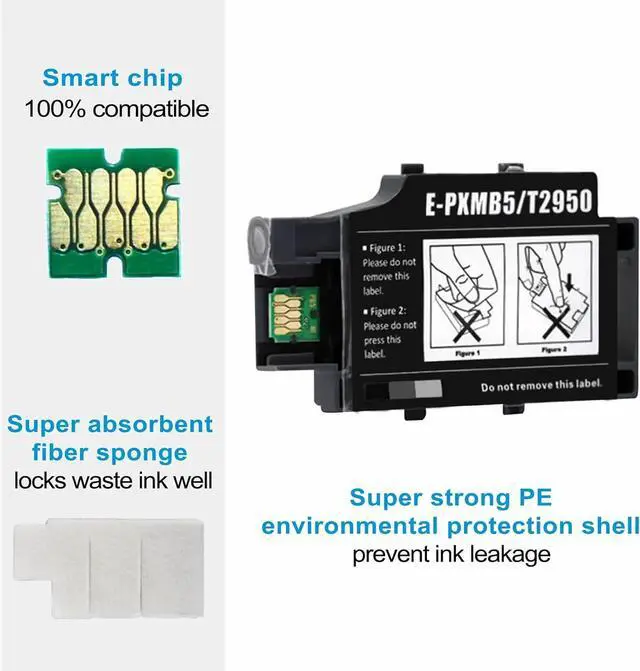
The T2950 Ink Maintenance Box collects waste ink flushed from the printhead system during cleaning. Sensors in your printer will tell you when it's time to replace your ink maintenance box, and the LiTuhorse T2950 set comes with 5 individually packaged ink maintenance box with 5 times the lifespan for user convenience and savings.
100% satisfaction guaranteed
Professional technical support
Simple and hassle-free installation
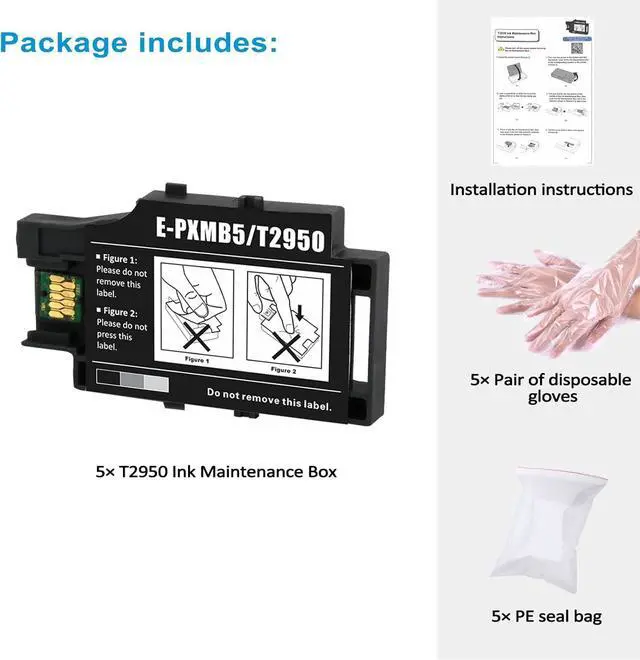
Packaging included:
5 Pack T2950 Maintenance Box with Latest Smart Chip;
1 Installation Instruction;
5 Pairs of Disposable Gloves;
5 Sealing Bags.
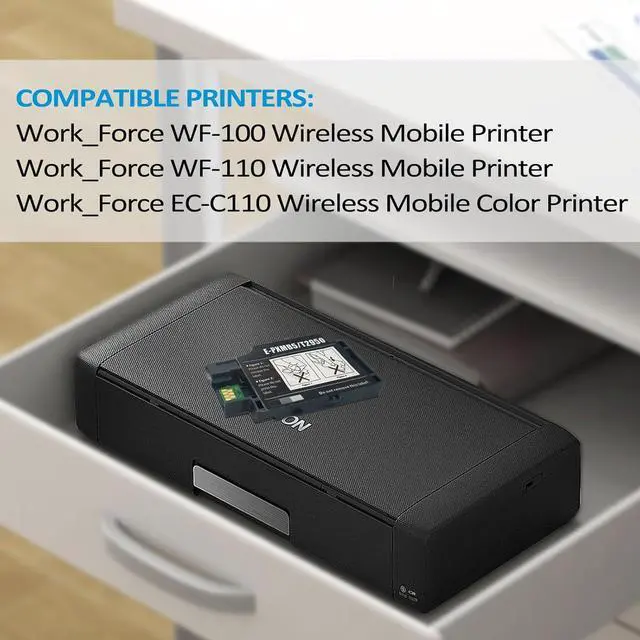
100% compatible with the following printers:
For WorkForce WF-100;
For WorkForce WF-110;
Ffor WorkForce EC-C110.
How To Use?
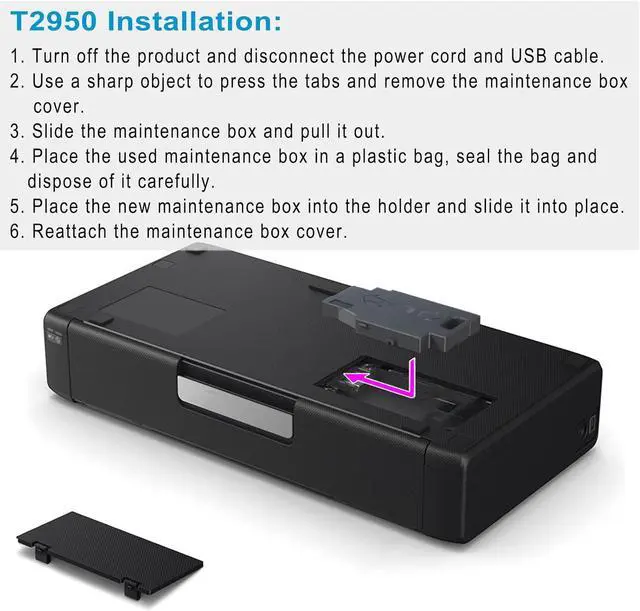
Just follow the steps to change the T2950 ink maintenance box:
1. Turn off the power
2. Wear disposable gloves, take down the used maintenance tank.
3. Install our new T2950 maintenance box, then you can use it.
Warm tips:
After changing the T2950 maintenance box, please wrap the used T2950 maintenance box in a sealing bag and then put it in the trash can.