




ScreenLinear Light Bar Series
Enjoy Work and Relieve Eye Strain with Computer Monitor Light!

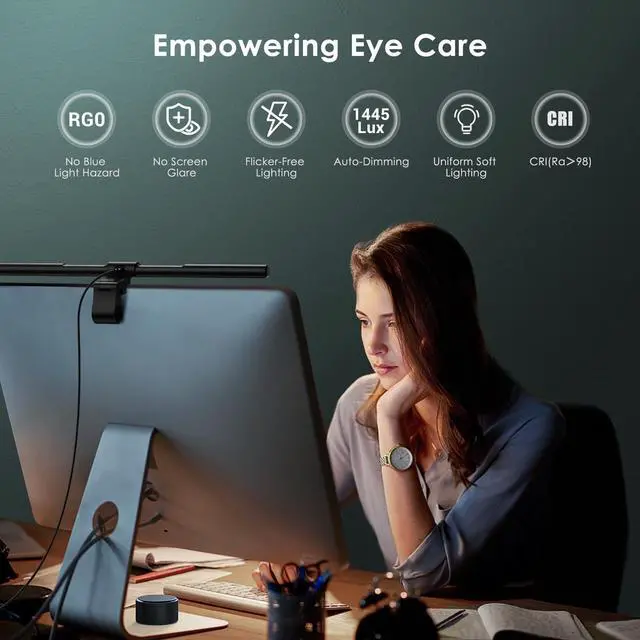
Quntis is dedicated to developing, innovating, and focusing on the eye-caring computer lamp series, upgrading products, and always bringing a better lighting experience to every customer.
We strive to provide our customers with excellent products and a shopping experience. If you have any questions about Monitor Light Bar, Pls raise a Q&A ask for help or contact Quntis directly.

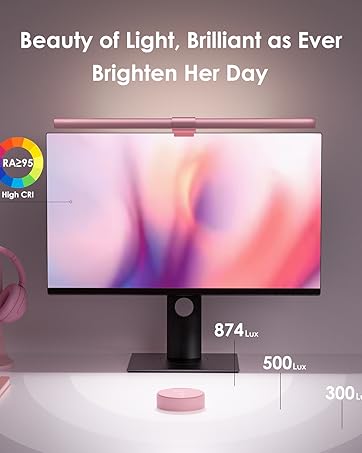
ScreenLinear Glow Pink
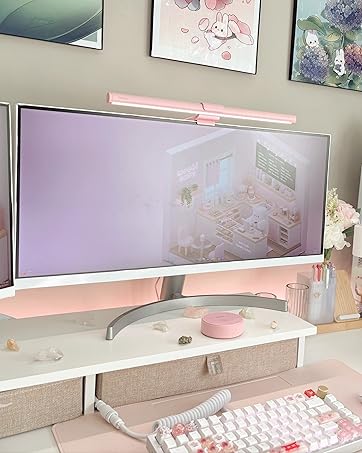
Front Back Dual Light; Pink Remote Control
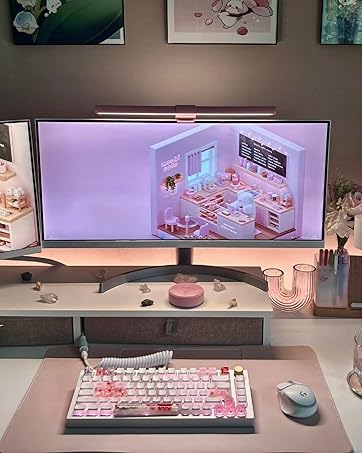
Illuminates your space while enhancing its aesthetic appeal.
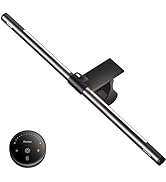
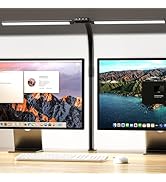
Computer Monitor Lamp
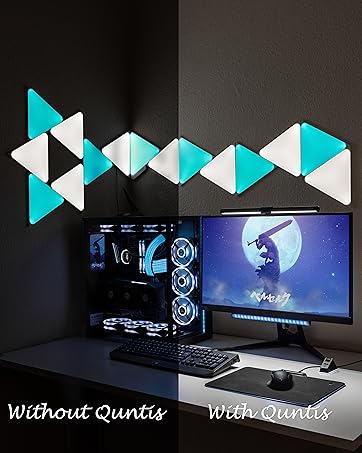
ScreenLinear Basic
Fit for 15-22'' Monitor
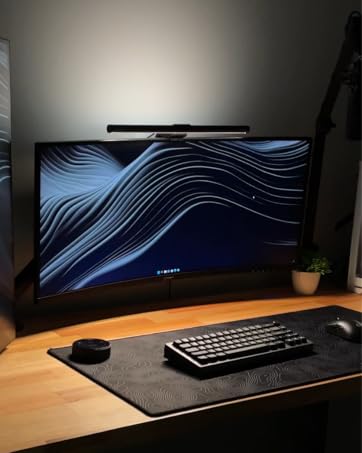
ScreenLinear Glow
Front Back Dual Light; Remote Control
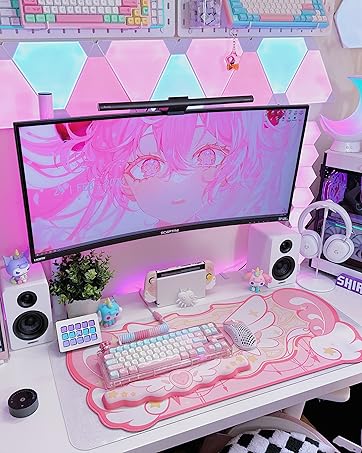
ScreenLinear Classic
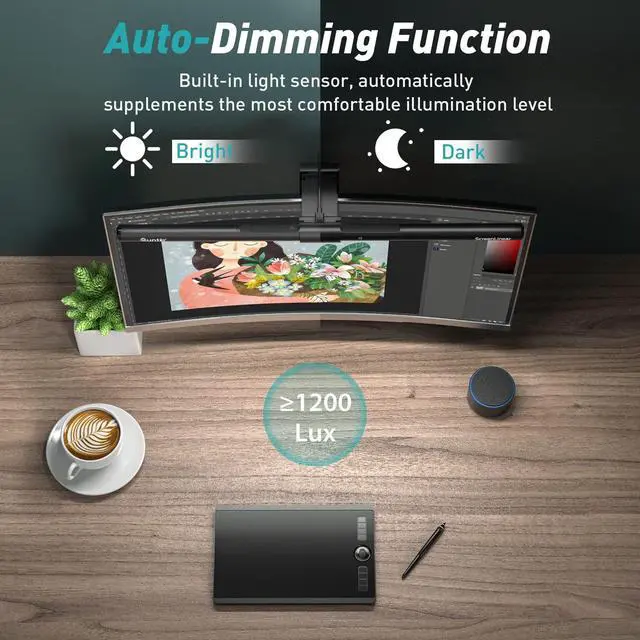
Auto-Dimming & 2 Hr Timing Function Rest Reminder
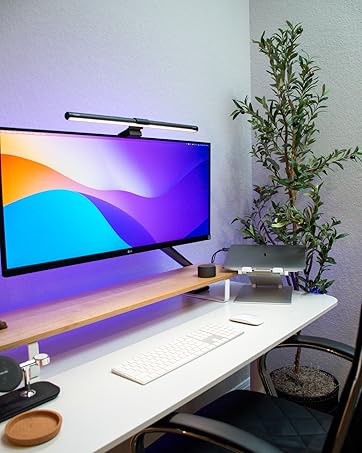
ScreenLinear Classic Pro
Fit for Curved/Irregular Monitors
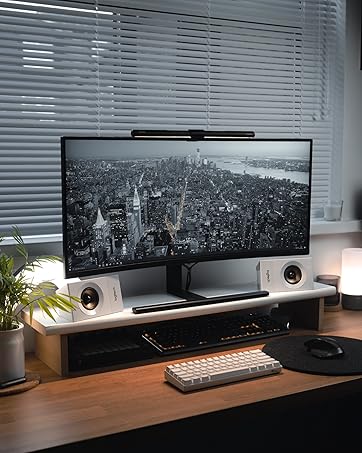
ScreenLinear Basic Plus
Fit for 22-29'' Monitor
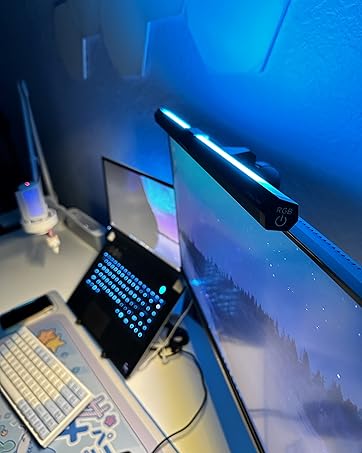
ScreenLinear Basic RGB
Front & Back Dual Light Source
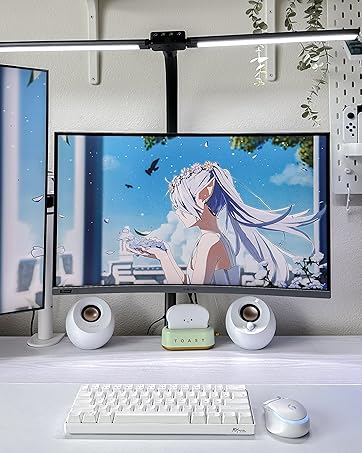
Architect Desk Lamp
Fit for Workbech Studio Monitor
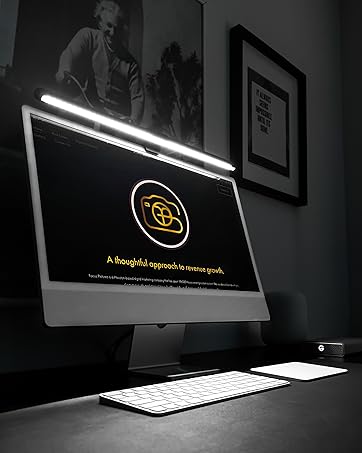
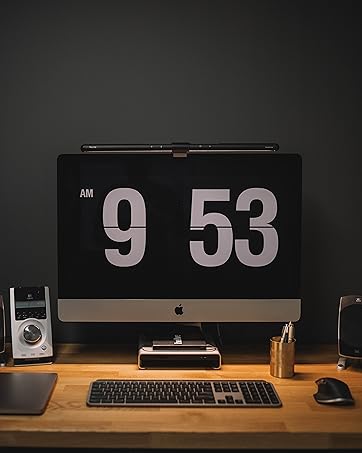
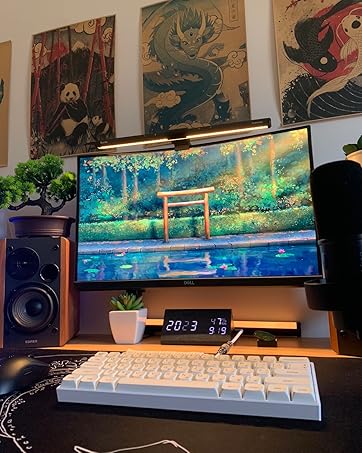
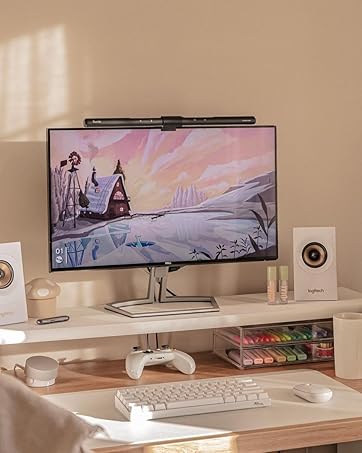
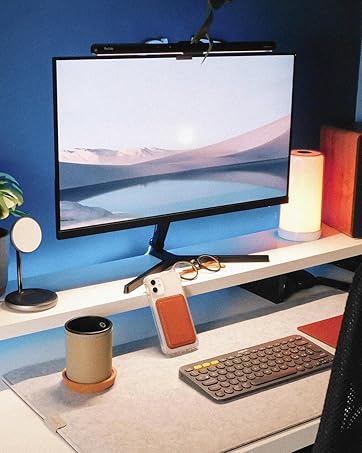
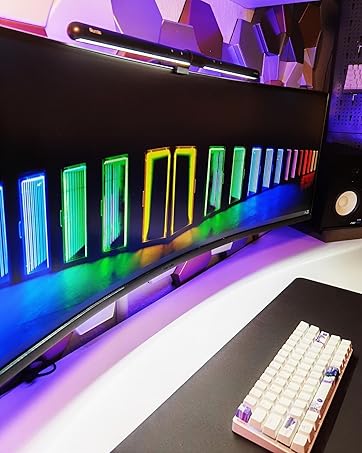
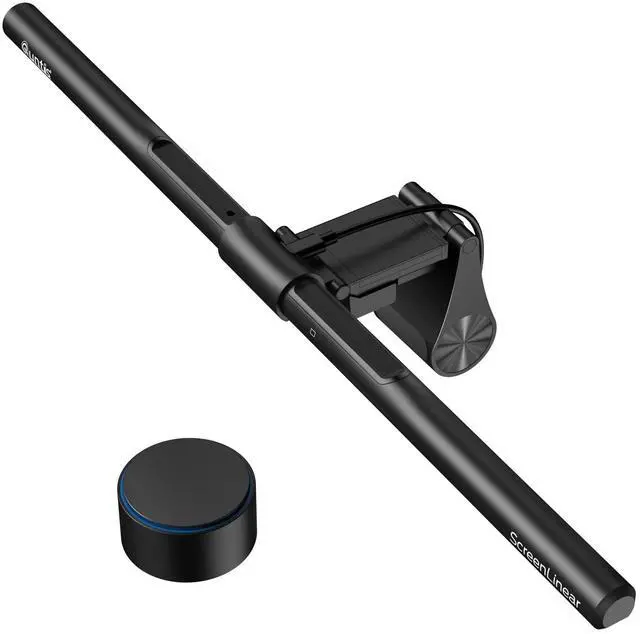
Enjoy and Relieve Eye Strain with Quntis ScreenLinear Classic Pro Monitor Light

Whether you're seeking a monitor light for professional work, gaming, or simply to enhance your overall viewing experience, we have you covered.
Explore our extensive range of monitor light bars and discover the perfect lighting companion for your workspace.


Can one remote control two ScreenLinear Classic Pro models?
Yes, if you purchase 2 ScreenLinear Classic Pro, you can use one remote to control both light bars. You can pair and connect the remote with multiple light bars for simultaneous operation.
How to pair the lamp with remote control?
First, within the 5 seconds before the lamp lights up after it is turned on, give the cover plate a long press with one hand while rotating the shell part with the other hand.
Then, if the light flashes, it means that the pairing was successful.
How can I turn on/off the 2 Hour auto-off timer mode?
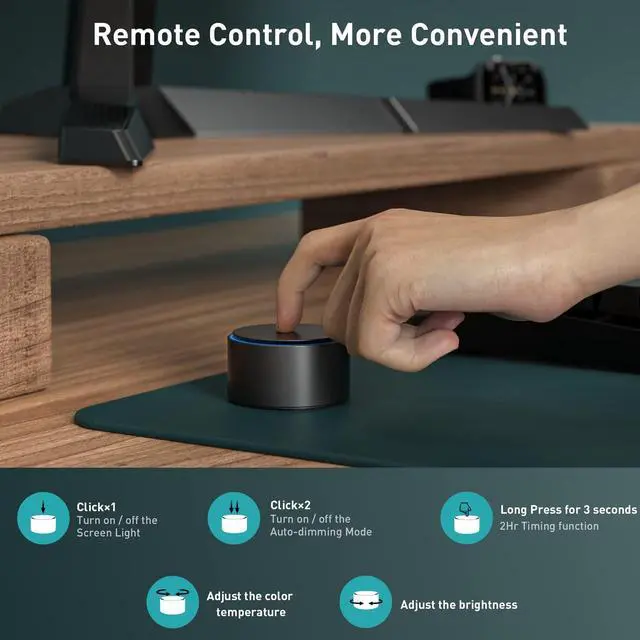
You can press and hold the upper cover for 3 seconds to turn on the 2 Hour auto-off timer mode. Simply turn off the light bar to cancel the timer function.
How can I adjust the color temperature/ brightness of this screen lamp bar?
Rotate the upper cover plate to adjust the color temperature; rotate the housing to adjust the brightness.
Can this computer light bar suitable for curved monitors?
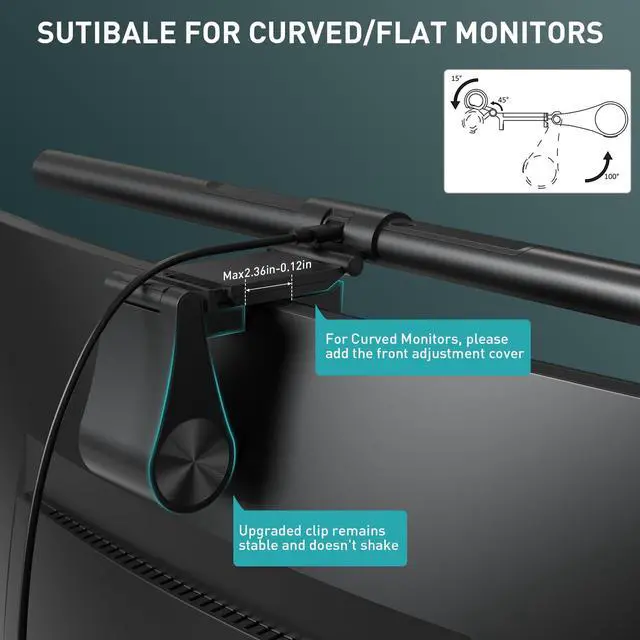
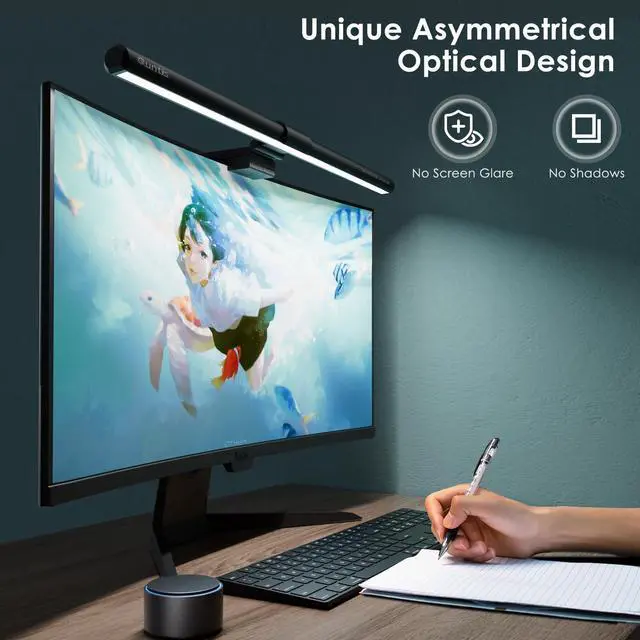
Yes. The latest Quntis monitor light Classic Pro works perfectly on top of curved monitors, ultrawide monitors and normal monitors.
ScreenLinear Light Bar Series
Enjoy Work and Relieve Eye Strain with Computer Monitor Light!
Quntis is dedicated to developing, innovating, and focusing on the eye-caring computer lamp series, upgrading products, and always bringing a better lighting experience to every customer.
We strive to provide our customers with excellent products and a shopping experience. If you have any questions about Monitor Light Bar, Pls raise a Q&A ask for help or contact Quntis directly.
ScreenLinear Glow Pink
Front Back Dual Light; Pink Remote Control
Illuminates your space while enhancing its aesthetic appeal.
Computer Monitor Lamp
ScreenLinear Basic
Fit for 15-22'' Monitor
ScreenLinear Glow
Front Back Dual Light; Remote Control
ScreenLinear Classic
Auto-Dimming & 2 Hr Timing Function Rest Reminder
ScreenLinear Classic Pro
Fit for Curved/Irregular Monitors
ScreenLinear Basic Plus
Fit for 22-29'' Monitor
ScreenLinear Basic RGB
Front & Back Dual Light Source
Architect Desk Lamp
Fit for Workbech Studio Monitor
Enjoy and Relieve Eye Strain with Quntis ScreenLinear Classic Pro Monitor Light

Whether you're seeking a monitor light for professional work, gaming, or simply to enhance your overall viewing experience, we have you covered.
Explore our extensive range of monitor light bars and discover the perfect lighting companion for your workspace.


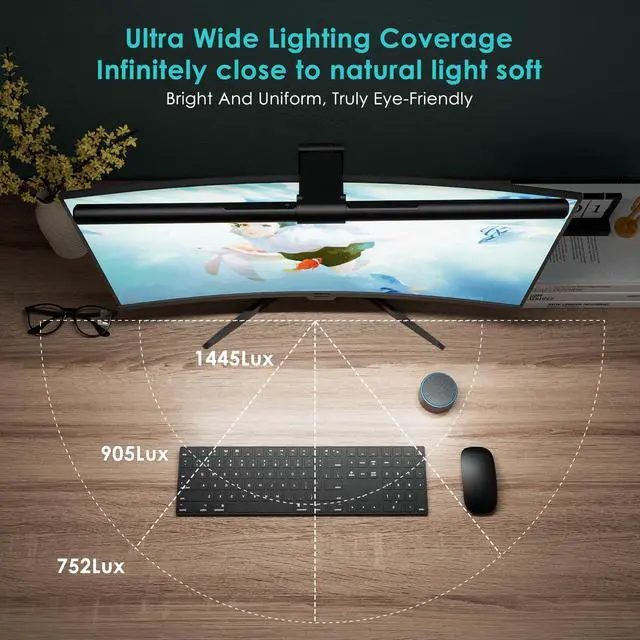
Simply use the remote to customize brightness levels and color temperatures to your preference. Upgraded the weighted clips to ensure firm attachment to your monitor. Uniquely designed front and rear double adjustment cover, fit perfectly on nearly any monitor with thickness from 0.12'' to 2.36''.


Elevate Your Lighting Experience with a Smart Remote Control for Light Bars


Can one remote control two ScreenLinear Classic Pro models?
Yes, if you purchase 2 ScreenLinear Classic Pro, you can use one remote to control both light bars. You can pair and connect the remote with multiple light bars for simultaneous operation.
How to pair the lamp with remote control?
First, within the 5 seconds before the lamp lights up after it is turned on, give the cover plate a long press with one hand while rotating the shell part with the other hand.
Then, if the light flashes, it means that the pairing was successful.
How can I turn on/off the 2 Hour auto-off timer mode?
You can press and hold the upper cover for 3 seconds to turn on the 2 Hour auto-off timer mode. Simply turn off the light bar to cancel the timer function.
How can I adjust the color temperature/ brightness of this screen lamp bar?
Rotate the upper cover plate to adjust the color temperature; rotate the housing to adjust the brightness.
Can this computer light bar suitable for curved monitors?
Yes. The latest Quntis monitor light Classic Pro works perfectly on top of curved monitors, ultrawide monitors and normal monitors.