
Your Browsing History

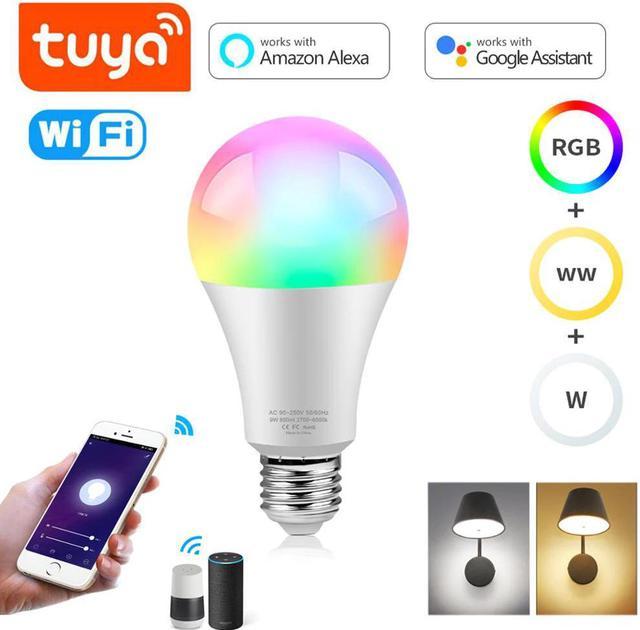
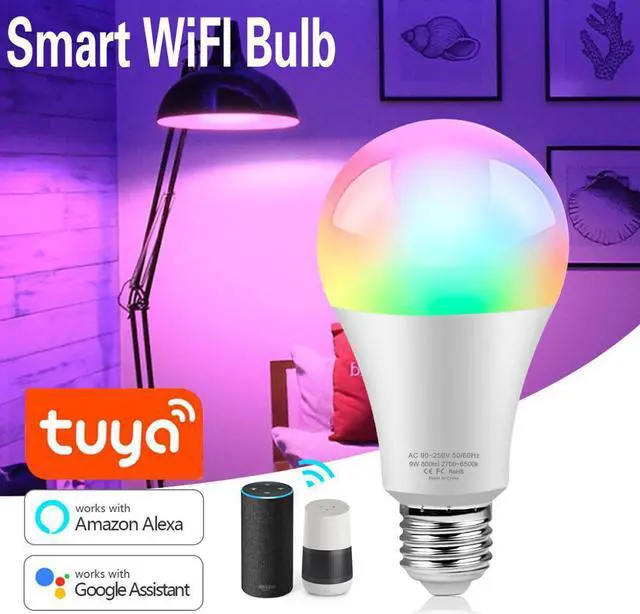
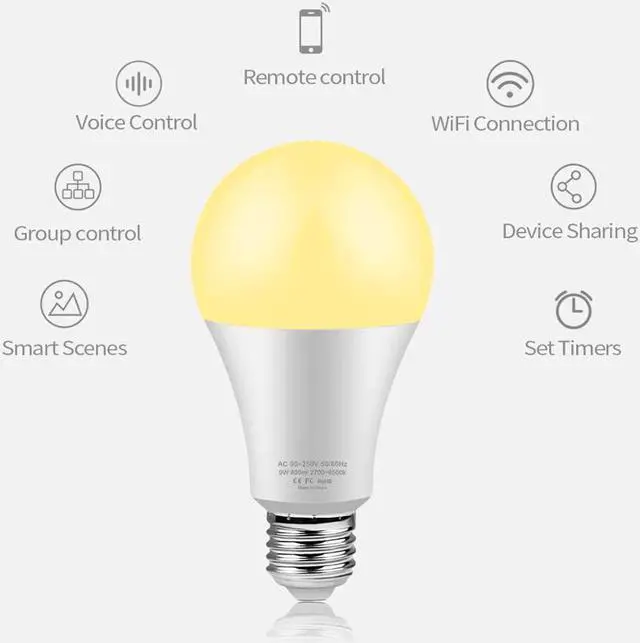
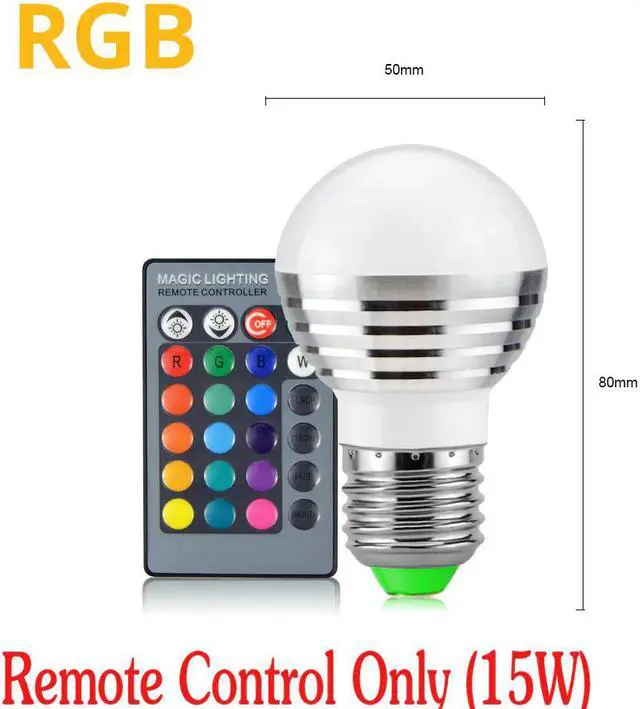



Features:?Remote Control? Even you are not at home, you can control your smart bulb on/off with your phone via Tuya or Smart Life App. Easily set schedule for your smart bulb. Customize your home light system, like setting lights to come on at dusk or turn off at sunrise. You can create a group for all of your smart bulb and control them all with just one command. Works with 2.4GHz Wi-Fi network.
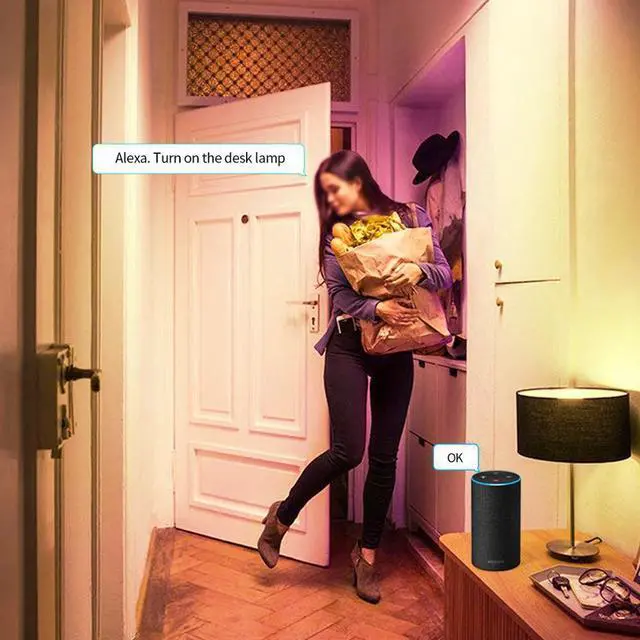
Voice Control? Control your smart bulb via your voice with Google Assistant . Just give a voice command to turn on/off or dim/brighten your light, even switch your light to specific olor as you need. No hub required and easy to install. No need subscription.
Millions Color Changing?Express yourself and make your space more creative with Smart Bulb. Choose from 16 million colors and shades of white to instantly change the look and atmosphere of your room. Control remotely with your smart device, create customized scenes and unleash your creativity. Meet your party, read, leisure light.
Energy Saving&Wide Usage?With technology, this bulb will save up to 60% energy consumption compared with ordinary bulb. Save your electricity charge with newest lighting technology. This bulb can be used on anywhere you need colorful light such as home indoor lighting, hotel, meeting room, museum, restaurants, bar, cafe, holiday
Know about Tuya APP
Step 1: Search "Tuya" or "Smart Life "on Phone to download it.
Step 2: Connect the bulb to your local 2.4G WIFI with your phone connecting to it.
Step 3: Set up your Tuya account. Add Device>Lighting devices and confirm the device in the App.
Step 4: Easy Mode or AP Mode(Press on/off button of the device 5 times)
Tips--App
Hands-Free Lighting Solution