

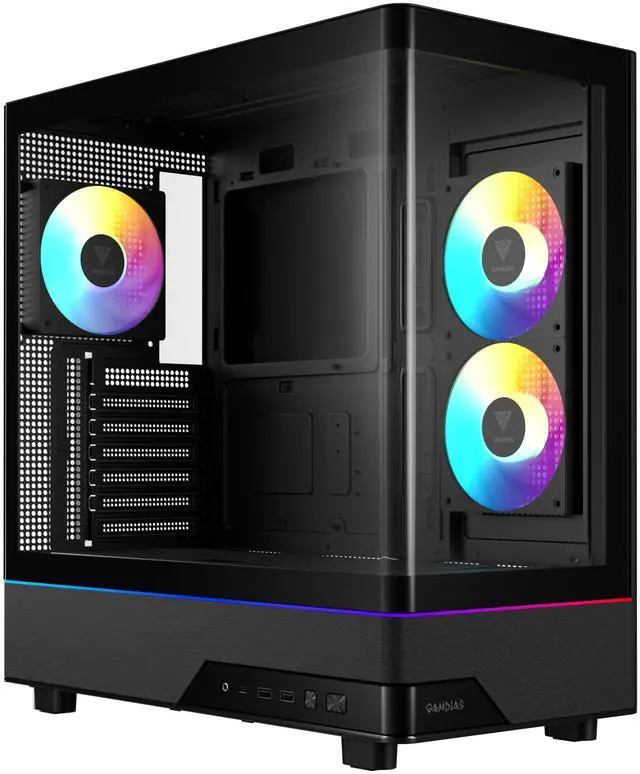
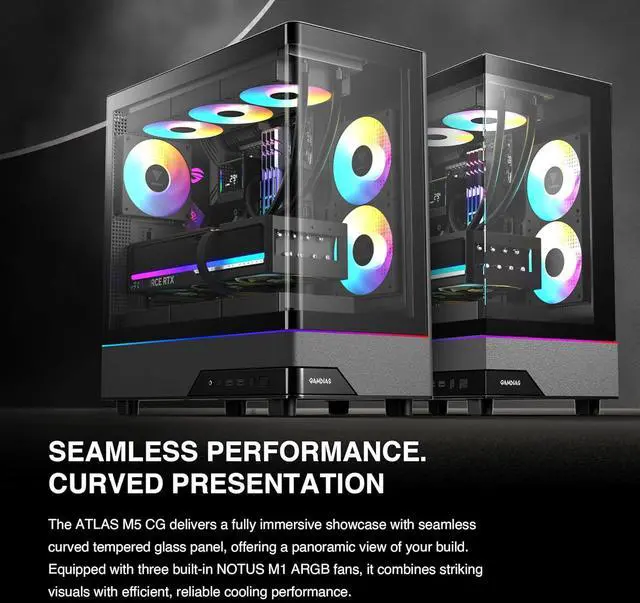
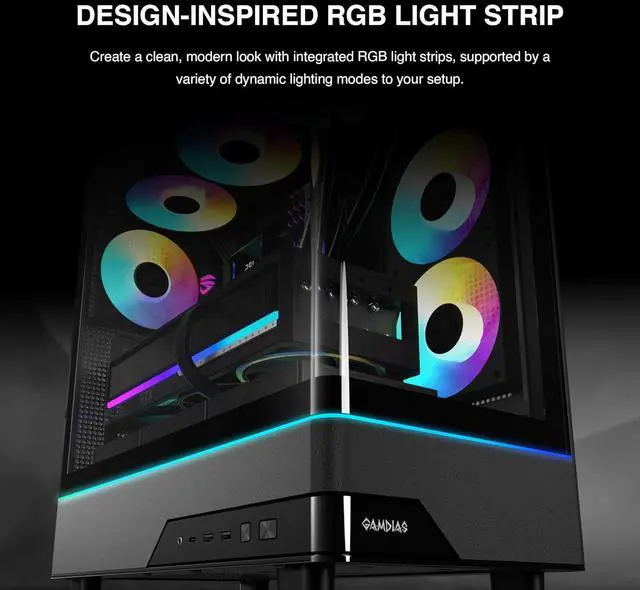
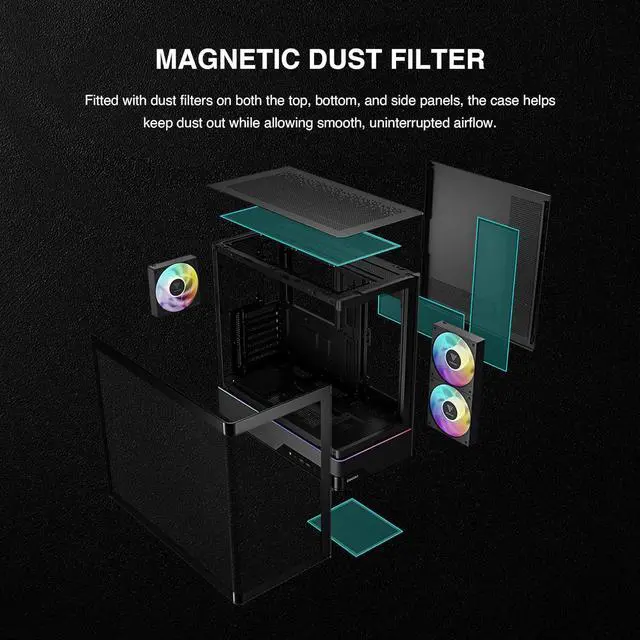
The GAMDIAS Atlas M5 CG is a black ATX mid-tower case for gaming and performance PC builds, with space for GPUs up to 425 mm, CPU coolers up to 175 mm, and top radiators up to 360 mm. It suits builders choosing high-end components and flexible cooling options.
Recommended For
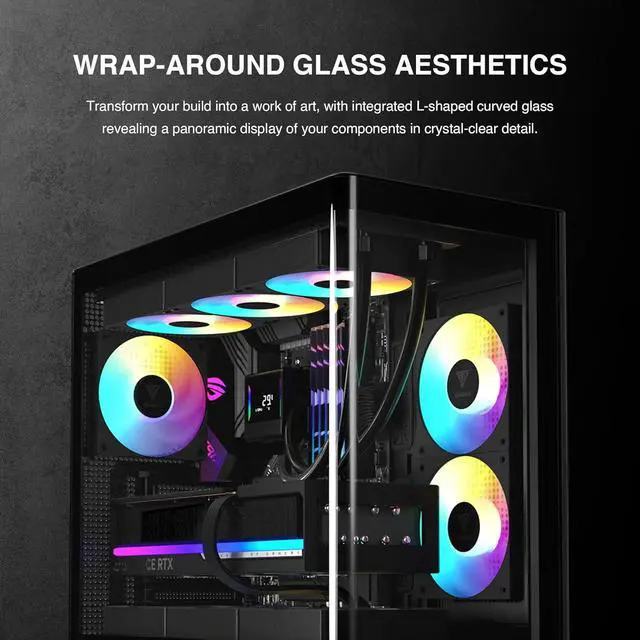
- PC builders who want the hardware to be a visible part of their desk setup; the curved, seamless glass and three pre-installed ARGB fans are aimed at showcase-style builds.
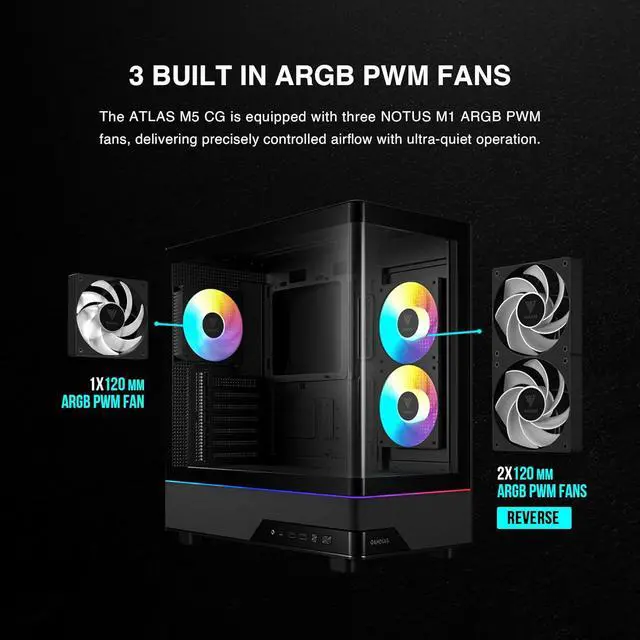
- Gaming-PC builders fitting a long graphics card who want included case fans and front-panel USB-C rather than sourcing every feature separately; the case supports GPUs up to 425 mm and includes three 120 mm ARGB PWM fans.
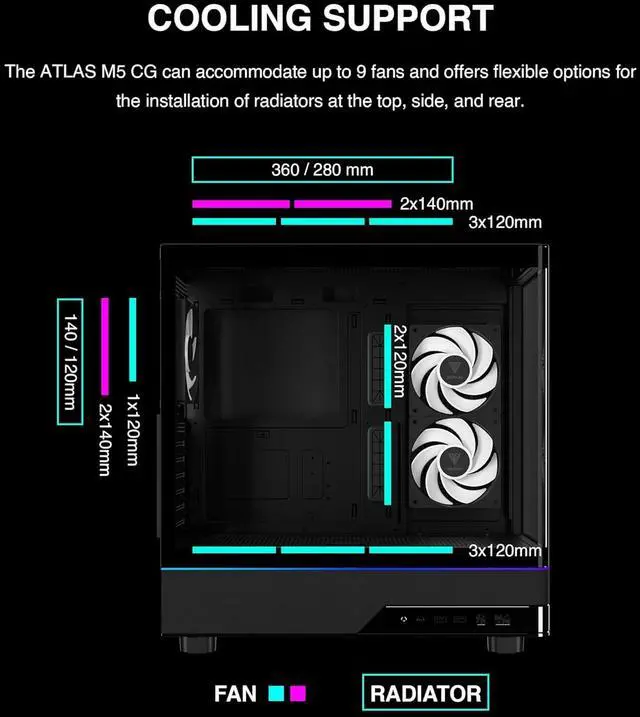
- Builders planning a conventional ATX, Micro-ATX, or Mini-ITX system with a top-mounted radiator; the case supports those motherboard sizes and radiators up to 360 mm at the top.
Real-World Use Scenarios
- When building a desk-side gaming PC that will be on display, the curved glass and built-in ARGB lighting make the components and lighting visible from a wide angle.
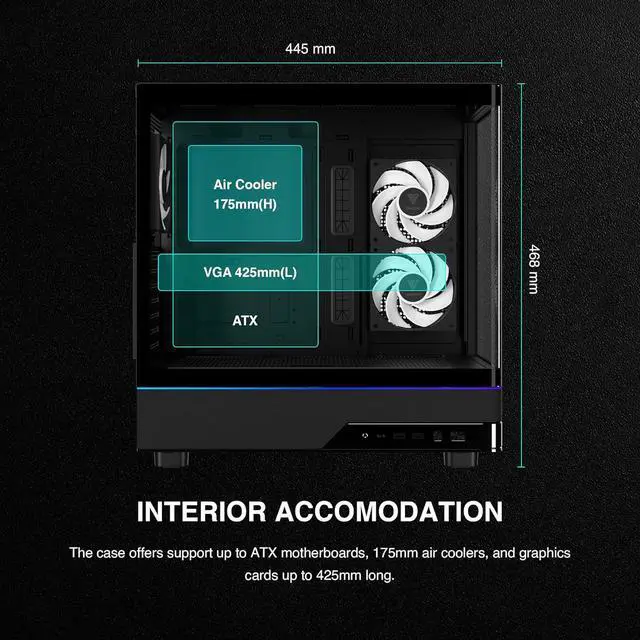
- When assembling a gaming PC around a long graphics card, the roomy interior can accommodate cards up to 425 mm; check the specific card and other component clearances before buying.
- For a first build or case swap, the three included PWM ARGB fans provide a starting airflow setup without requiring the builder to buy case fans immediately; actual temperatures depend on the full system and its configuration.
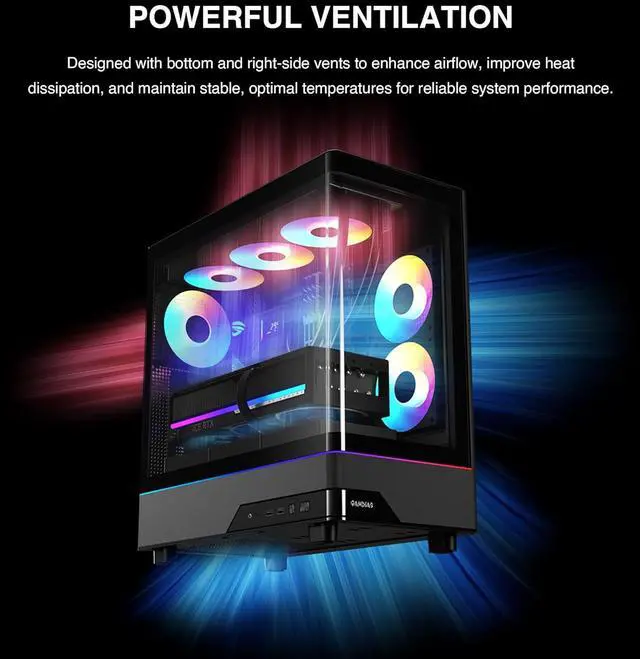
- When planning a later cooling upgrade for a gaming or workstation build, the case supports additional fans and a top-mounted radiator up to 360 mm, giving the builder options to expand beyond the included fan setup.
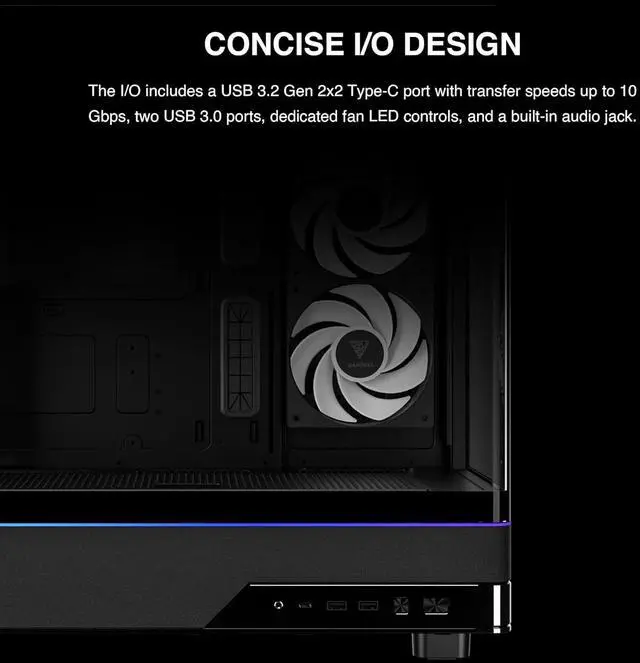
- When connecting a compatible external drive or other USB-C device at the desk, the case’s top-level Type-C port keeps that connection accessible without reaching around to the back of the PC.
Reference Q&A
Q: GAMDIAS ATLAS M5 CG vs ATLAS M5: what’s the difference?
A: Choose the ATLAS M5 CG if you want a single L-shaped curved glass panel across the front and side. Choose the ATLAS M5 if separate front and side glass panels fit your preference. GAMDIAS lists the same three pre-installed fans, component clearances, and cooling support for both; the CG is slightly longer in depth (445 mm vs. 434 mm).
Q: Should I get the ATLAS M5 CG or Montech AIR 903 MAX for a gaming PC?
A: Choose the ATLAS M5 CG for its curved panoramic glass and up to 425 mm GPU clearance. Choose the Montech AIR 903 MAX if you prioritize a mesh-front airflow layout: it includes four 140 mm fans and supports 360 mm radiators at both the front and top. These are different design priorities; the listed specifications alone do not establish which case will produce lower temperatures in a particular build.
Q: ATLAS M5 CG vs Montech King 95 Pro: which should I choose?
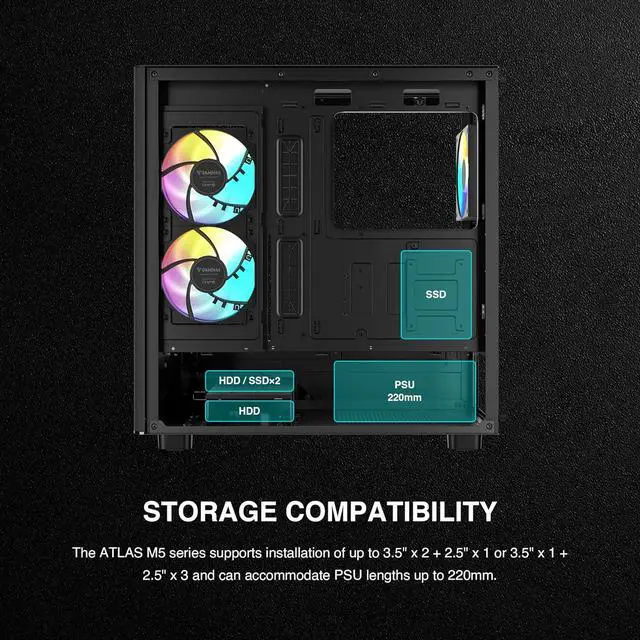
A: Choose the ATLAS M5 CG if a seamless curved-glass showcase and 425 mm GPU clearance are your priorities. The King 95 Pro is a better fit if you want a dual-chamber layout, six pre-installed fans, more listed drive capacity, and the option to swap its front glass for an included mesh panel. The King 95 Pro’s larger layout offers more storage flexibility, while the ATLAS M5 CG has the distinctive curved front-and-side glass design.
Q: Will my motherboard and graphics card fit in this case?
A: The case supports ATX, Micro-ATX, and Mini-ITX motherboards and graphics cards up to 425 mm long. Check your specific components’ dimensions; the maximum CPU cooler height is 175 mm.
Q: How many fans are included, and can I add more?
A: It comes with three 120 mm PWM ARGB fans: two on the side and one at the rear. It also has mounting options for additional fans at the bottom, top, and side; check your planned layout and component clearances before adding them.
Q: Can I install a 360 mm radiator?
A: Yes. The case supports a radiator up to 360 mm at the top. Confirm radiator and fan thickness clearances against your other installed components before buying.
Q: What ports are available on the front of the case?
A: The front I/O includes one USB Type-C port, two USB 3.0 ports, an HD Audio port, and an LED control button. The listing does not specify the Type-C port’s data-transfer speed.