









We want to ensure your holiday shopping this year is hassle-free. That’s why we’re automatically extending our return policies on almost every product! For purchases placed between November 1st, 2026 and December 31, 2026 you will have until January 31, 2027 to return your product.
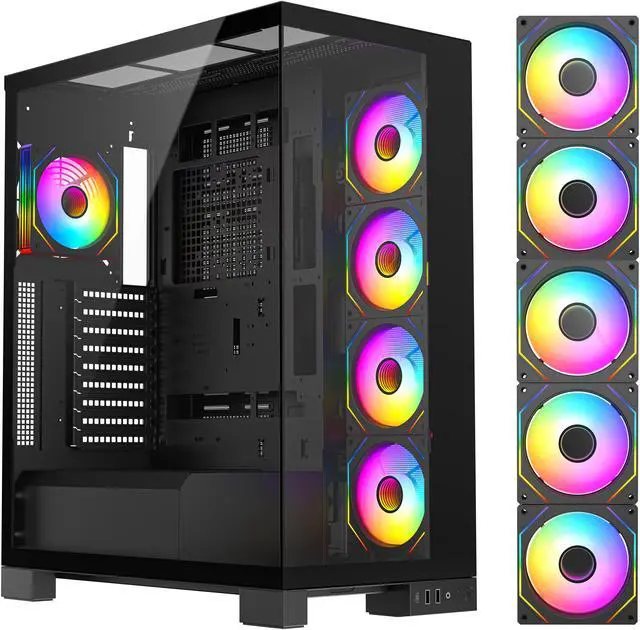
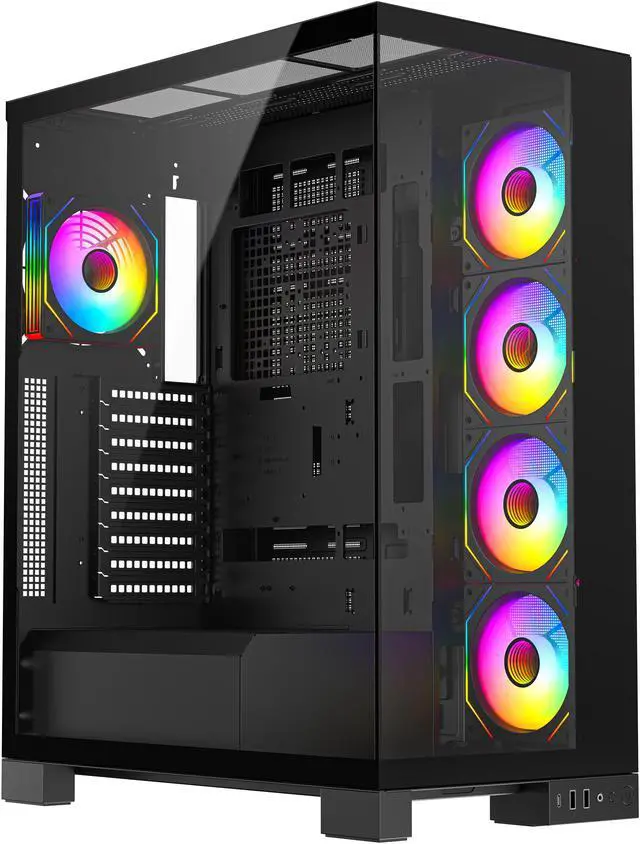
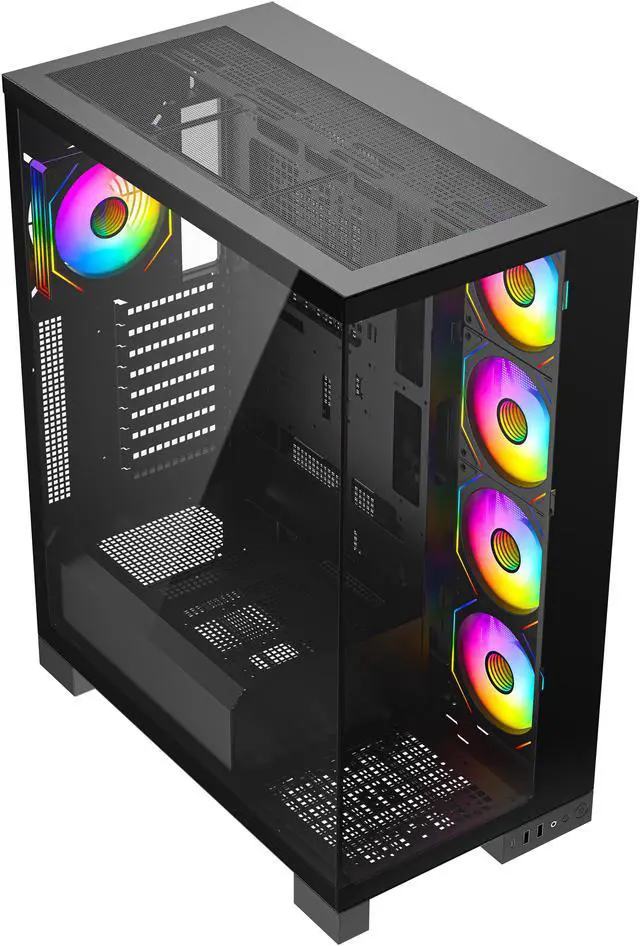
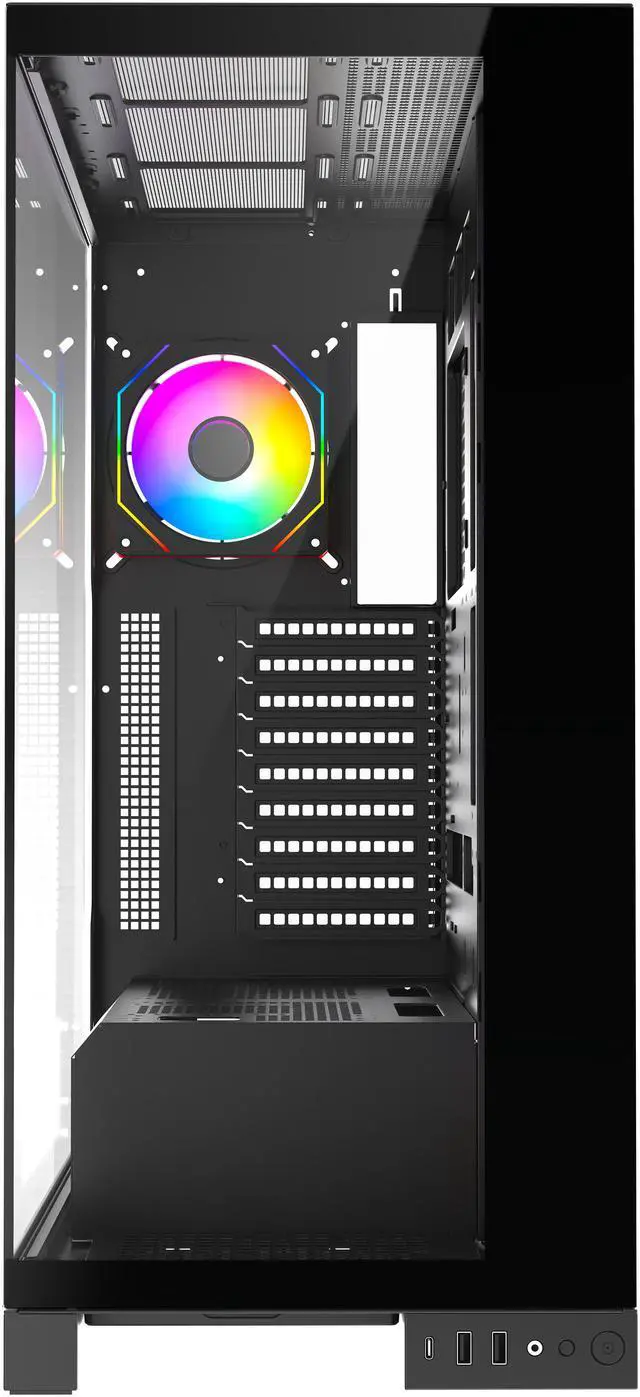
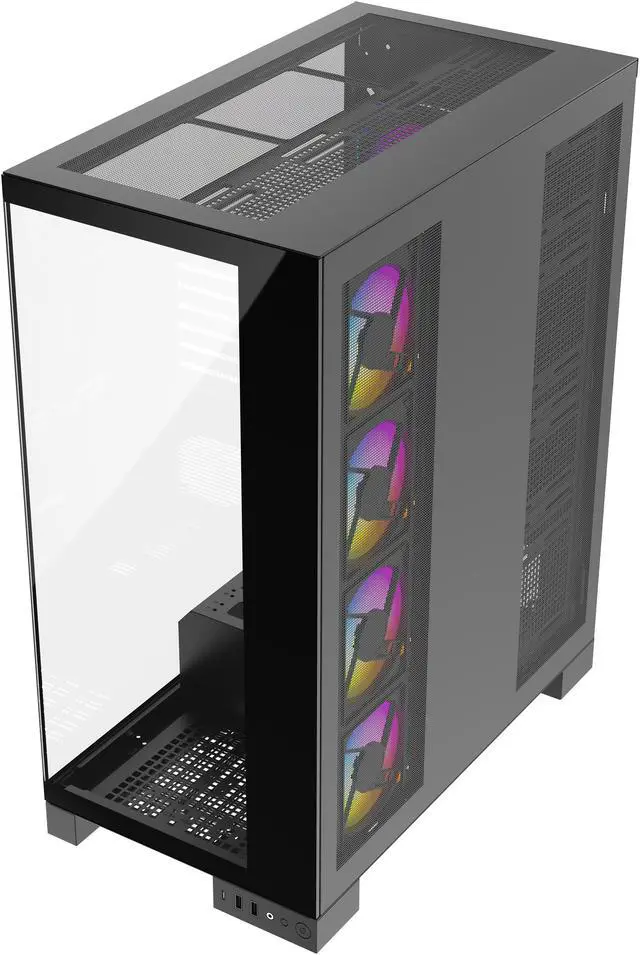
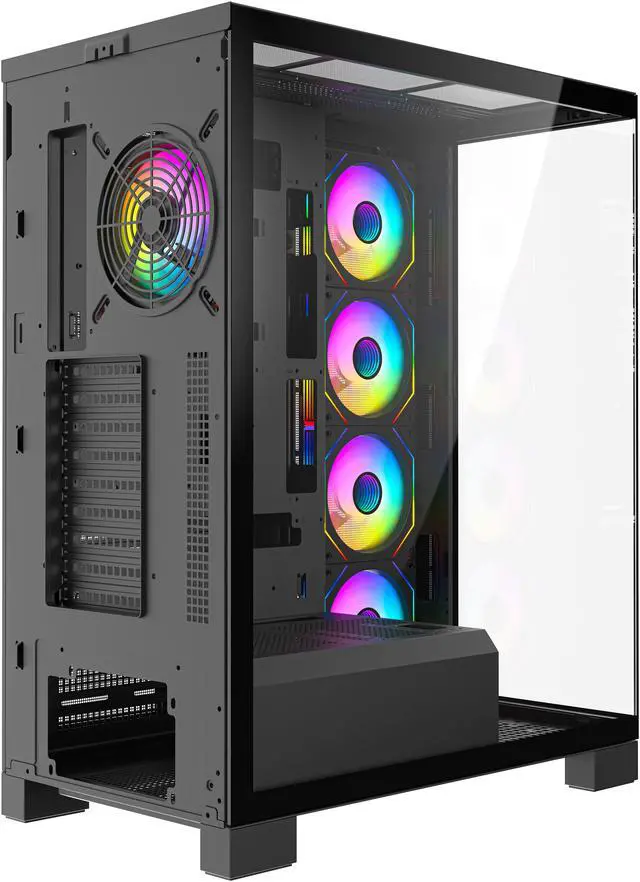
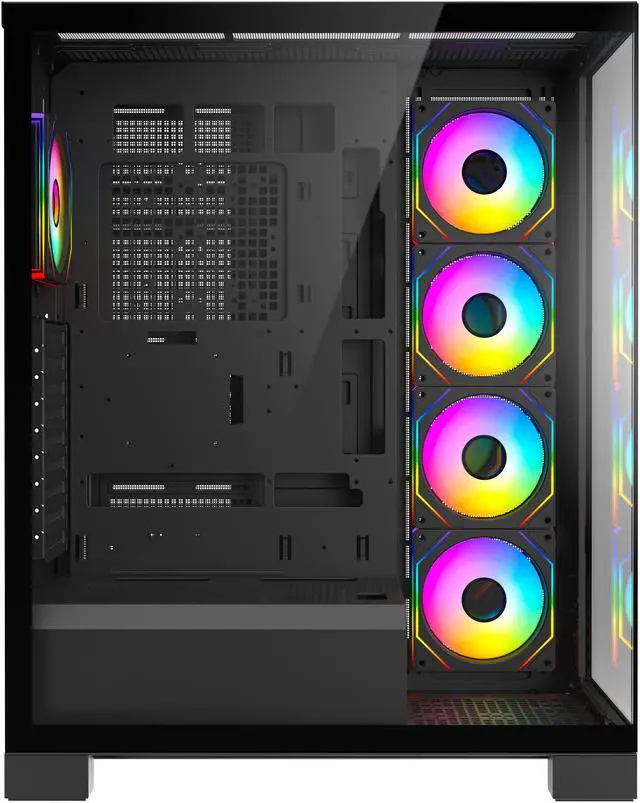
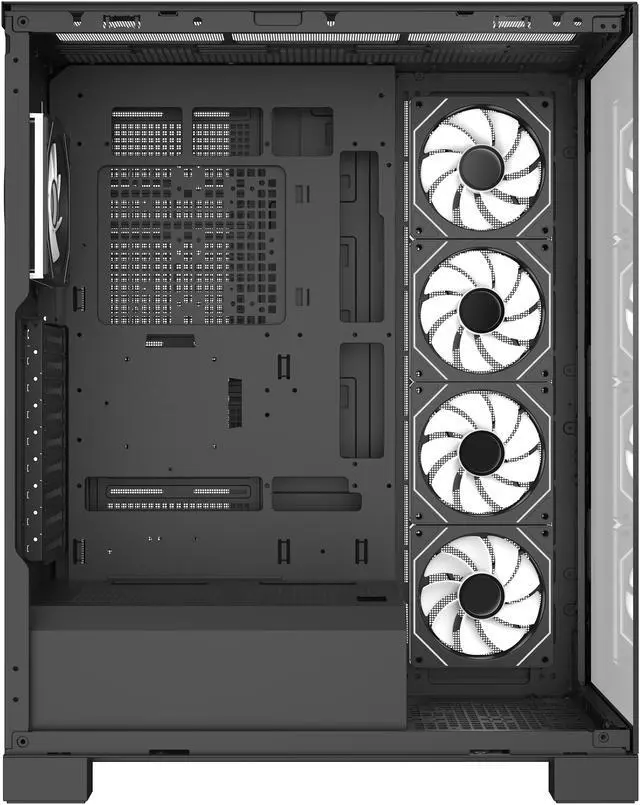
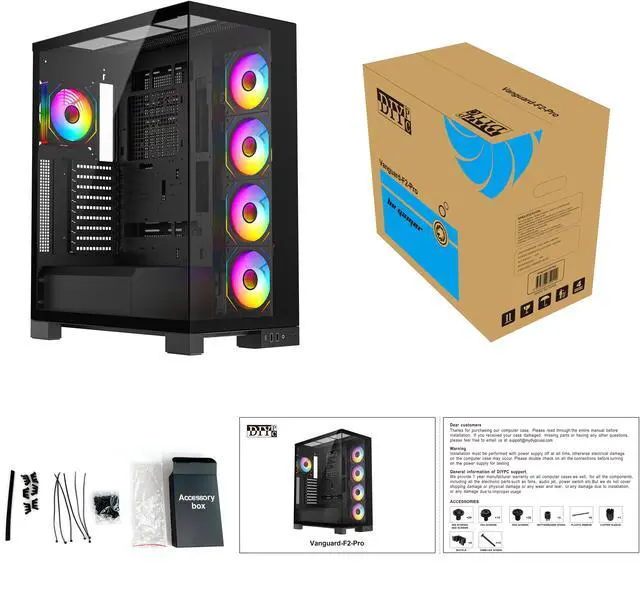
The DIYPC Vanguard-F2-Pro is a black ATX full-tower gaming case with tempered-glass panels, five pre-installed ARGB PWM fans, support for up to 11 fans, and radiator compatibility up to 480mm. It suits high-performance PC builders who want expansive cooling, component space, and a panoramic showcase design.
Q: Is the DIYPC Vanguard-F2-Pro or Montech KING 95 PRO better for a high-end gaming PC?
A: Choose the DIYPC Vanguard-F2-Pro when you need maximum component and cooling clearance. It supports up to a 420 mm graphics card, a 180 mm CPU cooler, an 11-fan layout, a 360 mm top radiator, and a 480 mm motherboard-side radiator. The Montech KING 95 PRO is a more compact mid-tower with six included fans, a tested dual-chamber layout, and support for up to a 420 mm GPU and 360 mm top radiator. The Vanguard-F2-Pro is the better fit for larger cooling installations and BTF back-connect motherboards, while the KING 95 PRO is better suited to builders who prefer a more compact, review-tested dual-chamber design with a mesh-panel option.
Q: Should I get the DIYPC Vanguard-F2-Pro or NZXT H6 Flow for a smaller desk setup?
A: Choose the NZXT H6 Flow for a more compact desk-oriented build. It is a mid-tower measuring about 17.1 x 11.3 x 16.3 inches and weighs about 20.8 pounds, compared with the Vanguard-F2-Pro’s listed 22.7-inch height and 16-pound weight. Choose the Vanguard-F2-Pro when internal expansion matters more than footprint: it offers full-tower space, a 420 mm GPU limit, support for larger CPU coolers, more storage bays, and up to 11 fans. The H6 Flow is easier to fit into a compact workspace, while the Vanguard-F2-Pro provides more installation headroom.
Q: DIYPC Vanguard-F2-Pro vs Lian Li O11 Vision Compact: which is better for a showcase build?
A: Choose the Lian Li O11 Vision Compact when you want a more compact panoramic showcase case with broad dual-chamber cooling support. It supports up to 11 fans, a 408 mm GPU, and 360 mm radiators in multiple positions. Choose the DIYPC Vanguard-F2-Pro when you need a taller full-tower layout, five pre-installed ARGB PWM fans, more drive-bay capacity, a 420 mm GPU limit, a 180 mm CPU-cooler limit, or support for a 480 mm motherboard-side radiator. The O11 Vision Compact prioritizes a smaller showcase footprint, while the Vanguard-F2-Pro prioritizes component clearance and expansion capacity.
Q: Is the DIYPC Vanguard-F2-Pro worth choosing over a conventional mid-tower ATX case?
A: Choose the DIYPC Vanguard-F2-Pro if your build uses large components, multiple storage drives, extensive cooling, or a BTF back-connect motherboard. Its full-tower layout supports ATX, Micro ATX, and ITX boards, up to five 2.5-inch drives and three 3.5-inch drives, up to 11 fans, a 420 mm GPU, and radiators up to 480 mm on the motherboard side. Choose a conventional mid-tower when the system uses one graphics card, a standard air cooler or 360 mm liquid cooler, and limited storage. A mid-tower generally uses less desk or floor space, while the Vanguard-F2-Pro provides more upgrade and installation flexibility.
Q: Will this case fit my graphics card, motherboard, and CPU cooler?
A: It supports ATX, Micro ATX, ITX, and BTF back-plug motherboards. It accommodates graphics cards up to 420 mm long and CPU coolers up to 180 mm tall. Check the exact dimensions of your GPU, cooler, radiator, and power cables because installed components can reduce usable clearance.
Q: Can I install a 360 mm or larger liquid-cooling radiator in this case?
A: Yes. The case supports radiators up to 480 mm on the motherboard-side mount and up to 360 mm on the top mount; the rear supports a 120 mm radiator. Actual clearance can depend on the motherboard, memory height, graphics card, radiator thickness, and fan placement.
Q: How many fans come with the case, and how many can it hold?
A: Five 120 mm ARGB PWM fans are pre-installed: four on the motherboard side and one at the rear. The chassis can support up to 11 fans in total, with additional fan positions at the top, power-supply chamber, and hard-drive area. An included ARGB hub with PWM control helps manage the fans.
Q: Can the ARGB fans sync with my motherboard?
A: Yes, if the motherboard has a 5 V, 3-pin addressable RGB connector. The case also provides a manual ARGB control button, so lighting can be controlled without motherboard synchronization. The included hub provides PWM fan control.
Q: Does this case have enough storage and cable-management space for a high-performance build?
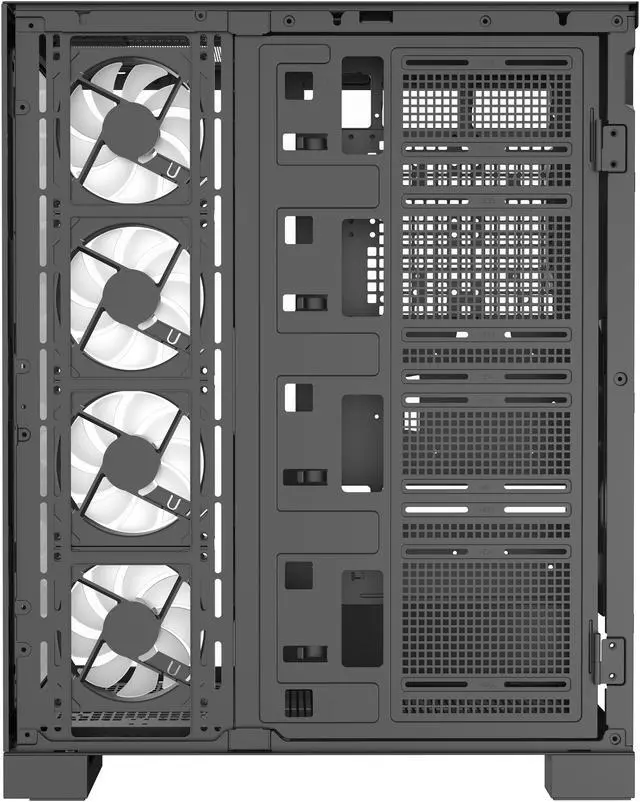
A: It provides three internal 3.5-inch drive bays and five internal 2.5-inch drive bays, with configurations supporting up to three hard drives and five SSDs or four hard drives and three SSDs. The 38 mm cable-management space and separate PSU and drive areas are suited to larger builds, but the case’s full-tower size may be excessive for compact systems.
Q: Can the DIYPC Vanguard-F2-Pro fit a dual-GPU build?
A: It is a plausible choice for a dual-GPU system because it has 9 expansion slots and supports graphics cards up to 420 mm long. However, compatibility still depends on the motherboard's PCIe slot spacing, GPU thickness, power-cable clearance, and airflow requirements.
Q: Are the included fans quiet enough for gaming or heavy workloads?
A: Do not assume the included five-fan setup will be quiet under sustained heavy loads. Reddit discussion reports noticeable noise during GPU-intensive training and gaming, while lighter inference workloads were described as less problematic. Fan curves and workload will significantly affect noise.
Q: Is the Vanguard-F2-Pro's airflow good enough, or is the glass-heavy design a trade-off?
A: The case uses a top mesh panel, four side-mounted 120 mm fans, and a rear fan, so it is designed for active airflow. Its tempered-glass showcase layout is less open than an all-mesh case, making it better suited to builders who prioritize component visibility and expansion room over the lowest possible temperatures and noise.