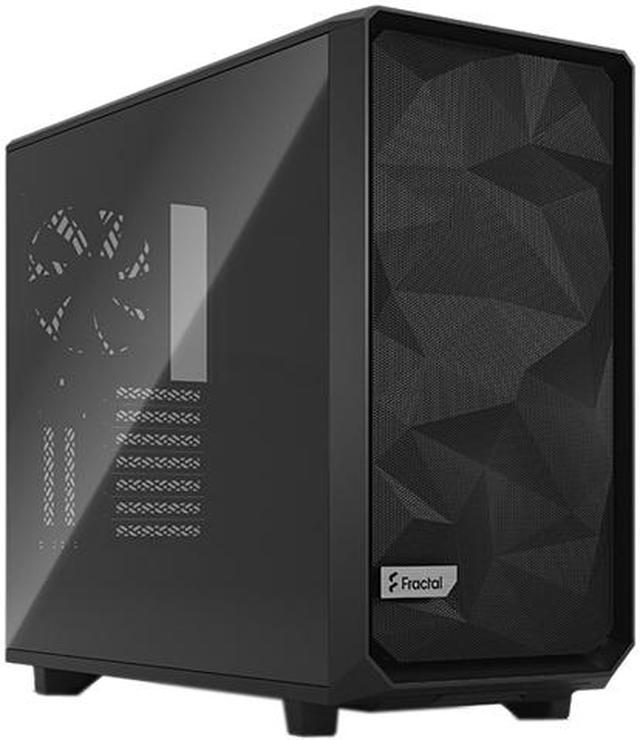
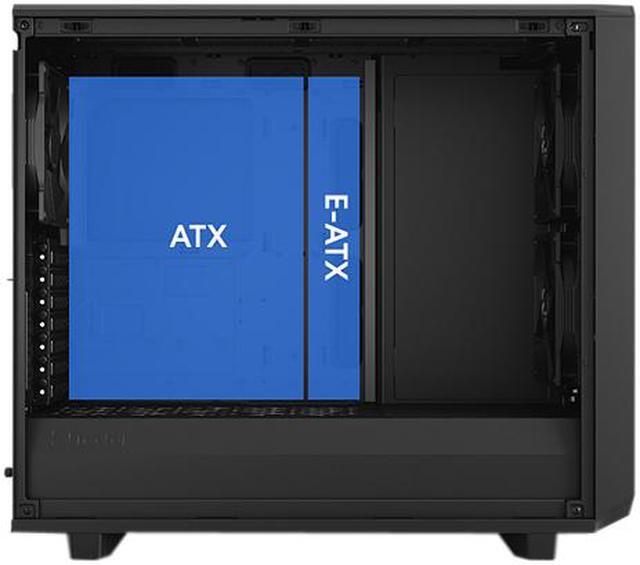
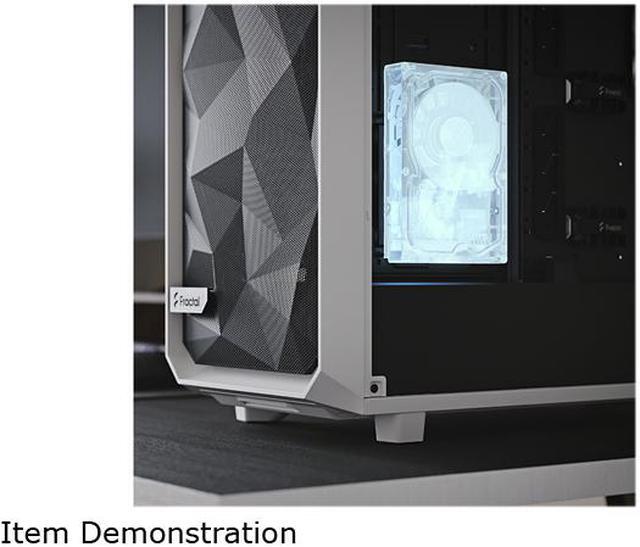
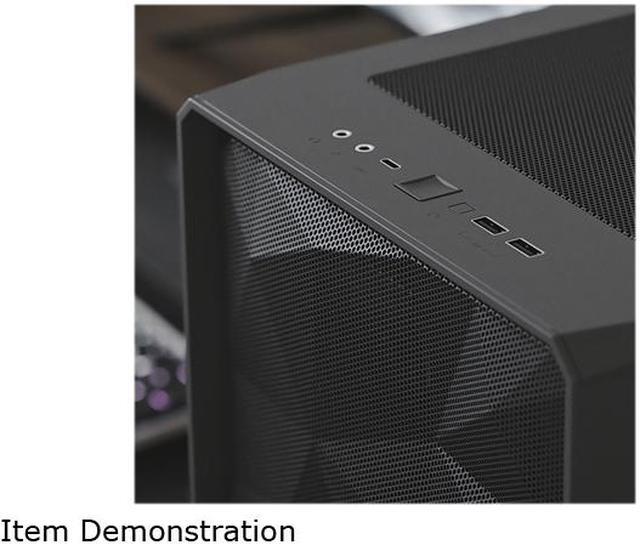
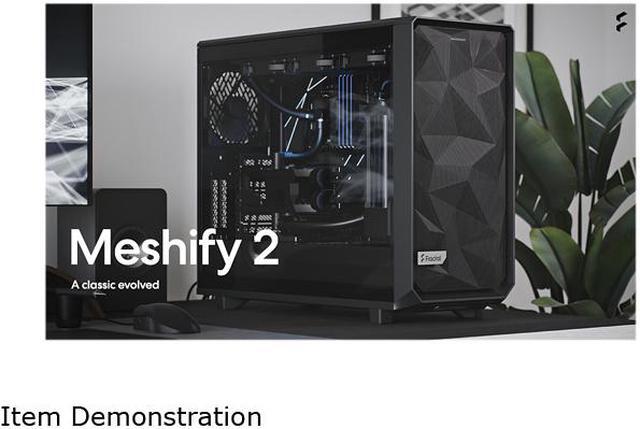
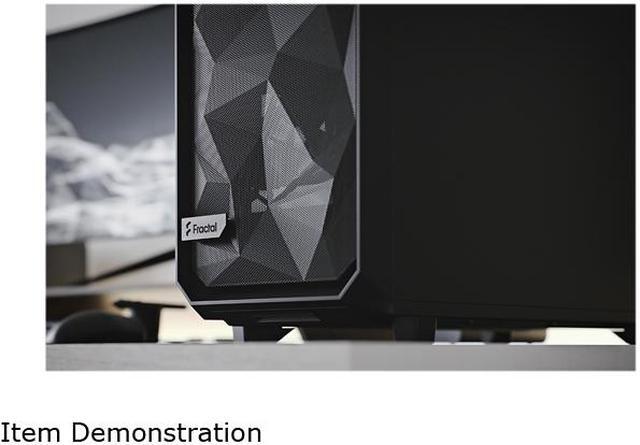
The Fractal Design Meshify 2 is a black ATX mid-tower PC case built for high-airflow gaming or workstation systems, best for users who want strong cooling, flexible radiator support, broad motherboard compatibility up to 285 mm E-ATX, and easy building access through its open three-side interior design.
Recommended For
- Builders planning a high-airflow gaming or workstation PC with hot CPUs/GPUs, especially if they want strong stock cooling and room for large air coolers or multiple radiators.
- PC enthusiasts doing custom water-cooling or frequent hardware swaps who want easy access, roomy internals, and less frustrating cable routing during assembly.
- Users building one system to serve both as a main desktop and a high-capacity home server/NAS-style tower, where flexible drive mounting matters as much as airflow.
- Upgraders moving to larger GPUs, E-ATX boards, or multi-drive builds who want a case that stays flexible instead of forcing a compact layout.
Real-World Use Scenarios
- Building a high-end gaming PC with a large GPU and multiple case fans: the Meshify 2 is commonly used when the goal is to keep thermals under control without moving to a full tower, and the usual result is strong airflow with enough room for long graphics cards and straightforward fan placement.
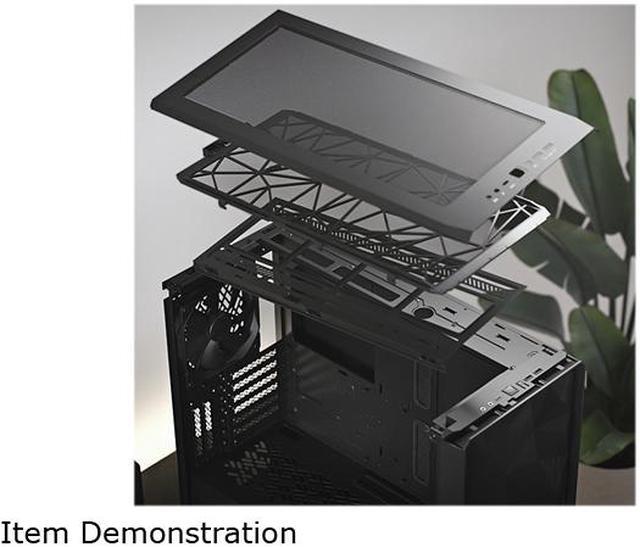
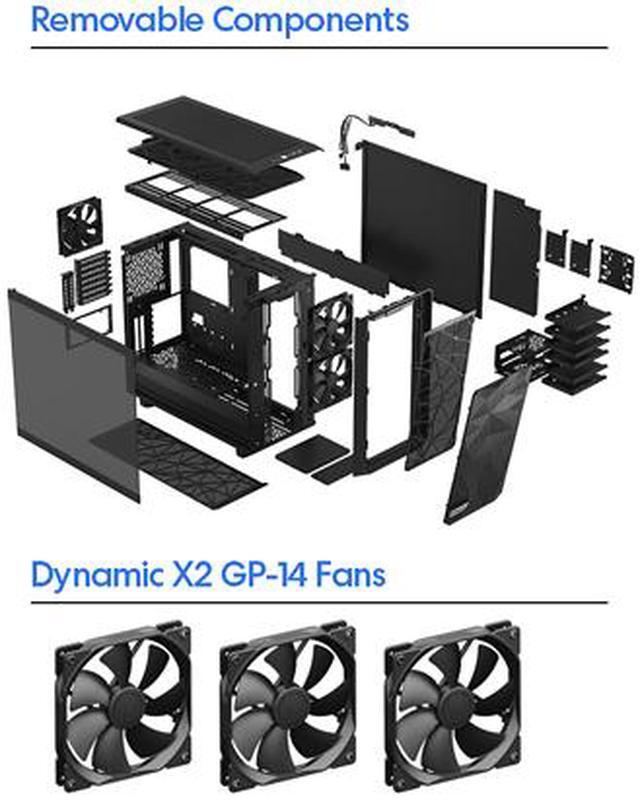
- Putting together a first custom loop or AIO-heavy build: users choose this case when they want radiator flexibility and easier access during installation, and the typical experience is less cramped mounting and simpler routing because the top bracket, panels, and interior sections are designed to open up for build work.
- Converting a desktop into a home server, NAS, or backup box with many hard drives: the Meshify 2 is regularly picked for builds that need more storage than a normal gaming case, and the expected outcome is a cleaner path to a multi-drive setup thanks to its storage layout and support for adding more drive trays.
- Doing a clean-looking productivity or creator build with minimal RGB: buyers use this case when they want an understated enclosure that still has front USB-C and tempered glass, and the usual experience is a tidy build that looks modern without requiring decorative lighting or extra case mods.
- Prioritizing an easier assembly and upgrade path over the smallest footprint: the Meshify 2 is often used by builders who swap parts regularly, and the likely experience is quicker access for cable routing, fan changes, and troubleshooting because the panels and internal layout are built around serviceability.
Spec Summary
| Attribute | Value |
|---|
| Best For | High-airflow, highly configurable ATX/Mid‑tower builds that need flexible radiator and drive support, E-ATX compatibility (up to 285 mm), multiple 120/140 mm fans and extensive storage expansion |
|---|
| Case Type And Compatibility | ATX Mid Tower; supports Mini-ITX, Micro-ATX, ATX and E-ATX (up to 285 mm) |
|---|
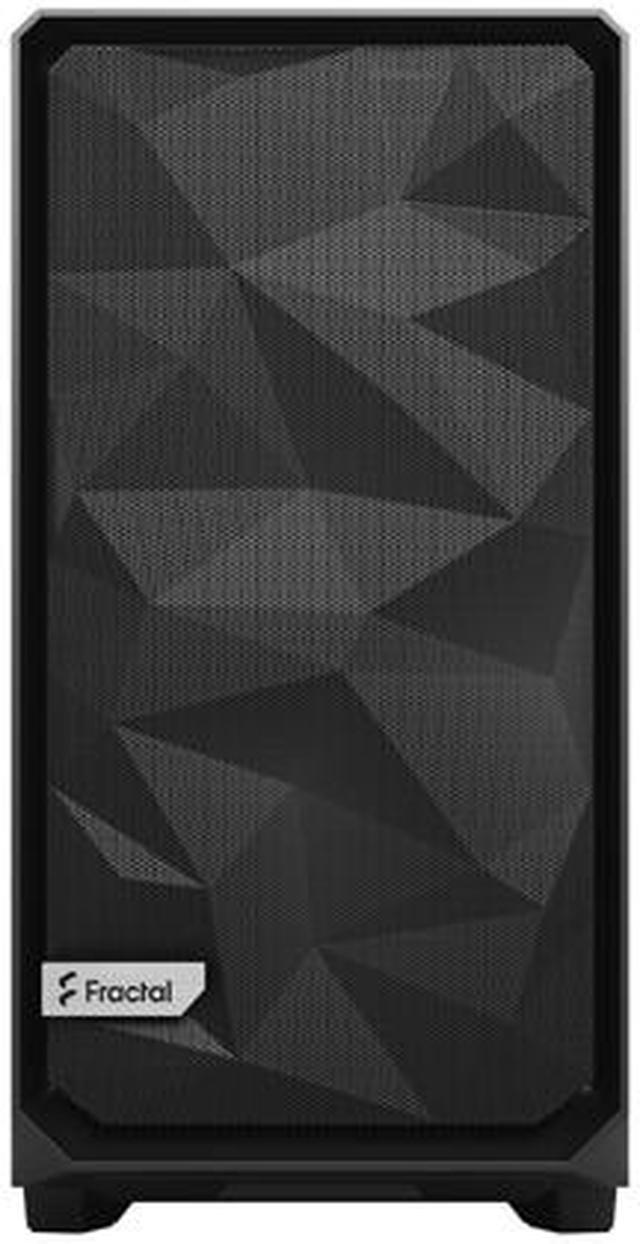
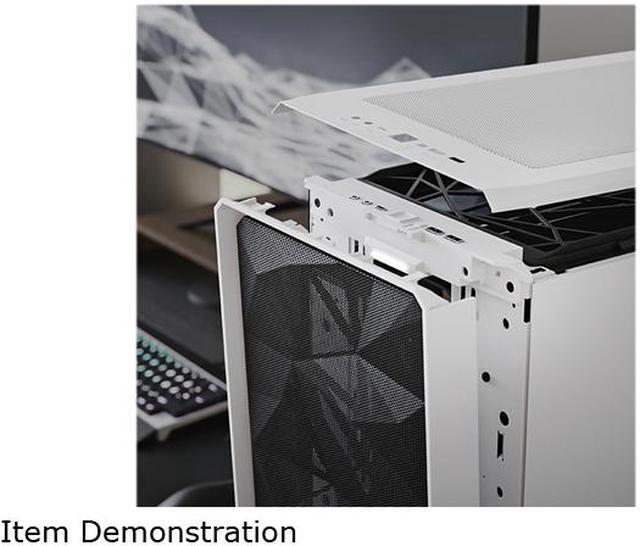
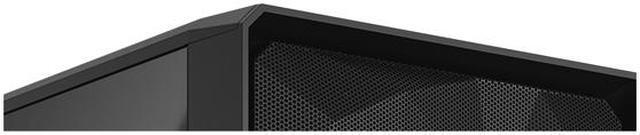
| Materials And Panels | Steel chassis with a light‑tinted tempered glass side panel; hinged mesh front bezel and easy‑to‑clean nylon dust filters on front, top and base |
|---|
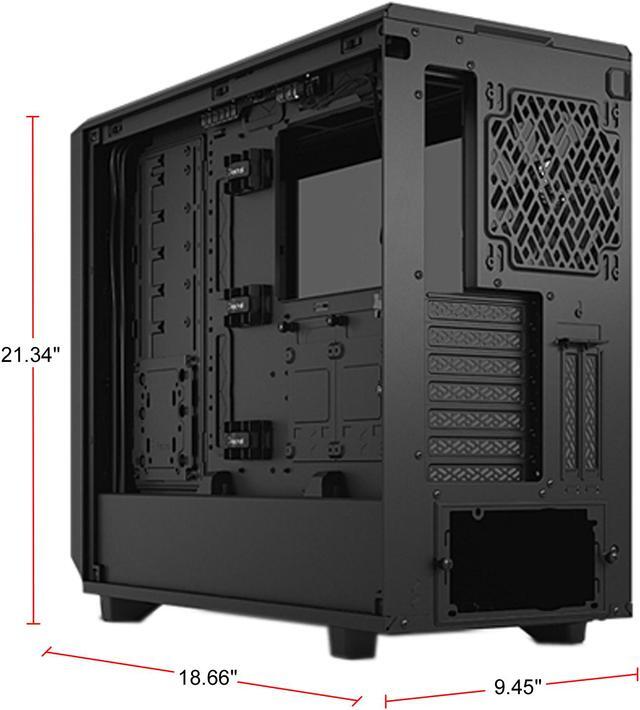
| Dimensions And Weight | 21.38 x 12.60 x 18.66 inches; product weight 23.15 lbs (10.5 Kilograms listed externally) |
|---|
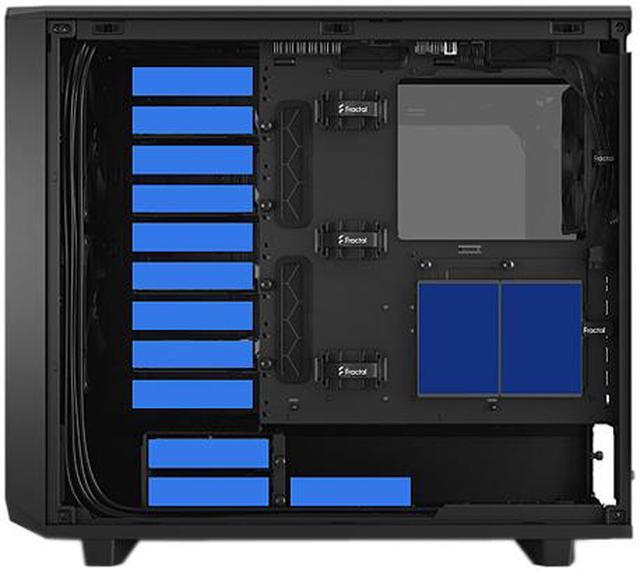
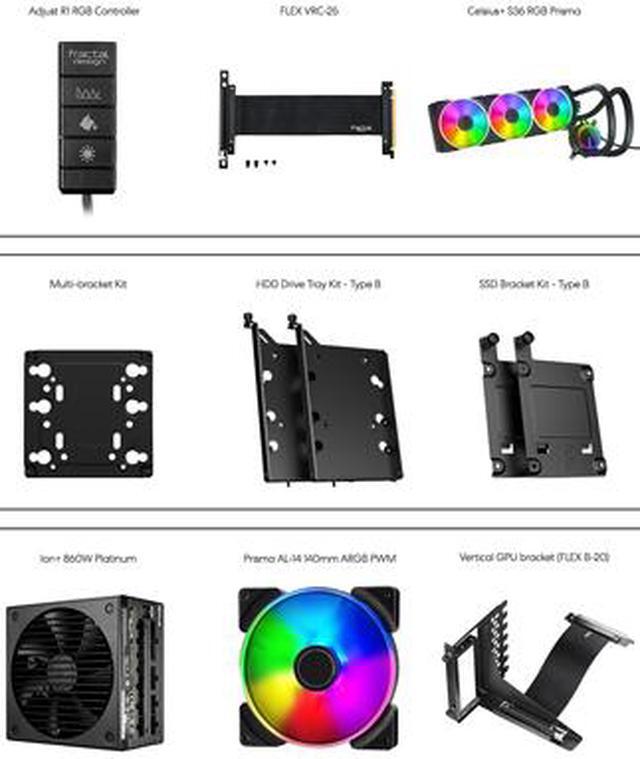
| Drive Bays And Storage | Includes 6 x 3.5" trays (14 positions total + 1 Multibracket) and 2 x 2.5" mounts (4 positions total); expandable storage layouts support up to 11 trays and 4 SSD brackets (up to 18 drives with additional Multibrackets) |
|---|
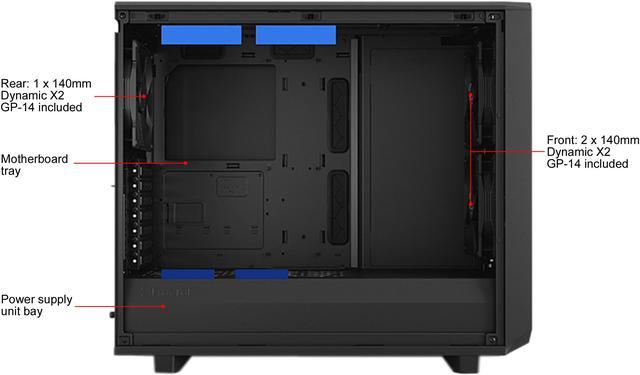
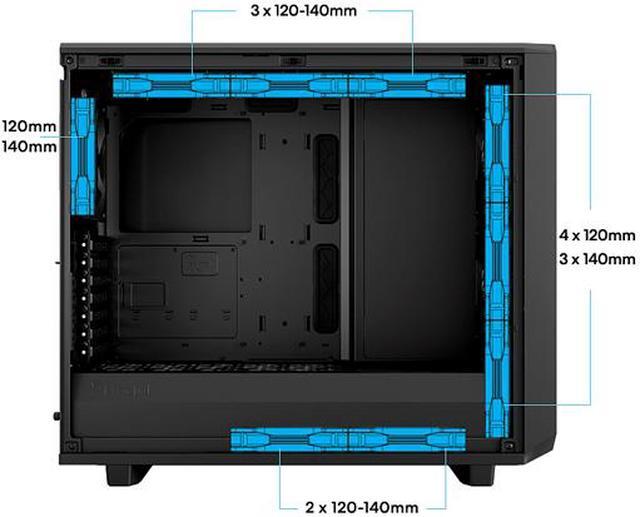
| Cooling And Fans | Nine 120/140 mm fan mounts supported with three preinstalled fans (2x140 mm front, 1x140 mm rear); ultra-slim Nexus+ 2 fan hub supports up to 3 PWM and 6x 3‑pin fans; cooling method: air |
|---|
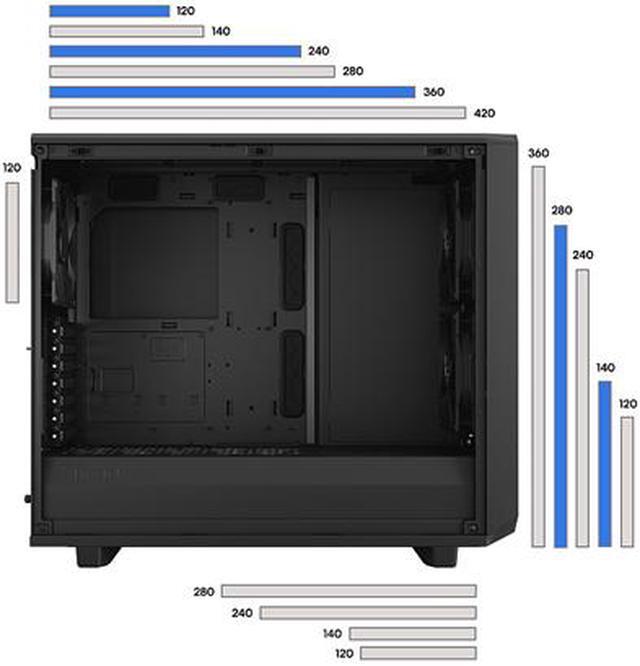
| Radiator Support | Front up to 360 mm (also supports 360/280 mm options), top up to 360/420 mm, rear 120 mm, bottom up to 240/280 mm depending on layout |
|---|
| Front I/O And Ports | Three front USB ports including one USB Type‑C (internal spec lists USB 3.2 Gen 2x2 Type‑C) |
|---|
| Expansion And GPU | Seven standard + two additional expansion slots (bridgeless); two vertical GPU slots supported; max GPU length 491 mm (467 mm with front fan) |
|---|
| Power And PSU | No PSU included; bottom-mounted PSU with max supported length 250 mm (with HDD cage installed); ventilated PSU shroud with two-part removable cover |
|---|
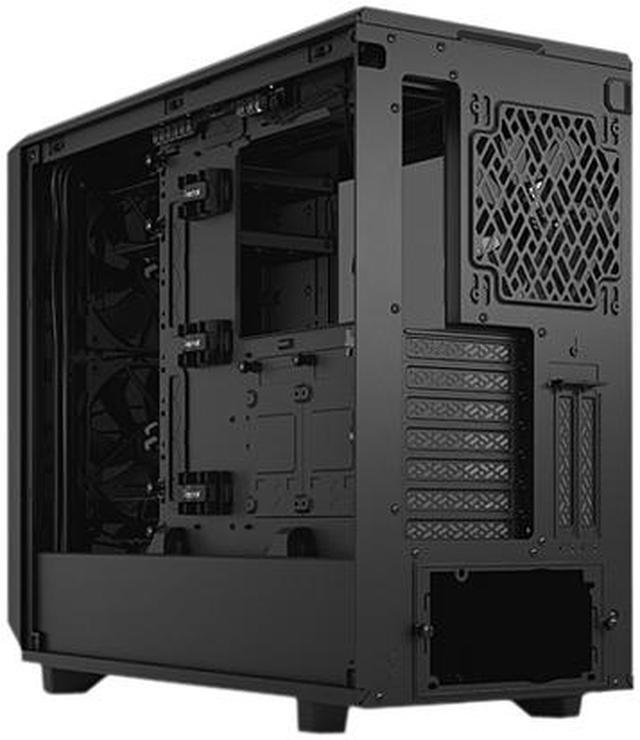
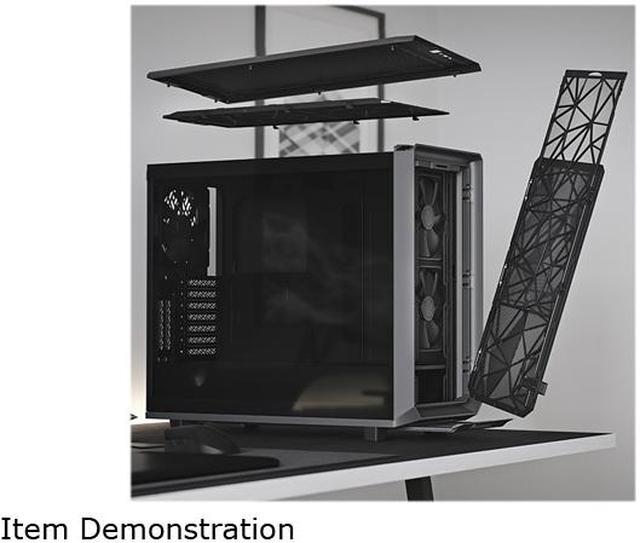
| Cable Management And Case Features | Chassis opens to expose the interior on three sides for easier installation and routing; detachable PSU cable shield, integrated cable guides with Velcro straps, hinged removable front mesh with tether-free bezel, Multibracket converts unused fan positions to HDD/SSD/pump mounts, bridgeless expansion slots for unobstructed connections |
|---|
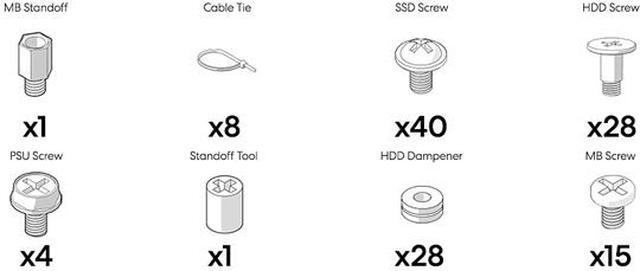
| Package Content And Model Identifiers | Fractal Design Meshify 2 (Model FD-C-MES2A-03); package includes Meshify 2 case plus user manual and accessory boxes with HDD trays |
|---|
Reference Q&A
Q: Should I buy the Fractal Design Meshify 2 or the Meshify 2 Compact?
A: Choose the Meshify 2 if you want more expansion headroom for large GPUs, bigger radiators, or a storage-heavy build. The standard Meshify 2 supports up to a 420 mm top radiator, much longer GPU clearance, and far more drive capacity, while the Meshify 2 Compact is positioned as a space-efficient ATX case with smaller radiator and GPU limits. Reviews of the Compact consistently frame it as a strong choice for mainstream gaming builds, while the full Meshify 2 is better when flexibility and upgrade room matter more than footprint.
Q: Is the Fractal Design Meshify 2 a better pick than the Define 7?
A: Pick the Meshify 2 if your priority is airflow for high-power CPUs or GPUs. Pick the Define 7 if you want the same general Fractal platform with a quieter, more closed-panel design. Community comparisons regularly describe them as closely related internally, with the Meshify 2 favored for airflow-focused builds and the Define 7 favored when lower panel openness and sound damping are more important.
Q: Should I get the Fractal Design Meshify 2 or the Fractal Torrent for an airflow build?
A: Choose the Meshify 2 if you want a more flexible case for mixed use, especially if you may add more drives, use multiple layout options, or plan a custom loop with broader mounting choices. Choose the Torrent if your main goal is air-cooling performance with less emphasis on storage density. Official positioning and user discussions commonly treat the Torrent line as the more air-cooling-specialized design, while the Meshify 2 is the more adaptable all-rounder.
Q: When is the Fractal Design Meshify 2 XL worth buying over the standard Meshify 2?
A: Buy the Meshify 2 XL if you know you need maximum internal volume for very large motherboards, heavier storage builds, or more ambitious radiator layouts. Stick with the standard Meshify 2 if you want most of the same design language and flexibility in a more manageable size. In practice, the XL version is the higher-tier option for builders who already expect larger hardware or more complex cooling plans.
Q: Is the Fractal Design Meshify 2 a good choice for a high-airflow gaming or workstation build?
A: Yes. The Meshify 2 is best suited to builders who prioritize airflow, large-component compatibility, and upgrade flexibility. It supports up to nine 120/140 mm fans, comes with three 140 mm fans preinstalled, fits GPUs up to 491 mm, and supports radiators up to 420 mm on top. It is a stronger fit for performance-focused gaming or workstation builds than for people seeking the quietest possible enclosure.
Q: Who is the Meshify 2 best for: storage-heavy users, custom loop builders, or mainstream PC builders?
A: It fits all three, but it is especially strong for storage-heavy and advanced cooling builds. In its flexible layouts, it can be configured for large drive counts and multi-radiator setups while still supporting standard ATX builds. If you only need a simple mainstream build with a few drives, the case may be more space and cost than necessary compared with more compact airflow cases.
Q: Can the Meshify 2 handle large GPUs, tall air coolers, and 420 mm liquid cooling without major fit issues?
A: Yes. This case is designed for large modern components. It supports graphics cards up to 491 mm, CPU air coolers up to 185 mm tall, and radiators up to 420 mm on top. That makes it a practical choice for oversized GPUs and high-end cooling setups, provided your exact radiator and fan thicknesses are planned carefully.
Q: What are the main trade-offs versus the Fractal Define 7?
A: The usual trade-off is airflow versus noise focus. Meshify 2 is the better pick if you want stronger front intake airflow and easier cooling for hot GPUs and CPUs. Define 7 is the better pick if you value a more closed, quieter chassis design. Both are flexible cases, but buyers commonly compare them based on cooling-first versus silence-first priorities.
Q: Is the Meshify 2 worth buying over a smaller case like the Meshify 2 Compact?
A: Buy the full Meshify 2 if you want easier building clearance, more storage expansion, or support for larger cooling hardware. Buy a compact alternative if you only need a standard ATX build with fewer drives and want to save desk space. The full Meshify 2 is the more flexible long-term case, but it is physically larger and more than many mainstream builds require.
Q: Is the Fractal Design Meshify 2 still worth buying for a new high-end PC build?
A: Yes, if you want a roomy ATX case with strong airflow, broad hardware compatibility, and easy building access. The Meshify 2 still fits very large GPUs, tall air coolers, and multiple radiator layouts, so it remains practical for modern performance builds. The main trade-off is value: some user discussions treat it as a premium-priced older design rather than the cheapest airflow case.
Q: Who is the Meshify 2 best suited for?
A: It is best suited for builders who want high airflow, lots of internal space, and expansion flexibility. It makes the most sense for users planning large GPUs, multiple drives, a big air cooler, or custom water-cooling. It is less ideal for buyers who want the smallest possible case or the lowest-cost ATX option.
Q: Is the Meshify 2 a good choice for air cooling and low temperatures?
A: Yes. Its design favors airflow, with a full mesh front, three included 140 mm fans, and support for up to nine fan mounts. It is a strong fit for air-cooled builds or mixed CPU/GPU cooling setups. The trade-off is that an airflow-focused case may be more audible under aggressive fan curves than a more closed, noise-focused case.
Q: Is the Meshify 2 a good case for storage-heavy or NAS-like PC builds?
A: Yes, compared with most mid-tower cases. The Meshify 2 supports a storage-oriented layout with many 3.5-inch and 2.5-inch drive positions, so it suits users who need multiple hard drives without moving to a full tower. The trade-off is that storage-heavy layouts can reduce radiator and clearance flexibility, so cooling plans need to be checked carefully.
Q: Are there any important trade-offs to know before buying the Meshify 2 for liquid cooling?
A: Yes. The case supports large radiators on paper, but real-world fit can depend on layout choice, radiator thickness, RAM height, and tube routing. In open layout it is very flexible, but storage layout can limit top-radiator clearance and drive-slot use. It is a good liquid-cooling case if you plan the component combination before buying.