


- Free 30-day Returns
$223.96
Ships from China.

Meet Your Seller

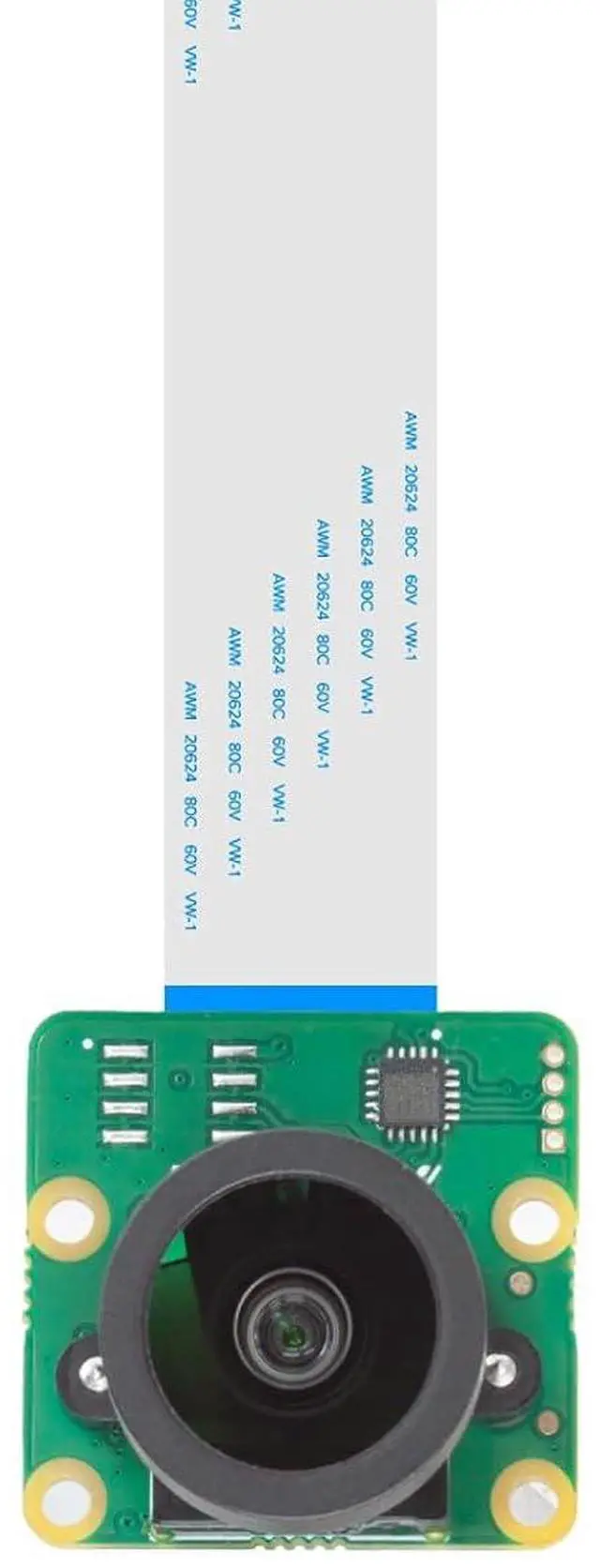


12.3MP Raspberry Pi HQ Camera, 477M Pi Camera Module with 158°(D) M12 Wide Angle Lens, Compatible with Pi5/4B/3/3B+/Zero 2W
Limited time offer, ends 10/10 By TERRA HAVEN
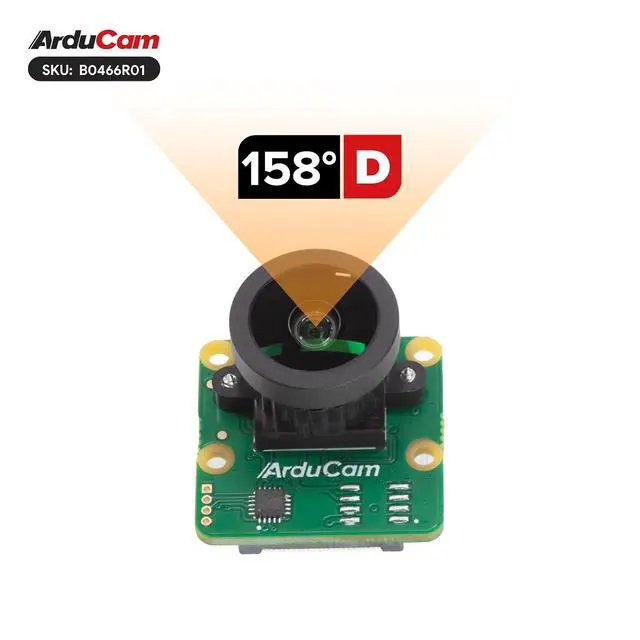
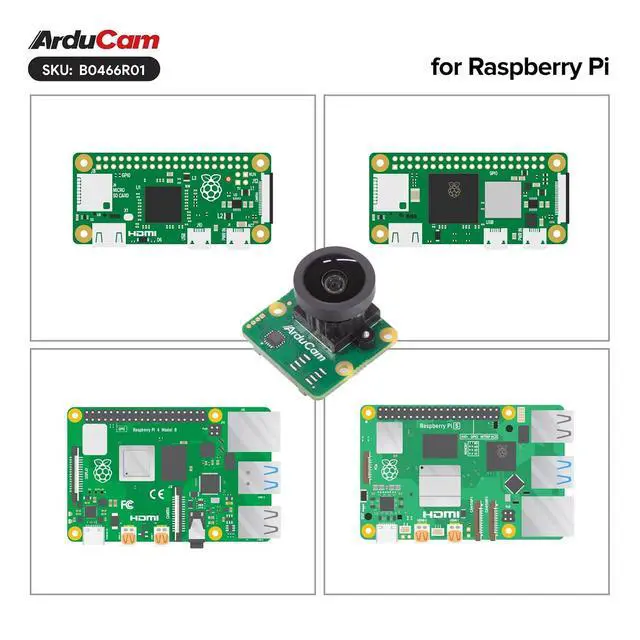
- Superior Pi Camera: This Raspberry Pi High Quality Camera integrates a 1/2.3-inch 12MP CMOS sensor, delivering exceptionally sharp and detailed images for professional-grade photography; Beyond HD Performance: As a premium Raspberry Pi camera module, it supports ultra-high still resolutions up to 4056×3040 and smooth video recording in 1080p30, 720p60, and 640×480p60/90 modes; Compact and Portable: Designed with a mini footprint identical to the Raspberry Pi V2 camera, this Raspberry Pi camera is highly versatile and easy to incorporate into various project designs; Wide-Angle Imaging: Featuring an interchangeable M12 lens with a 158°(D) field of view, this Raspberry Pi HQ camera captures Ultra HD visuals with an expansive, immersive perspective; Extensive Compatibility: This Raspberry Pi camera module is fully compatible with models from Raspberry Pi 1 to 4, Zero, Zero 2W, and Raspberry Pi 5. It is optimized to work with the rpicam-still command for image capture, offering a streamlined experience and making it an essential among Raspberry Pi 5 accessories
+
+
Overview
Specs
Reviews
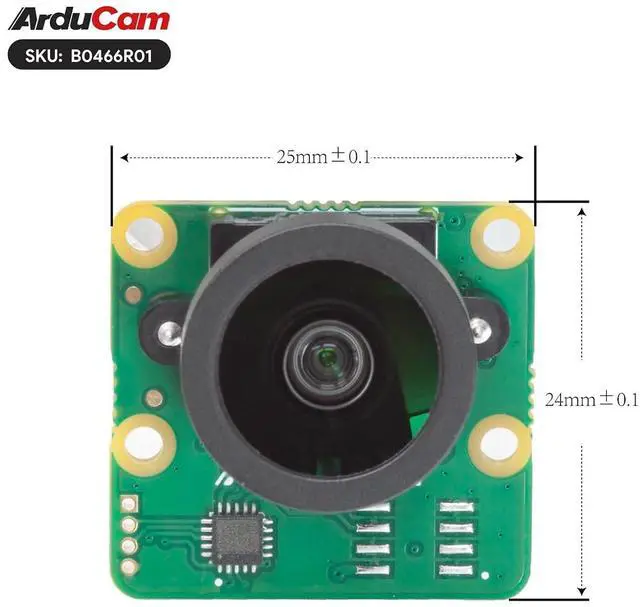
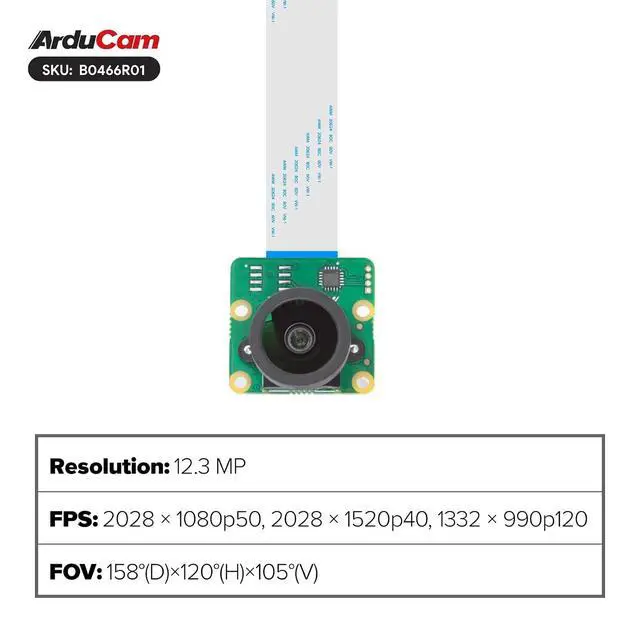
Product description Overview Experience exceptional image quality with the compact Arducam camera module made for Raspberry Pi. It supports multiple video modes including 2028×1080p50, 2028×1520p40, and 1332×990p120. The rolling shutter and color filter array deliver accurate and vibrant colors. With manual focus and a 2.87 mm focal length, it offers precise control over your shots. The M12 lens provides an ultra-wide 158° field of view, perfect for capturing expansive scenes. Despite its small size of just 25×24mm, this module delivers powerful imaging performanceideal for enhancing photography and videography on Raspberry Pi.
User Guide for
Bookworm OS users: Open
the configuration file: sudo nano /boot/firmware/config.
txt Disable camera auto-detection: camera_auto_detect=0 Add IMX477 overlay under the [all] section: dtoverlay=imx477
Save and reboot: sudo reboot For Pi 5 with cameras connected to CAM0 port, use: dtoverlay=imx477, cam0
User Guide for
Bookworm OS users: Open
the configuration file: sudo nano /boot/firmware/config.
txt Disable camera auto-detection: camera_auto_detect=0 Add IMX477 overlay under the [all] section: dtoverlay=imx477
Save and reboot: sudo reboot For Pi 5 with cameras connected to CAM0 port, use: dtoverlay=imx477, cam0
Specifications
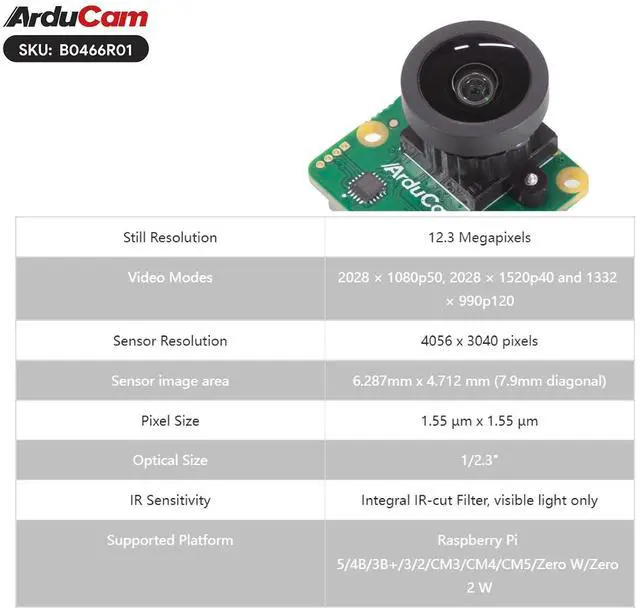
Still Resolution 12.3 Megapixels Video Modes 2028 × 1080p50, 2028 × 1520p40 and 1332 × 990p120 Sensor Resolution 4056 x 3040 pixels Sensor image area 6.287 mm x 4.712 mm ( 7.9 mm diagonal) Pixel Size 1.55 µm x 1.55 µm Optical Size 1/ 2.3" IR Sensitivity Integral IR-cut Filter, visible light only Supported Platform Raspberry Pi 5/4B/3B+/3/2/CM3/CM4/CM5/Zero W/Zero 2 W Focus Type Manual Focus Focal Length 2.87 mm F. NO F 2.8 Field of View (FOV) 158° (D) ×120° (H) ×105° (V) Lens Mount M12 Applications Astrophotography Surveillance cameras FA caWarranty & Returns
Warranty, Returns, And Additional Information
Warranty
- Please contact the Seller directly for warranty information. Warranty information may also be found on the Manufacturer's website.
- CONTACT
Return Policies
- Return for refund within: 30 days
- Return for replacement within: 90 days
- This item is covered by TERRA HAVEN Return Policy
Manufacturer Contact Info
- For a directory of all our manufacturers, please click below.
- Manufacturers Directory
LOADING...