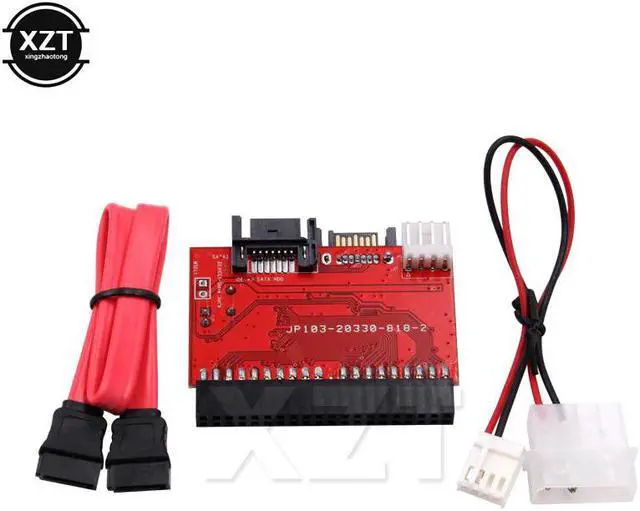
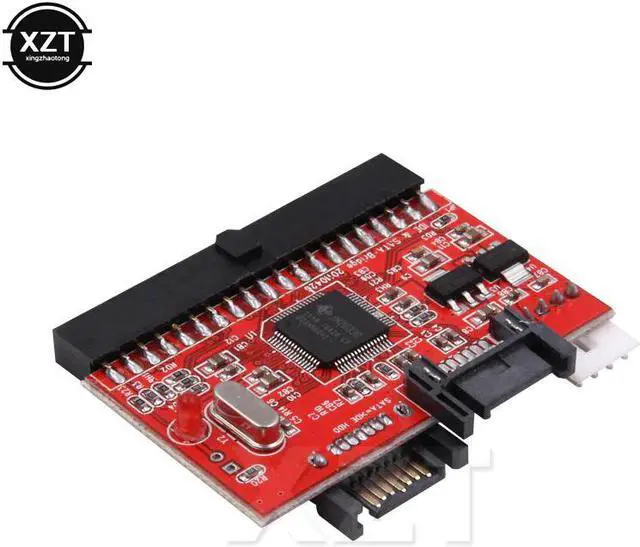
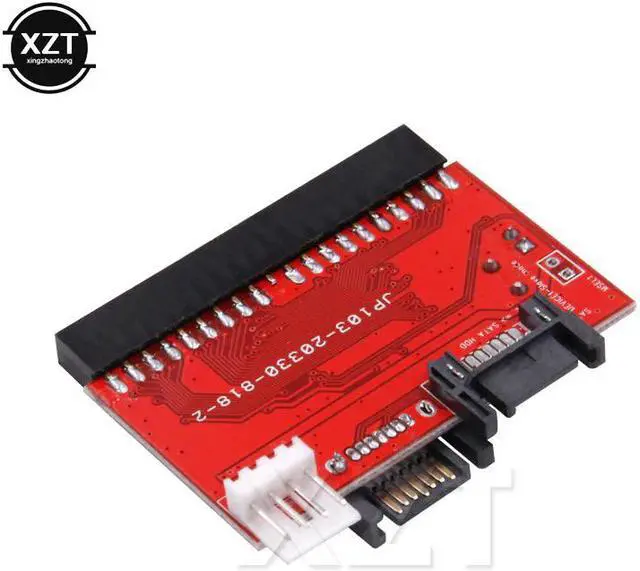
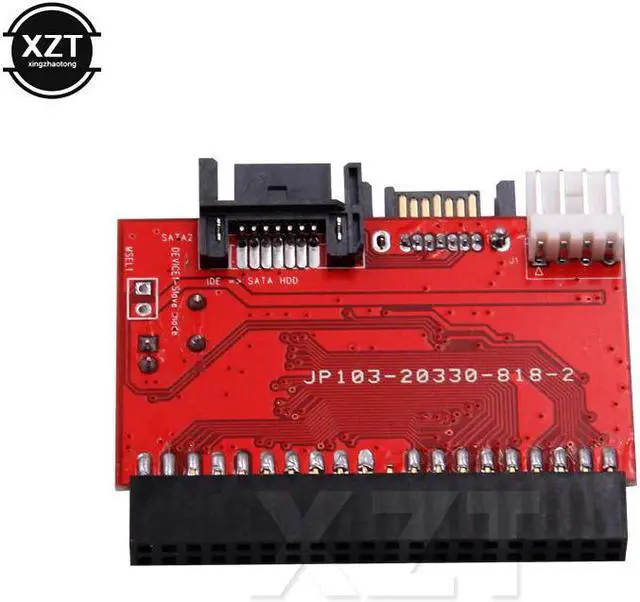
Connection method:
1. The conversion card's IDE jack, plugged into the motherboard IDE interface;
2. SATA data cable (delivery) one end plugged into the conversion card, the other end connected to the SATA hard disk;
3. The conversion card is connected to the power cable (delivery), the other end of the power cable is connected to the chassis power cable;
4. SATA hard drive power conversion line, then the chassis power supply, so that the connection is good, you can start the computer power.
If the installation is still not recognized SATA hard disk, you should check in detail the above installation steps and connections, and note the following:
1. This conversion card is inserted in the motherboard IDE interface, the motherboard IDE is not the gap with the card IDE prominent position on the;
2. Due to the conversion card's IDE interface is slightly smaller than the hard-line interface, so pay attention to whether the motherboard IDE's target should be plugged in, may be staggered in a row;
3. In addition to the SATA hard disk must be connected to the data cable and the power cord, the conversion card must also be connected to the power (you can use this card delivery power adapter cable or direct use of the floppy drive power cord);
4. Check the BIOS is set to automatically identify the hard disk device IDE interface, if not set to enter the BIOS settings;
5. If you can only identify less than 136GB SATA hard drive, but does not support larger SATA hard drive, indicating that the motherboard does not support LBA48 IDE addressing, please contact the motherboard manufacturers to refresh the latest BIOS after the attempt, or replace the newer motherboard Solve, this
No driver is needed