


- Free 15-day Returns
$16.77
Ships from Hong Kong.

Meet Your Seller

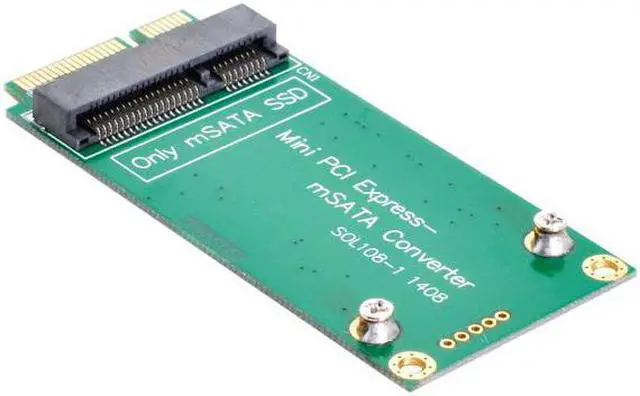
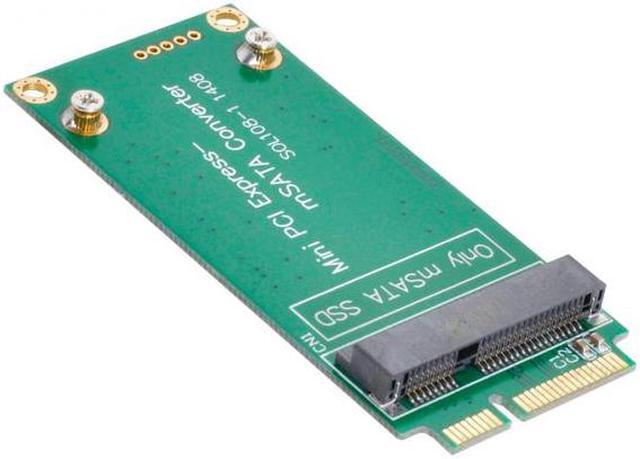
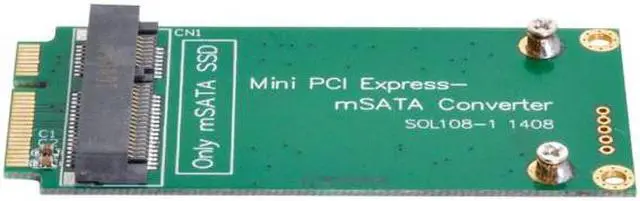
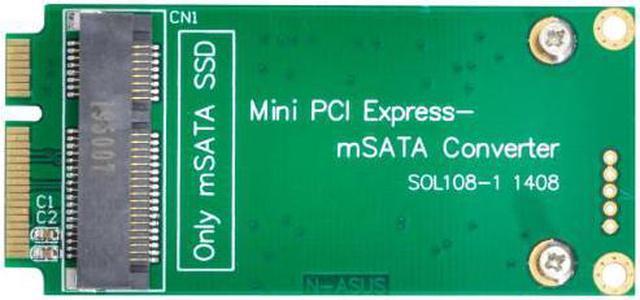
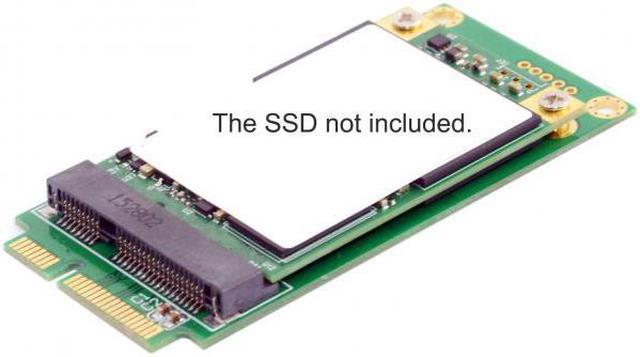
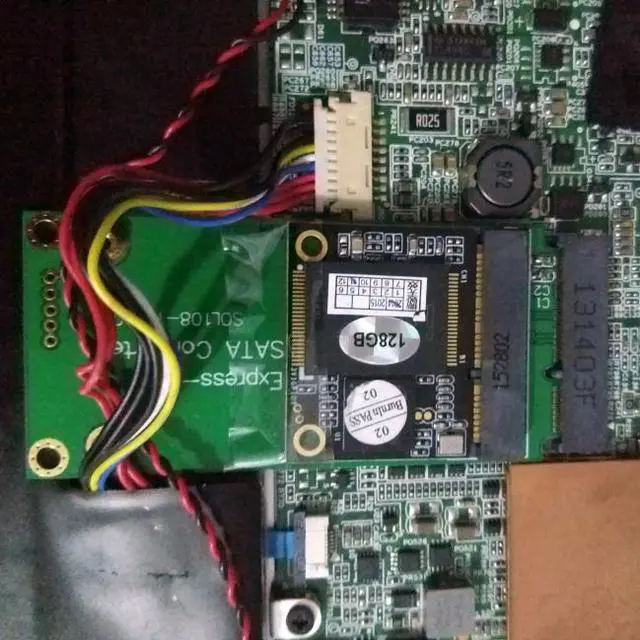
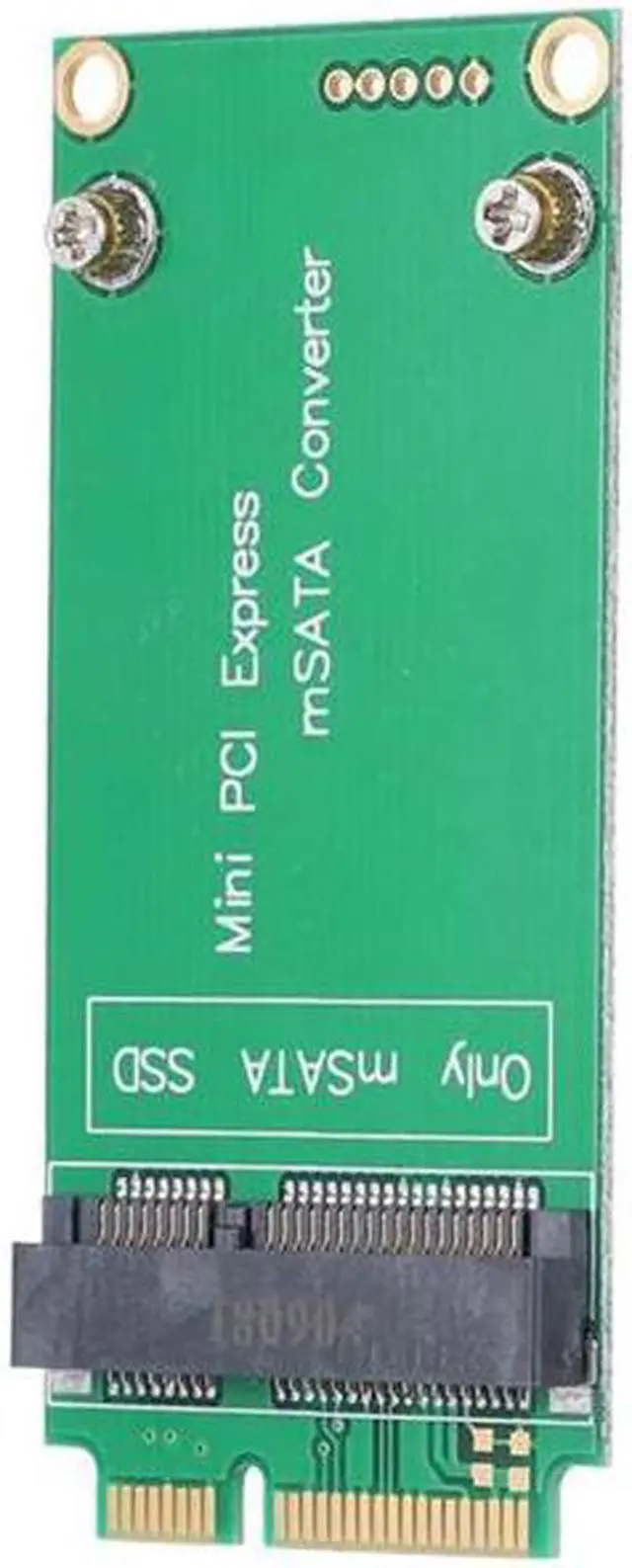


KAIBOXIXI 3x5cm mSATA Adapter to 3x7cm Mini PCI-e SATA SSD for Asus Eee PC 1000 S101 900 901 900A T91
- 3x5cm mSATA Adapter to 3x7cm Mini PCI-e SATA SSD for Asus Eee PC 1000 S101 900 901 900A T91
- Alow mSATA SSD to work as mini PCIe SATA SSD in ASUS EEE PC 900/900A/901 laptop
- Designed for Asus Mini PCI-e SATA Pin-out only,not support mini PCIe PATA or mSATA interface.
- Only support mSATA 30x50mm SSD.
- PCB dimension: 70x32x5mm
- No need driver ,plug and play
- please note:
- SSD began to work after updating the version of BIOS with the file 900-ASUS-1006.ROM from 19.03.2009.
- To update the version of BIOS, you need to find and download the file "900-ASUS-1006.zip", unpack it, get the file "900-ASUS- 1006.ROM "rename to" 900.ROM "write to the root of any flash drive or CD-card, insert into the computer and at startup, instead of entering Setap about F2, press Ait-F2.
- At the same time, the program will start, which will find the file "900.ROM" and reinstall DIUS.
- It's not instantaneous, wait until the reinstallation is complete. After that, the computer will boot from the new MSATA SSD
+
+
Overview
Specs
Reviews
3x5cm mSATA Adapter to 3x7cm Mini PCI-e SATA SSD for Asus Eee PC 1000 S101 900 901 900A T91
Alow mSATA SSD to work as mini PCIe SATA SSD in ASUS EEE PC 900/900A/901 laptop
Designed for Asus Mini PCI-e SATA Pin-out only,not support mini PCIe PATA or mSATA interface.
Only support mSATA 30x50mm SSD.
PCB dimension: 70x32x5mm
No need driver ,plug and play
please note:
SSD began to work after updating the version of BIOS with the file 900-ASUS-1006.ROM from 19.03.2009.
To update the version of BIOS, you need to find and download the file "900-ASUS-1006.zip", unpack it, get the file "900-ASUS- 1006.ROM "rename to" 900.ROM "write to the root of any flash drive or CD-card, insert into the computer and at startup, instead of entering Setap about F2, press Ait-F2.
At the same time, the program will start, which will find the file "900.ROM" and reinstall DIUS.
It's not instantaneous, wait until the reinstallation is complete. After that, the computer will boot from the new MSATA SSD
Warranty & Returns
Warranty, Returns, And Additional Information
Warranty
- Please contact the Seller directly for warranty information. Warranty information may also be found on the Manufacturer's website.
- CONTACT
Return Policies
- Return for refund within: 15 days
- Return for replacement within: 30 days
- This item is covered by OujinbaihuSHOP Return Policy
Manufacturer Contact Info
- For a directory of all our manufacturers, please click below.
- Manufacturers Directory
LOADING...