


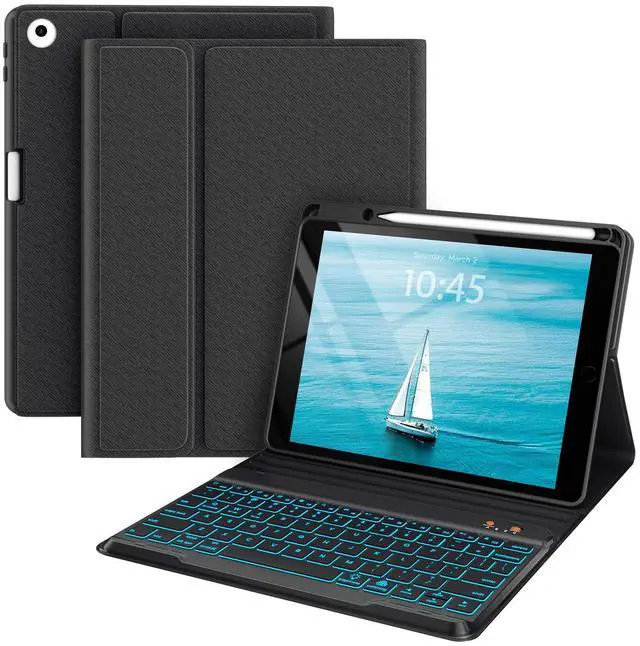
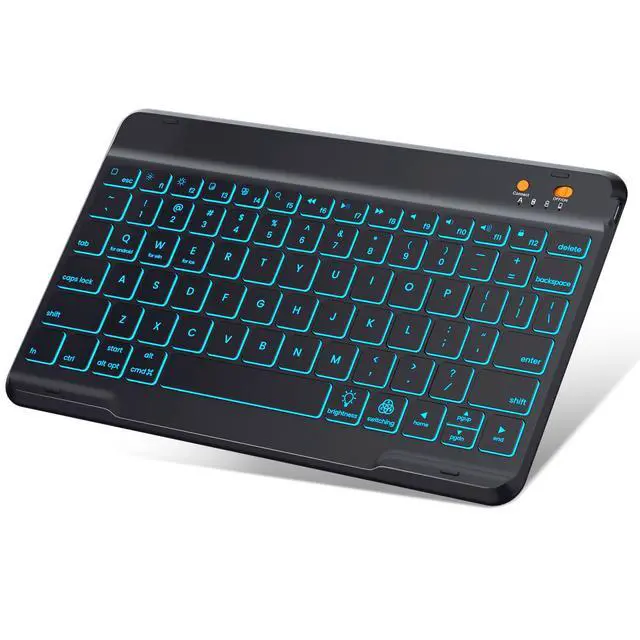
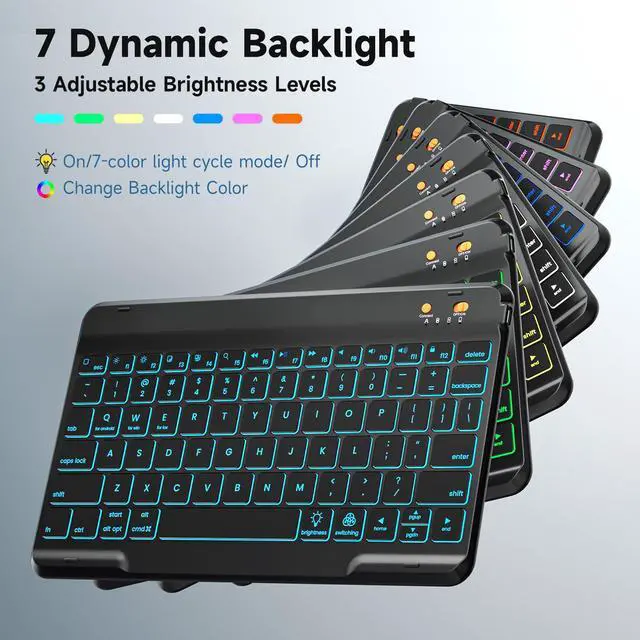



With 7-color backlights and 3 levels of brightness adjustment, the keyboard case can adapt to various environments.In nighttime or low-light conditions, you can adjust it to an appropriate color of light, which effectively relieves visual fatigue and enhances the convenience of use.


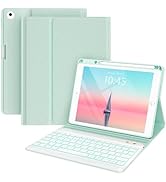
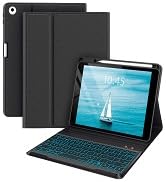
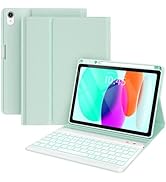
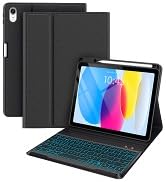
Ipad 9.7 Inch Case with Keyboard
 Ipad Case with Keyboard |  Ipad Case with Keyboard |  Ipad Case with Keyboard |  Ipad Case with Keyboard | |
|---|---|---|---|---|
Customer Reviews | — | — | — | — |
Price | — | — | — | — |
Colour | Black | Teal | Pink | Green |
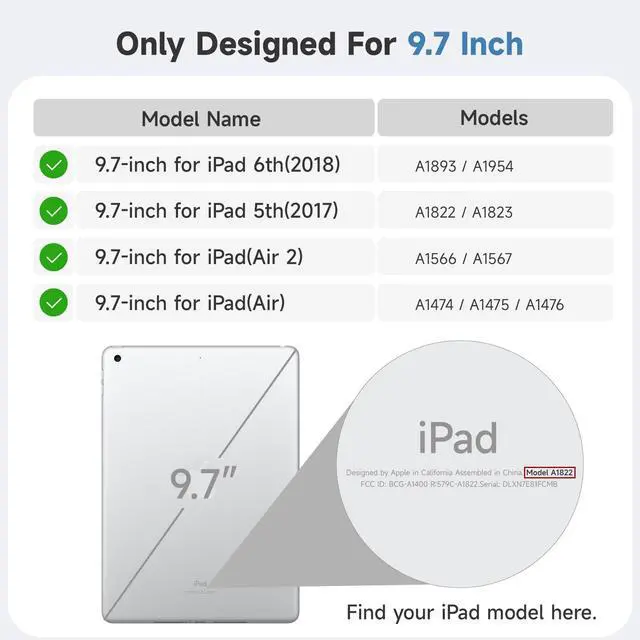
Applicable Models | 4th/5th/6th/Air 2/Air 1 | 4th/5th/6th/Air 2/Air 1 | 4th/5th/6th/Air 2/Air 1 | 4th/5th/6th/Air 2/Air 1 |
7 Backlight Colours | ? | ? | ? | ? |
Wireless Connection | ? | ? | ? | ? |
3 levels of Brightness | ? | ? | ? | ? |
How to connect to Bluetooth?
1.Push the power switch button to ON position to turn on the keyboard, then press the "connect" button until the Blue light flashes.
2.Turn on the Bluetooth of your iPad.
3.Choose “Bluetooth Keyboard" option in the searching page to adapt.
Why does pressing the space bar trigger other functions instead of inputting a space normally?
Check your iPad system settings: Open [Settings ? Accessibility ? Keyboard], confirm if [Full Keyboard Access] is enabled, and disable it if needed to restore normal space bar input.
How long does the battery last on the iPad keyboard case?
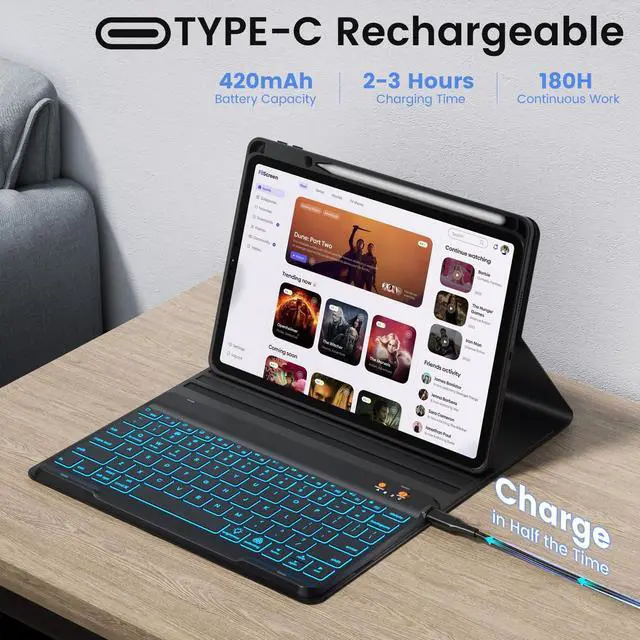
It takes about 2 hours to fully charge and can be used for about 180 hours after a full charge.
What does the packaging contain?
1*Case Cover for iPad, 1*RGB Backit Keyboard, 1*Type-C charging cable, 1*User manual

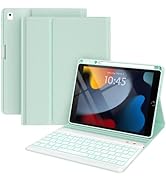
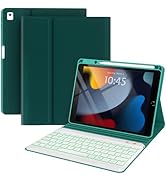
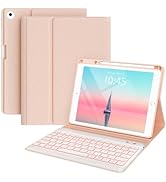
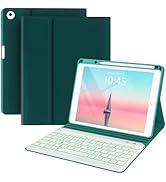
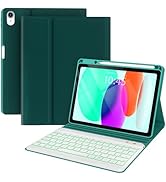
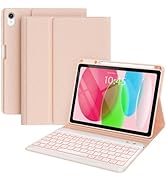
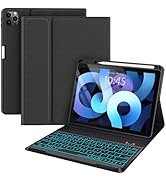
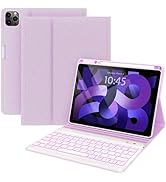
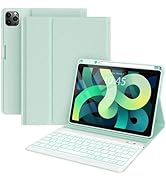
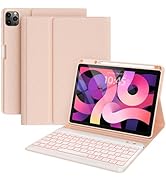

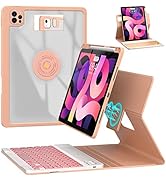
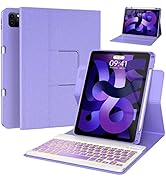
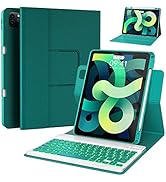

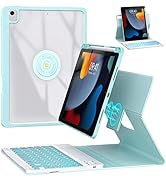
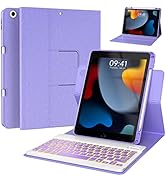
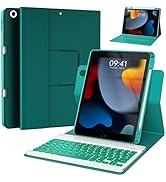
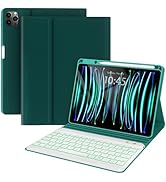
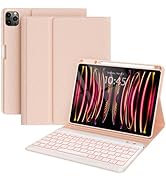

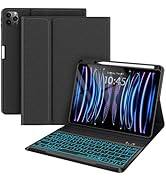


With 7-color backlights and 3 levels of brightness adjustment, the keyboard case can adapt to various environments.In nighttime or low-light conditions, you can adjust it to an appropriate color of light, which effectively relieves visual fatigue and enhances the convenience of use.
A Keyboard Case that Works Seamlessly in Multiple Scenarios


Efficient Typing at Work, Effortless Control During Entertainment, and Ultra-portable for Journeys
Ipad 9.7 Inch Case with Keyboard
Ipad Case with Keyboard | Ipad Case with Keyboard | Ipad Case with Keyboard | Ipad Case with Keyboard |
|---|---|---|---|
| Customer Reviews | |||
| — | — | — | — |
| Price | |||
| — | — | — | — |
| Colour | |||
| Black | Teal | Pink | Green |
| Applicable Models | |||
| 4th/5th/6th/Air 2/Air 1 | 4th/5th/6th/Air 2/Air 1 | 4th/5th/6th/Air 2/Air 1 | 4th/5th/6th/Air 2/Air 1 |
| 7 Backlight Colours | |||
| ? | ? | ? | ? |
| Wireless Connection | |||
| ? | ? | ? | ? |
| 3 levels of Brightness | |||
| ? | ? | ? | ? |
How to connect to Bluetooth?
1.Push the power switch button to ON position to turn on the keyboard, then press the "connect" button until the Blue light flashes.
2.Turn on the Bluetooth of your iPad.
3.Choose “Bluetooth Keyboard" option in the searching page to adapt.
Why does pressing the space bar trigger other functions instead of inputting a space normally?
Check your iPad system settings: Open [Settings ? Accessibility ? Keyboard], confirm if [Full Keyboard Access] is enabled, and disable it if needed to restore normal space bar input.
How long does the battery last on the iPad keyboard case?
It takes about 2 hours to fully charge and can be used for about 180 hours after a full charge.
What does the packaging contain?
1*Case Cover for iPad, 1*RGB Backit Keyboard, 1*Type-C charging cable, 1*User manual
Keyboard Case for iPad 10.2
Keyboard Case for iPad 9.7
Keyboard Case for iPad 10th
Keyboard Case for iPad 10.9/11
360 Rotatable Keyboard Case
360 Rotatable Keyboard Case
Case for iPad 12.9