



Meet Your Seller



Indoor Nanny Camera - Mini Wi-Fi Security Cam - Small Wireless Cameras - Motion Detection - Mobile Phone Viewing - USB Port - Front
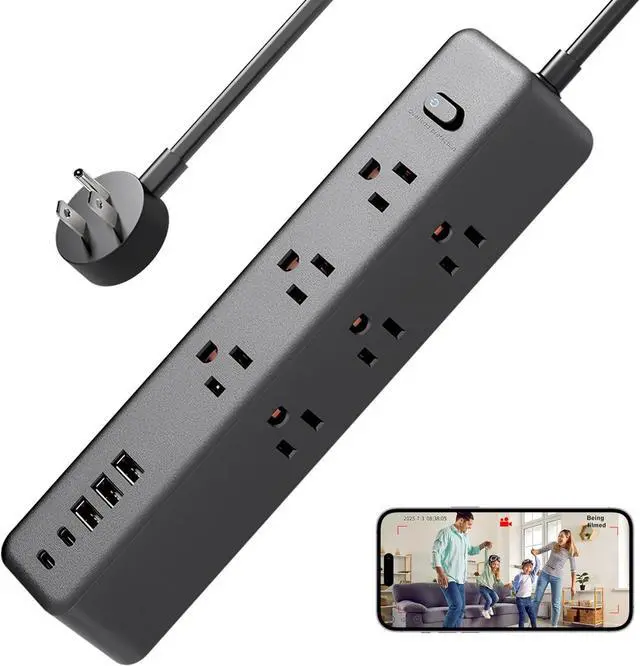
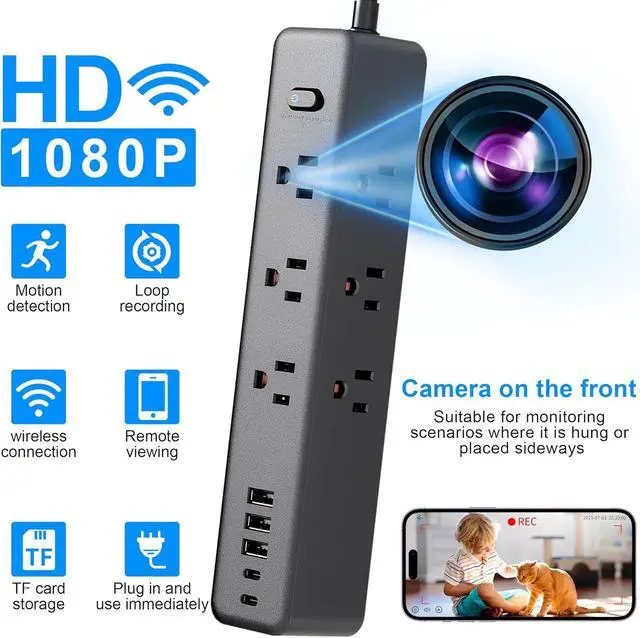
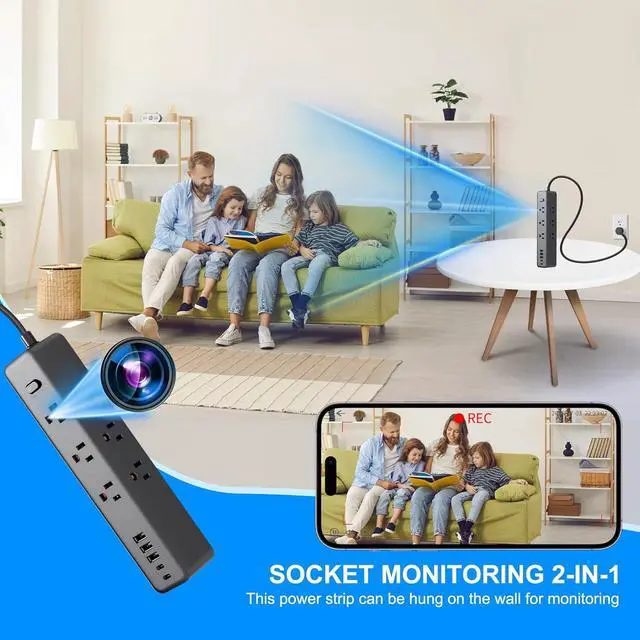
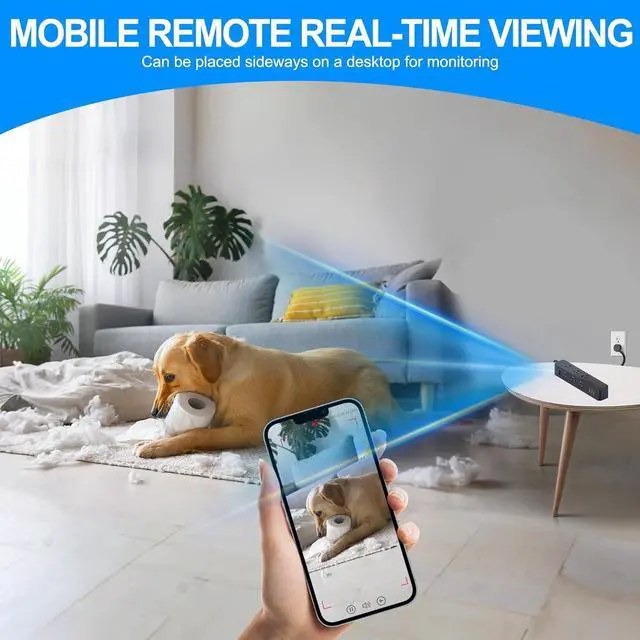
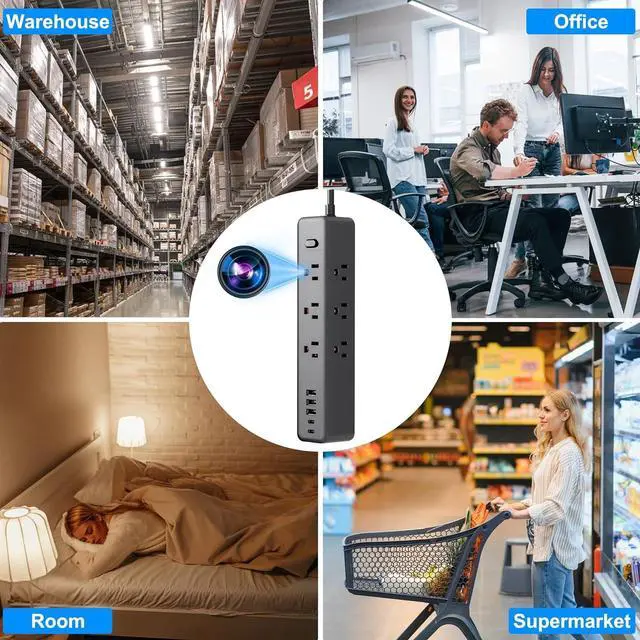
- Indoor security cameraThe first type of camera is located above the power strip switch, suitable for hanging or side-placingThe second type of camera is located on the side of the power strip and is suitable for being placed flat on a desktop
- Mobile Connection: This device is compatible with secure iOS and Android mobile applications
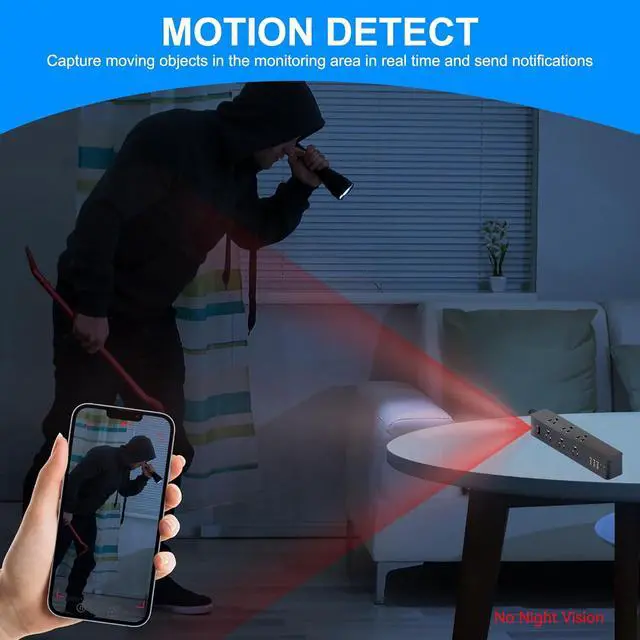
- Intelligent Motion Detection: After enabling the motion detection function, the camera will automatically capture motion scenes and send alert notifications to the mobile device
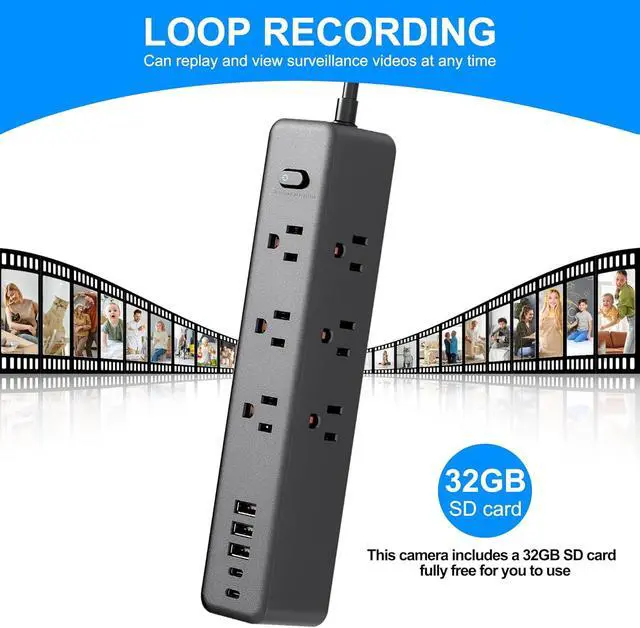
- Built-in Memory Card:This camera comes with a built-in 32GB SD card, which is provided completely free for your use
- Device Reset: When you need to change the network or reset the camera due to device malfunction, please press and hold the reset button at the bottom of the device for 2 seconds while it is powered on to restore it to factory settings, and then you can reconnect the camera
+
+
Overview
Specs
Reviews
Indoor security cameraThe first type of camera is located above the power strip switch, suitable for hanging or side-placingThe second type of camera is located on the side of the power strip and is suitable for being placed flat on a desktop
Mobile Connection: This device is compatible with secure iOS and Android mobile applications
Intelligent Motion Detection: After enabling the motion detection function, the camera will automatically capture motion scenes and send alert notifications to the mobile device
Built-in Memory Card:This camera comes with a built-in 32GB SD card, which is provided completely free for your use
Device Reset: When you need to change the network or reset the camera due to device malfunction, please press and hold the reset button at the bottom of the device for 2 seconds while it is powered on to restore it to factory settings, and then you can reconnect the camera
Mobile Connection: This device is compatible with secure iOS and Android mobile applications
Intelligent Motion Detection: After enabling the motion detection function, the camera will automatically capture motion scenes and send alert notifications to the mobile device
Built-in Memory Card:This camera comes with a built-in 32GB SD card, which is provided completely free for your use
Device Reset: When you need to change the network or reset the camera due to device malfunction, please press and hold the reset button at the bottom of the device for 2 seconds while it is powered on to restore it to factory settings, and then you can reconnect the camera
Warranty & Returns
Warranty, Returns, And Additional Information
Warranty
- Please contact the Seller directly for warranty information. Warranty information may also be found on the Manufacturer's website.
- CONTACT
Return Policies
- Return for refund within: 15 days
- Return for replacement within: 30 days
- This item is covered by Cozylux anky Return Policy
Manufacturer Contact Info
- For a directory of all our manufacturers, please click below.
- Manufacturers Directory
LOADING...