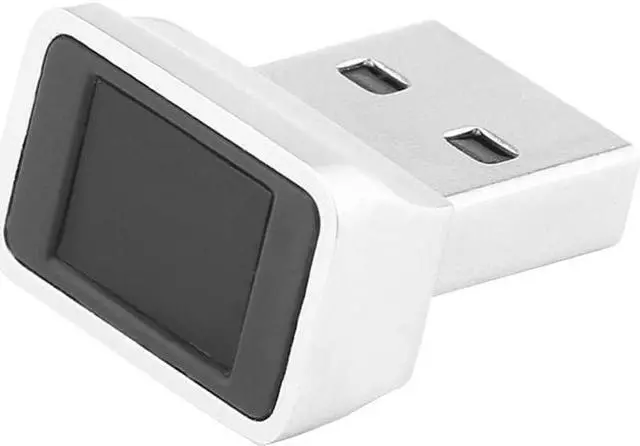
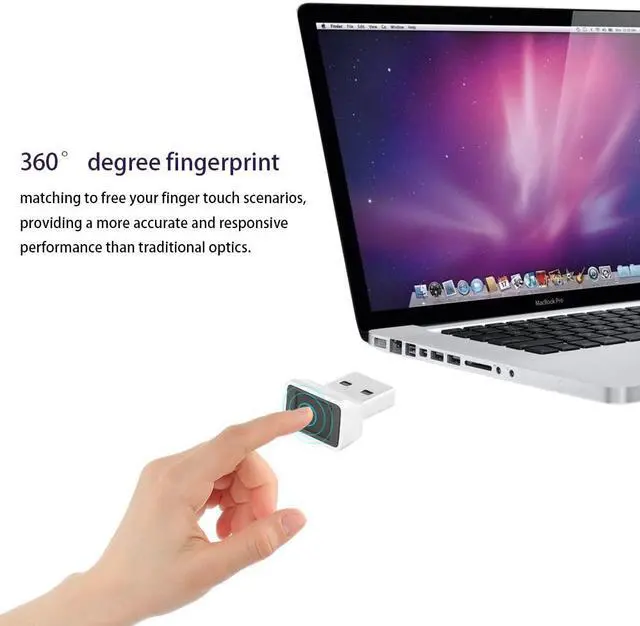
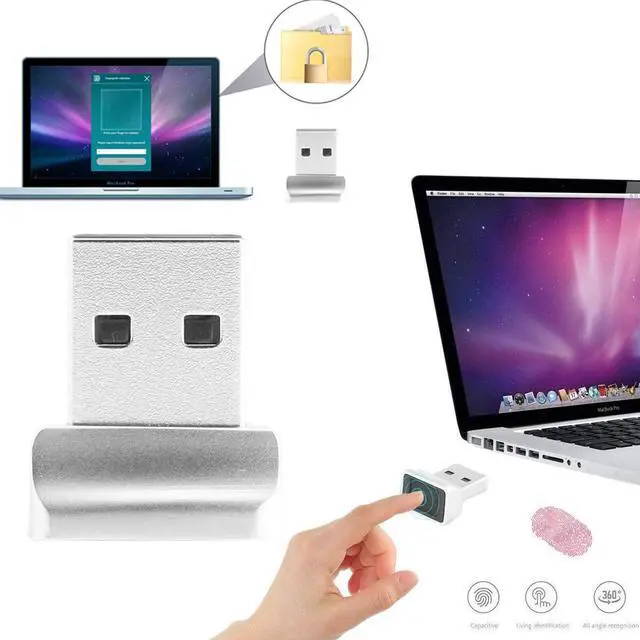
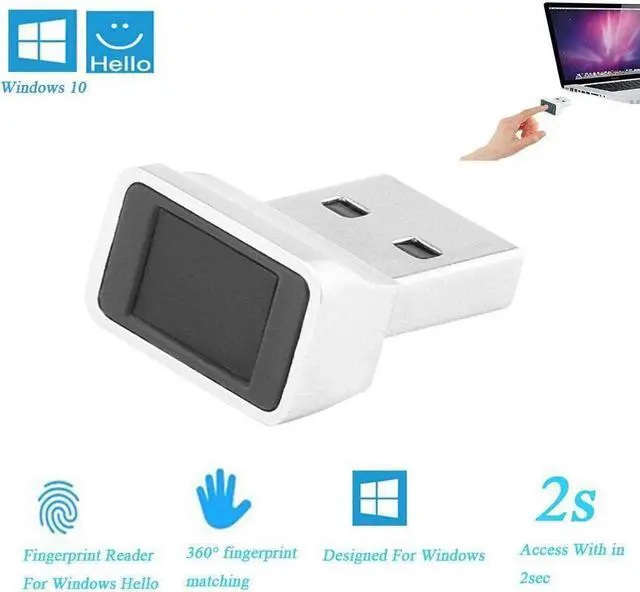
Warm Notes: INSTANT ACCURATE MATCH 360° degree fingerprint matching, providing a more accurate and responsive performance than traditional optics. Password-free sign-in and gives you the fastest, most secure way to unlock your windows devices.
DESIGN FOR WINDOWS HELLO Designed for Windows 10 Hello. Also compatible with Windows 7, 8 with Hello features.
Specification Type: USB Fingerprint Module
Material: ABS, Metal
Socket: Standard USB 2.0/3.0 interface
Finger Reading Limit: 5+ Fingers, 360 Degree Touch
Finger Reading Speed: Instant, within 2 seconds, Smart Learning
OS: Support Windows 10 32/64 Bits with latest Windows Hello Features
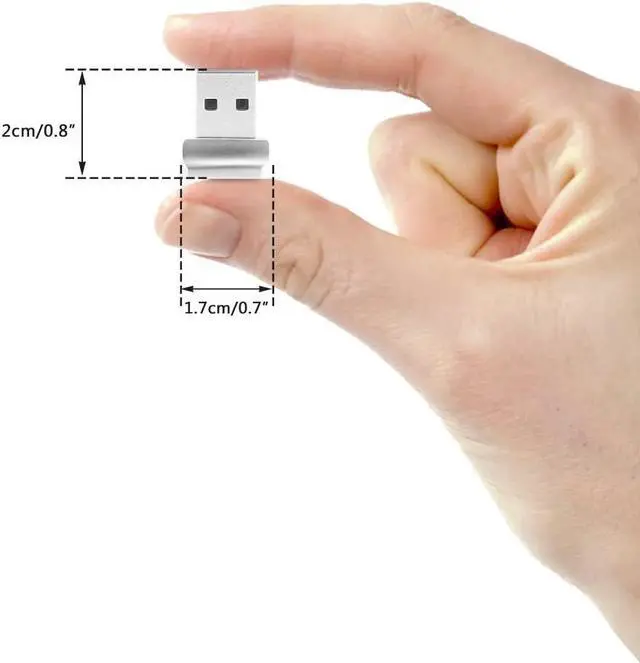
Size: 2*1.7*1.2cm / 0.8*0.7*0.5" (L*W*H)
Net Weight: 5g / 0.2oz
Package: 1*USB Fingerprint Module
1. First thing is to ensure "Biometrics" is enabled on your PC or whatever.
For a pc, bring up the run window by typing "run" in the windows search bar in the menu.
Then type gpedit.msc.
Then in the left window highlight "Administrative Templates". Then click on Windows components>Biometrics>Allow the use of Biometrics (another window will popup).
2. Ensure it is enabled. Click the apply button after doing that last step. You can also click the "Next setting" button on top right. Go through all four settings for Biometrics and enable them all.
When it came back up, went to the Windows Hello Setup Fingerprint which you can find by typing what just said or probably even just the word "fingerprint".
3. Sometimes, Device Manager initially put it under “Other Devices”. This prevents Windows Update from automatically finding and installing the latest driver for it.
Then, go to Windows Update and then click on “View Optional Updates” and then locate the correct driver under the list and manually start the download “ELAN Finger Print – Biometric 7/7/2017 1.1.0.2111” from the list.