1) Transmitter mode
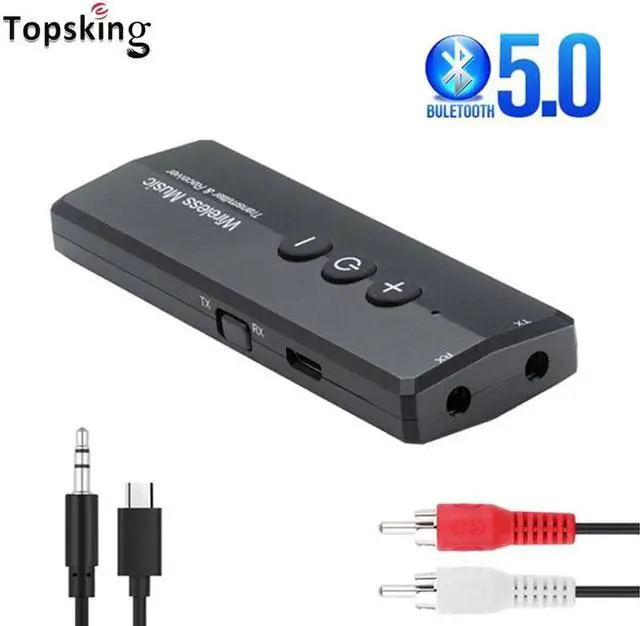
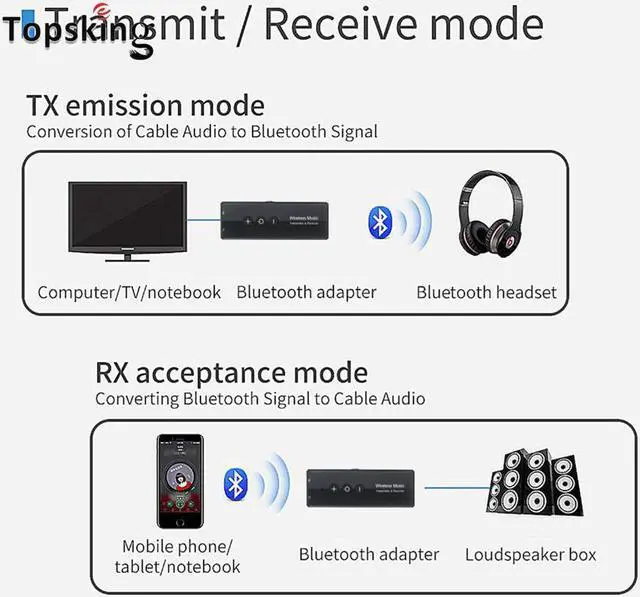
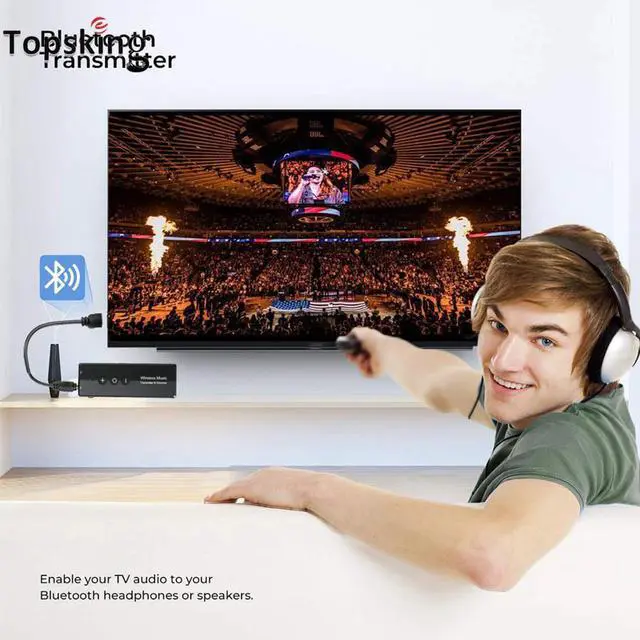
a) Connect the audio interface marked by 'TX' to the audiosource devices (TV, computer, radio, MP3, etc.) with 3.5mm audio cable.
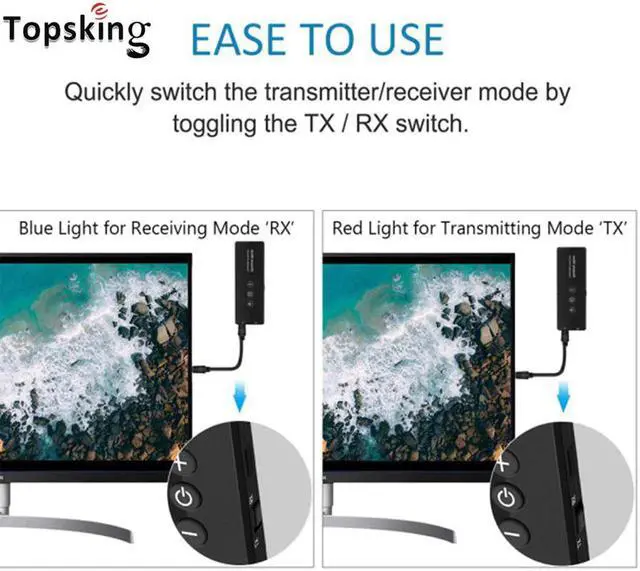
b) Turn the toggle switch to 'TX' side, long press the 'Power' button 2 seconds to start up, and the red indicator light will flashes slowly.
c) Turn on the Bluetooth receiving device you want to pair and enter the Bluetooth pairing mode. The adapter will automatically pair with it, and the red indicator light will stay on after the connection.
Note: The '+, '-' and 'Power' buttons are invalid in this mode.
2) PC transmitter mode
a) Connect the USB charging port and the computer USB port with USB data cable.
b) Turn the toggle switch to the 'TX' side, long press the 'Power' button 2 seconds to start up, and the red indicator light will flashes slowly.
c) Turn on the Bluetooth receiving device you want to pair and enter Bluetooth pairing mode. The adapter will automatically pair with it, and the red indicator light will stay on after the connection.
Note: '+' button: next track (press), just can control music player; '-' button: previous song (press), just can control music player; 'Power' button: pause/resume music (press),just can control music player.
in this mode, the '+' '-' button cannot control the volume ofthe computer system.)
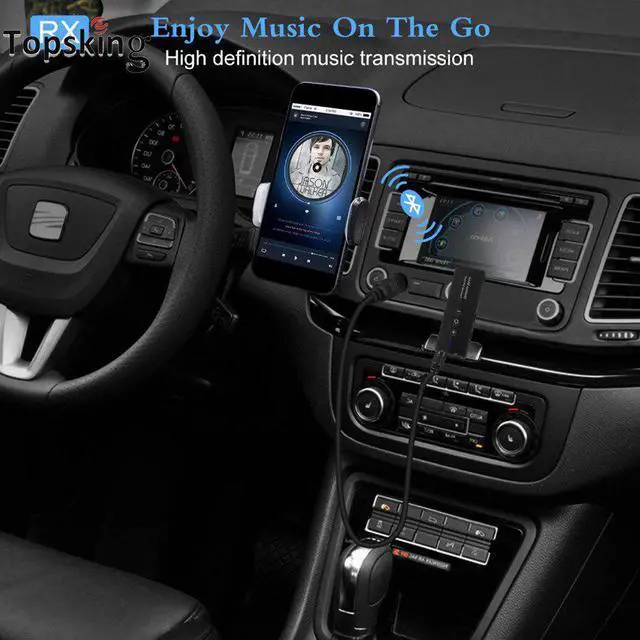
3) Receiver mode
a) Connect the audio interface marked by 'RX' to unbluetooth-enabled speaker or headset with 3.5mm audio cable.
b) Turn the toggle switch to the 'RX' side, long press the 'Power' button 2 seconds to start up, and you will hear the prompt 'Bluetooth receiver mode', and the blue indicator light will flashes slowly.
Charging
3. Connect Issue
Disconnection