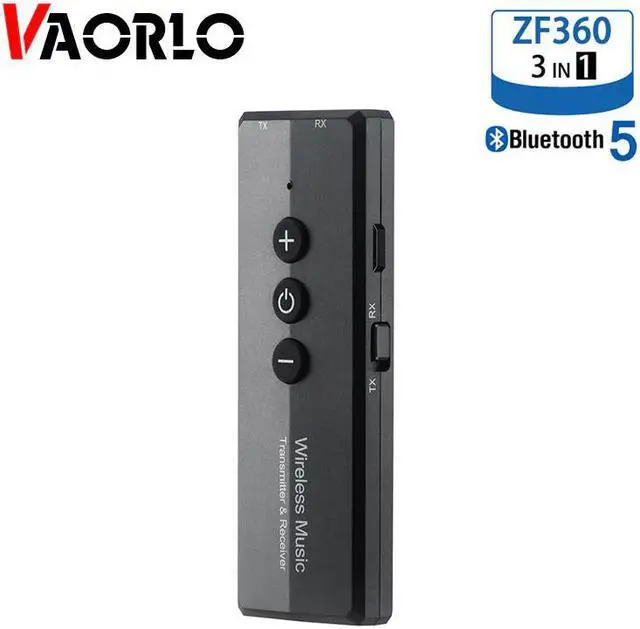
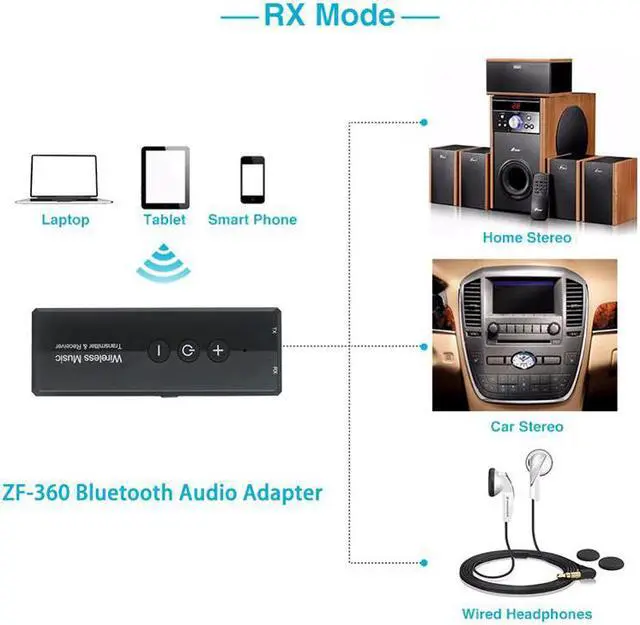
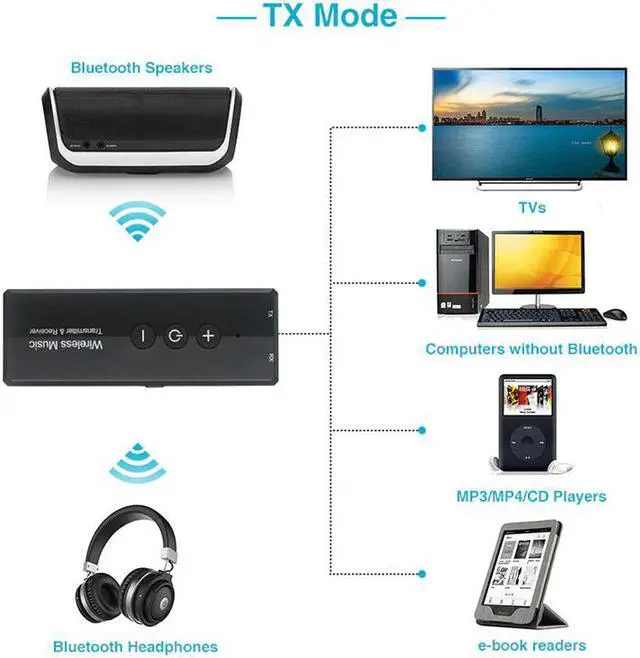
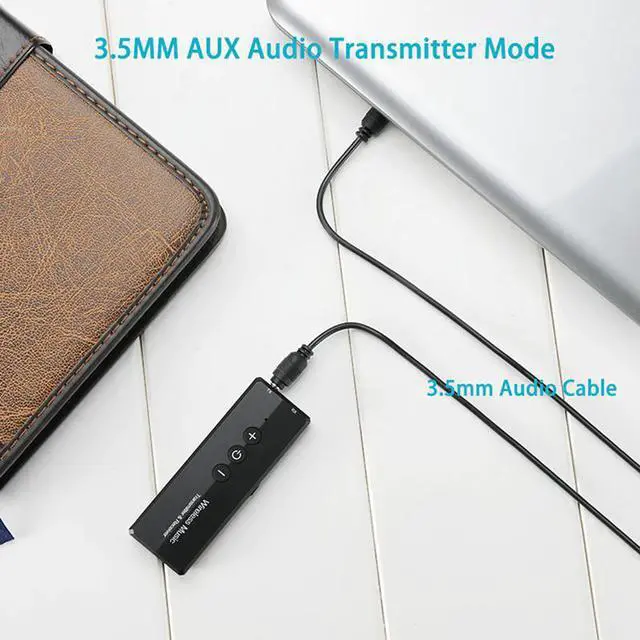
Feature:ZF-360 is a transceiver developed with the latest version 5.0. This product can be used as a audio transmitter to wirelessly transmit the sound of TV and other audio sources to headsets or speakers (on computers and Android systems). Under, support the direct transmission of audio with data lines, without the need to plug 3.5mm audio cable). It can also be used as a audio receiver to instantly turn a wired speaker into a speaker, freeing you from the shackles of cable and enjoying wireless music.
User Manual:1) Transmitter mode
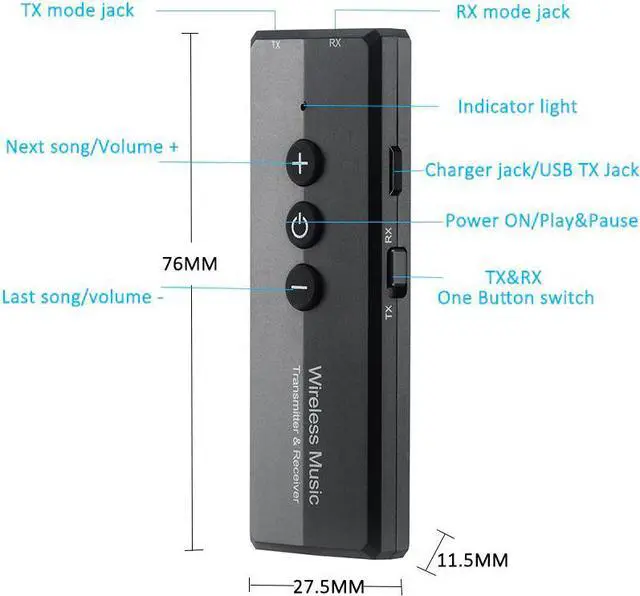
a) Connect the audio interface marked by 'TX' to the audiosource devices (TV, computer, radio, MP3, etc.) with 3.5mm audio cable.
b) Turn the toggle switch to 'TX' side, long press the 'Power' button 2 seconds to start up, and the red indicator light will flashes slowly.
c) Turn on the receiving device you want to pair and enter the pairing mode. The adapter will automatically pair with it, and the red indicator light will stay on after the connection.
Note: The '+, '-' and 'Power' buttons are invalid in this mode.
2) PC transmitter mode
a) Connect the USB charging port and the computer USB port with USB data cable.
b) Turn the toggle switch to the 'TX' side, long press the 'Power' button 2 seconds to start up, and the red indicator light will flashes slowly.
c) Turn on the receiving device you want to pair and enter pairing mode. The adapter will automatically pair with it, and the red indicator light will stay on after the connection.
in this mode, the '+' '-' button cannot control the volume ofthe computer system.)
3) Receiver mode