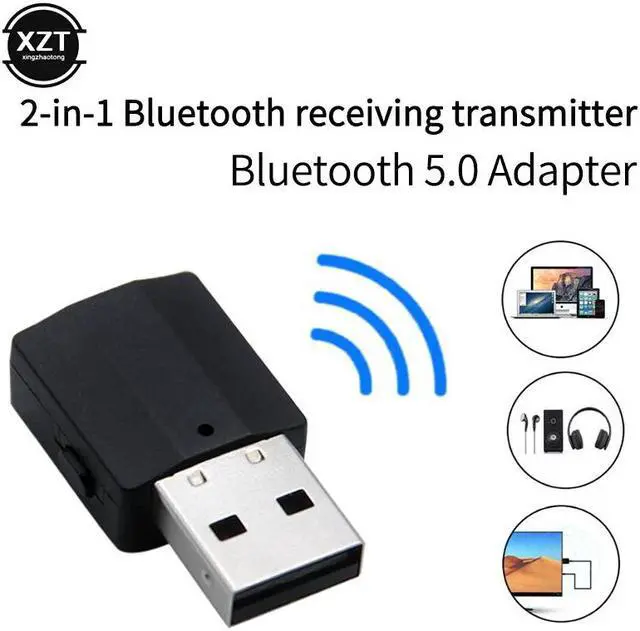
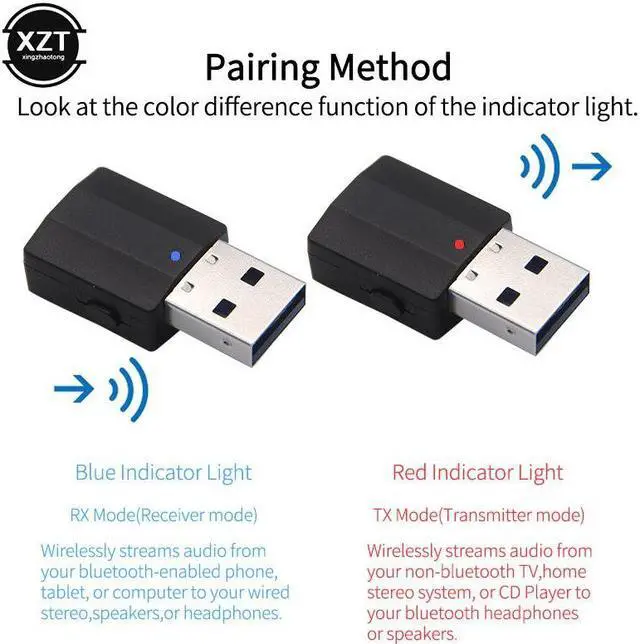
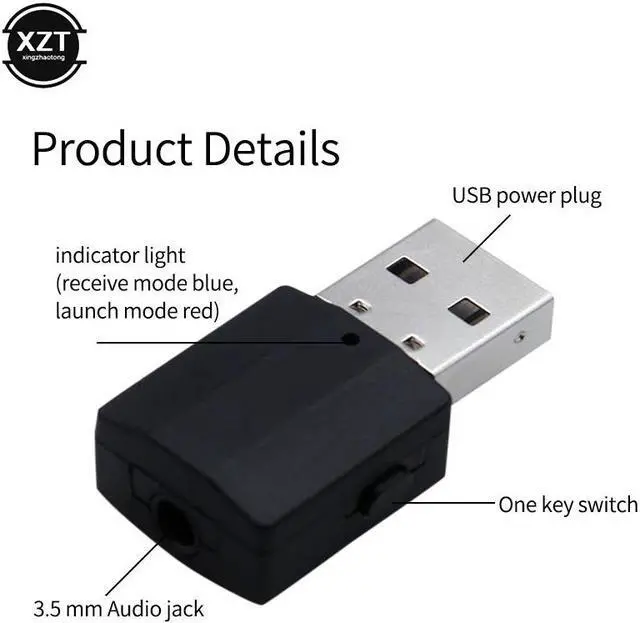
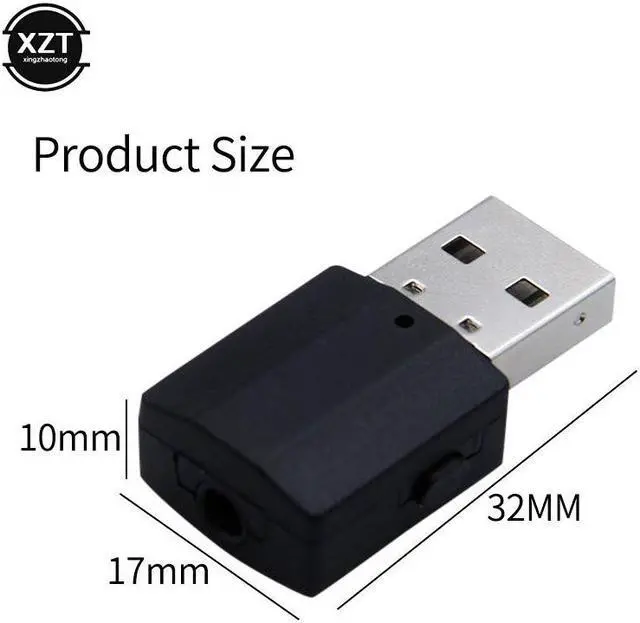
Note: when you first insert KN320, the light is Red, it is in TX (Transmitter)Mode, which will not switch to RX Mode automatically. It needs you to unplug the KN320 and then insert again, the light will become Blue, and it is in RX(Receiver) Mode now.
Sometimes when you in the same mode for long time, you need to repeat unplug and insert twice and it will change to the other mode, please remember:
Red Light: TX Mode, Blue Light: RX Mode
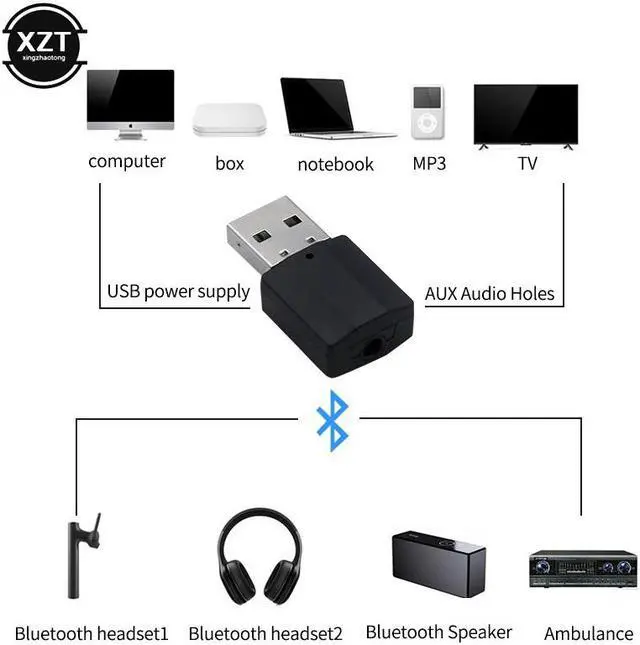
Transmitter mode (Red light): 1.Plug the KN320 to your power, Switch to Red Light flashing; 2.Use the 3.5mm AUX/RCA cable to connect the KN320 with your non-Bluetooth e.g.TV/PC/Laptop/CD Player/MP3/MP4; 3.Turn on your bluetooth headphone or bluetooth earphone into pairing mode. 4.Put it near to KN320, Then it will automatically pair with your Bluetooth headphones or bluetooth speakers(When paired successfully,Red light will Stop flashing).Then you can listen sound from the TV/PC/Laptop to bluetooth headphone/bluetooth speaker.
Receiver mode (Blue light): 1.Plug the KN320 to your power,Switch to Blue Light flashing; 2.Use the 3.5mm AUX/RCA cable to connect the KN320 with your non-Bluetooth e.g.Car/Wired Speaker/Amplifier; 3.Open your Tablet/Smartphone's bluetooth,Search the KN320,Then pair with it(When paired successfully,Blue light will stop flashing). Then you can listen sound from the tablet/smartphone to your Car/Wired Speaker/Amplifier.
If the device can not work normal, please contact with us first,Instead of giving us a Negative review, We will try our best to help you solve all problems,Please trust us,Thanks in advance.
Please read the follow General Q&A carefully before placing an order or leave us a negative review.Q1: Why i can not find the KN320 in my computer?