
Your Browsing History



Make informed decisions with expert advice. Learn More


Product description:
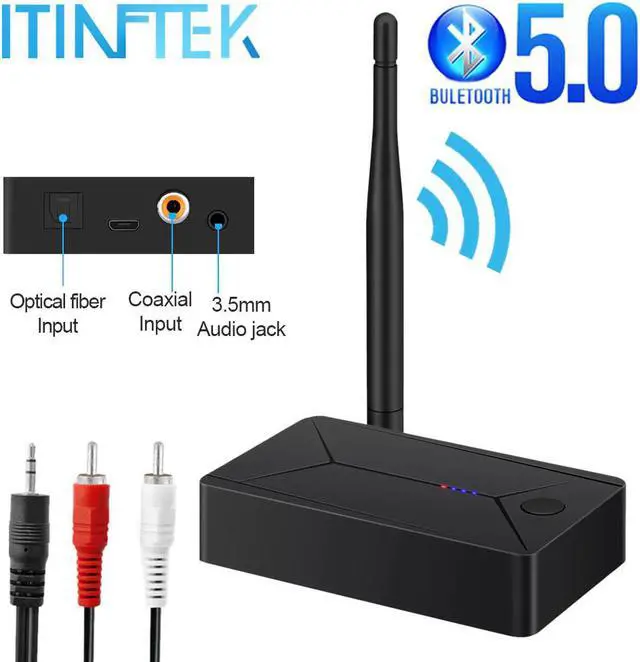
1: TX14 is a dual-purpose Bluetooth adapter with optical fiber. Coaxial. 3.5mm AUX Bluetooth transmission and digital to analog. It uses USB5V power supply. When it is powered on, it enters the search and pairing state, and the red light flashes quickly. It can transfer music from mobile phones, walkman, TV, computer, and other devices to your Bluetooth receiver, stereo Bluetooth headset, Bluetooth speaker, and other devices wirelessly.
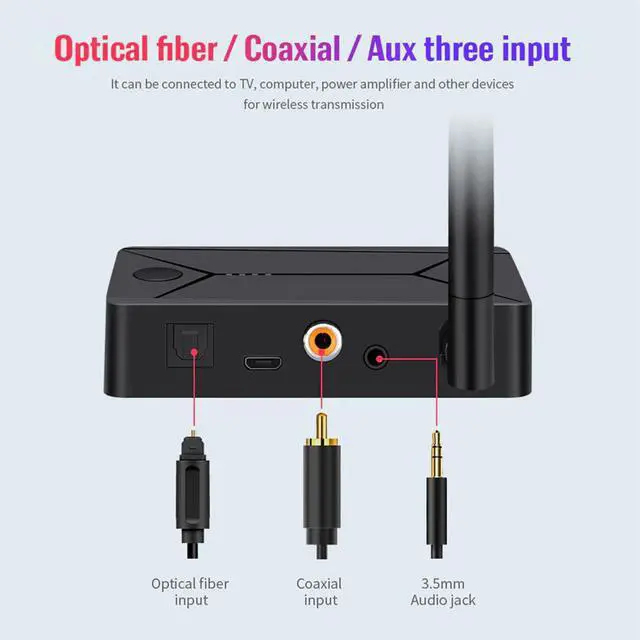
2: Can be directly converted into 3.5mm analog signal through the product optical fiber coaxial digital signal, optical fiber coaxial audio input 3.5mm output and speaker, power amplifier, and other equipment connected by audio cable to achieve digital-analog conversion.
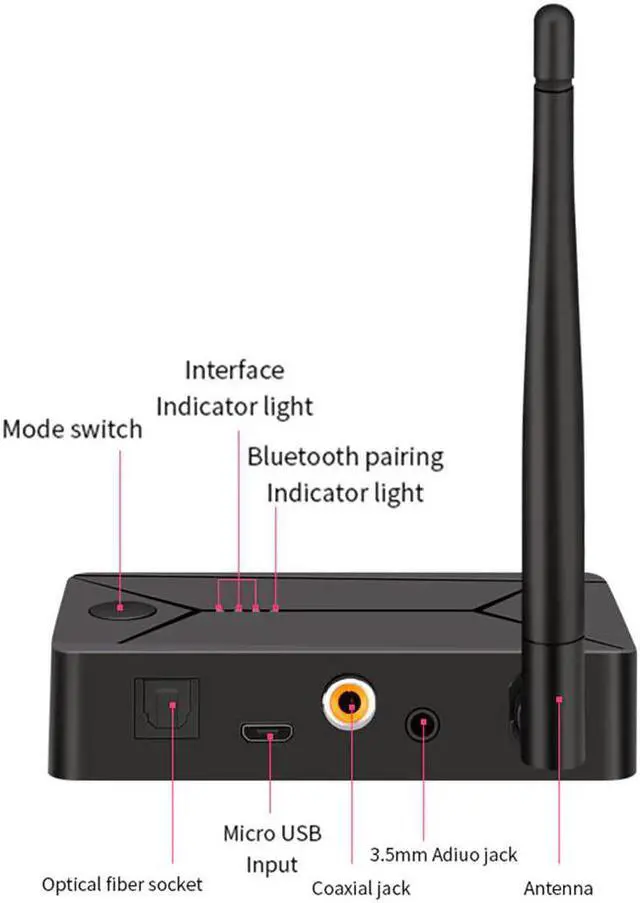
3: Switch the interface light through the button to switch the input interface.
Product specification:
Product Name: TX13
Bluetooth version: V5.0, Class II
Frequency range: 2.402GHZ-2.480GHZ
Bluetooth protocol: A2DP AVRCP
Power input: DC5V
Working temperature: -10-55 degrees
Size: 89 * 54 * 20mm
How to Use:
1: Connect the USB cable to the 5V charger, the product starts to enter the red light flash mode to search, turn on the Bluetooth speaker Bluetooth headset. Automatic pairing is carried out, the red light is on when the pairing is successful, and the product selects the optical fiber or coaxial 3.5mm audio cable to connect to the TV/computer through the button switch interface. The blue light corresponds to the interface. The TV or computer must be set in external speaker mode.