
Your Browsing History


Make informed decisions with expert advice. Learn More


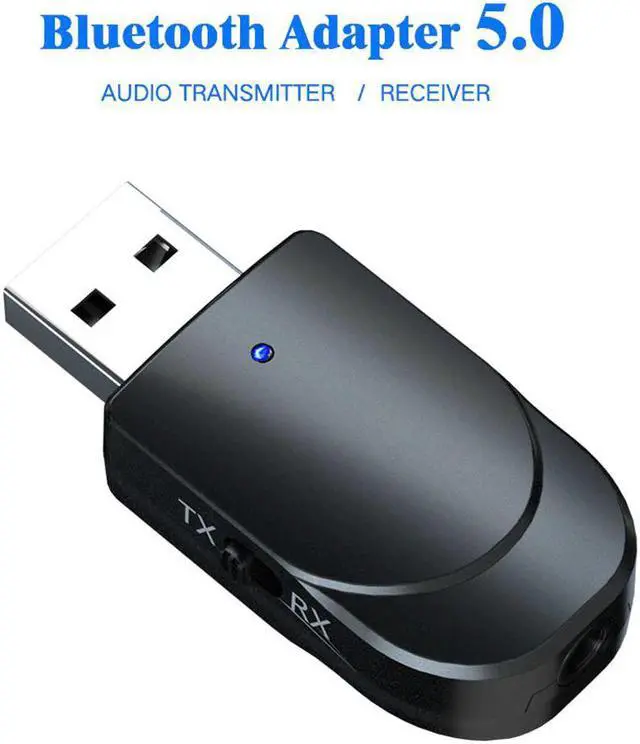
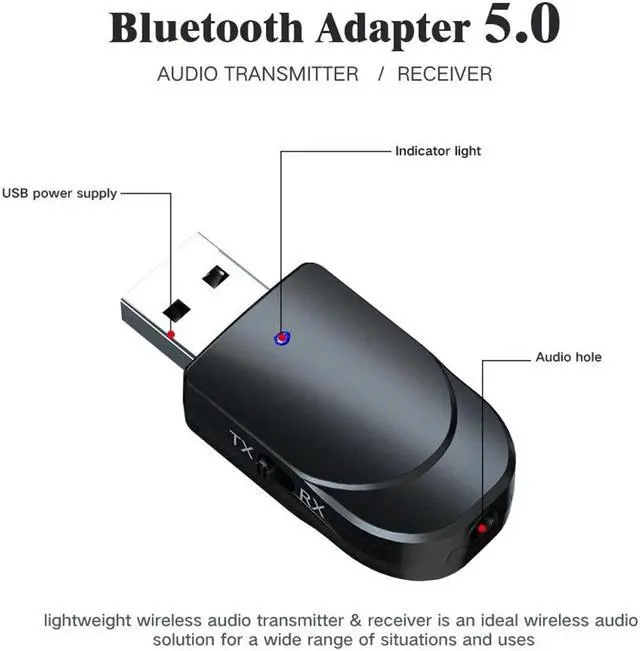
This portable, lightweight wireless audio transmitter and receiver is the ideal wireless audio solution for every situation and application, and can be used with computers, mobile phones, televisions, home speakers, and car speakers. Use the latest Bluetooth 5.0 technology, fast transmission speed, high-quality stereo music, enjoy the convenience of Bluetooth technology for life.
Specification:
Model: KN330
Technologies: BT5.0, A2DP, AVRCP (receiver mode only)
Operation Range: Up to 10m / 33ft (without any blocking objects)
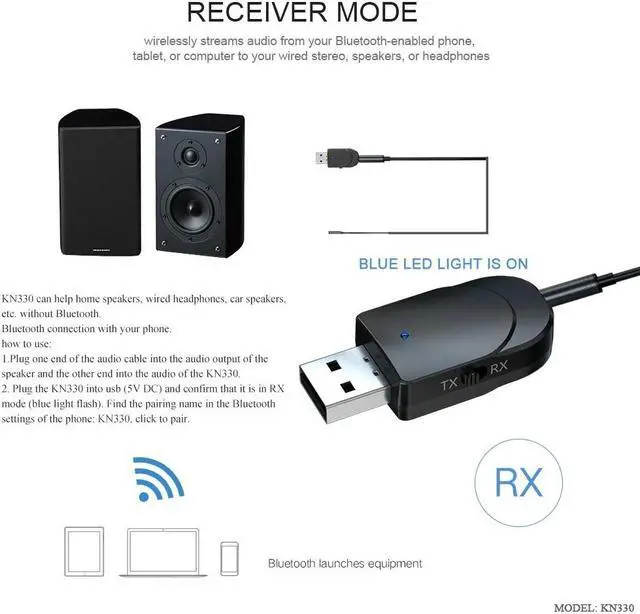
Pairing name(Receiver mode ):KN330
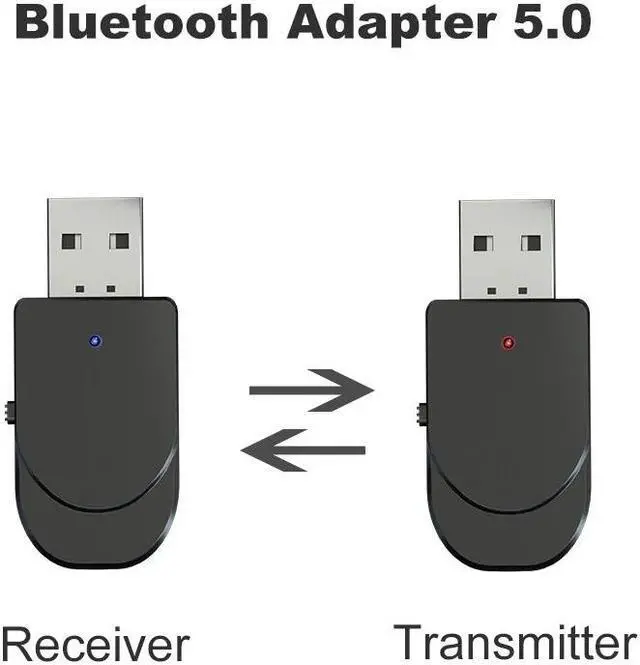
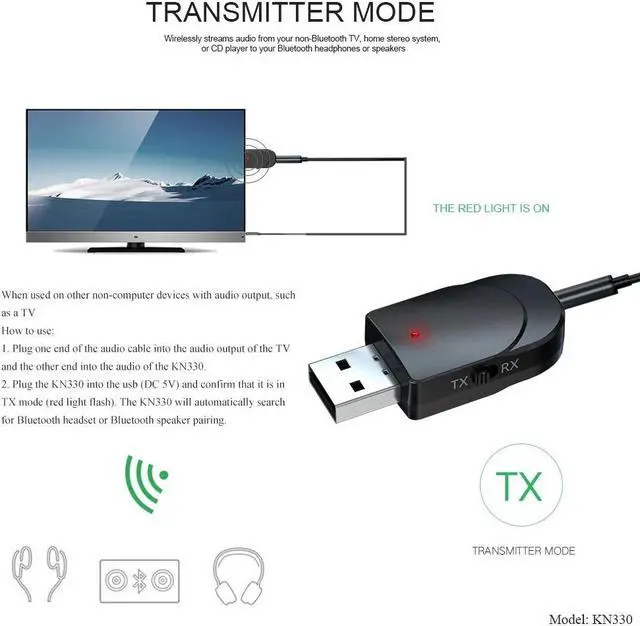
TX:Transmitter mode,red LED light is on
RX:Receiver mode,blue LED light is on
Dimensions: 45mm*20mm*11mm
Package:
1x Bluetooth 5.0 Audio Transmitter/Receiver Adapter
1x 3.5mm Aux Cable
1x User Manual
Feature:
1.Transmitter Mode (TX): Wirelessly transfer audio from your non-Bluetooth TV, home stereo system, or CD player to your Bluetooth headphones or speakers.
2.PC Audio Transmitter Mode: Wirelessly transfer audio from the PC, notebook to Bluetooth headset or speaker through USB port, no audio cable is required.
3.Receiver Mode (RX): Wirelessly transfer audio from your Bluetooth-enabled phone, tablet, or computer toyour wired stereo, speakers, or headphones.
Q1: Why i can not find the KN330 in my computer?
A: When you plug the KN330 to your computer usb port, The computer's usb port just be used as a power supply for the KN330. So the computer don't needs to see it, you just need to connect it with PC by 3.5mm AUX cable so it will work for PC. When using for PC, you must use TX mode(Red light blinking). Then pair with your Bluetooth earphone/speaker.