HANNORD USB Wifi Adapter - 600Mbps
Specification:
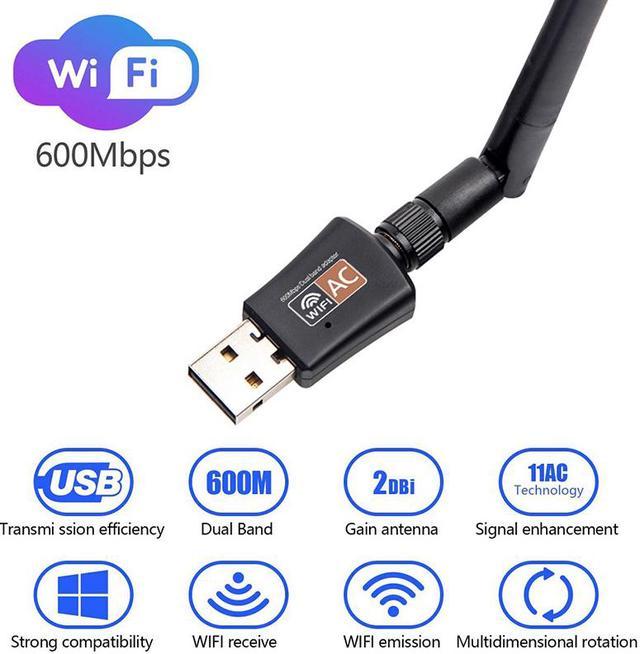
Standard: IEEE 802.11 b/g/n 2.4GHz, IEEE 802.11 a/n/ac 5.0GHz
Wi-Fi Band: Dual band 2.4 or 5GHz
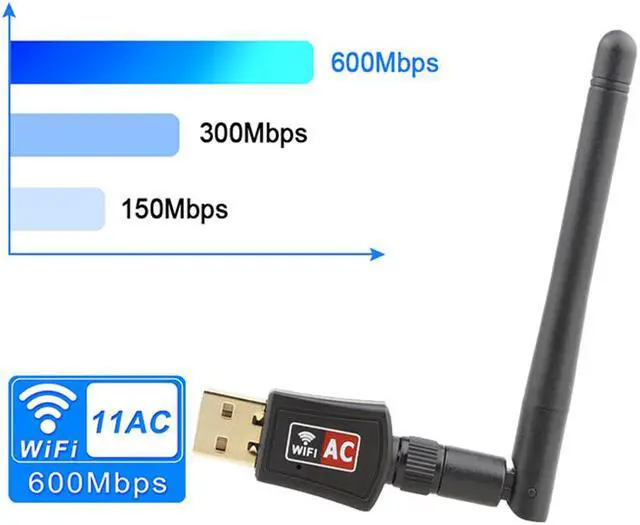
Wi-Fi Performance: AC600Mbps (2.4G 150M / 5.8G 433M)
USB 2.0
Support Systems: Windows XP / VISTA / WIN 7 / WIN 8.1 / WIN 10 ,Mac OS X 10.6-10.13.4
Antenna: 2dBi
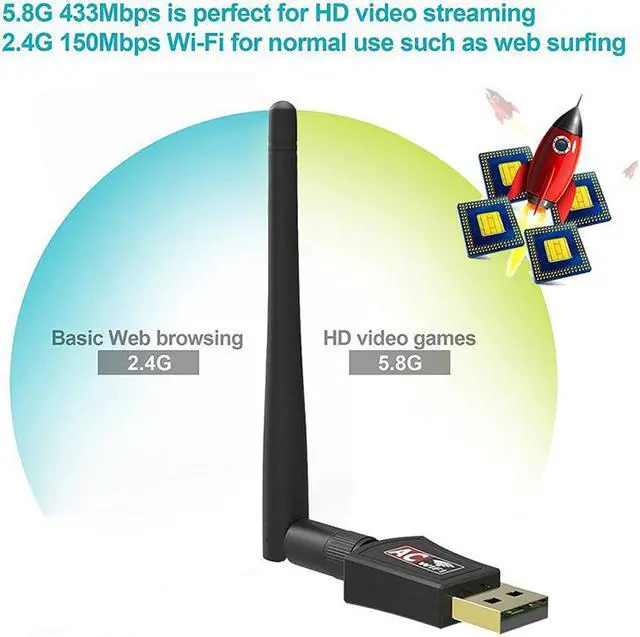
The 5GHz 433Mbps is perfect for HD video streaming and lag-free online gaming, while using
2.4GHz 150Mbps Wi-Fi for normal use such as web surfing.
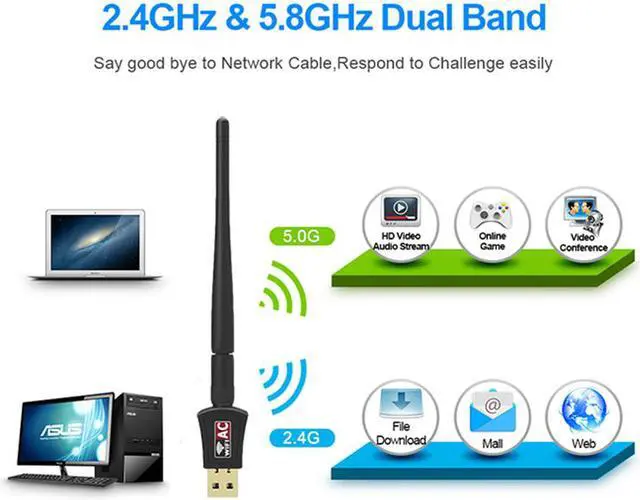
Wireless network adapter work for dual band 2.4Ghz 150Mbps & 5.8Ghz 433Mbps
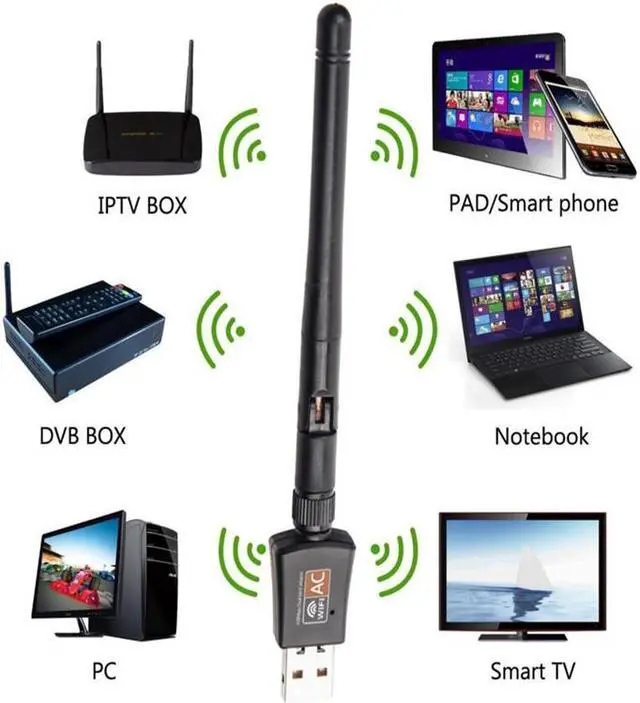
Connect wifi for your PC desktop laptop
AP Mode:(Not for windows 10)
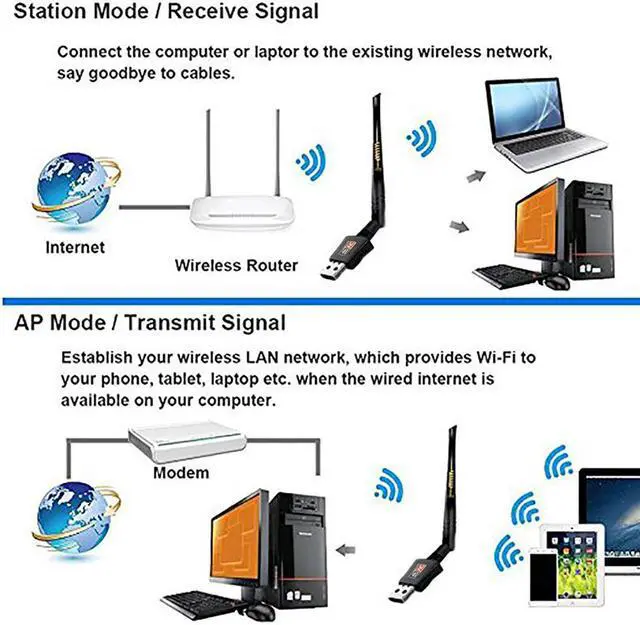
You can activate the SoftAP function after installing the included CD software, and create a Wi-Fi hotspot for other mobile devices.
No obstacles, the WiFi signal received better
More stable--2.4G wifi signal
More fast --5.8G wifi signal
Note:
If the wifi adapter can not be recognised, please reinstall the newest driver from Hannord website or update the driver manually.
If the connection is unstable, please check your signal strength and signal channel.
If you meet a problem about the driver can not be installed on Mac 10.13.3 or Mac 10.13.4 system, please follw the suggestion steps to resolve the problem.
1.Find out"system preferences"
2.Click: Security and privacy
3.Then click"allow"
That is all.
Specification:
Standard: IEEE 802.11 b/g/n 2.4GHz, IEEE 802.11 a/n/ac 5.0GHz
Wi-Fi Band: Dual band 2.4 or 5GHz
Wi-Fi Performance: AC600Mbps (2.4G 150M / 5.8G 433M)
USB 2.0
Support Systems: Windows XP / VISTA / WIN 7 / WIN 8.1 / WIN 10 ,Mac OS X 10.6-10.13.4
Antenna: 2dBi
Note:
If the wifi adapter can not be recognised, please reinstall the newest driver from Hannord website or update the driver manually.
If the connection is unstable, please check your signal strength and signal channel.
If you meet a problem about the driver can not be installed on Mac 10.13.3 or Mac 10.13.4 system, please follw the suggestion steps to resolve the problem.
1.Find out"system preferences"
2.Click: Security and privacy
3.Then click"allow"
That is all.
Wireless network adapter work for dual band 2.4Ghz 150Mbps & 5.8Ghz 433Mbps
Connect wifi for your PC desktop laptop
Note:
1.Please FIRST install the driver from CD or Hannord officail website, Then insert the wifi adapter AC600Mbps
2.We suggest you to insert wireless dongle into back USB port of your desktop,because usb port in the back can provide more power.
If you could not download CD driver, please download the driver from Hannord official website
No obstacles, the WiFi signal received better
More stable--2.4G wifi signal
More fast --5.8G wifi signal
The 5GHz 433Mbps is perfect for HD video streaming and lag-free online gaming, while using
2.4GHz 150Mbps Wi-Fi for normal use such as web surfing.
AP Mode:(Not for windows 10)
You can activate the SoftAP function after installing the included CD software, and create a Wi-Fi hotspot for other mobile devices.