




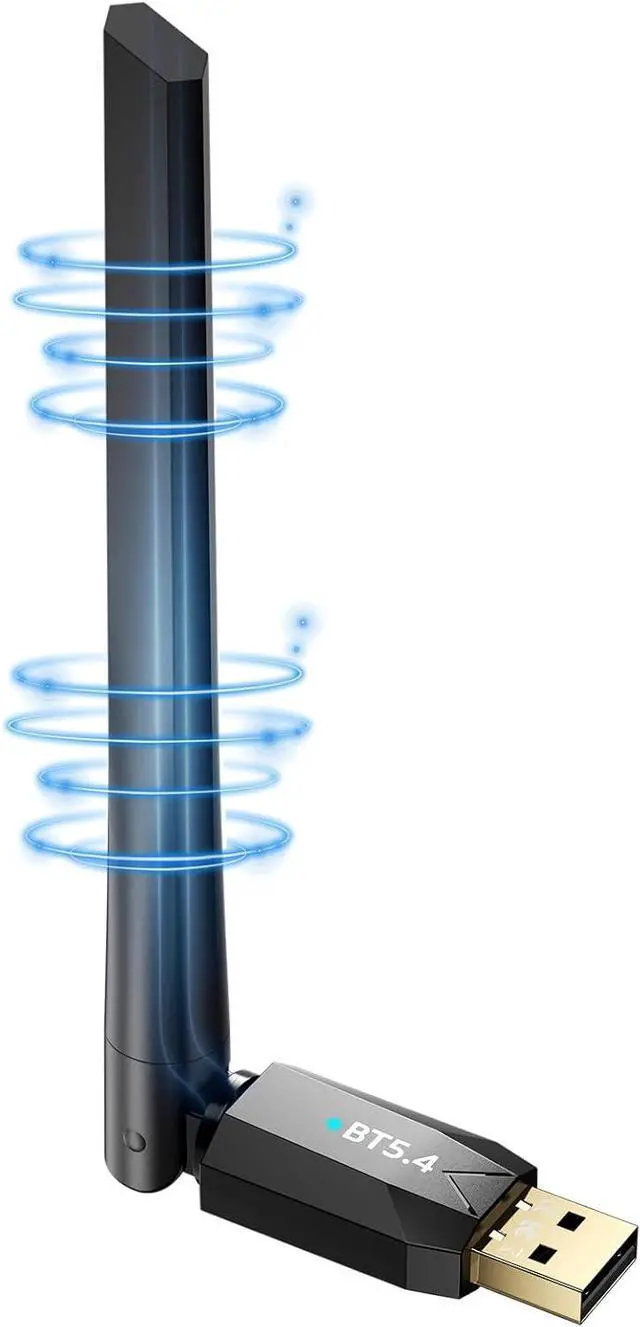
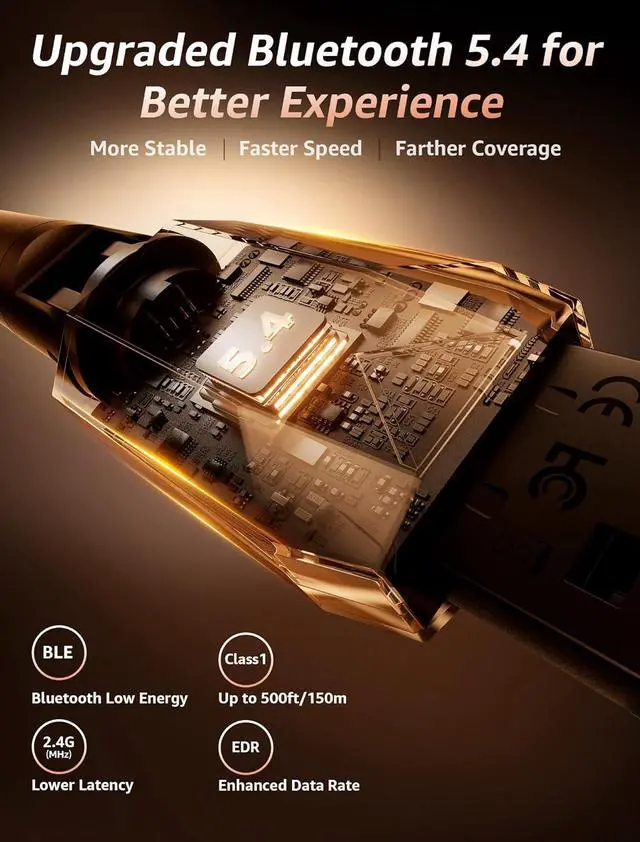
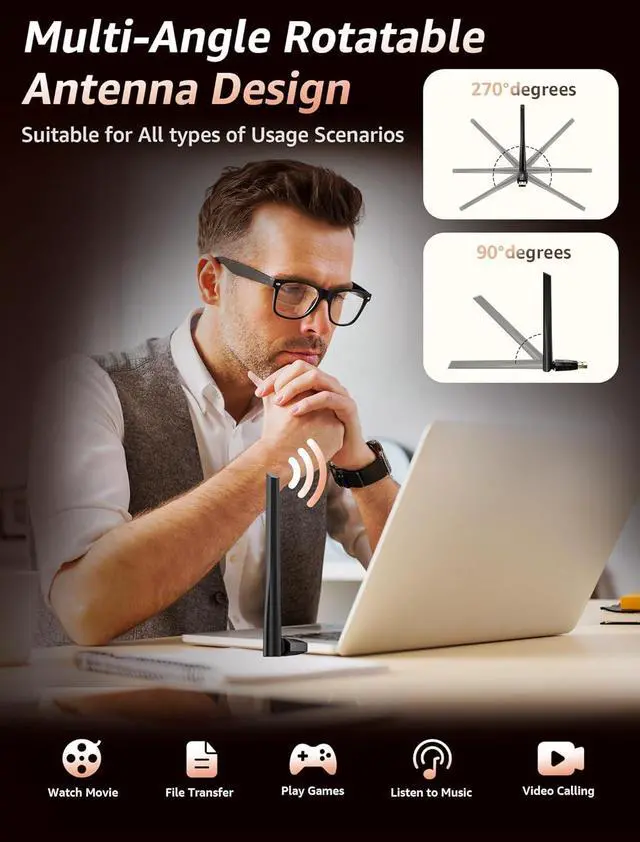
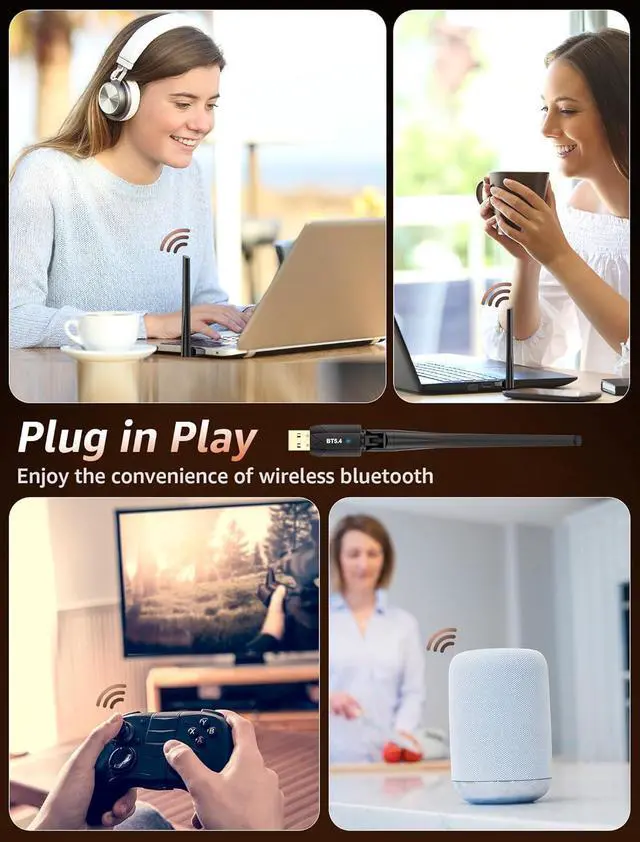


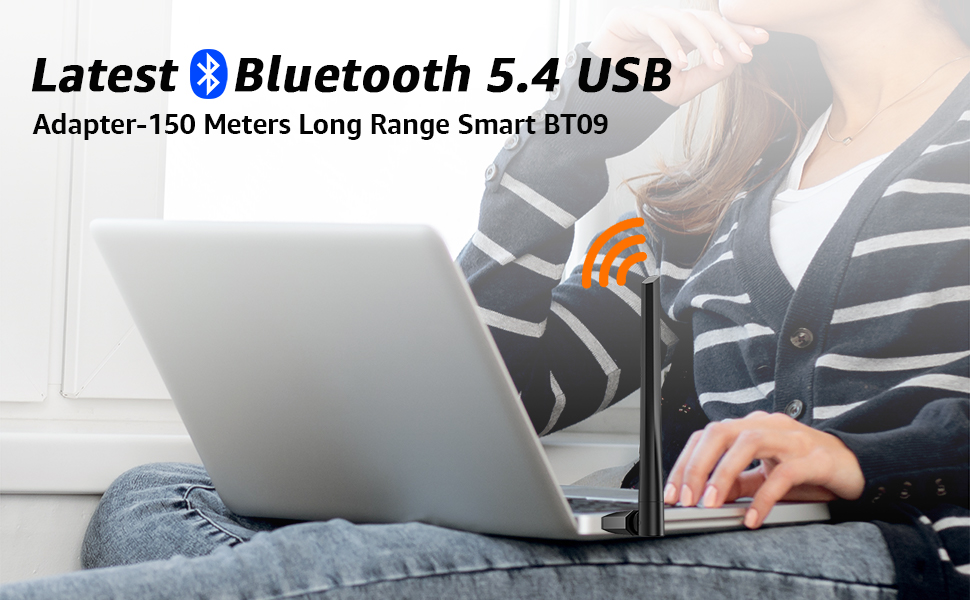
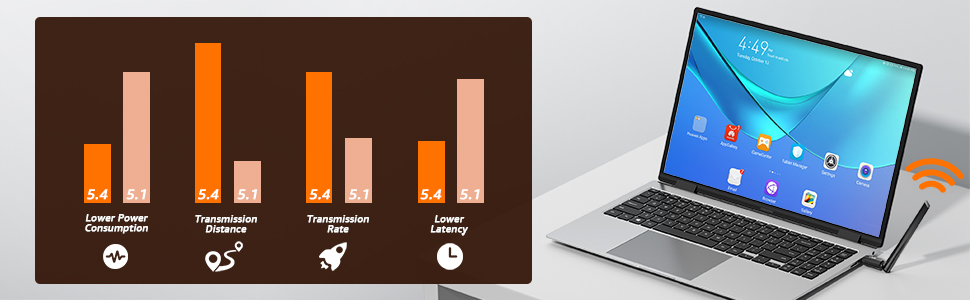
Advanced Realtek Bluetooth 5.4 Chip, More Stable, Faster Speed, Farther Coverage, Plug in Play
Product Specification
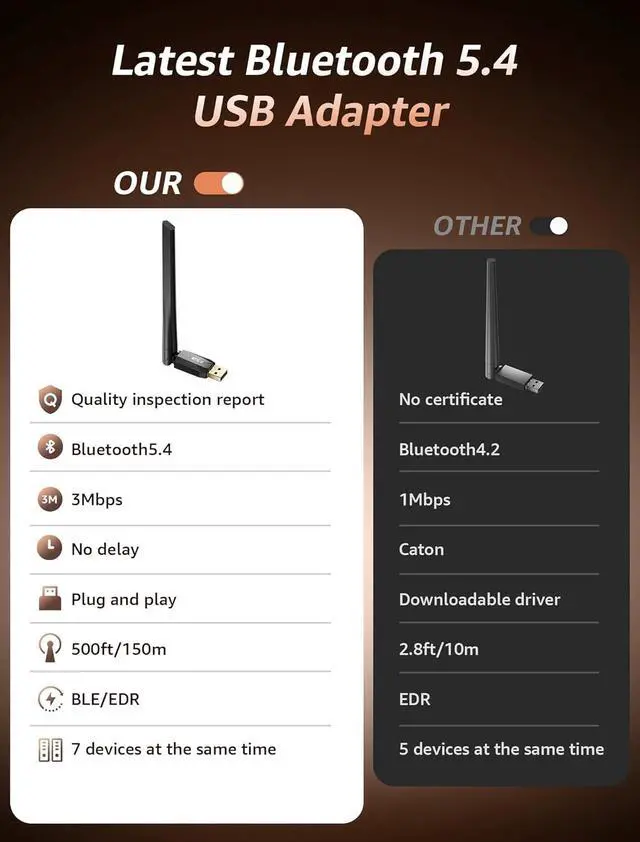
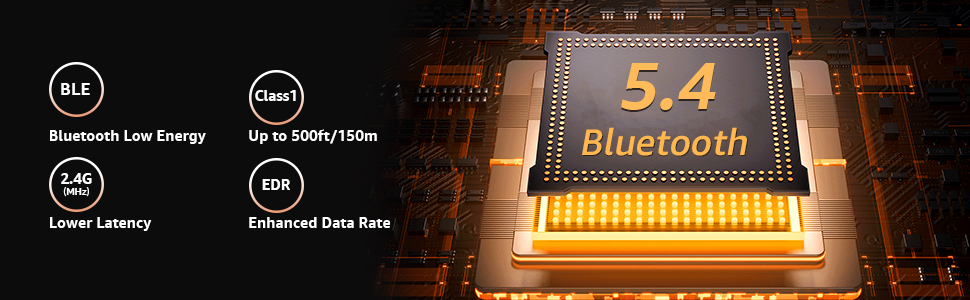
Standard: Bluetooth V5.4
Profiles: Bluetooth Low energy
Host interface: USB 2.0 (compatible with USB3.0)
Frequency Band: 2.402-2.480GHz
Rx Sensitivity: [email protected]%BER
RF TX Power: 14dBm
Supply Voltage: 5V DC(Max5.75V)
Working Current: Depends on profiles,22mA typical
Distance: 150meters
Humidity: 10%-90% Non-Condensing
Support Profile: A2DP/HSP/AVRCP/HID/PAN/GAVDP/DID/IOPT/AAC
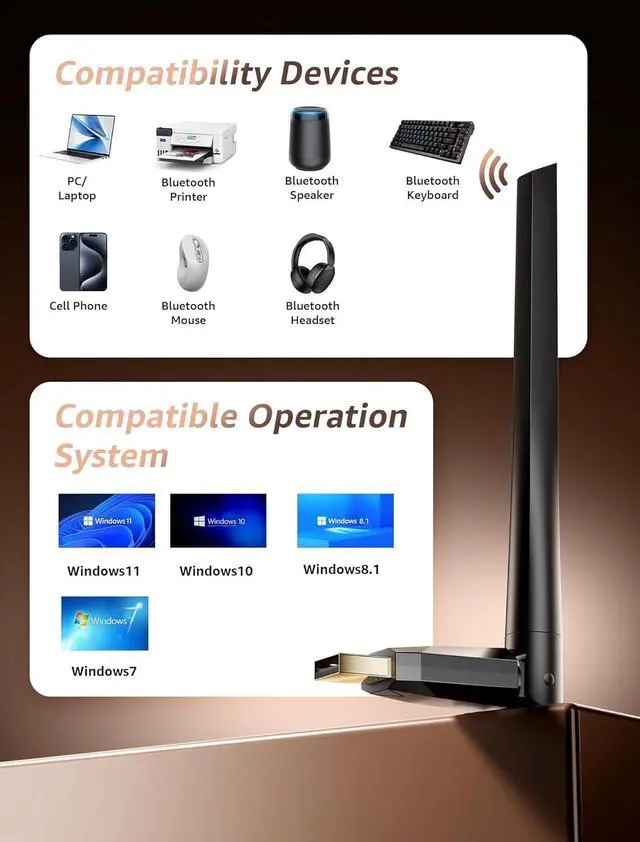
System Support: Windows 7/Win8.1/Win10/Win11 (Not work with Mac OS, Linux, car systems, Xbox and TVs.)
Q&A
Q1: What operating systems does the product support? Do I need to install a driver to use it?
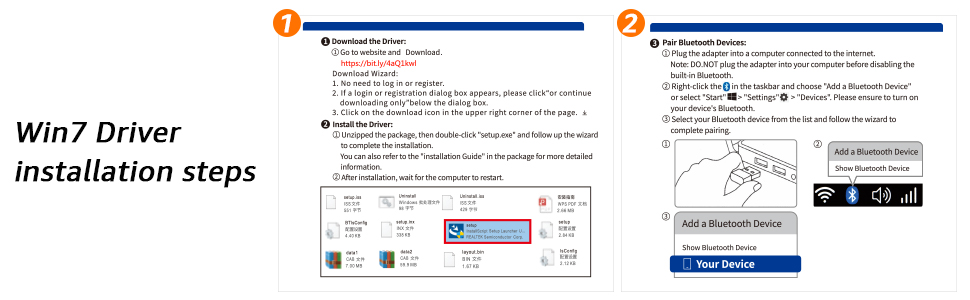
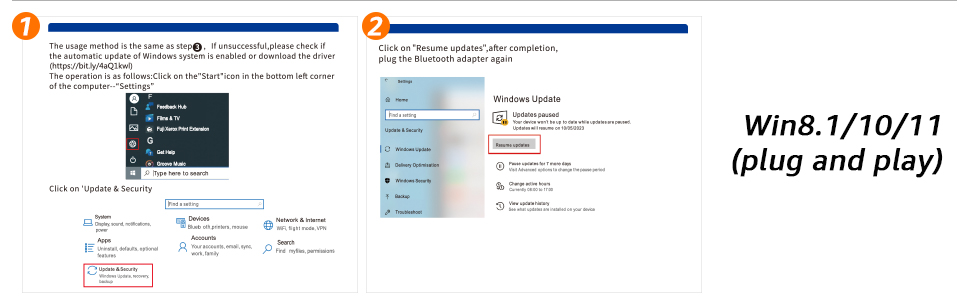
A1: This wireless network adapter for pc supports Windows 7/8.1/10/11 systems. Plug and play, the Win7 system can install the driver for use.
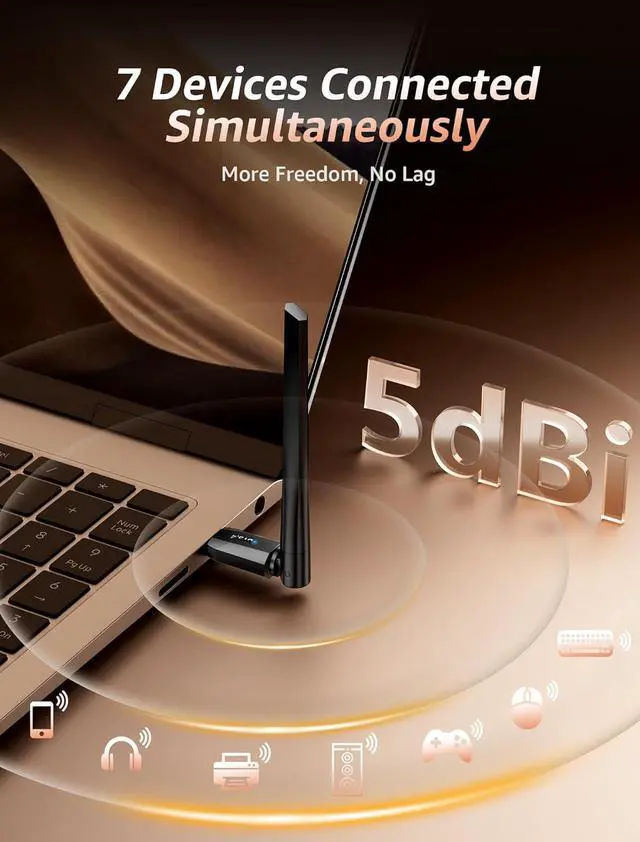
Q2: Does the Bluetooth extender adapter support simultaneous connection of multiple devices?
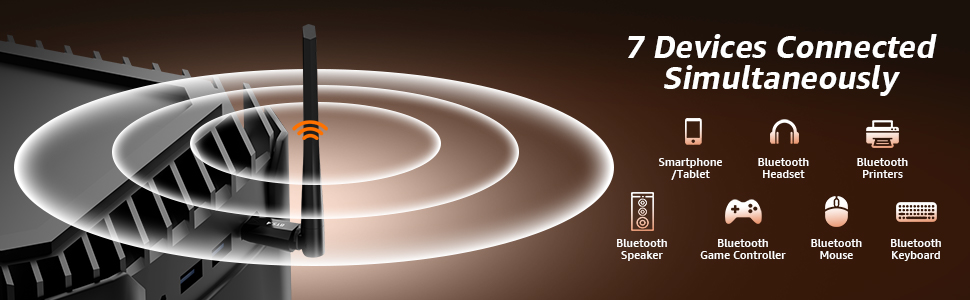
A2: The Bluetooth adapter supports simultaneous connection with 7 devices. Only one Bluetooth device of the same type can be used, not multiple at the same time.
Q3: Why can't the Bluetooth icon be displayed when the host is inserted?
A3: Please confirm whether the Bluetooth switch is turned on. Operation: Insert the Bluetooth adapter---Start menu in the lower-left corner of the computer---Settings (WIN+1)---Bluetooth and other devices---Turn on Bluetooth switch---Show more settings---More Bluetooth settings---Check to display the Bluetooth icon in the notification area.
Q4: The product cannot search for the Bluetooth device to be connected?
A4: When using this product to pair your Bluetooth device, first make sure that your Bluetooth device has not been connected to the computer; secondly, turn on the device and enter the Bluetooth pairing state; then check whether the Bluetooth recognition of the device manager is normal.
Q5: If the computer itself has Bluetooth function, can we use our Bluetooth adapter?
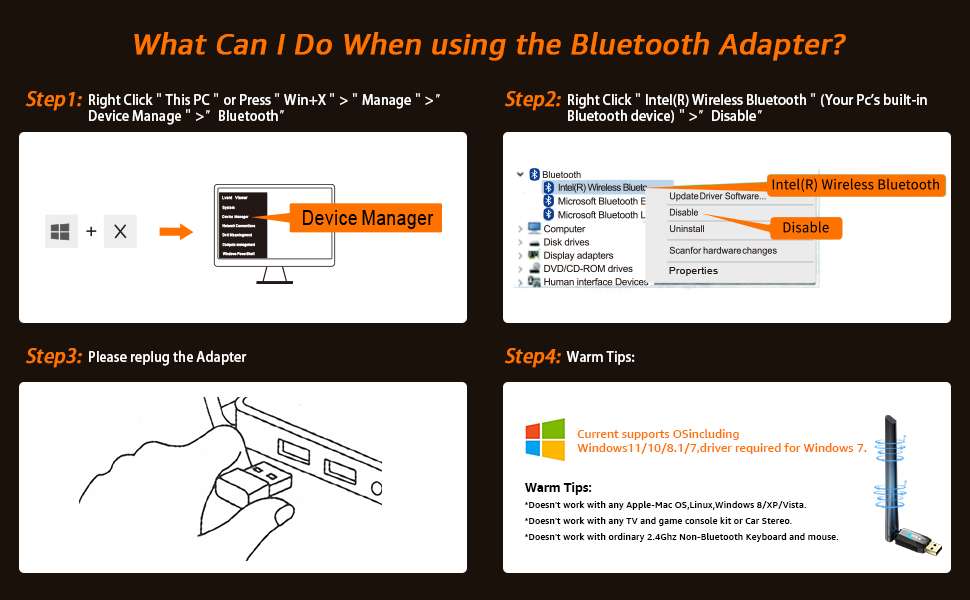
A5: Yes. This Bluetooth adapter can solve the problem of the computer not having Bluetooth function or the computer's Bluetooth version being too low. If the computer has Bluetooth function, you need to disable the system's built-in Bluetooth first, and then insert our Bluetooth adapter. Otherwise, when inserting our Bluetooth adapter, the name with an exclamation mark will be displayed (driver abnormality).
Q6: What Can I do if the Bluetooth adapter can not work?
A6: Ensure there are no other Bluetooth devices installed on the computer. If there are, disable all existing Bluetooth devices in "Device Manager", then insert the adapter and try again. (For detailed information please read the user manual)