



Out of stock
This item is currently out of stock and it may or may not be restocked.
Ships from China.
Most customers receive within 7-17 days.
NAS Builder
Shop it at NeweggBusiness.

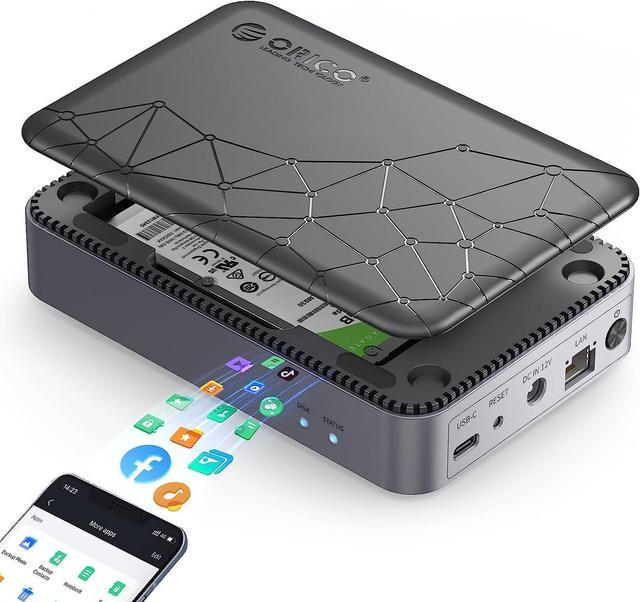
ORICO Networkable Hard Drive Enclosure for 2.5" SATA HDD/SSD, Family Storage Space and Private Cloud, APP-Connect & VPN Global Access, Smart Backup, Magnetic Lid Connection, CD2510(diskless)

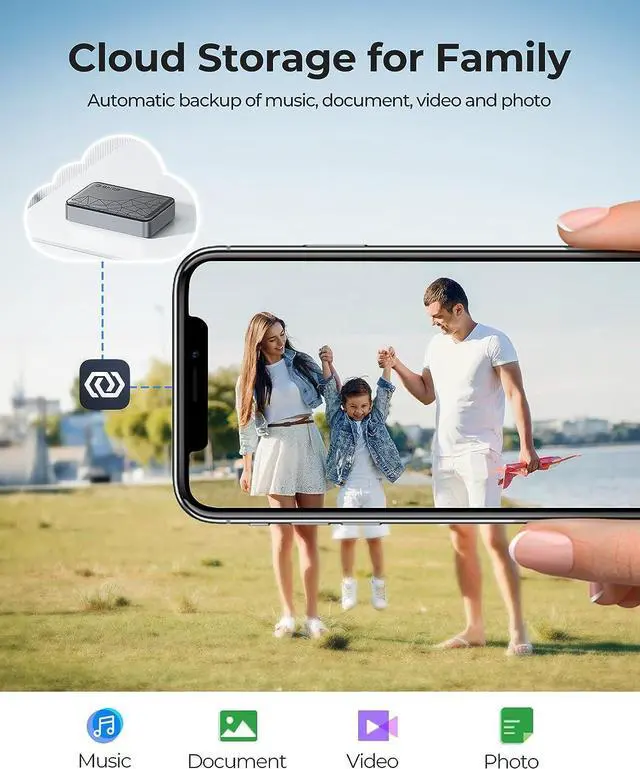
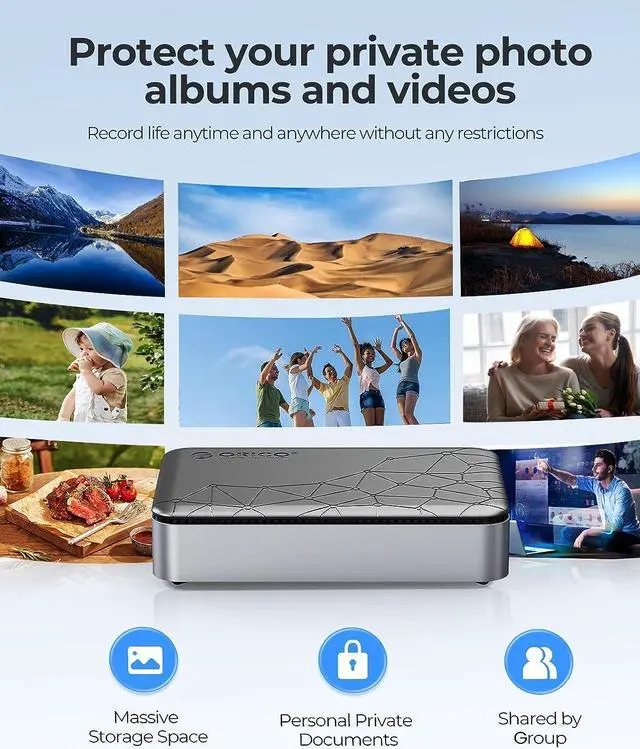
  • Independent access by multiple accounts. Safely store photos, videos, movies, up to 8TB(15mm 2.5" SATA HDD/SSD). Separate privacy from shared content.
  • Permanent Free Private Cloud & Duplex Mode
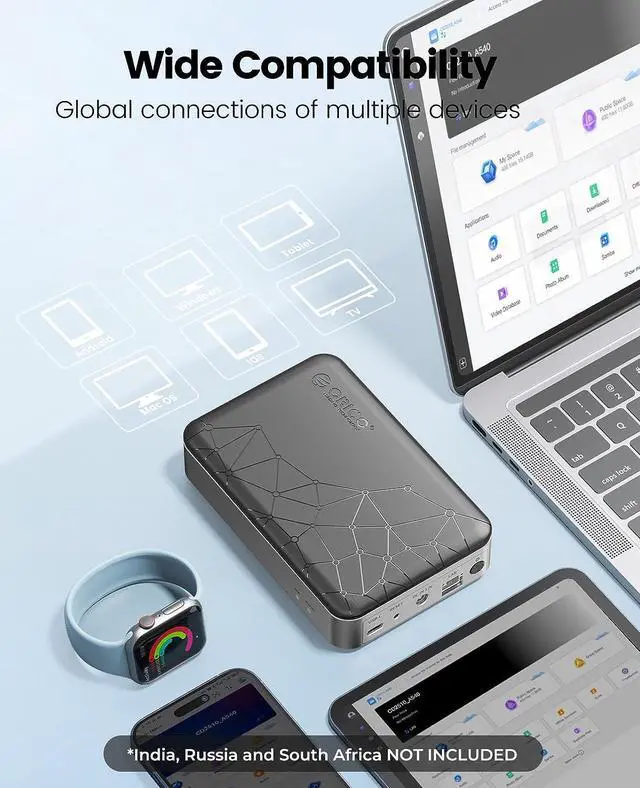
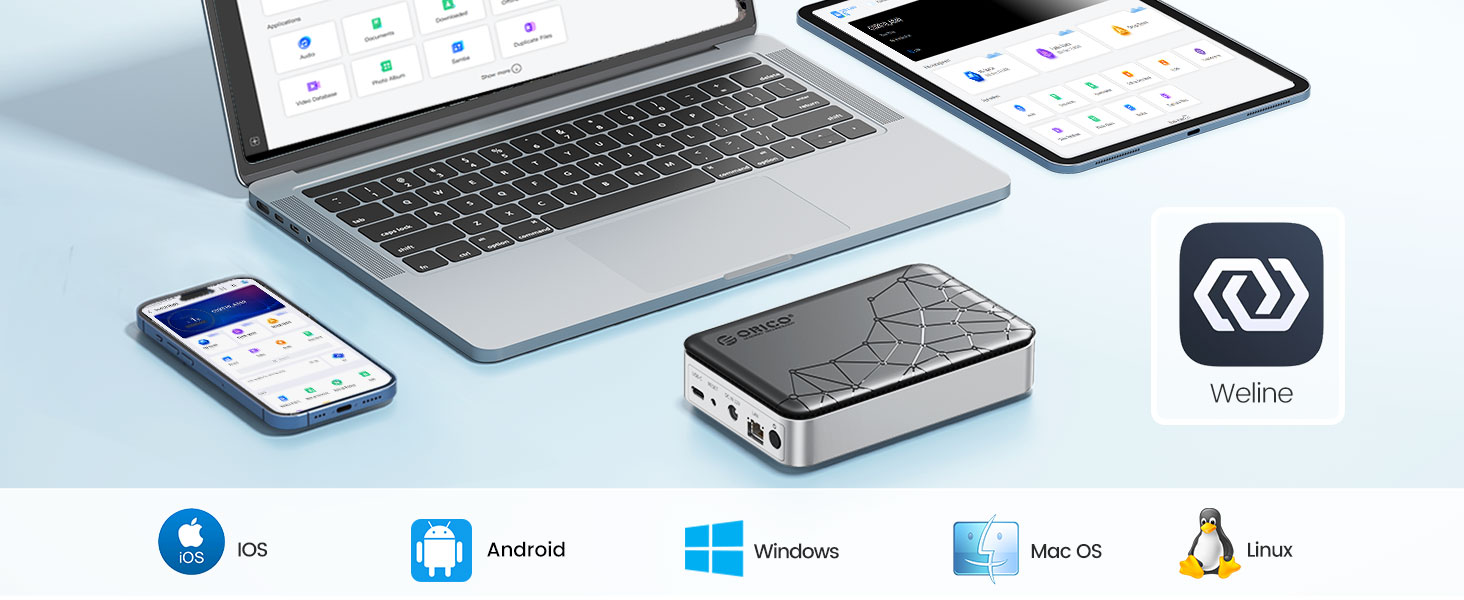
  • All functions are implemented on the Weline APP without the complicated configuration(IOS: Download from Apple Store; Android: Download from Google Play). For global connectivity, VPN is automatically connected when you log in to the Weline app. The server is local. And your data and account information is safety.
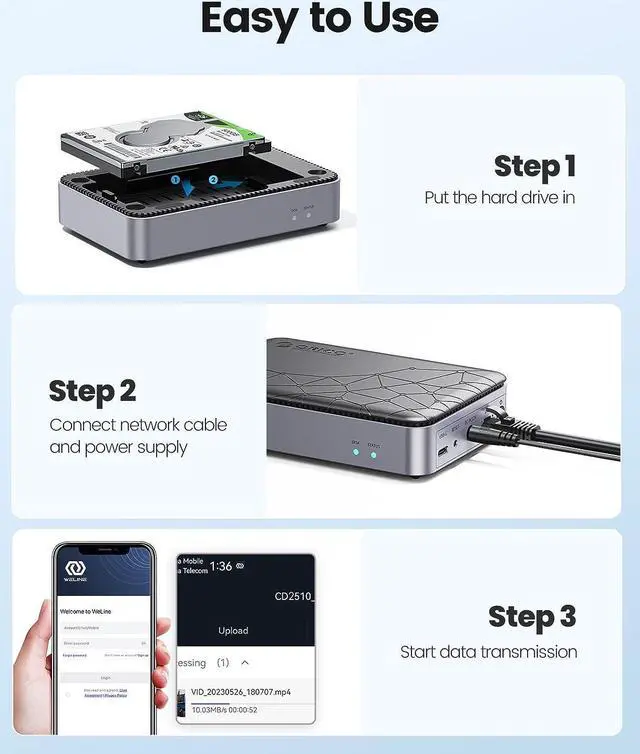
  • The online network hard drive case comes with a magnetic cover. Connect DC adapt and WLAN cable after installing the hard drive, and then press the switch button with the blue LED light up.
Overview
Specs
Reviews
image for this item
ORICO NAS and Private Cloud for 2.5" SATA HDD/SSD NAS Storage, Networkable Enclosure for APP-Connect, VPN Exclusive Channel, SDVN Encryption, Samba & DLNA Protocol, Magnetic Lid
  • APP Connection for Family NAS: Both mobile devices and PCs can store and read pictures, videos and documents. All functions are implemented on the Weline APP without any complicated configuration. The system continues to be optimized and upgraded(1-2 times a month).
  • VPN Exclusive Channel with SDVN Encrypted: The SDVN technology used by Weline establishes an encrypted channel between your devices and nas server, and conducts remote access through VPN. It ensures that data to be transferred directly between the NAS and the device without going through any external servers.
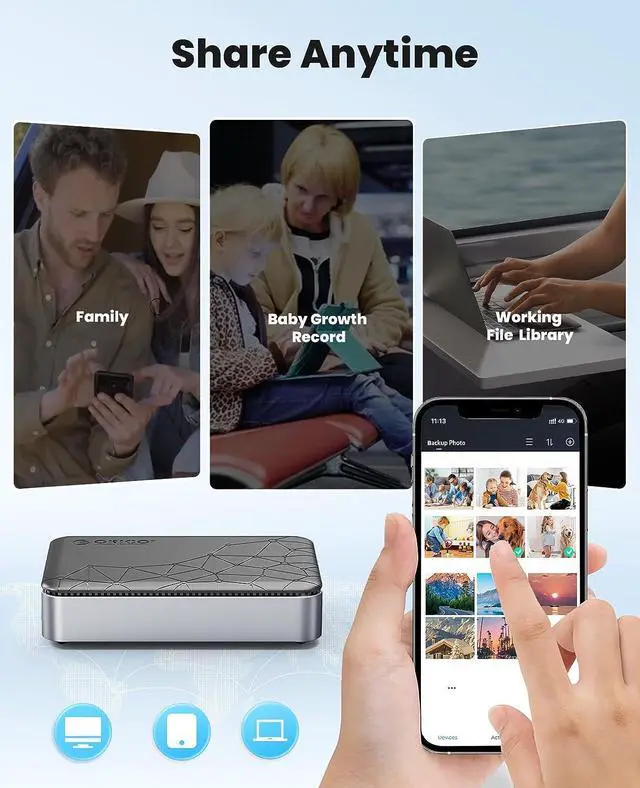
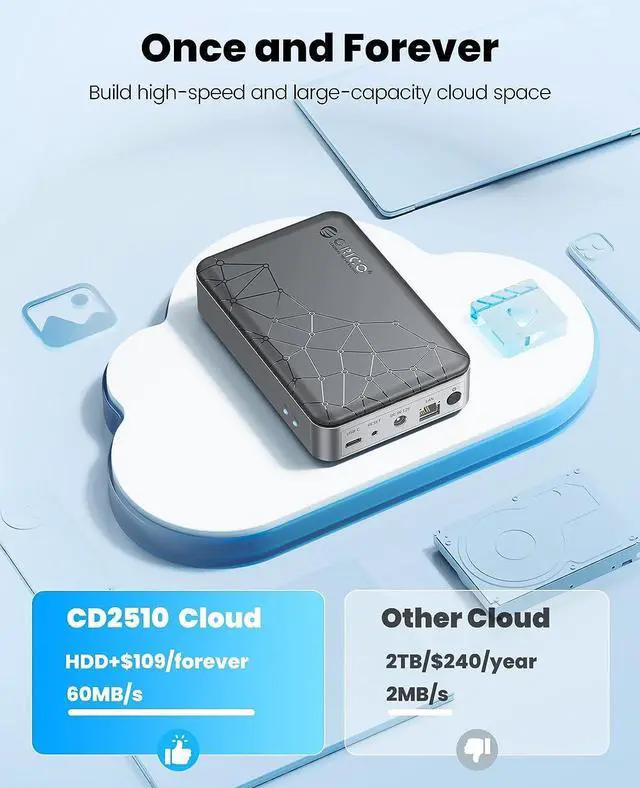
  • Permanent Free Private Local Cloud: Share photos and videos to different devices and systems anytime, anywhere. Compared with cloud storage apps on the market, Weline does not need to pay any subscription fees. The master account can authorize permissions to multiple users and create public clouds and private spaces. (Your data is stored locally in your harddisk, NOT IN PUBLIC CLOUD)
image for this item
Tool-free Installation

This nas case comes with magnetic case. After installing the hard drive, press the switch button with the blue LED light up.

VPN Global Accessiable
image for this item
How to install Weline App
  • Tool-free Installation & Duplex Mode: The online network hard drive case comes with a magnetic cover. Connect DC adapt and LAN cable after installing the hard drive, and then press the switch button with the blue LED light up. You can also use it as a mobile hard drive enclosure. Wired and wireless double data protection, no need to worry about data loss.
image for this item
Steps for Windows
image for this item
Steps for Mac OS
image for this item
NAS Storage & Family Sharing

Safely store photos, videos, movies, up to 8TB(15mm 2.5" SATA HDD/SSD). Separate privacy from shared content.

image for this item
Permanent Free Private Cloud

Share photos and videos to different devices and systems anytime, anywhere without paying any monthly fees.

image for this item
Duplex Mode

Global NAS APP-Connect, and the mobile phone photo album is automatically backed up. As external hard drive, using the USB3.2 Type-c interface, the speed of backing up computer data is up to 5Gbps.

image for this item
What in the Box

1 x ORICO Quad Core Cortex-A55 CPU NAS storage
1 x USB Cable
1 x Ethernet Cable
1 x Power Adapter


Orico offers a 18-month warranty and lifetime service support.

image for this item
image for this item

Q:What should I do if the QR code expires and the download fails?

A:

IOS users can directly search for "weline" in APP STORE to download

Android users can visit "weline.io" official website to download (Google Play store will be launched soon)

You can also connect to our online service anytime.


Q:What should I do if I encounter problems with registration?

A:

If you are using a mobile phone number to register, please keep the mobile phone signal stable or change the network.

You can also connect to our online service anytime.

Note: during the process of registration and use, we will not charge any fees.


Q:Why is VPN connected when using Weline APP?

A:

We are different from traditional NAS, our nas has no complicated configuration process, all operations can be realized on the Weline app, please feel free to use our app.


Q:How to Map Network Drive in Local PC?

A:

1."Open Weline APP"--"Applications"--"Samba"--"Function description"

2."Set Up Password"--"Press Win+R key combination"--"Enter the LAN IP"--"Right-Click the File and Select Map network drive"--

3. "It will show in This PC"

About this item
Cloud Storage for Family: Independent access by multiple accounts. Safely store photos, videos, movies, up to 8TB(15mm 2.5" SATA HDD/SSD). Separate privacy from shared content.
Permanent Free Private Cloud & Duplex Mode: Share photos and videos to different devices and systems anytime, anywhere without paying any monthly fees, and do not worry about personal privacy security. You can also use it as a mobile hard drive enclosure. Wired and wireless double data protection, no need to worry about data loss.
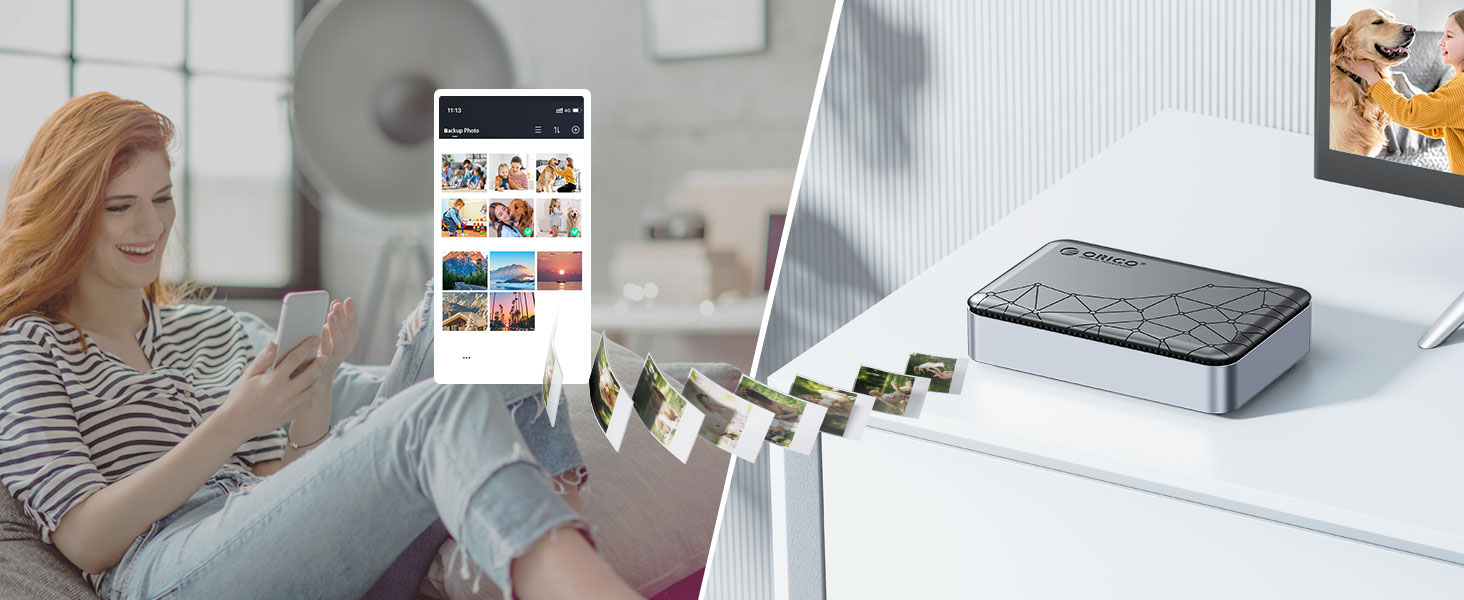
APP Connection & VPN: All functions are implemented on the Weline APP without the complicated configuration(IOS: Download from Apple Store;
Android: Download from Google Play). For global connectivity, VPN is automatically connected when you log in to the Weline app. The server is local. And your data and account information is safety.
Tool-free Installation: The online network hard drive case comes with a magnetic cover. Connect DC adapt and WLAN cable after installing the hard drive, and then press the switch button with the blue LED light up.
You Will Get: Quad Core CPU with Gigabit Ethernet, USB 3.2 Gen1 Type-c and user manual. Orico offers a 18-month warranty and lifetime service support.
Warranty & Returns

Warranty, Returns, And Additional Information

Warranty

  • Please contact the Seller directly for warranty information. Warranty information may also be found on the Manufacturer's website.
  • Read full details
  • CONTACT

Return Policies

Manufacturer Contact Info

LOADING...