
 We‘re shipping as usual! The Canada Post strike only affects certain remote deliveries and PO Boxes.
  Holiday Shipping Details & Extended Holiday Returns




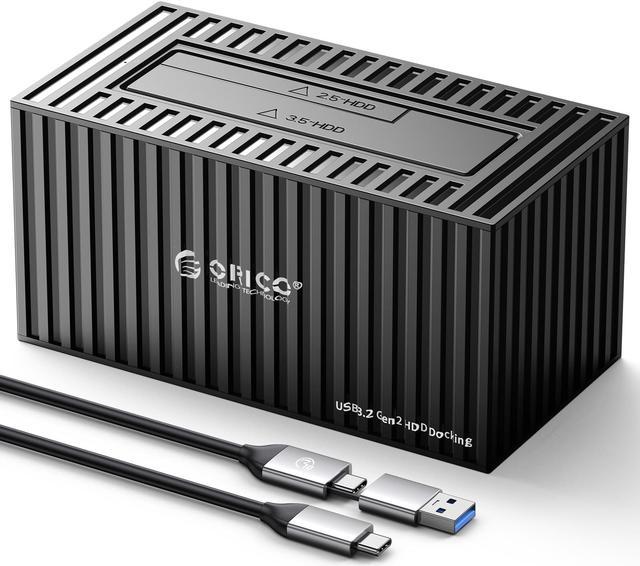
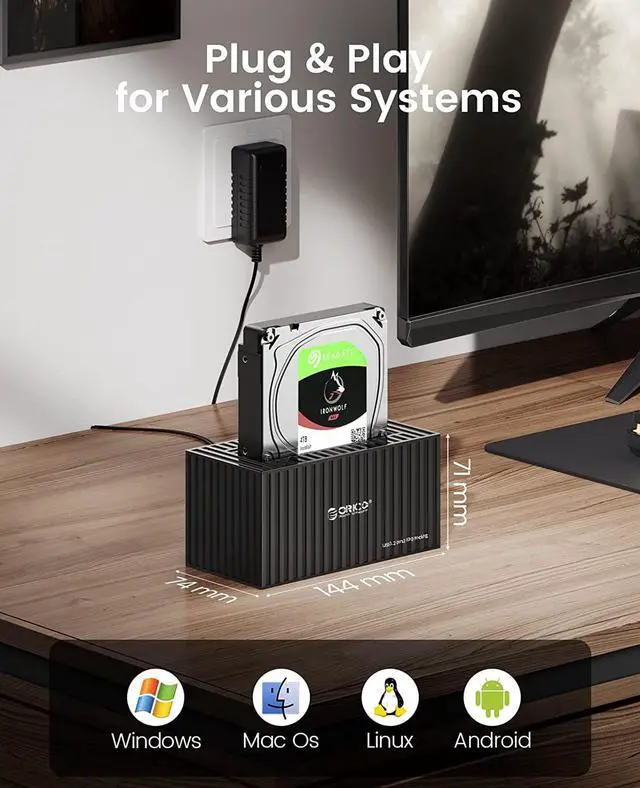
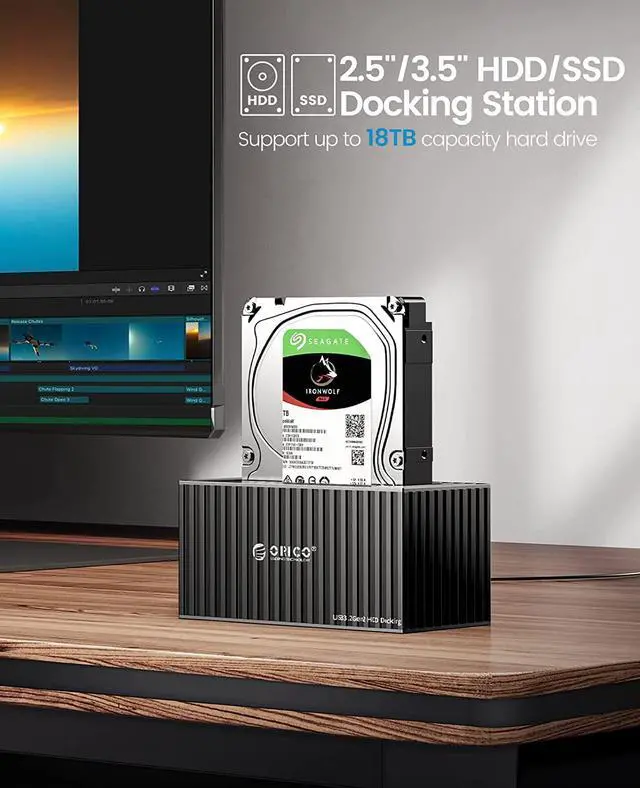


10Gbps hard drive docking station supports 2.5"/3.5" SATA HDD SSD up to 18TB hard drives
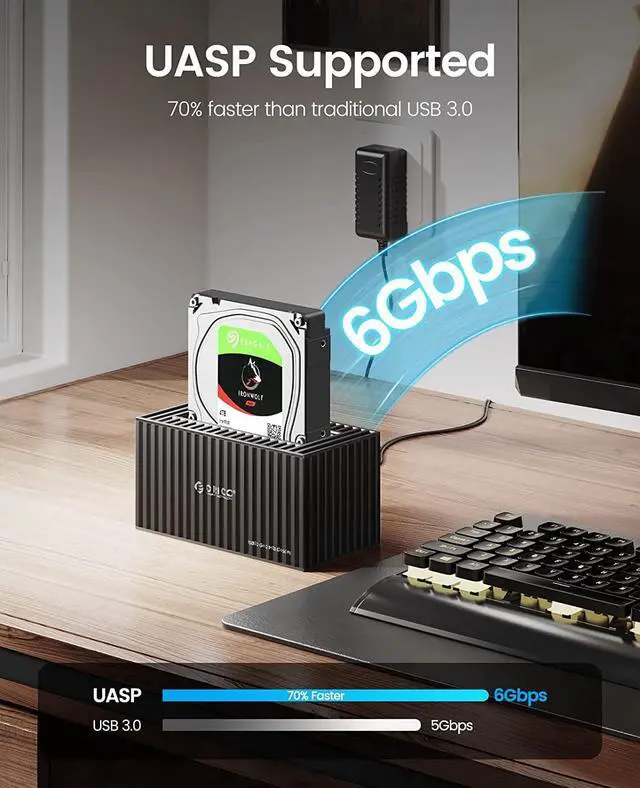
- Hard drive docking station designed with USB 3.2 Type-C to C interface up to 6 Gbps transmission speed with ridiculously short load times for the extreme friendly experience.
- Full protection for drive docking station in unique dust-proof design of the cover,Supports all 2.5 "/ 3.5" SATA I / II / III hard drive and SSD, Maximum support 18TB SATA interface Hard disk.
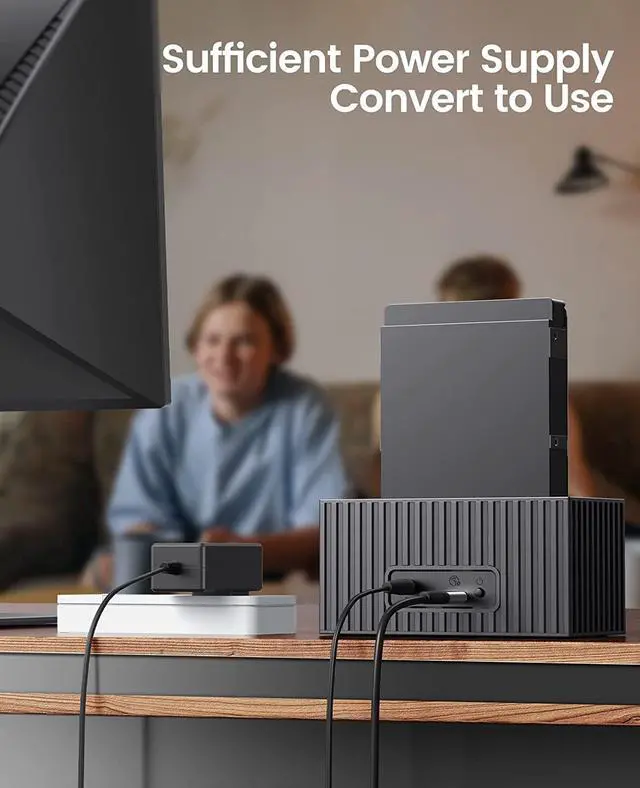
- Supports 6Gbps max transfer speed and UASP accelerated transmission protocol; With no reboot and additional driver needed, hot-swapping, easy and quick tool-free install( USB port is standard USB C 3.2 Gen 2 which provides ultra-fast data transfer speed up to 10Gbps).
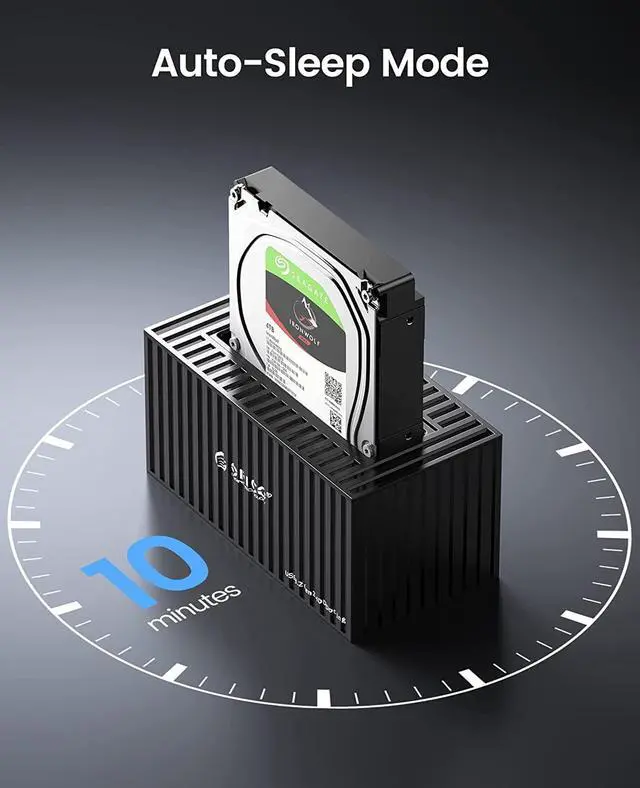
- HDD docking station with 10 minutes sleep-automatic which can helps to extend the lifespan of your hard drive, the LED indicator lets you know the working status easily.
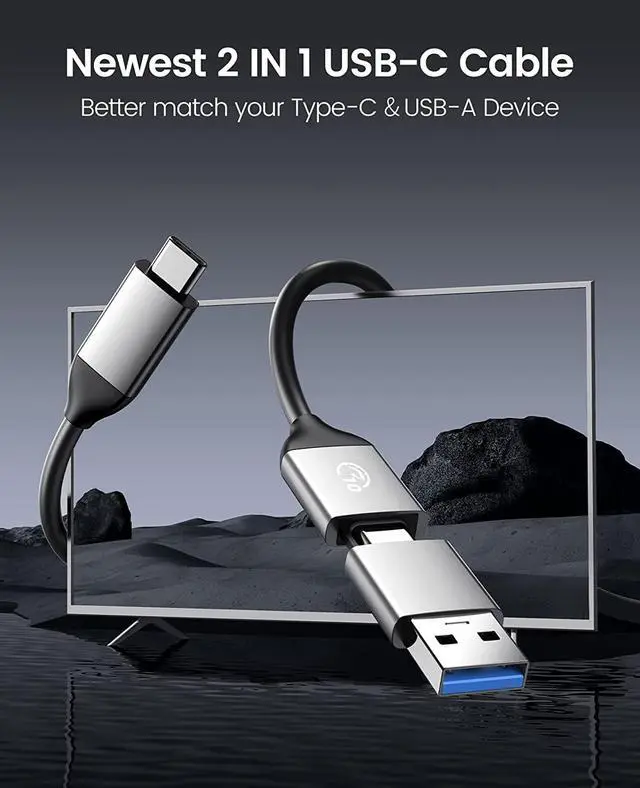
- The 3.5 hard drive dock is equipped with USB 3.0 and USB-C two kinds of connectors, no matter your computer is only equipped with USB-A or USB-C ports.
- Insert the disks in. Disconnecting the docking station with the computer. Turo off the power and insert disk A into the Source Slot and disk B into the Target Slot.
- Connect the power. Switch the button at the back of the docking station to Clone and turn the power on.
- Clone start. Press the Start button at the back and the indicator light flashes when cloning. The indicator light is constantly on after the clone is fnished.
- The target drive must be equal to or larger in capacity than the source drive.
- Please do not move the disk during processing, and do not connect the dock with the computer.
- The target disk needs to activate by connecting to the computer. Steps: PC Management - Disk Management - Online
The offine clone speed is 500G/2hrs.
Q: What kind of hard disks does this dock support?
A: 2.5/3.5-inch SATA SSD or HDD are supported.
Q: What devices does this dock support?
A: It support laptop, PC, TV, PS4/5, phone, iPad, Router, projector, DVD and TV box.
Q: What's the transmission speed?
A: The offine clone speed is 500GB/2hrs. The speed is also affected by the capacity of the target disk.
Q: Why the new hard disk is not recognizable?
A: 1.Please format the new disk before use
2.Right-click the Computer - Management - Disk Management -Find the new disk
3.Right-click Initialization *Disk Capacity<2TB Then choose MBR *Disk Capacity> 2TB Then choose GBT
4.New Simple Volume- Next- Finish