





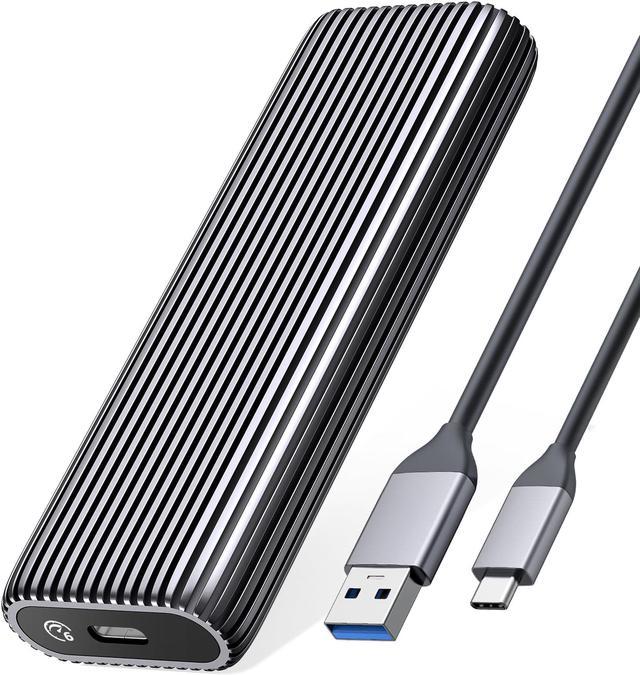





ORICO Upgraded Tool-free M.2 SATA Enclosure-AM2
ORICO has been focusing on electronic products for 10+ years, and has a mature industry chain and innovative ability to keep pace with the times. We pay great attention to product quality and continue to innovate.
Features unique to ORICO:
1. Speed: Using the latest USB3.2 technology, the read and write performance reaches 400-550MB/s.
2. Capacity: Supports up to 4TB M.2 SATA ssd.
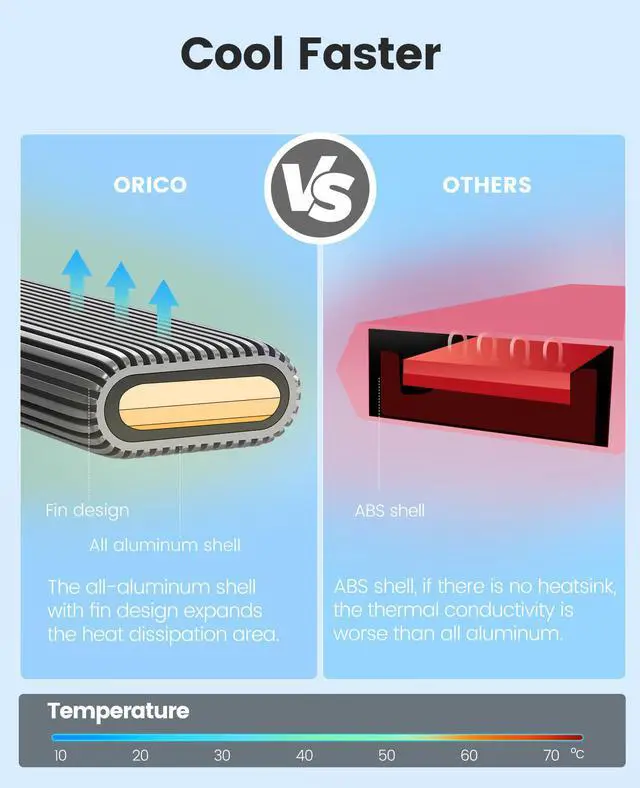
3. Accelerated protection: support UASP, TRIM, SMART, 20% faster than ordinary M.2 enclosure writing performance, automatically identify errors to ensure file data security.
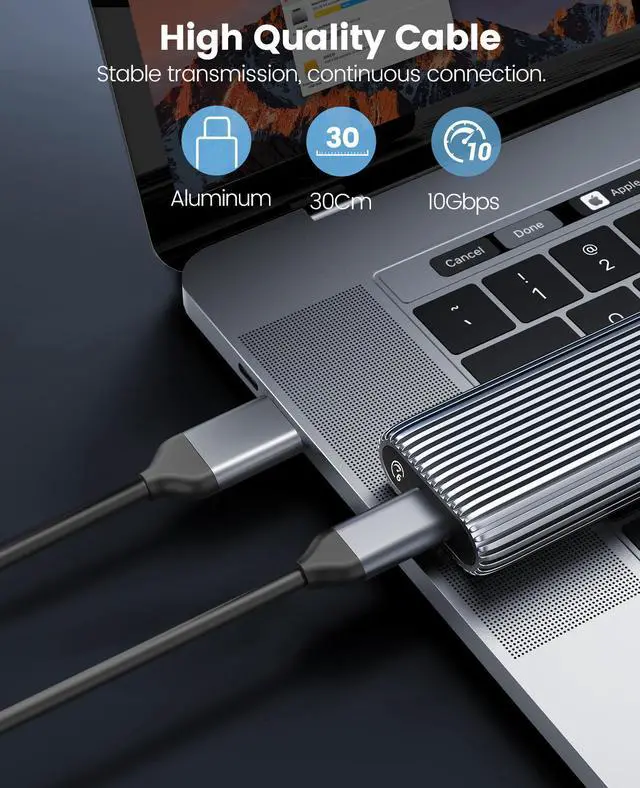
4. High-quality data cable: TPE skin-friendly and healthy material, aluminum alloy interface, long life.
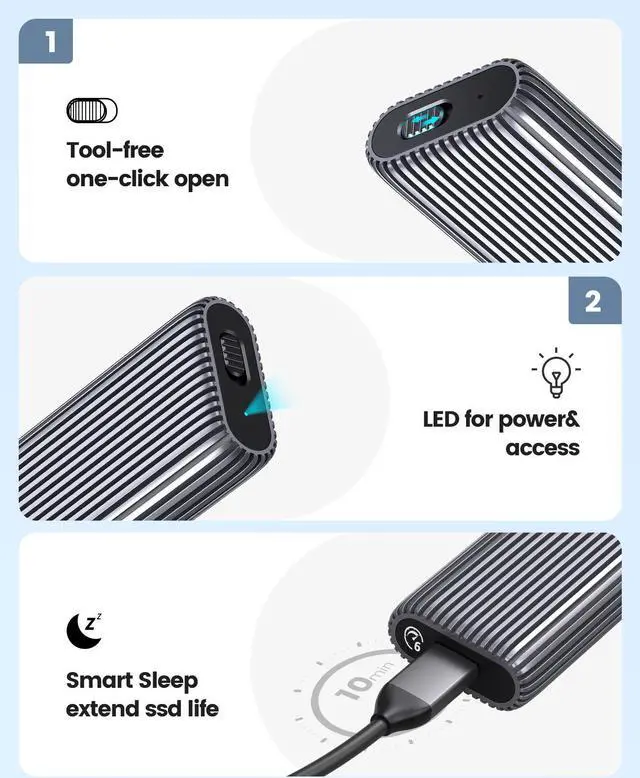
5. Tool-free: One-click to open the case, slide in to install, no tools required.
6. LED light indication: Check the working status at any time.
7. 10-minute smart sleep: silent sleep for 10 minutes when not working to extend the life of the SSD.
Before use:
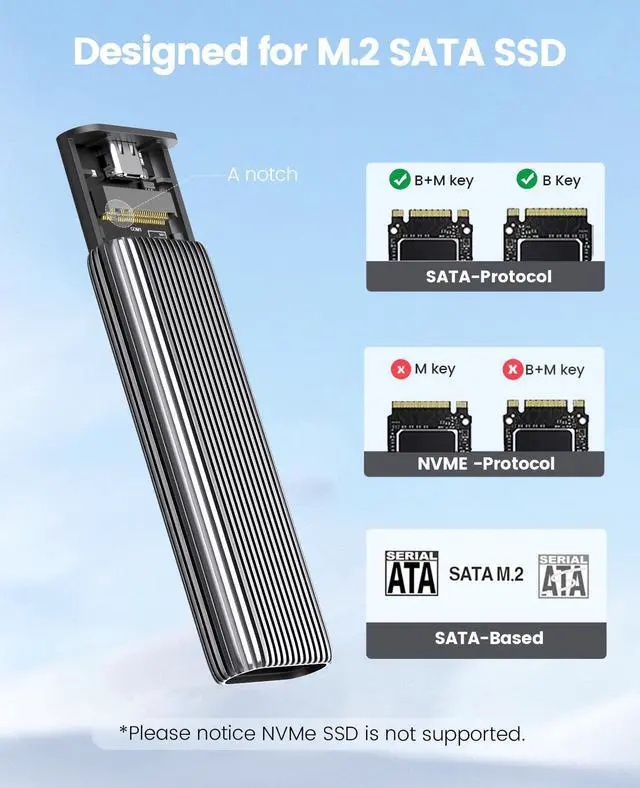
Compatible with M.2 SATA B Key/B+M Key SSD.
Note: Not compatible with M.2 NVMe, M.2 PCIe AHCI SSDs, M.2 PCIe devices (such as WiFi and capture cards), mSATA SSDs and non-M.2 form factor SSDs.
Friendly reminder - if your computer doesn't recognize the SSD enclosure. Please follow the steps:
For a new SSD, you need to go into Disk Management and initialize the SSD before it can be detected and used normally. Follow the steps below to complete disk initialization. SSD is recommended to use exFAT format, compatible with Windows and Mac OS systems.
Tips: How to start Disk Management?
How to start Disk Management?--Right-click Computer - Manage - Disk Management. Find your unallocated disk, right-click Unallocated, and select New Simple Volume Wizard.
How to start Disk Management (in Windows 10)?--Click Start -> Run -> Type compmgmt.msc -> Click OK. Alternatively, right-click the My Computer icon and select Manage. In the console tree, click Disk Management.
Installation method:
1. Toggle the button on the ssd enclosure to pull out the tray.
2. Insert the SSD interface into the ssd enclosure interface, and use the rubber plug to align the SSD semi-circular hole and the hard disk box hole to insert.
3. Slide and close the ssd case cover. The installation is complete.