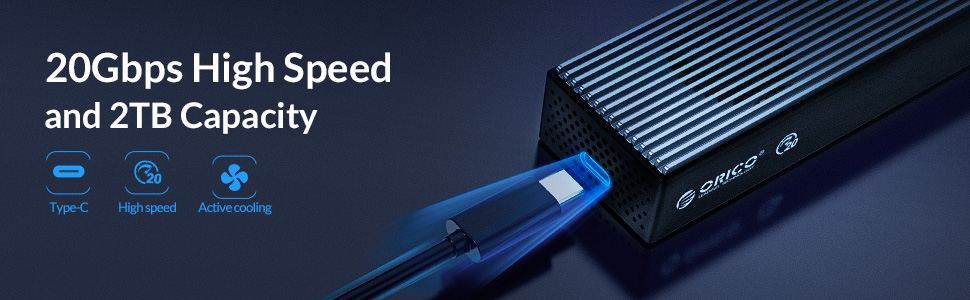
M.2 NVMe Enclosure Support 20Gbps High Speed and 2TB Capacity with Cooling Fan
Features:
20Gbps High Speed / Good heat dissipation / Applicable SSD / Support hot plug and play / LED indicator monitoring
Auto-Sleep Function
After 10 minutes, the hard disk enclosure will automatically switch to the sleep state to minimize the damage to the hard disk. The LED indicator monitors the working status of the hard disk at any time. The LED indicator is to remind that the hard drive enclosure has entered the operating mode.
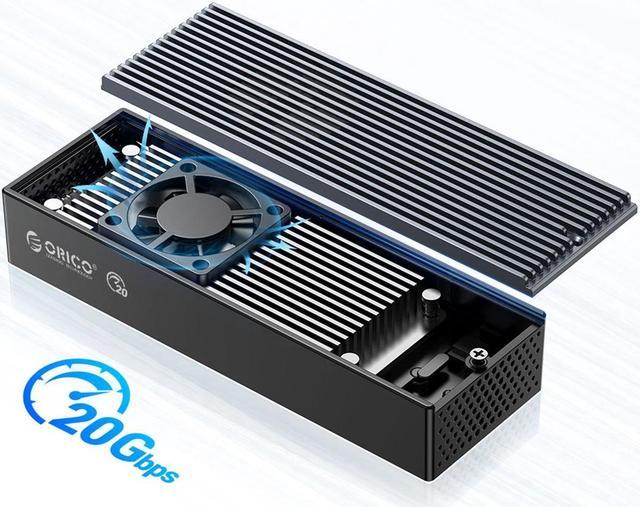
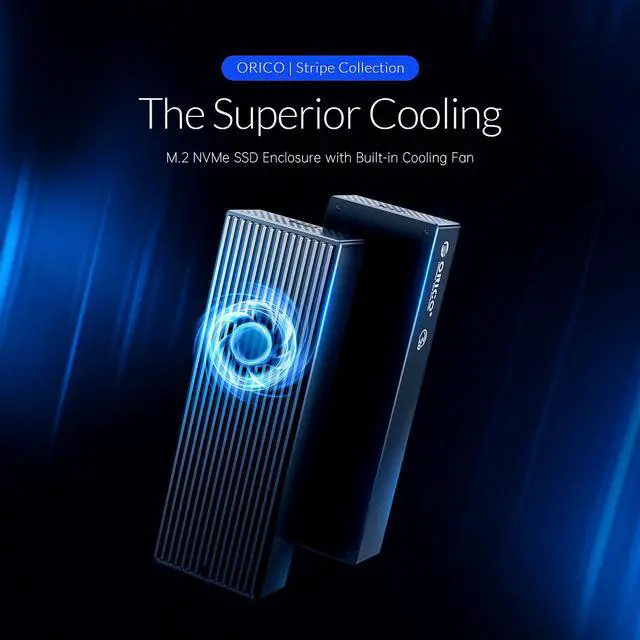
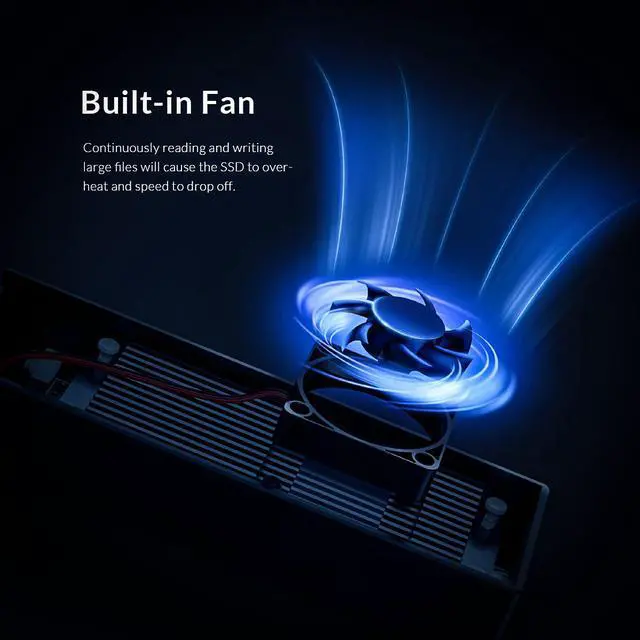
Built-in Cooling Fan
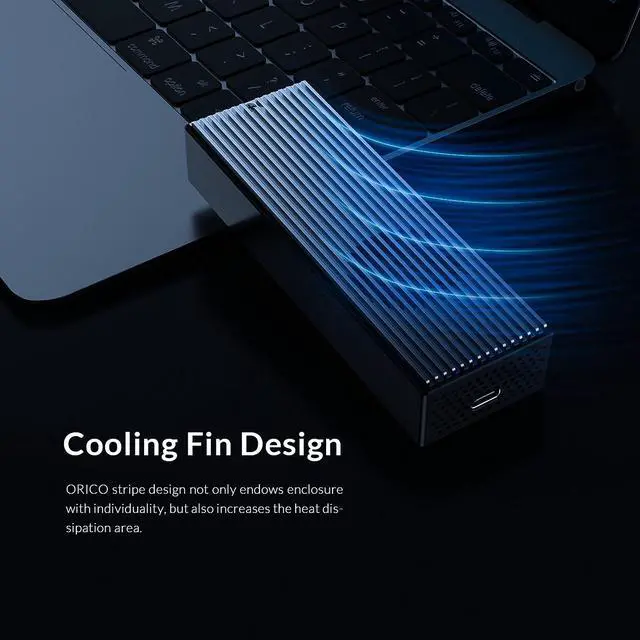
ORICO M2PVC3-G20 external USB3.2 Gen2 Type-C output interface, support positive and negative plugging, up to 2000MB/s transfer rate, giving you a different high-speed experience. With the upper aluminum and lower plastic design, the built-in cooling fan and double-sided cooling holes cools down your hard drive, and has a longer service life of the SSD.
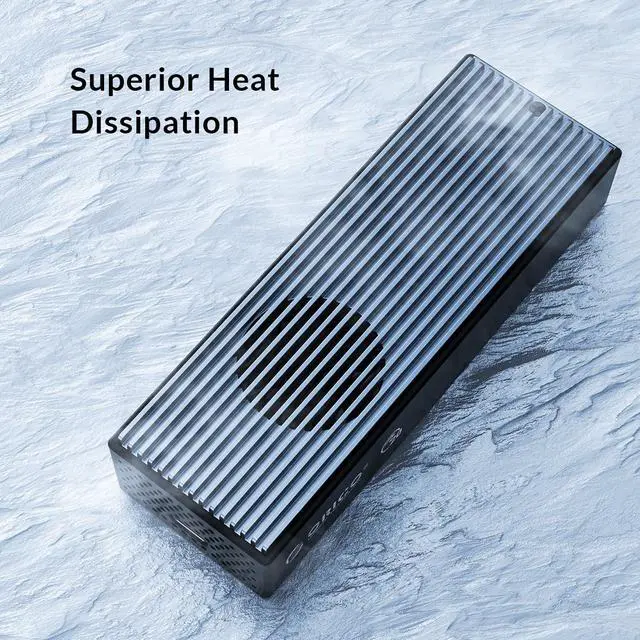
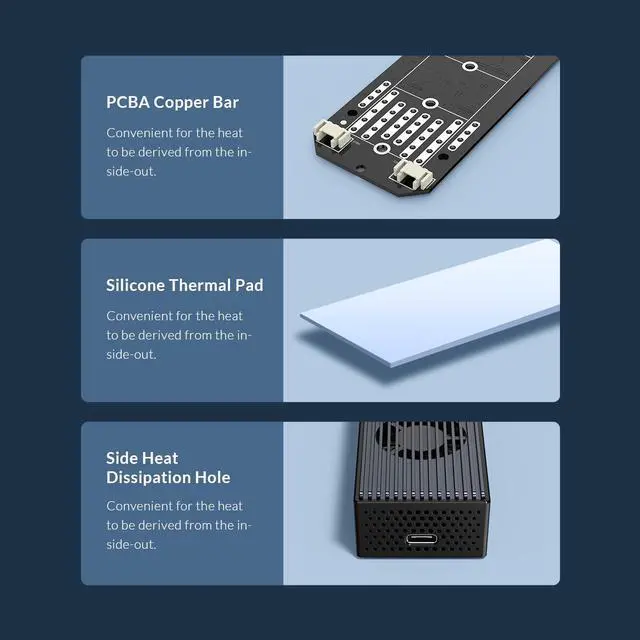
Efficient Heat Dissipation
The interior is equipped with silent cooling fan, with bilateral large cooling holes to enhance heat dissipation, with excellent heat dissipation efficiency.
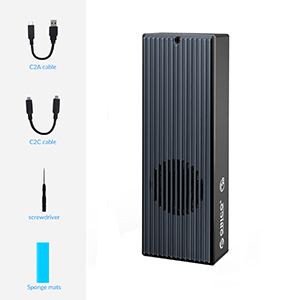
What's in the box:
1 X ORICO 20Gbps hard drive enclosure
1 X Sponge mats
1 X Screwdriver
1 X Type-C to Type-C cable
1 X Type-C to USB 3.2 cable
Warm Tips:
1. Supported SSD type
- This NVMe case supports all 2242/2260/2280/22110 PCIe NVMe M. 2 M Key / B + M Key SSDs. It does not support SATA-based B Key (B + M-Key) M. 2 SSD, PCIe AHCI SSD and does not support Mac SSD.
2. Data transfer rate of the interface?
-To ensure a data transfer rate of 20 Gbit / s, the USB interface of your PC should be USB 3.2 Gen 2X2. It is backwards compatible with USB 3.1GEN 2, the transfer rate is 10Git / s and some PCs only have USB 3.1 Gen1 and the maximum transfer rate is 5 Gbit / s.
3. Compatible interface
- Please note: It is compatible with USB Type-C interface, not Thunderbolt3 interface.
4. Does the product heat up?
- The case is treated with heat during operation, but this is due to the nature of the SSD. The NVME SSD works at extreme speeds and gets hot. The aluminum housing acts as a heat sink and has an overheating protection function.
-If your SSD overheats while transferring large amounts of data, the case will automatically protect against overheating and switch to read-only mode or stop the transfer or reduce the data transfer speed. Avoid damaging your SSD from overheating and improve the lifespan of your SSD.
- NOTE: Different computers have different overheat protection problems. Don't worry if you come across this. Once your SSD has cooled down, you can use it again. Your file will not be lost.
5. Reformat the partition?
- In the case of a new SSD, the drive may not be able to find the SSD. You must first initialize and partition the SSD from the computer's "Disk Management".

 We‘re shipping as usual! The Canada Post strike only affects certain remote deliveries and PO Boxes.
  Holiday Shipping Details & Extended Holiday Returns