• $487.91
  • Free 30-day Returns
  • Price alert
    Shop it at NeweggBusiness.

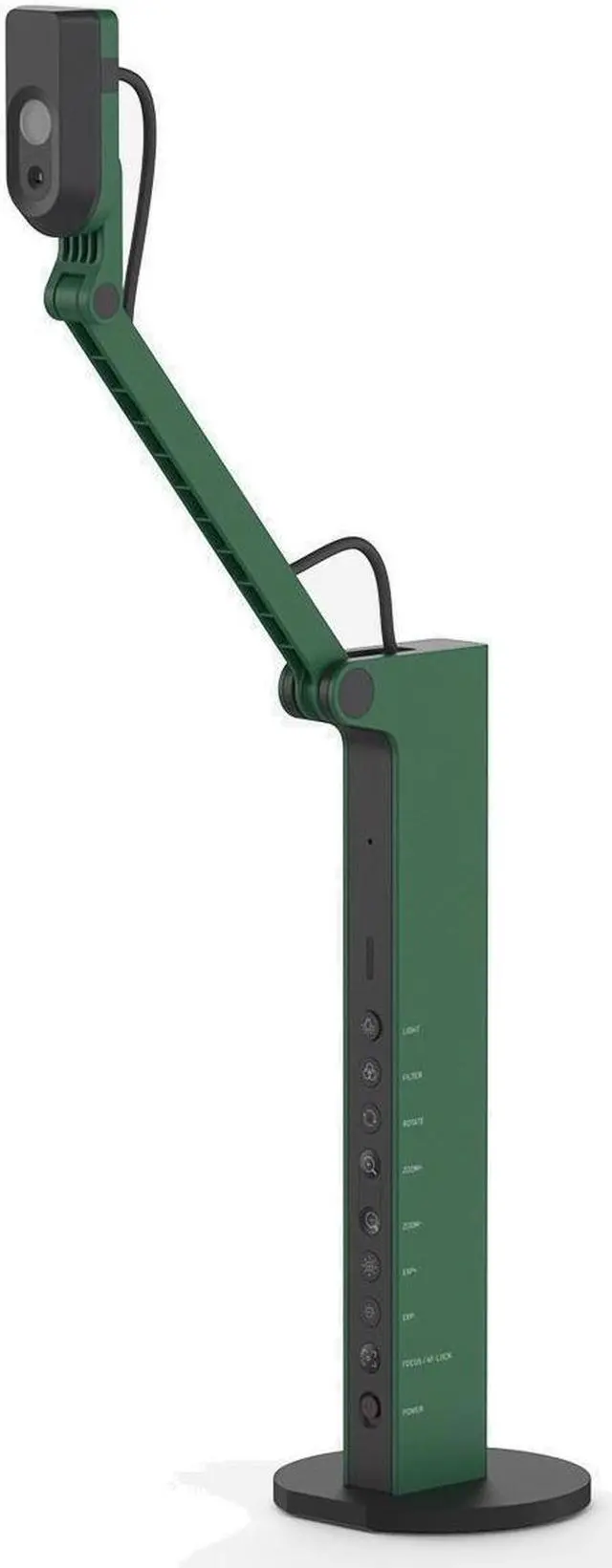
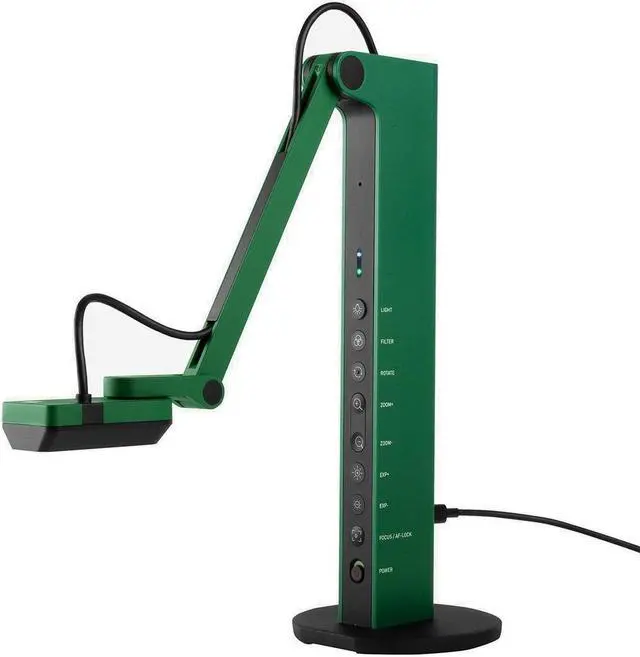
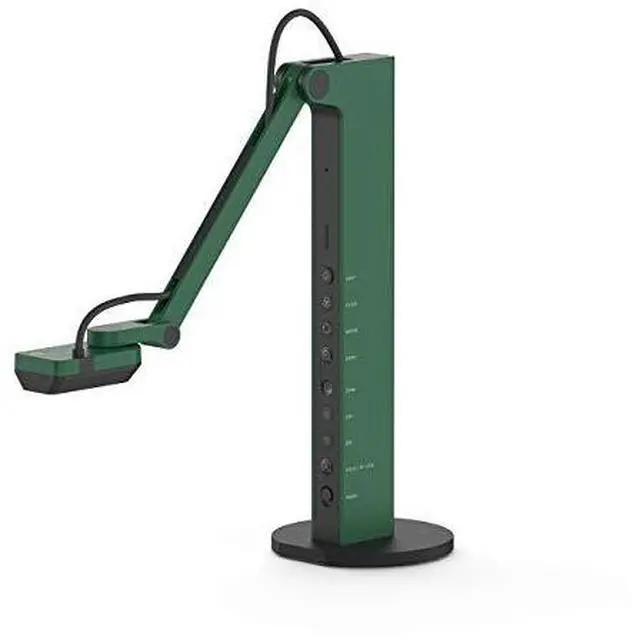
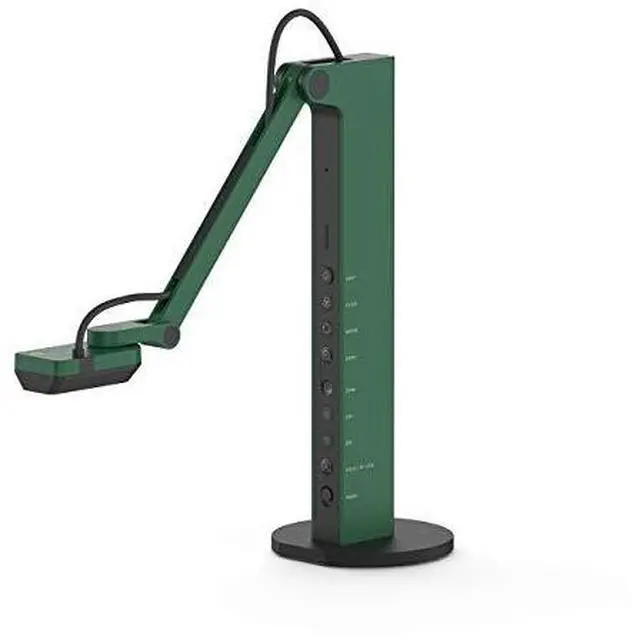
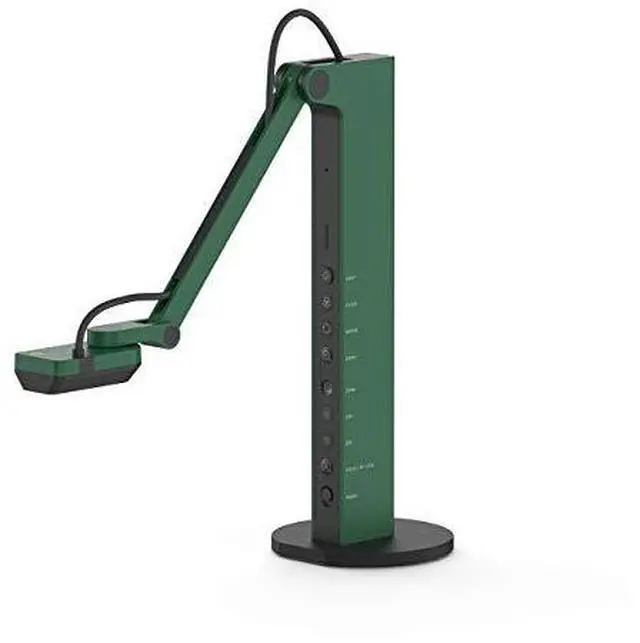
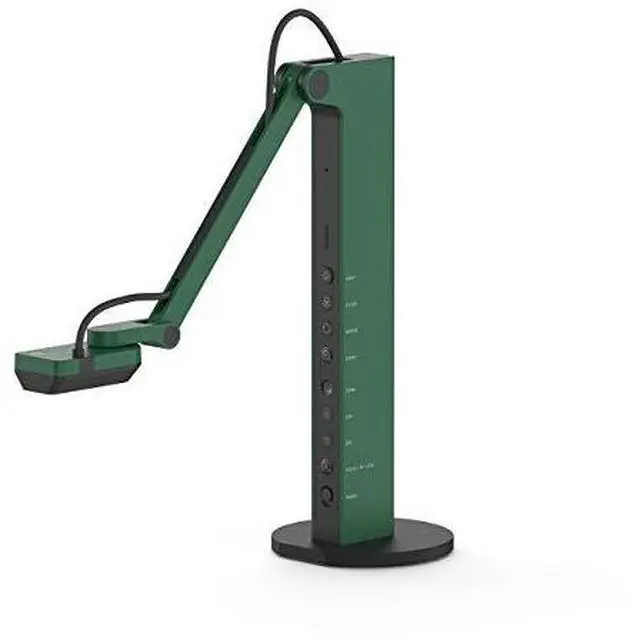
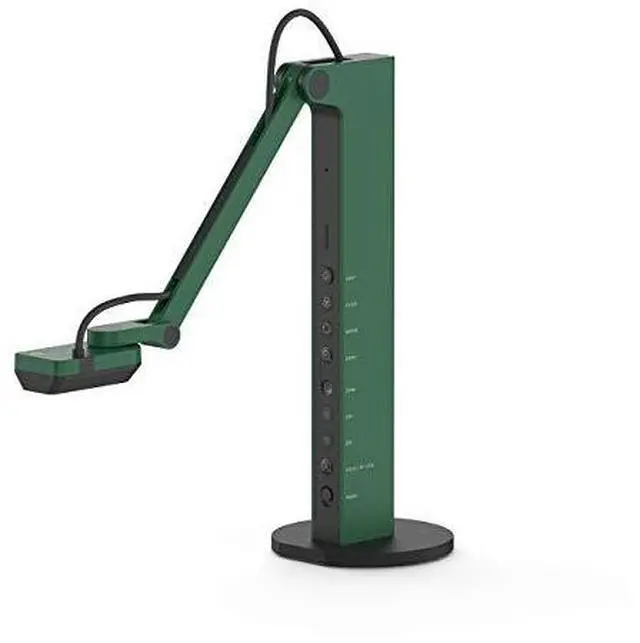
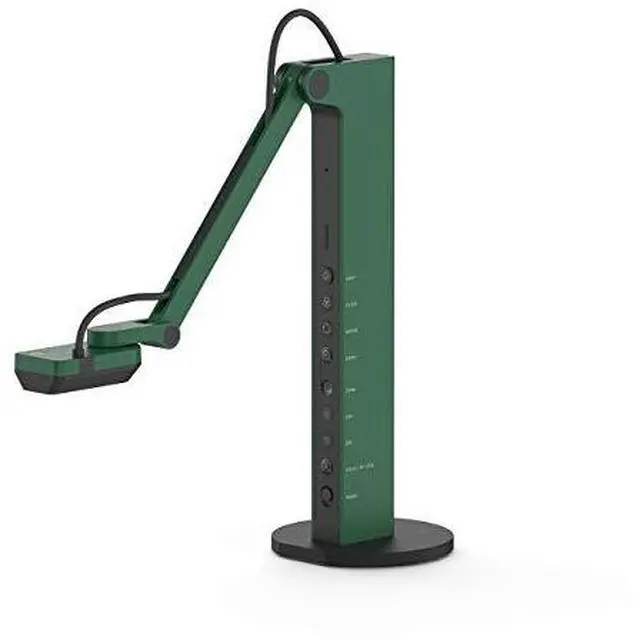
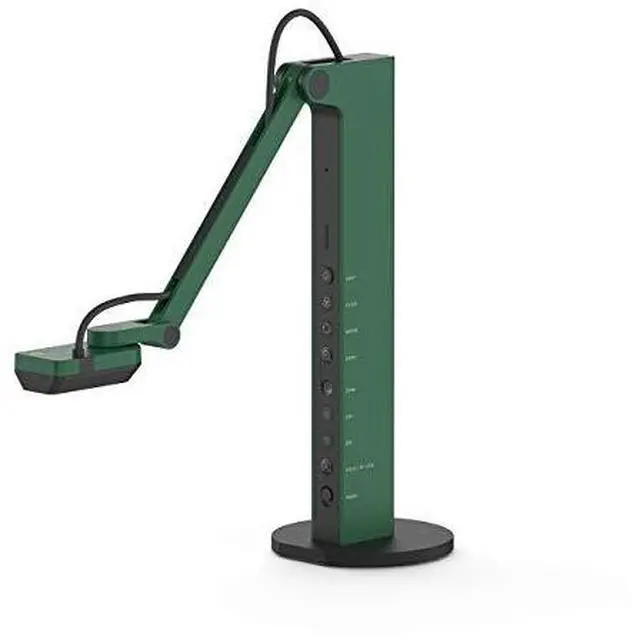
    IPEVO Camera 5-898-4-01-00 VZ-R HDMI/USB Dual Mode Document Camera

    • Marketing Information
    • Enjoy direct HDMI connection to a TV, monitor, or projector.
    • No computer is required.
    • IPEVO VZ-R HDMI/USB Dual Mode 8MP Document camera is a real-time image capturing device. It can capture materials such as documents, textbooks, artwork, devices, or 3D objects. Connect it to a TV, monitor, or projector via HDMI, and you'll be able to stream live images of your materials to a big screen, skipping the need for a computer.
    • Note: VZ-R needs to be connected to a power source when used in HDMI mode. You can plug it into a wall outlet using any of your phone or tablet 5V/1A power adapter. Alternatively, you can connect it to a powered USB port of your TV, projector, or computer. A power bank will work too.
    • Use it in USB mode.
    • Benefit from its compatibility with different software.
    • VZ-R also features a USB connection for use with a computer (Mac, Windows PC, or Chromebook). When in USB mode, the live images captured will be streamed to your computer screen. You can then
    +
    +
    Overview
    Specs
    Reviews

    Model:
    CDVH-03IP

    Color:
    Emerald Green

    Camera:

    • 8.0 Megapixel
    • Full autofocus lens
    • High definition resolutions - up to 3264 x 2448 (USB mode), and up to 1920 x 1080 (HDMI mode)
    • Up to 30 fps live video capture (at full HD)

    Output:
    HDMI and USB

    Max Shooting Area:

    • 10.6" x 18.9" (270 x 480mm) (16:9)
    • 13.5" x 18.1" (344 x 460mm) (4:3)

    Compatibility:

    Works with Mac, PC and Chromebook

    Package Contents:

    • Camera head and stand
    • Base
    • USB Type-C to Type-A cable (4.90ft/150cm)
    • Screwdriver
    • Screws x 4

    System Requirements:
    Mac
    Minimum Requirements:

    • Intel CoreTM i5 CPU 1.8 GHz or higher
    • OS X 10.10 or higher
    • 2 GB RAM
    • 200MB of free hard disk space
    • 256MB of dedicated video memory (For lag-free live streaming up to 1920 x 1080)

    Recommended Requirements:

    • Intel CoreTM i5 CPU 2.5 GHz or higher
    • OS X 10.10 or higher
    • 4 GB RAM
    • Solid-state drive, and 200MB of free hard disk space
    • 256MB of dedicated video memory (For lag-free live streaming up to 1920 x 1080, and video recording of 1920 x 1080)

    Windows:

    • Minimum Requirements
    • Microsoft Windows 7 Service Pack 1 or higher
    • Intel CoreTM i3 CPU 3.20 GHz or higher
    • 4 GB RAM
    • 200MB of free hard disk space
    • 256MB of dedicated video memory (For lag-free live streaming up to 1920 x 1080)

    Recommended Requirements:

    • Microsoft Windows 10
    • Intel CoreTM i5 CPU 3.40 GHz or higher
    • 4 GB RAM
    • 200MB of free hard disk space
    • 256MB of dedicated video memory (For lag-free live streaming up to 1920 x 1080, and video recording of 1920 x 1080)

    Sustainability:

    Green Business Practices
    IPEVO has a longstanding commitment to green business practices, and this extends to the environmental performance of our products. We have gone a step greener by not including a power adapter in VZ-Rs package in order to reduce electronic waste.

    Treatment Efficiency

    Our VZ-R HDMI/USB Dual Mode 8MP Document Camera complies with the Waste Electrical and Electronic Equipment (WEEE) Directive, and is manufactured, sold and disposed of in a safe and environmentally friendly manner.

    Environmental Compliance:

    Check out the symbols printed on our packaging.
    WEEE
    RoHS
    Recyclable

    WEEE and RoHS Compliance Statement:

    Please find our WEEE and RoHS compliance statements as follows:
    WEEE compliance statement (PDF)( https://s3-us-west-1.amazonaws.com/files.ipevo.com/download/IPEVO_corp_WEEE_Compliance.pdf)
    RoHS compliance statement (PDF) (https://s3-us-west-1.amazonaws.com/files.ipevo.com/download/IPEVO_corp_RoHS_Compliance.pdf)


    Warranty & Returns

    Warranty, Returns, And Additional Information

    Warranty

    • Please contact the Seller directly for warranty information. Warranty information may also be found on the Manufacturer's website.
    • CONTACT

    Return Policies

    Manufacturer Contact Info

    LOADING...